
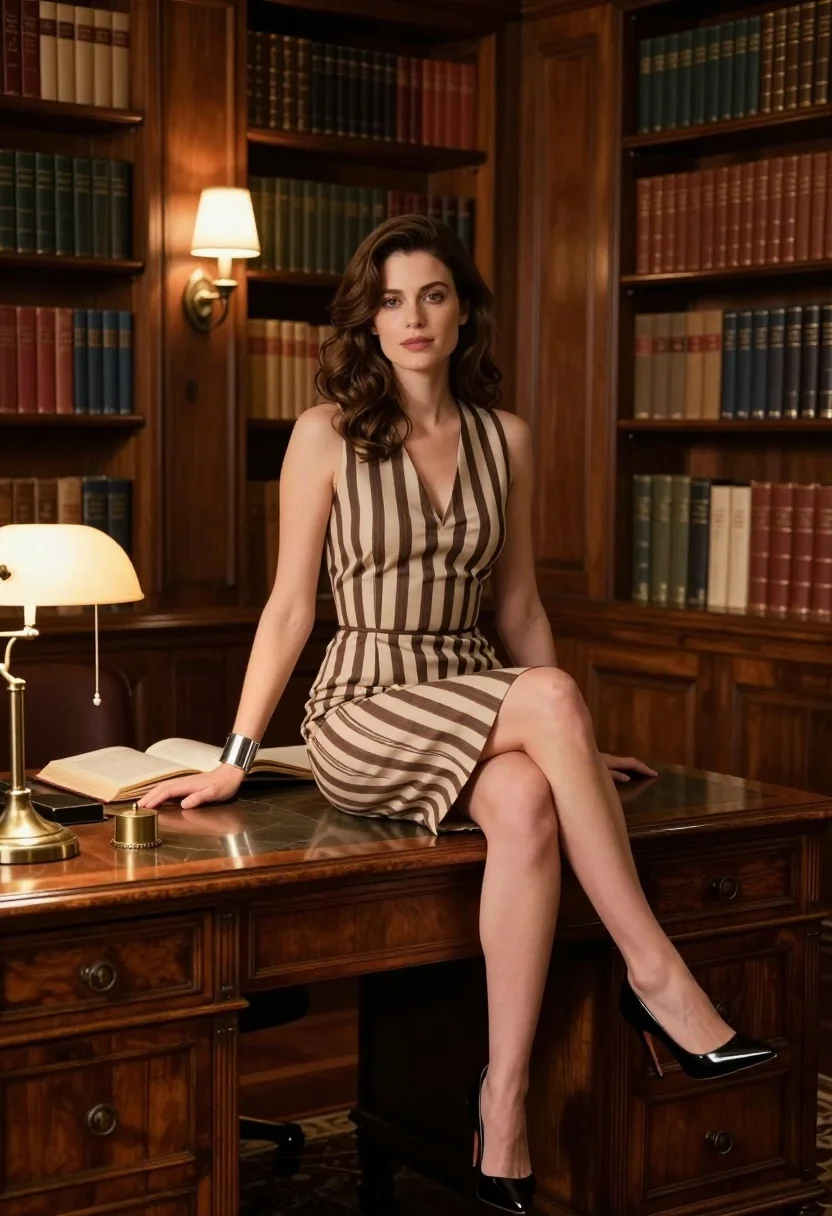
Fair skinned woman in striped dress sitting on wooden desk in library
Prompt
A woman with shoulder-length wavy brown hair sits elegantly on the edge of a large wooden desk in a classic library setting.

Subject: A fair-skinned woman with soft features and a calm, confident expression looking directly at the viewer.

Clothing: She wears a sleeveless, V-neck dress featuring a vertical striped pattern in shades of beige and dark brown, paired with glossy black stiletto heels and a silver cuff bracelet on her left wrist.

Action: Her posture is poised as she leans back slightly, resting her right hand on the desk surface while her legs are crossed at the ankles.

Environment: The room is lined floor-to-ceiling with tall wooden bookshelves filled with old leather-bound books, creating a warm and intellectual atmosphere.

Objects: A large open book lies flat on the desk next to her hand, accompanied by brass desk accessories and a vintage-style lamp with a gold shade.

Lighting: Warm ambient light emanates from wall sconces and table lamps, casting soft highlights on the wood surfaces and illuminating the subject's face and dress.

Camera: The shot is taken at eye level with a medium framing that captures the full length of the subject from head to toe against the background.

Style Details: The image features high-definition realism with smooth skin textures, detailed fabric folds, and a cinematic color palette emphasizing warm browns and golds.
Description
This prompt is useful for creating editorial fashion spreads, academic lifestyle photography, and character concept art set in intellectual environments. The combination of 'warm ambient light' with the 'vertical striped pattern' on the dress ensures that the subject remains visible against the richly textured background of 'old leather-bound books,' while the specified 'smooth skin textures' prevent the high detail from looking overly plastic.
Suggestions
- Change 'beige and dark brown' to 'navy blue and cream' for a cooler contrast.
- Add 'bokeh effect' to the background to soften the bookshelves.
- Swap 'medium framing that captures the full length of the subject from head to toe' to 'three-quarter shot' to focus more on the upper body.
Category
Tags
Brown HairBrunetteCasual WearFair SkinFemaleFull BodyIndoorsMedium ShotRealistic
Date added
August 5, 2026
Added by
PromptDexter Team
Related Prompts
More prompts with similar categories and tags.
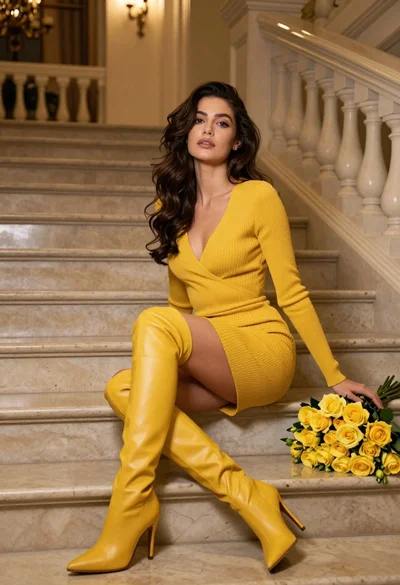
Woman in yellow dress sitting on grand marble staircase with roses

Woman sitting gracefully indoors wearing yellow skirt and top

Stylish young woman in denim shirt holding tablet indoors

Young woman in black velvet dress looking over shoulder at event
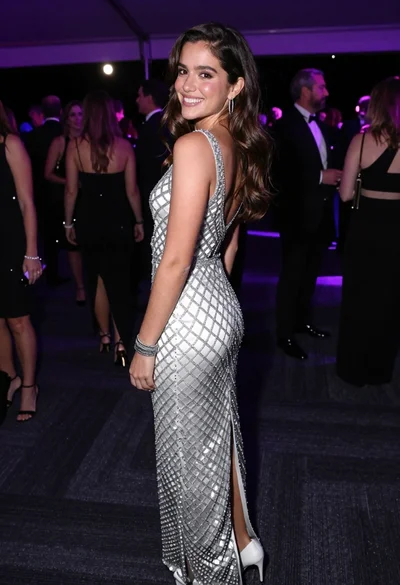
Smiling young woman in crystal gown looking over shoulder at indoor gala
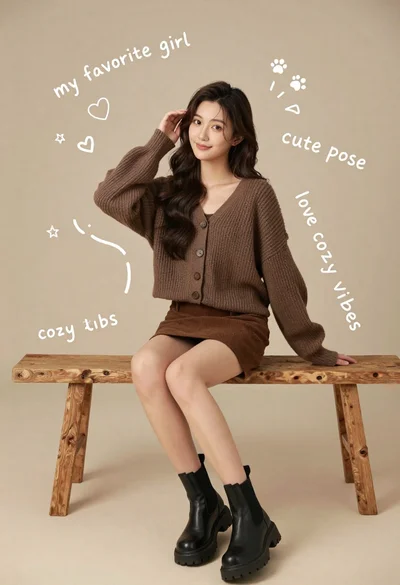
Young woman in brown knit cardigan sitting on bench in studio

Stylish woman in zebra print suit standing on sun dappled forest path
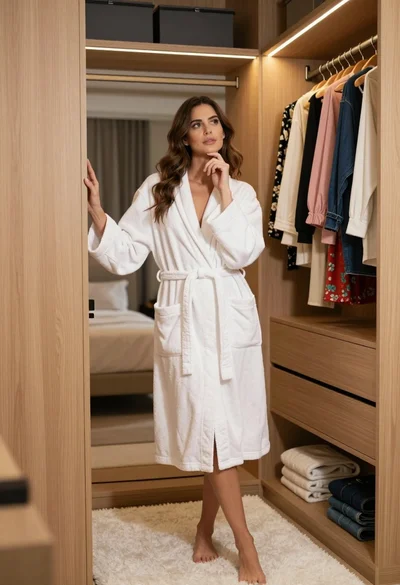
Woman in white bathrobe standing thoughtfully inside spacious walkin closet
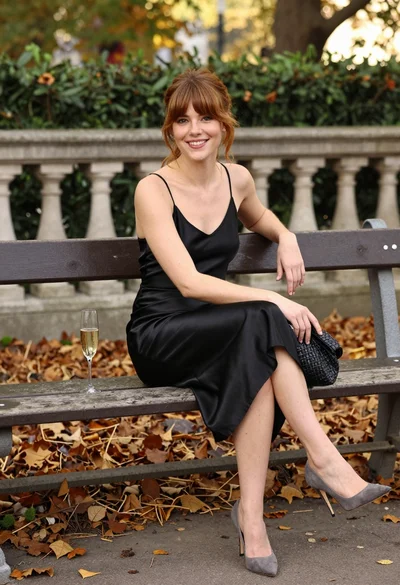
Smiling woman in black satin dress on park bench during autumn afternoon
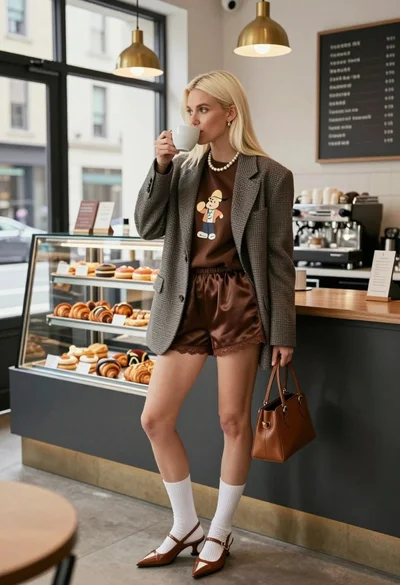
Blonde woman in houndstooth blazer at bright modern coffee shop interior
