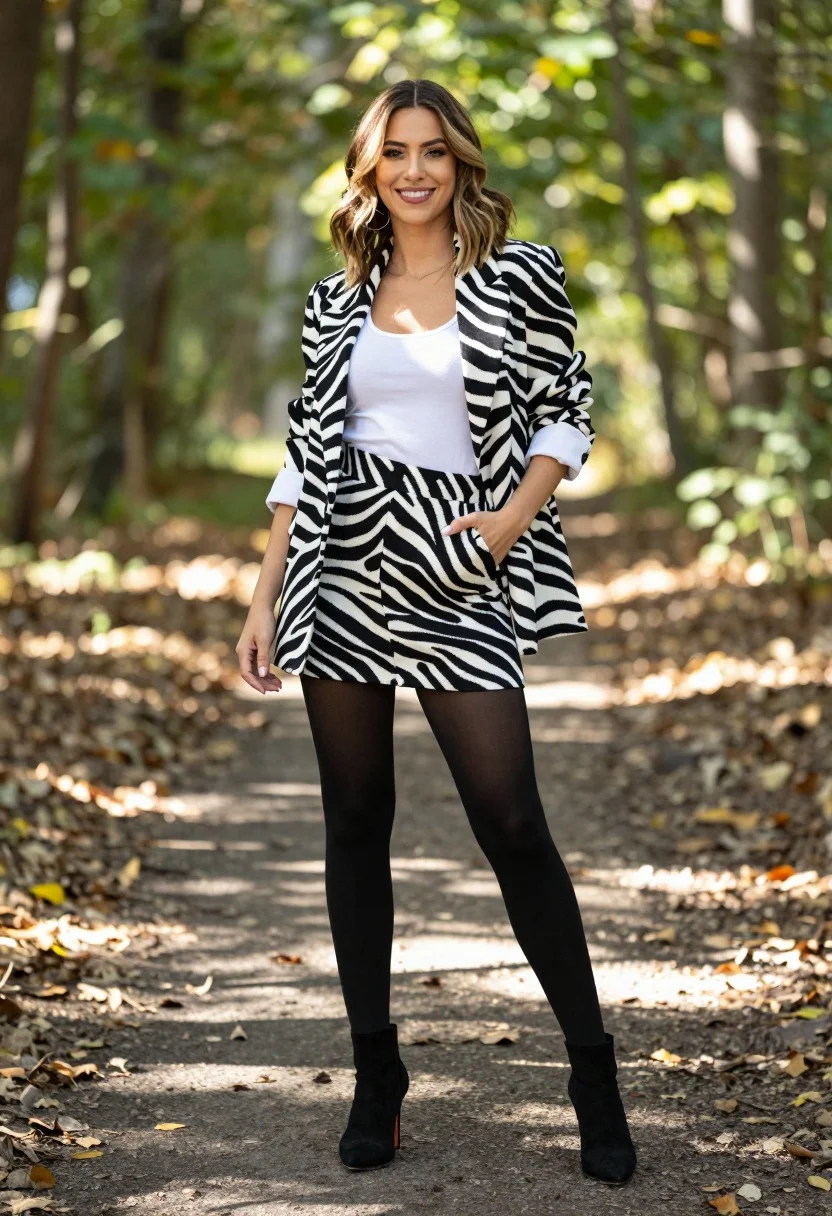
Stylish woman in zebra print suit standing on sun dappled forest path
Prompt
A confident woman stands smiling on a sun-dappled forest path wearing a bold zebra print blazer and matching skirt set over a white tank top, black tights, and black high-heeled ankle boots with one hand in her pocket.

Subject: A stylish woman with shoulder-length wavy brown hair featuring blonde highlights, fair skin, and a bright, engaging smile looking directly at the camera.

Clothing: She wears a monochromatic zebra print suit consisting of an oversized blazer with rolled-up sleeves and a matching high-waisted mini skirt, layered over a simple white scoop-neck tank top, opaque black tights, and black suede-textured ankle boots with stiletto heels.

Action: Standing in a relaxed pose with her left hand tucked into the skirt pocket and her right arm hanging naturally by her side, exuding confidence and ease.

Environment: A natural woodland setting featuring a dirt path covered in fallen leaves, surrounded by green trees and dappled sunlight filtering through the canopy.

Camera: Medium full-body shot capturing the subject from head to toe with a shallow depth of field that softly blurs the background foliage to emphasize the fashion details.

Lighting: Bright natural daylight creating soft highlights on her hair and face while casting gentle shadows on the ground, enhancing the texture of the clothing and the autumn atmosphere.

Style Details: High-resolution fashion photography with vibrant colors, crisp focus on the subject, and a polished editorial aesthetic.
Description
This prompt is useful for creating editorial fashion moodboards, magazine features showcasing bold prints, and lifestyle advertising for contemporary apparel. The combination of 'zebra print blazer' against the 'sun-dappled forest path' grounds the high-fashion elements in a natural context, while specifying 'shallow depth of field' ensures the viewer's eye remains locked on the subject's outfit details rather than getting lost in background foliage.
Suggestions
- Change 'zebra print blazer' to 'abstract animal print jacket' for variety.
- Swap 'white scoop-neck tank top' for a sheer black bodysuit to change the contrast.
- Adjust 'dappled sunlight' to 'overcast daylight' for softer shadows.
Category
Tags
BlondeBrown HairBrunetteCasual WearFair SkinFemaleForestFull BodyMedium ShotOutdoorsRealisticStreetwear
Date added
July 3, 2026
Added by
PromptDexter Team
Related Prompts
More prompts with similar categories and tags.
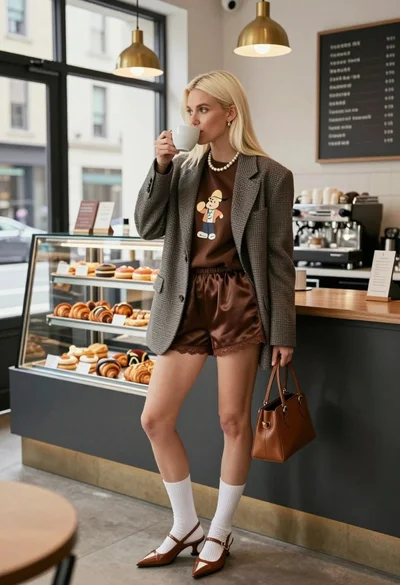
Blonde woman in houndstooth blazer at bright modern coffee shop interior

Woman in gold sequin slip dress looking over shoulder in forest
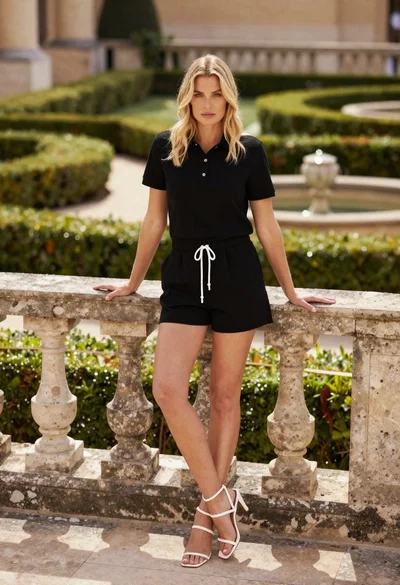
Blonde woman leaning on stone balustrade in manicured garden setting

Young woman sitting among colorful clothes in minimalist studio setting
Young woman in grey knit sweater sitting against red corrugated metal wall

Fair skinned woman in black sequined outfit sitting elegantly indoors
Young woman in rust suede coat seated in weathered architectural corridor
Blonde woman in black dress leaning on stone pillar in garden setting
Woman in rust lace set on dark stairs outside modern building

Young woman in black velvet dress looking over shoulder at event