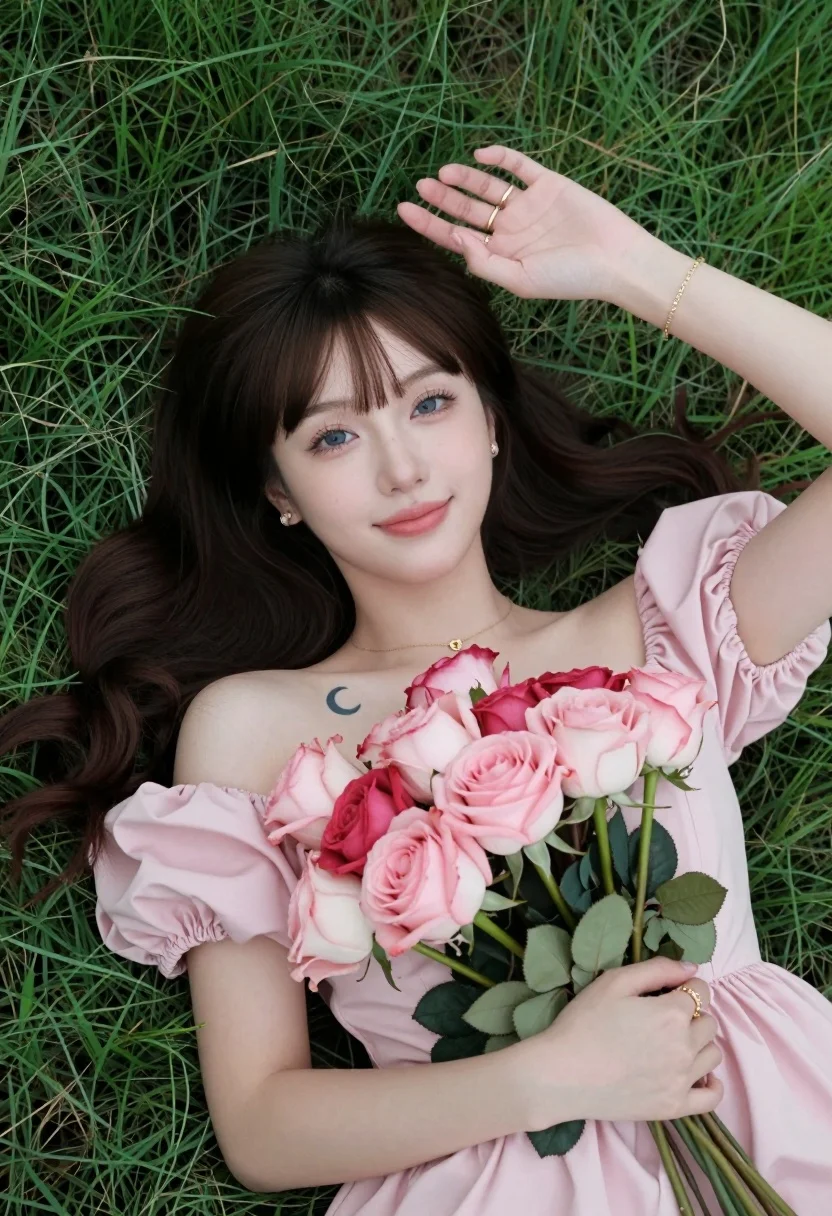
Fair skinned woman with dark hair lying in lush green grassy field
Prompt
A young woman with dark hair and bangs lies on her back in a grassy field holding a large bouquet of pink and red roses.

Subject: A fair-skinned young woman with long, wavy dark brown hair featuring straight-cut bangs, blue eyes, and a soft smile. She has a small crescent moon tattoo on her left collarbone.

Clothing: She wears a light pink off-the-shoulder dress with puffy sleeves made of a satin-like fabric. She is accessorized with gold jewelry including a delicate necklace, a thin bracelet on her right wrist, rings on both hands, and small stud earrings.

Action: Lying flat on her back in the grass with her head tilted slightly upward toward the camera. Her left hand is raised above her head with fingers splayed near her hair, while her right arm cradles the bouquet of roses against her chest.

Environment: A lush green lawn that fills the entire background and surrounds the subject.

Lighting: Soft, natural daylight illuminating the scene evenly from above, creating gentle highlights on her skin and the flowers without harsh shadows.

Style Details: High-resolution portrait photography with a shallow depth of field keeping the subject in sharp focus while the grass blurs slightly at the edges.
Description
This prompt is useful for creating romantic bridal portraits, ethereal editorial spreads, and high-end lifestyle advertising featuring floral elements. The combination of 'soft, natural daylight' ensuring gentle highlights across her 'fair-skinned' complexion, paired with the 'shallow depth of field,' directs all visual attention to the subject and the vibrant roses while softening the surrounding 'lush green lawn.'
Suggestions
- Change 'pink and red roses' to 'deep burgundy peonies' for a moodier tone.
- Swap 'satin-like fabric' for 'gauzy chiffon' to increase movement in the dress.
- Adjust 'soft, natural daylight' to 'overcast diffused light' for less contrast.
Category
Tags
Brown HairCasual WearFair SkinFemaleFull BodyNatureOutdoorsPortrait ShotRealistic
Date added
August 5, 2026
Added by
PromptDexter Team
Related Prompts
More prompts with similar categories and tags.
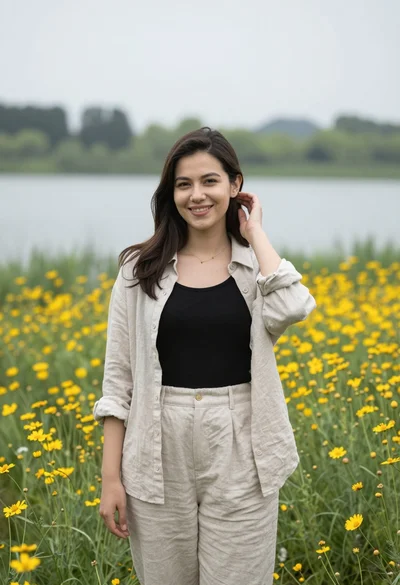
Smiling young woman in beige linen shirt standing in yellow wildflowers by
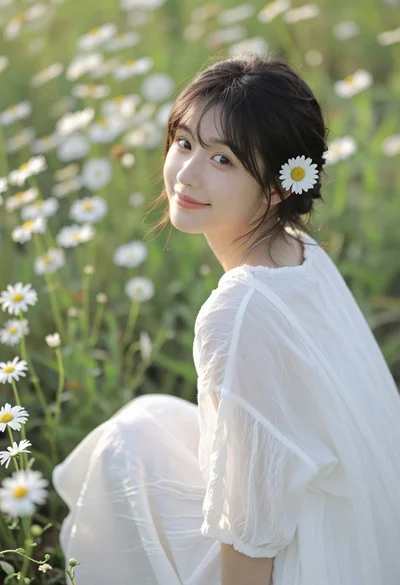
Young woman with dark hair sitting in sunlit meadow of white daisies
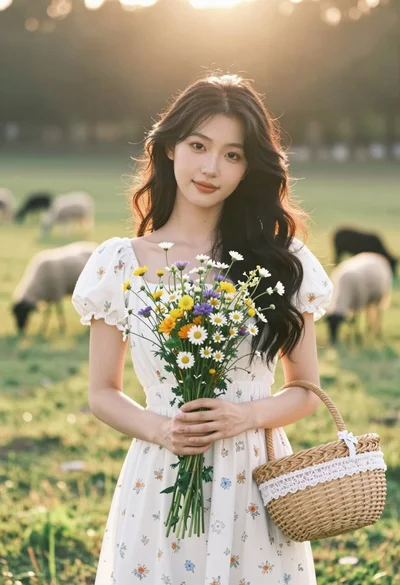
Young woman in white floral dress holding wildflowers in sunny meadow
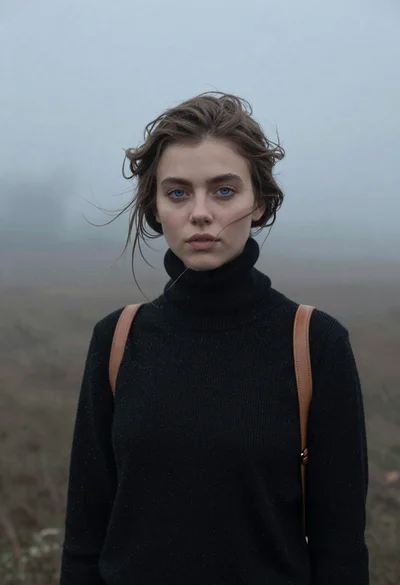
Portrait of woman in black sweater in thick fog

Young woman in red sweater dress standing in grassy field fashion shoot
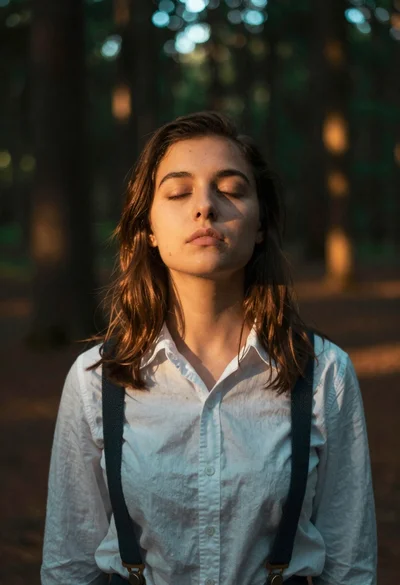
Woman with closed eyes in sundappled forest

Woman posing on terrace at golden hour by mediterranean buildings
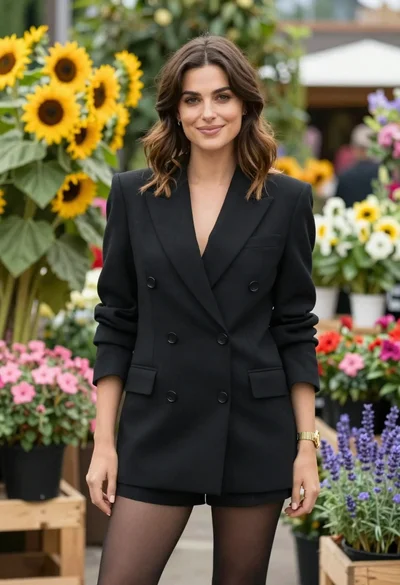
Poised woman in black blazer standing in a lush flower garden
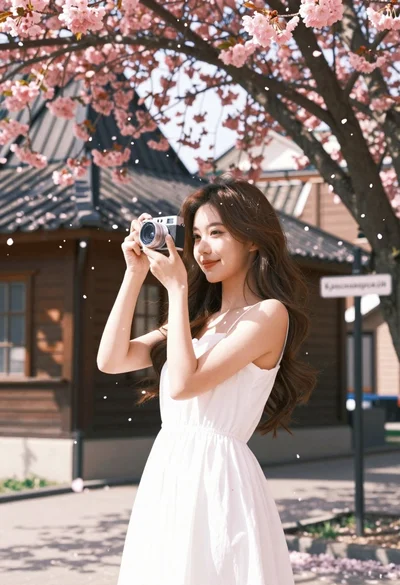
Young woman in white dress holding camera under cherry blossom tree
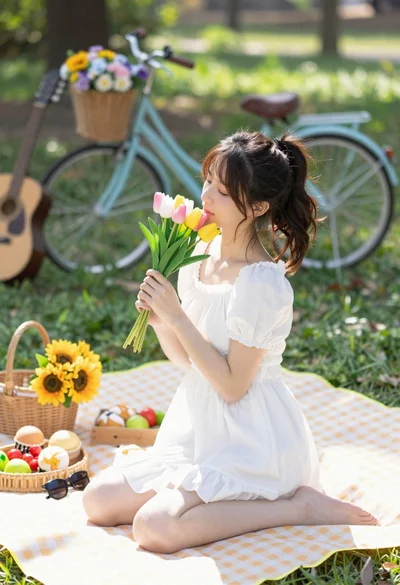
Young woman in white dress holding tulips on picnic blanket in park