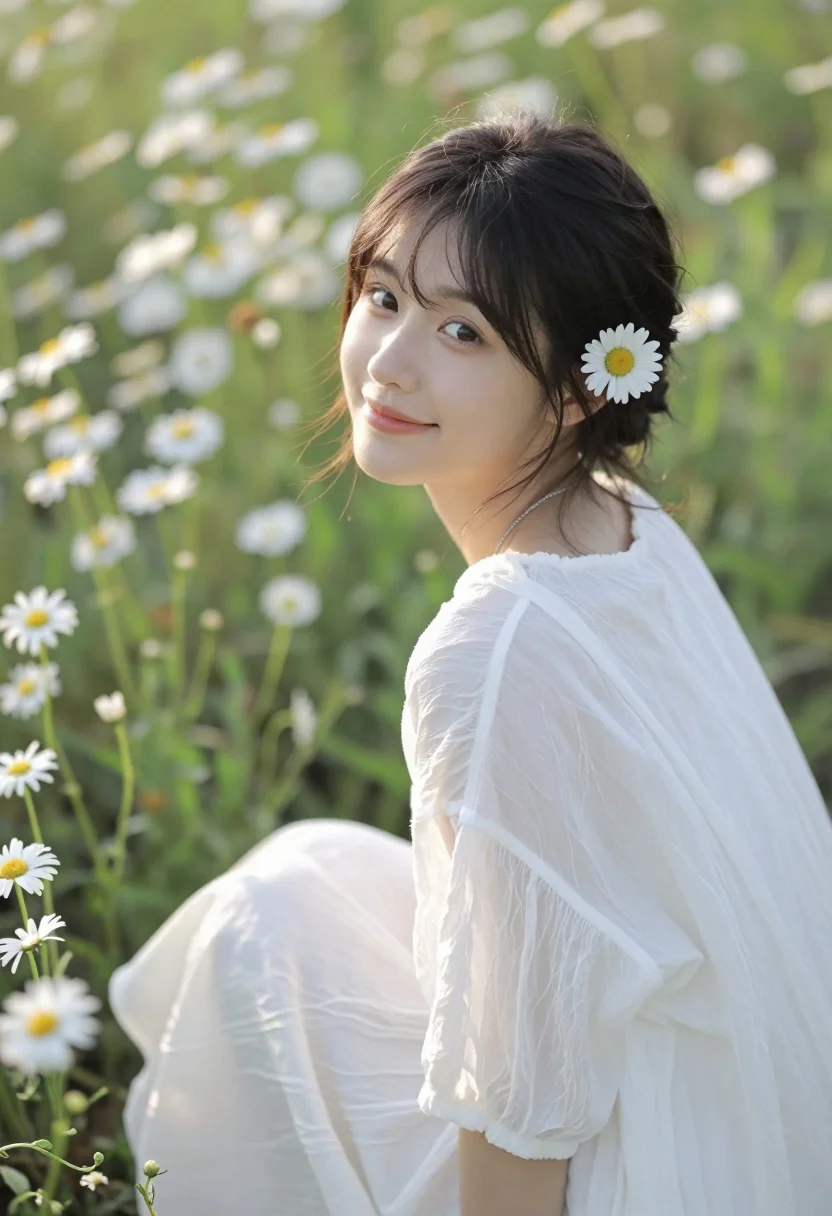
Young woman with dark hair sitting in sunlit meadow of white daisies
Prompt
A young woman with dark hair sits in a field of daisies, looking over her shoulder with a gentle smile.

Subject: A young woman with dark brown hair pulled back into a low bun, featuring loose strands framing her face and a white daisy tucked behind her left ear. She has fair skin, soft features, and warm brown eyes.

Clothing: She wears a flowing white garment made of a sheer, textured fabric like chiffon or silk that drapes softly over her shoulders and lap. A delicate silver chain necklace is visible around her neck.

Action: She is seated in profile facing right but turning her head to look back at the camera with a soft, closed-mouth smile. Her posture is relaxed and natural.

Environment: The setting is a sunlit meadow filled with tall green grass and numerous white daisies with yellow centers. The background consists of blurred vegetation creating a soft bokeh effect.

Camera: The shot is a medium close-up using a shallow depth of field to keep the subject sharp while blurring the foreground flowers and background field. The angle is slightly low, looking up at the subject.

Lighting: Soft, warm sunlight illuminates the scene from the side, casting gentle highlights on her face and hair and creating a golden-hour atmosphere with soft shadows.

Style Details: The image has a dreamy, ethereal quality with a natural color palette dominated by greens, whites, and warm yellows, rendered in high resolution with smooth skin textures.
Description
This prompt is useful for creating editorial portraiture, romantic fine art prints, and lifestyle advertising featuring natural beauty. The combination of 'soft, warm sunlight' casting gentle highlights and the 'shallow depth of field' ensures the subject remains the sharp focal point against a creamy bokeh background, perfectly complementing the ethereal quality desired in nature-themed editorials.
Suggestions
- Change 'daisies' to 'wild lavender' for a different color accent.
- Swap 'chiffon or silk' for 'gauzy cotton' to alter the drape of the fabric.
- Adjust 'low angle' to 'eye level' for a more direct portrait connection.
Category
Tags
BrunetteCasual WearFair SkinFemaleLow AngleNatureOutdoorsRealistic
Date added
August 5, 2026
Added by
PromptDexter Team
Related Prompts
More prompts with similar categories and tags.

Fair skinned woman with dark hair lying in lush green grassy field
Young woman in white floral dress holding wildflowers in sunny meadow

Young woman in white slip dress on mediterranean terrace overlooking blue sea
Joyful woman in pink outfit reaching for lily in flower field
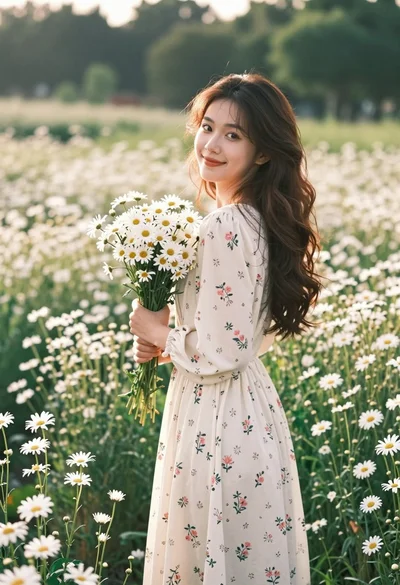
Young woman in floral dress holding daisies in a field at golden
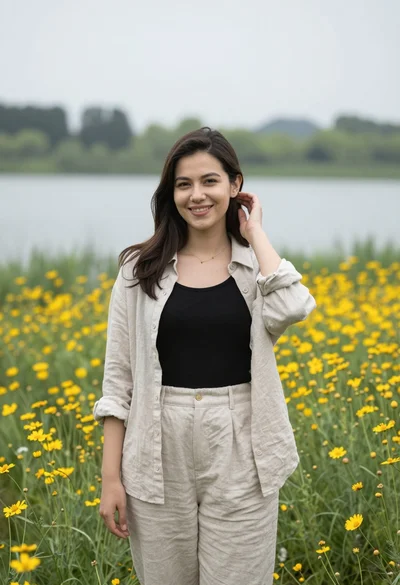
Smiling young woman in beige linen shirt standing in yellow wildflowers by
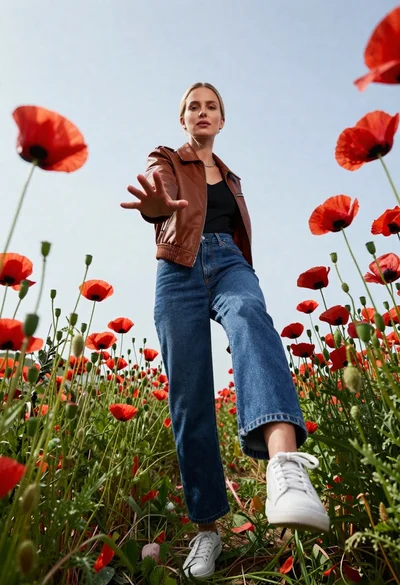
Fair skinned blonde woman in brown bomber jacket reaching from low angle

Young woman in black sweatshirt sitting on grass by lake at sunset
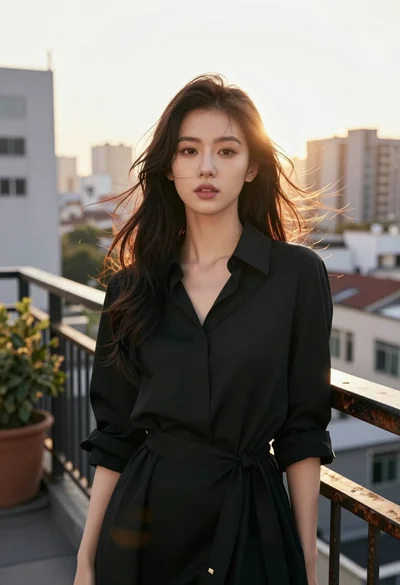
Young east asian woman in black dress on rooftop terrace at golden

Young woman in lavender slip dress squatting against weathered stone wall outdoors