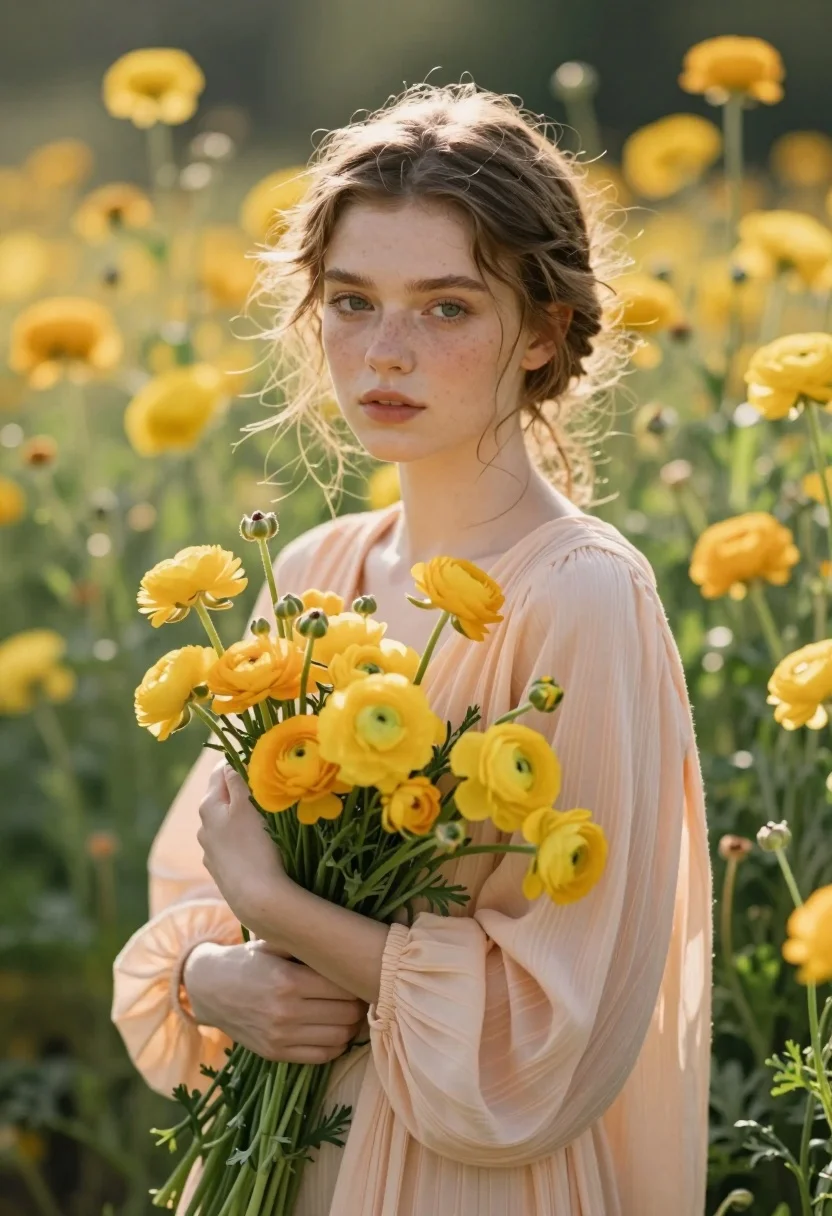
Fair skinned woman with freckles holding yellow flowers in sunlit meadow
Prompt
A young woman with freckles stands in a sunlit field of yellow flowers, holding a bouquet of ranunculus close to her chest.

Subject: A fair-skinned young woman with light brown hair pulled back loosely into a messy updo, featuring wispy strands framing her face and visible freckles across her nose and cheeks. Her expression is calm and soft, with her gaze directed slightly off-camera.

Clothing: She wears a loose-fitting, pale peach blouse made of sheer, pleated fabric that drapes softly over her shoulders.

Action: She stands in a relaxed pose, holding a large bouquet of yellow flowers against her chest while looking gently toward the viewer.

Environment: The setting is a lush garden or meadow filled with tall green foliage and numerous bright yellow ranunculus flowers, creating a dense floral backdrop that blurs into soft bokeh behind her.

Camera: The shot is a medium close-up framed at eye level with a shallow depth of field that keeps the subject sharp while rendering the background as creamy, out-of-focus color blobs.

Lighting: Soft, warm natural sunlight filters through the leaves, casting gentle highlights on her face and creating a dreamy, ethereal atmosphere with subtle shadows.

Style Details: The image features a cinematic portrait aesthetic with high dynamic range, vibrant yet pastel color grading, and a soft focus that emphasizes texture and light.
Description
This prompt is useful for creating editorial lifestyle portraits, romantic fine art prints, and seasonal advertising campaigns for natural beauty products. The combination of 'soft, warm natural sunlight' filtering through the leaves and the 'shallow depth of field' ensures that the subject remains crisp while the background bokeh prevents visual clutter, perfectly framing her freckles and the yellow flowers.
Suggestions
- Change 'pale peach blouse' to 'cream lace top' for a more delicate feel.
- Swap 'yellow ranunculus' for 'wild daisies' to alter the color palette.
- Adjust 'medium close-up' to 'headshot' if you want to emphasize her expression.
Category
Tags
Casual WearFair SkinFemaleNatureOutdoorsRealistic
Date added
August 5, 2026
Added by
PromptDexter Team
Related Prompts
More prompts with similar categories and tags.
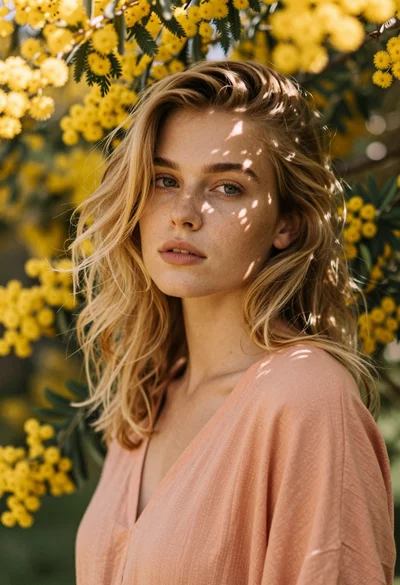
Close up portrait of blonde woman with freckles among yellow flowers
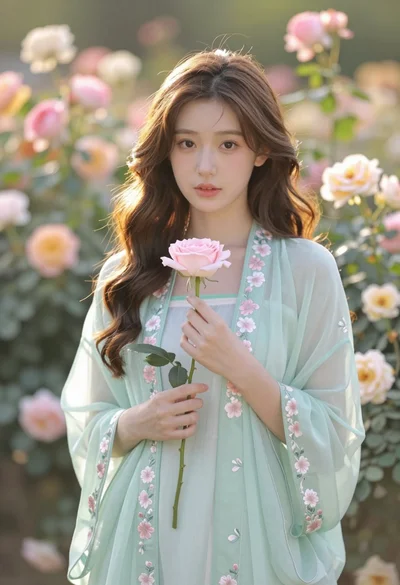
Soft portrait of young woman with brown hair holding pink rose in
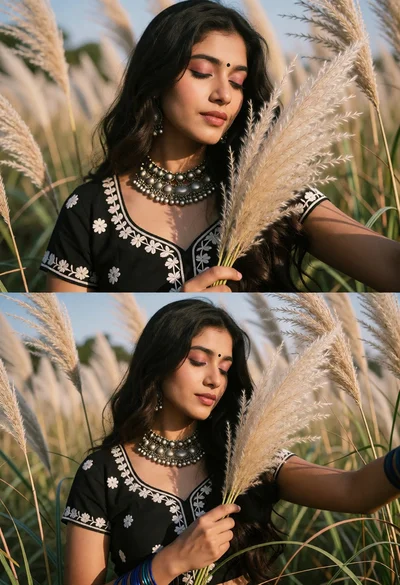
Young woman in black top holding pampas grass in sunlit field
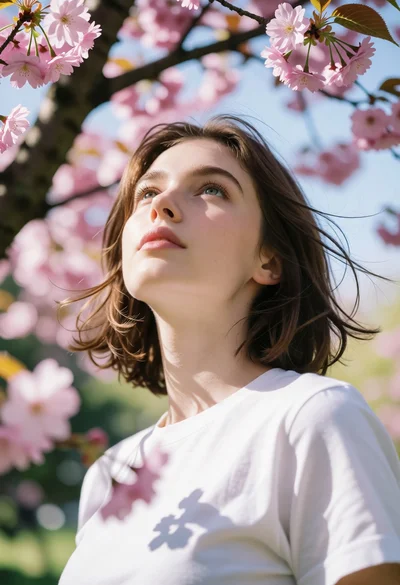
Low angle portrait of young woman under cherry blossoms with dappled light
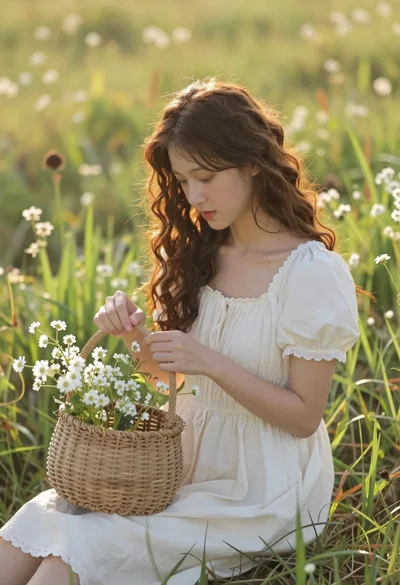
Young woman in cream dress holding flower basket in sunlit meadow
Young woman in red sweater holding flowers in daisy field
Young woman in yellow tank top smiling in sunflower field at low
Young woman holding glowing blue flower bouquet at twilight sunset
Young woman with dark hair standing under pink cherry blossom canopy
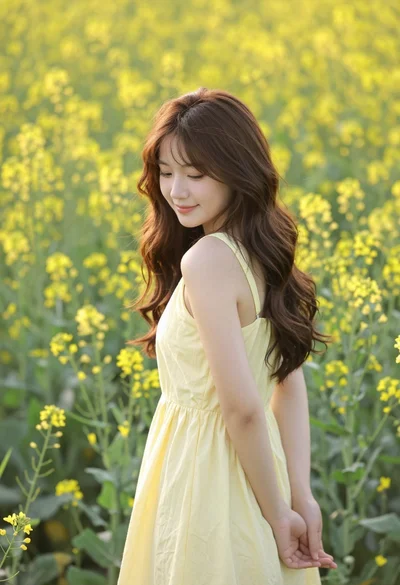
Young woman in yellow dress standing amidst dense field of wildflowers