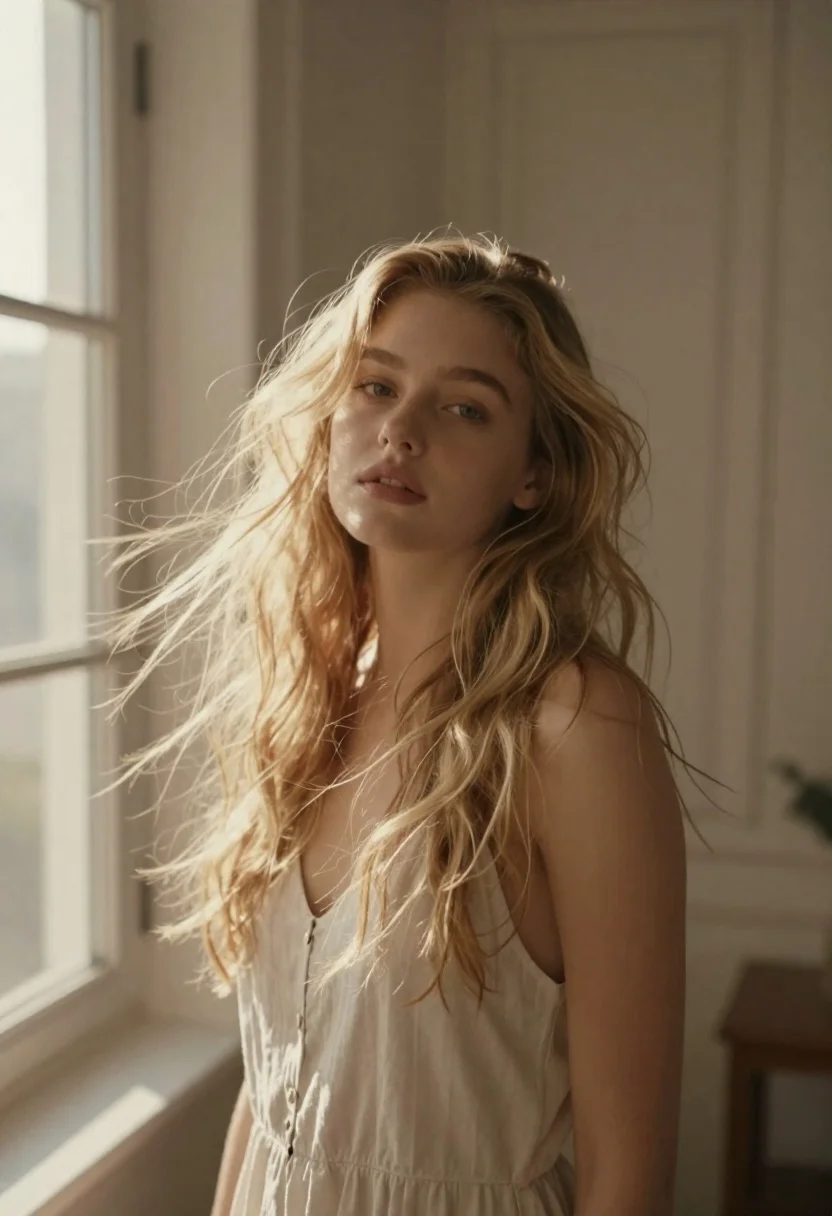
Fair skinned woman with long blonde hair standing indoors near a window
Prompt
A soft-focus portrait of a young woman with long, flowing blonde hair standing indoors near a window.

Subject: A fair-skinned woman with long, wavy blonde hair that appears to be blowing gently in the wind, her gaze directed slightly away from the camera with a calm expression.

Clothing: She wears a simple, light-colored sleeveless top or slip dress that blends softly into the warm tones of the scene.

Action: Her head is turned slightly to the side while her hair flows dynamically around her face and shoulders, suggesting a gentle breeze.

Environment: The setting is an interior room with cream-colored walls, featuring a large window on the left and a white door frame visible in the background.

Camera: Shot with a shallow depth of field that blurs the background and foreground slightly to emphasize the subject, using a soft, dreamy aesthetic.

Lighting: Natural light streams in from the window on the left, casting a warm, golden glow across her face and hair while creating soft shadows.

Style Details: The image has a vintage film look with muted colors, low contrast, and a hazy atmosphere that enhances the ethereal mood.
Description
This prompt is useful for creating romantic portraiture, fine art photography concepts, and editorial beauty shots evoking nostalgia. The combination of 'soft-focus portrait,' 'natural light streams in from the window on the left,' and 'vintage film look with muted colors' ensures that the background elements—like the cream walls and white door frame—recede into a hazy wash, keeping all visual emphasis squarely on the subject’s flowing blonde hair and serene expression.
Suggestions
- Change 'light-colored sleeveless top or slip dress' to 'ivory silk slip dress' for more luxurious texture.
- Swap 'golden glow' for 'cool blue hour light' to shift the mood dramatically.
- Add 'shot on Kodak Portra 400' to specify a concrete film emulation.
Category
Tags
BlondeFair SkinFemaleIndoorsMedium ShotRealistic
Date added
June 26, 2026
Added by
PromptDexter Team
Related Prompts
More prompts with similar categories and tags.
Blonde woman in red hat seated in studio overlooking city skyline
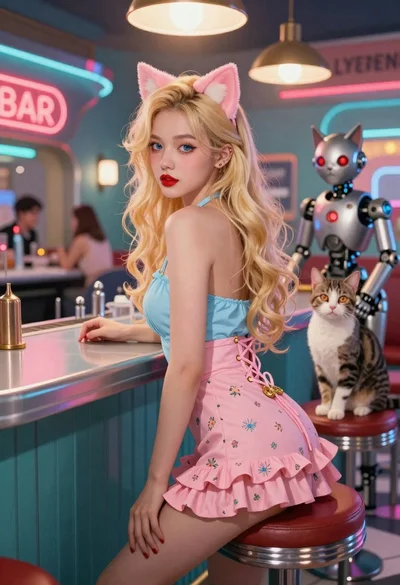
Woman with cat ears at a retro futuristic bar

Young blonde woman gathering hair indoors by large reflective city window
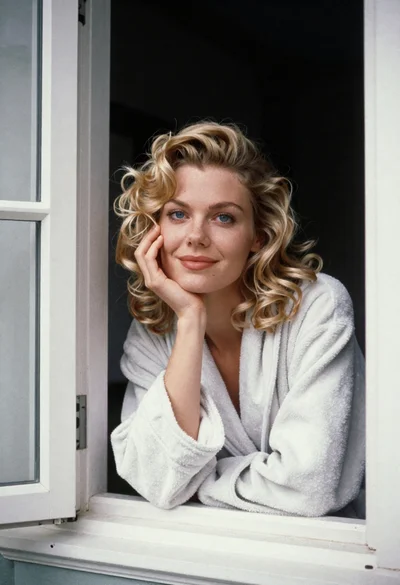
Medium close up portrait of blonde woman in bathrobe by window

Fair skinned blonde woman in denim dress inside luxury car
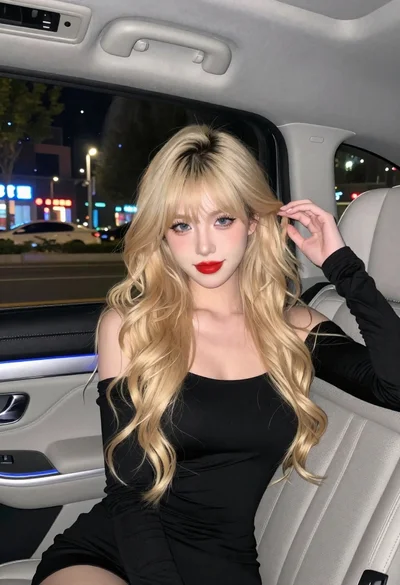
Fair skinned woman with blonde hair in luxury car interior at night
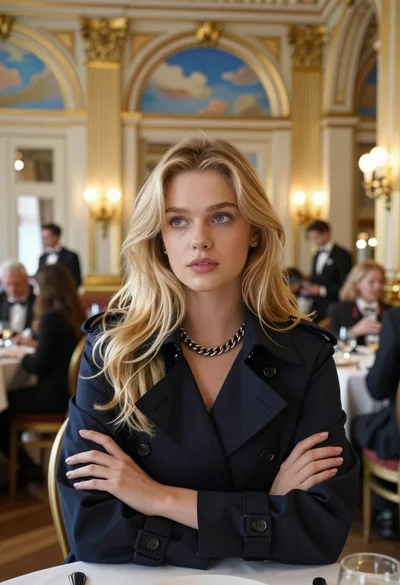
Fair blonde woman in navy trench coat at opulent dining hall table

Monochrome portrait of woman with cat indoors