
Medium close up portrait of blonde woman in bathrobe by window
Prompt
A candid portrait of a woman with voluminous blonde curls leaning out of an open window frame.

Subject: A woman with fair skin and large blue eyes looking directly at the camera with a soft smile. She has a small beauty mark on her left cheek and is resting her right hand against her cheek in a relaxed pose.

Clothing: She wears a plush, light grey or off-white bathrobe with a deep V-neckline that reveals part of her chest. The fabric appears soft and textured.

Action: She leans forward slightly through the window opening, gazing outward with a calm and inviting expression while supporting her head with one hand.

Environment: The setting is an interior space looking out from a white-framed window with glass panes visible on the left side. The background behind her is dark and indistinct, suggesting a shadowed room or night outside.

Camera: The shot is a medium close-up framed by the white window mullions, creating a natural border around the subject. The angle is slightly low, looking up at the woman as she leans over the sill.

Lighting: Soft, diffused light illuminates her face and hair from the front, highlighting her features against the darker interior background. The lighting creates gentle shadows that define her facial structure without harsh contrast.

Style Details: The image has a vintage photographic quality with natural color tones and a slightly grainy texture typical of mid-20th-century film photography.
Description
This prompt is useful for creating intimate boudoir photography, nostalgic character studies, and editorial beauty shots evoking classic cinema. The combination of 'soft, diffused light' against a 'dark and indistinct' background ensures the subject's face remains the primary focus while the 'vintage photographic quality' grounds the scene in a specific, timeless aesthetic.
Suggestions
- Change 'plush, light grey or off-white bathrobe' to 'silk robe' for more sheen.
- Adjust 'slightly low' angle to 'eye level' for a more direct connection.
- Swap 'mid-20th-century film photography' for 'Kodak Portra 400' for specific color grading.
Category
Tags
BlondeFair SkinFemaleIndoorsMedium ShotRealistic
Date added
June 19, 2026
Added by
PromptDexter Team
Related Prompts
More prompts with similar categories and tags.
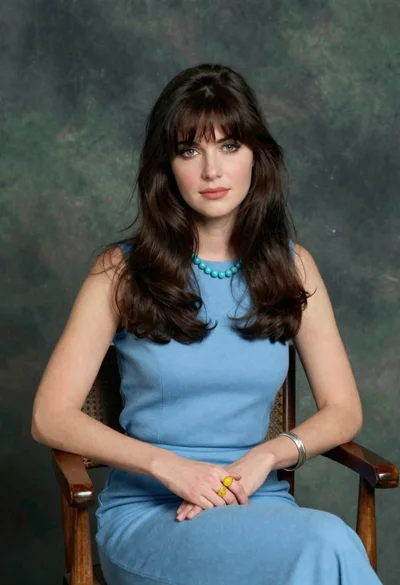
Woman with dark brown hair seated in wooden chair against green backdrop
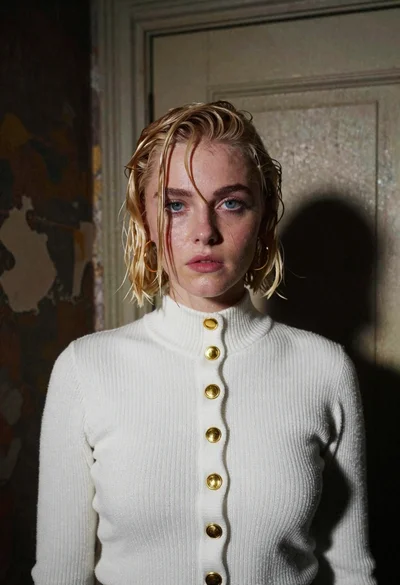
Fair skinned woman with wet blonde bob in white sweater standing indoors

Blonde woman at a bar counter in dimly lit pub

Blonde woman in red hat seated in studio overlooking city skyline

Woman with cat ears at a retro futuristic bar

Young blonde woman gathering hair indoors by large reflective city window
Fair skinned woman with long blonde hair standing indoors near a window

Fair skinned blonde woman in denim dress inside luxury car

Fair skinned woman with blonde hair in luxury car interior at night
Fair blonde woman in navy trench coat at opulent dining hall table