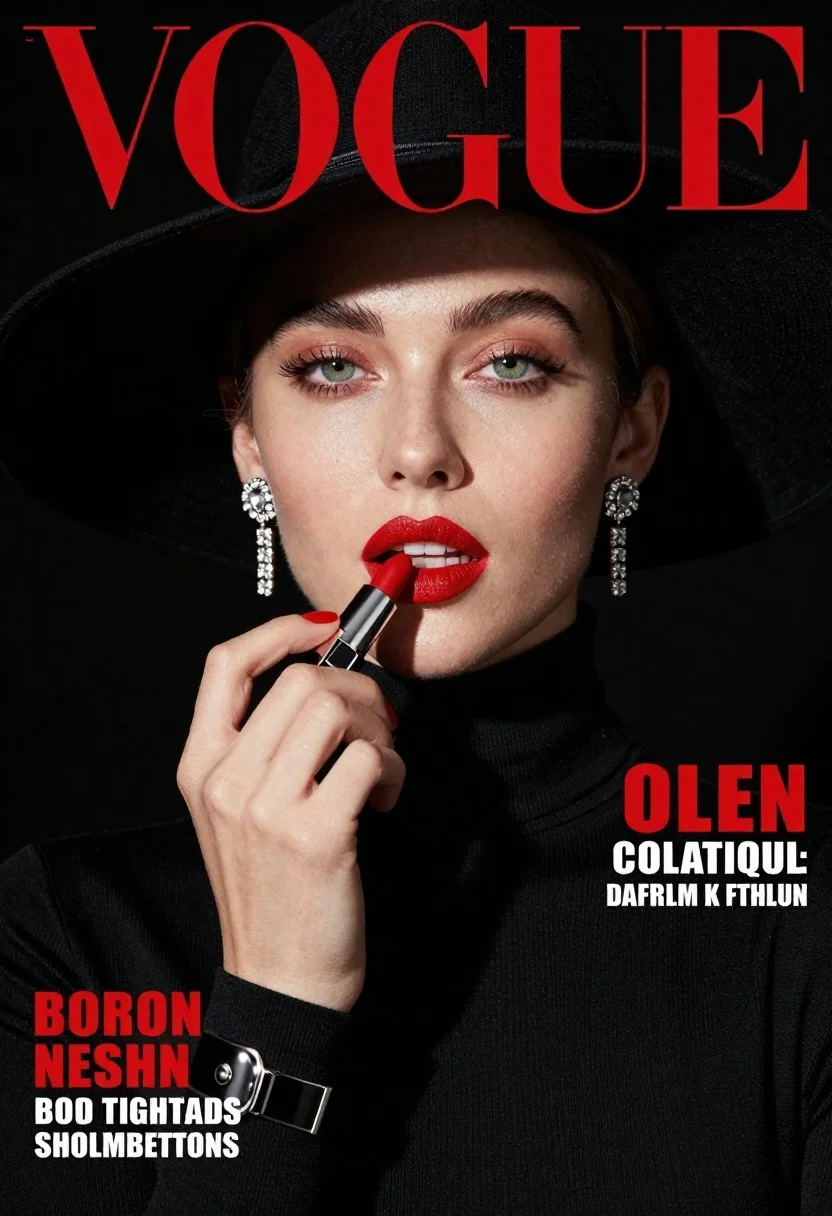
Fashion portrait of woman applying red lipstick wearing black hat and turtleneck
Prompt
A high-fashion magazine cover portrait of a woman applying bright red lipstick against a stark black background.

Subject: A fair-skinned woman with striking green eyes and defined eyebrows looking directly at the camera. She wears a wide-brimmed black hat that casts a shadow over her forehead and upper face, along with a black turtleneck sweater.

Clothing: The subject is dressed in a sleek black turtleneck top featuring a prominent silver metal buckle detail on the cuff of her left wrist. She wears dangling diamond-studded earrings.

Action: Her right hand holds a red lipstick tube to her lips as she applies it, with her fingers painted in matching red nail polish.

Environment: The setting is a solid black void that isolates the subject and emphasizes the high-contrast lighting.

Camera: A tight close-up shot focusing on the face and upper torso, utilizing a shallow depth of field to keep the background completely blurred.

Lighting: Dramatic studio lighting creates strong highlights on the skin and lips while maintaining deep shadows in the hat brim and background for a moody atmosphere.

Text/Graphics: Large red serif typography reading "VOGUE" at the top, with white text headlines on the right side and red and white text identifying the subject's name and titles at the bottom left.

Style Details: High-gloss editorial photography style with sharp focus, rich color saturation, and a clean, modern aesthetic typical of fashion magazine covers.
Description
This prompt is useful for creating high-fashion magazine cover mockups, dramatic beauty editorials, and stylized character portraits requiring intense contrast. The combination of 'stark black background' with 'dramatic studio lighting' ensures that the subject's face and the vibrant red lipstick remain the absolute focal points, preventing any visual distraction from competing elements.
Suggestions
- Change 'wide-brimmed black hat' to 'structured felt hat' for a different silhouette.
- Swap 'bright red lipstick' for 'deep oxblood lipstick' to shift the mood.
- Adjust 'shallow depth of field' to 'medium depth of field' if you want more visible texture on the background.
Category
Tags
Black HairClose UpFair SkinFemalePortrait ShotRealisticStudio
Date added
June 21, 2026
Added by
PromptDexter Team
Related Prompts
More prompts with similar categories and tags.
Portrait of woman with dark hair in bun wearing diamond jewelry
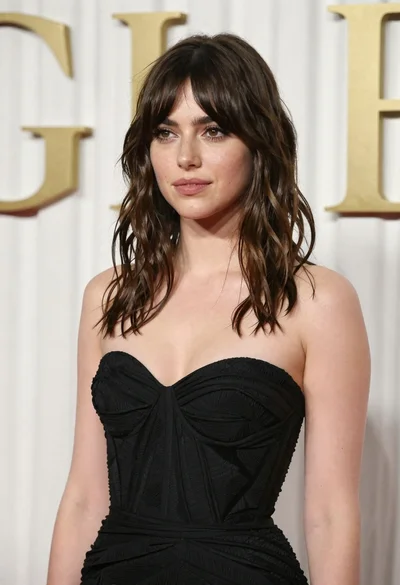
Young woman in black gown against white curtain backdrop studio portrait
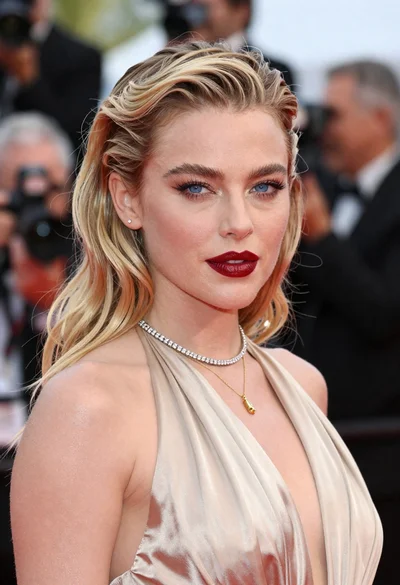
Close up portrait of blonde woman in champagne gown at gala

Young woman in silver sequin top and lace dress against beige wall
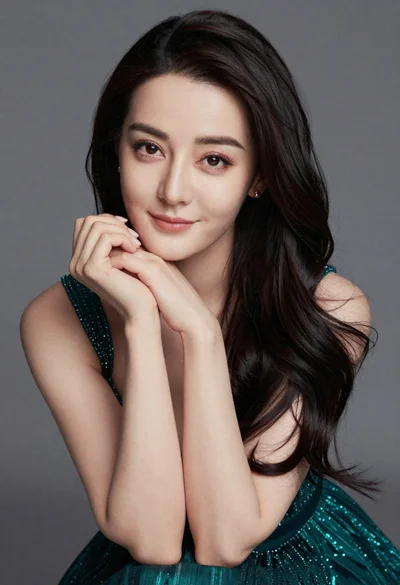
Close up portrait of woman in teal dress resting chin on hands
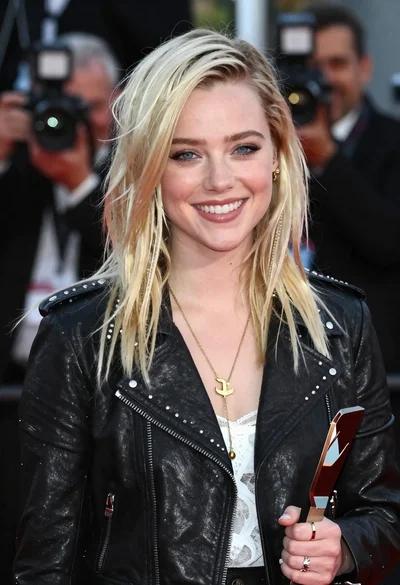
Smiling young woman in black leather jacket holding award at red carpet

Blonde woman looking back over shoulder against white wall
Monochrome portrait of young woman with wavy hair against black background