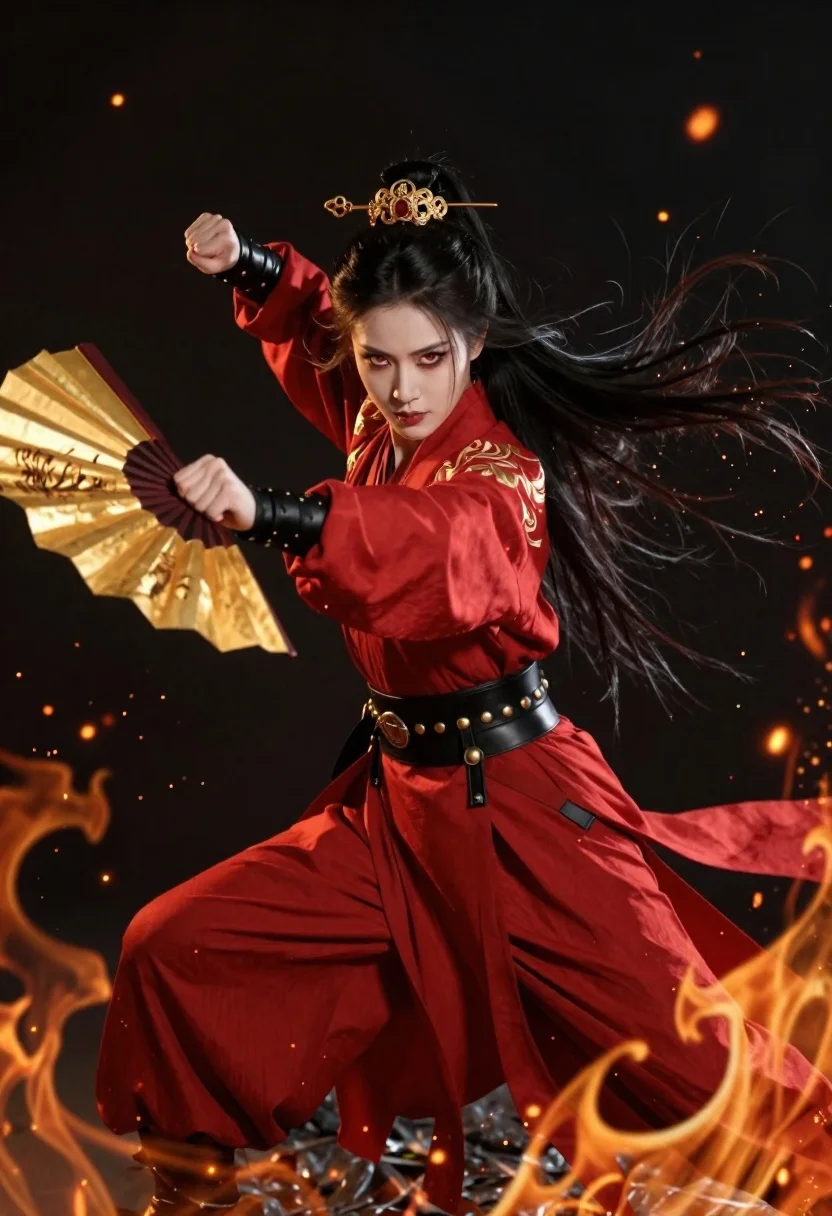
Fierce female warrior in red robe holding golden fan against dark void
Prompt
A fierce female warrior stands in a dynamic combat stance against a dark void, surrounded by swirling flames and floating embers.

Subject: A striking woman with intense red eyes, pale skin, and long black hair flowing wildly around her head, styled in an elaborate updo secured with ornate golden pins.

Clothing: She wears a vibrant red traditional robe featuring high collars, intricate gold embroidery on the shoulders, and a wide black leather belt adorned with metallic studs and buckles.

Action: Her body is angled forward in a martial arts pose, one leg extended while she holds a large, open golden folding fan in her right hand pointed outward, with her left arm clenched into a fist.

Environment: The background is a deep, featureless black space filled with floating sparks and glowing embers that drift upward like fireflies.

Camera: A medium shot captures the full figure from head to toe, utilizing a dramatic low angle to emphasize her imposing presence and height.

Lighting: Dramatic high-contrast lighting highlights her face and the folds of her red fabric while casting deep shadows, with warm orange light emanating from the surrounding fire effects.

Style Details: High-fantasy digital art style with hyper-realistic textures, vibrant color saturation, and a cinematic composition that blends traditional aesthetics with modern rendering quality.
Description
This prompt is useful for creating high-fantasy character concept art, dramatic book covers, and promotional artwork for action RPGs. The combination of 'dramatic low angle' and 'high-contrast lighting' serves to exaggerate the warrior's imposing presence, while specifying 'intricate gold embroidery' on the 'vibrant red traditional robe' ensures that metallic elements catch the light against the deep black void.
Suggestions
- Change 'golden folding fan' to 'obsidian scrying mirror' for a different focal point.
- Swap 'deep, featureless black space' for 'nebula backdrop' to add environmental interest.
- Adjust 'martial arts pose' to 'defensive guard stance' if you want her to look more ready to block.
Category
Tags
Black HairCasual WearDigital ArtFemaleFull BodyLow AngleMedium ShotOutdoorsRealisticRed HairTraditional Wear
Date added
June 23, 2026
Added by
PromptDexter Team
Related Prompts
More prompts with similar categories and tags.
Blonde woman in black leather dress bursts through torn comic book wall
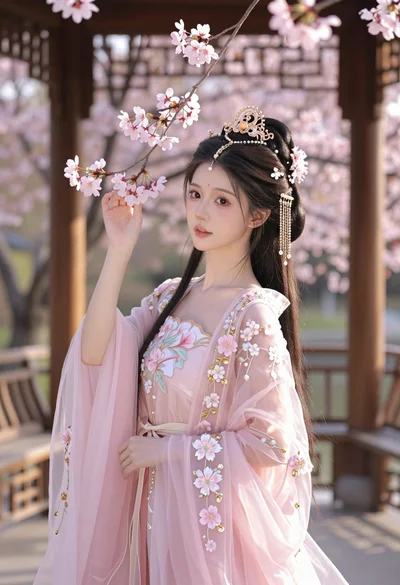
Young woman in pink gown standing in cherry blossom pavilion at golden
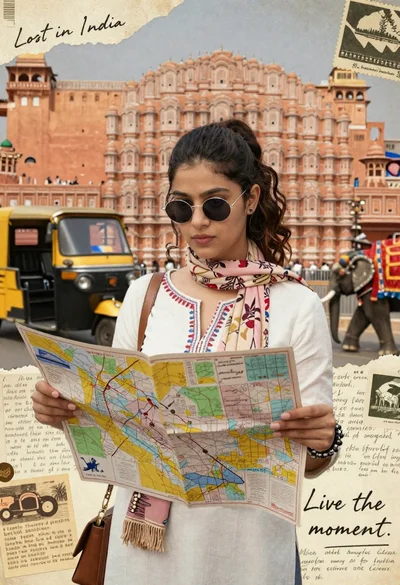
Young woman holding map against indian architectural collage background
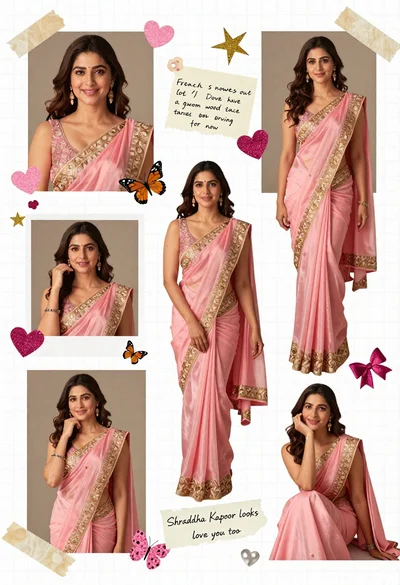
Digital scrapbook collage of a woman in pink saree with decorations
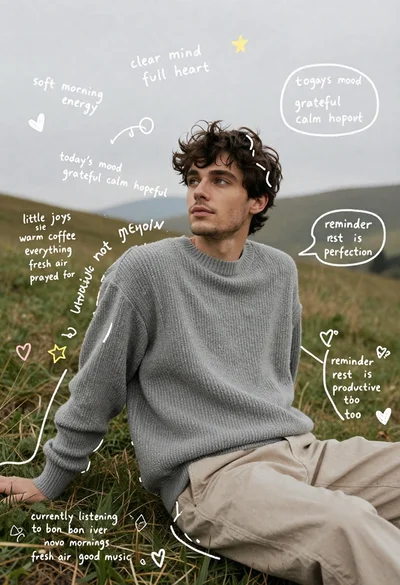
Young man in grey sweater sitting on a grassy hillside looking up

Happy young asian girl laughing while holding a vintage pink telephone
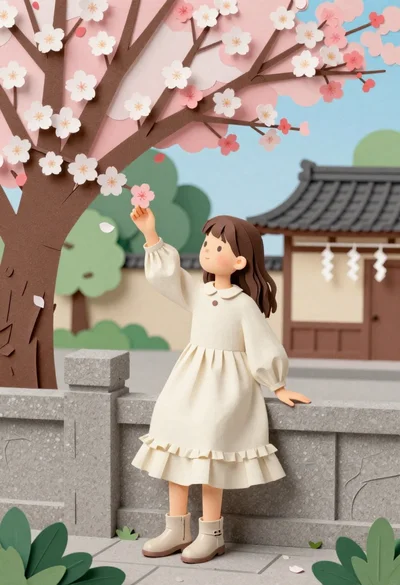
Young girl in cream dress touching cherry blossoms near stone fence
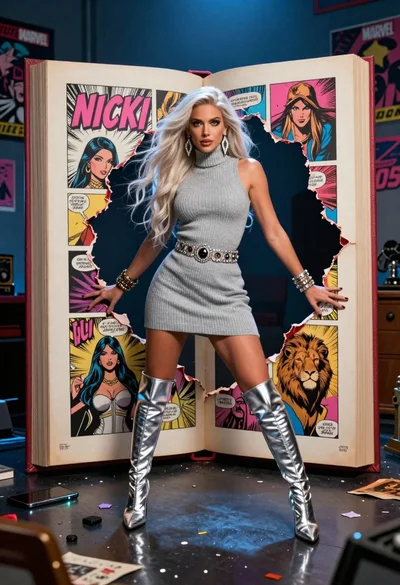
Woman in grey turtleneck dress bursts through torn hole in giant comic