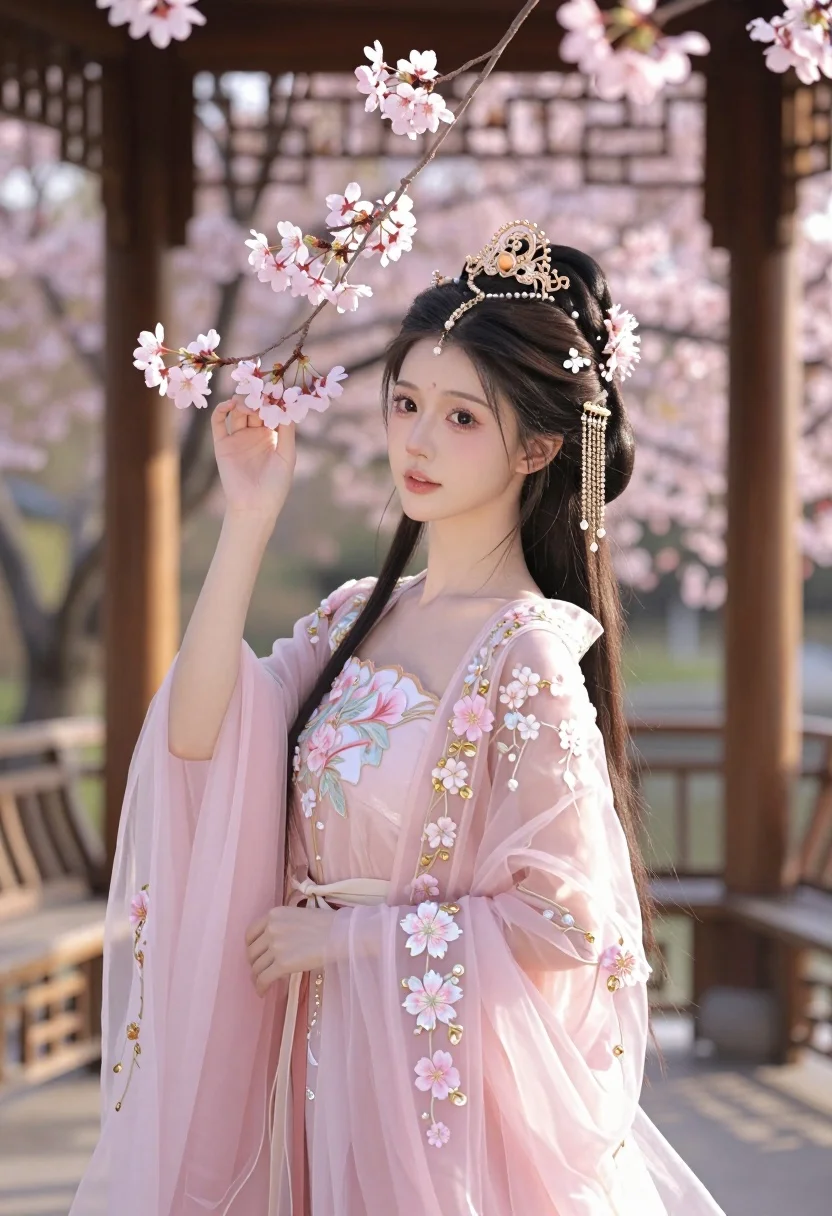
Young woman in pink gown standing in cherry blossom pavilion at golden
Prompt
A young woman with long dark hair stands gracefully in a traditional wooden pavilion surrounded by blooming cherry blossoms.

Subject: A beautiful young woman with fair skin and large expressive eyes, her face framed by delicate makeup and a soft blush.

Clothing: She wears an elaborate, translucent pink gown adorned with intricate floral embroidery and shimmering gold beads, featuring a high collar and flowing sleeves.

Action: Her dark hair is styled in an elegant updo decorated with a golden tiara and dangling pearl ornaments, while she gently holds a branch of pink flowers near her face.

Environment: The setting is a traditional wooden structure with lattice windows, bathed in the warm glow of a spring garden filled with blooming cherry blossoms.

Camera: A medium close-up shot captures the subject from the waist up, utilizing a shallow depth of field to blur the background and emphasize the soft details of her attire and expression.

Lighting: Soft, golden sunlight filters through the trees, creating a dreamy atmosphere with gentle highlights on her skin and dress while casting subtle shadows.

Style Details: The image features a hyper-realistic photo style with high detail, vibrant pastel colors, and a cinematic composition that emphasizes elegance and romance.
Description
This prompt is useful for creating romantic digital concept art, character portraits for fantasy narratives, and elegant wedding invitation illustrations. The combination of 'translucent pink gown' against the 'traditional wooden structure' grounds the ethereal subject matter in a specific cultural setting, while the 'shallow depth of field' ensures that the viewer's focus remains tightly on her expression rather than getting lost in the surrounding blossoms.
Suggestions
- Change 'golden tiara' to 'jade hairpin' for an Asian-inspired accent.
- Swap 'hyper-realistic photo style' for 'watercolor illustration' to shift the medium.
- Adjust 'soft blush' makeup detail to specify 'dewy skin finish' for more luminosity.
Category
Tags
BlondeBrown HairBrunetteCasual WearFair SkinFemaleFull BodyMedium ShotOutdoorsPortrait ShotRealisticTraditional Wear
Date added
July 3, 2026
Added by
PromptDexter Team
Related Prompts
More prompts with similar categories and tags.

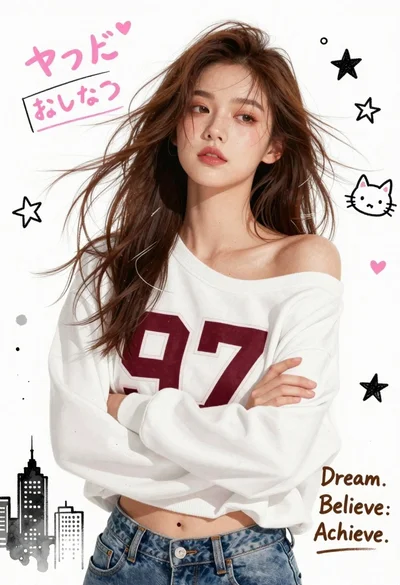
Young woman with brown hair smiling over shoulder in white sweater holding
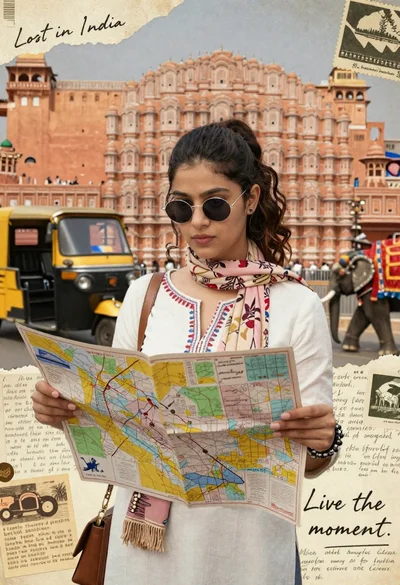
Young woman holding map against indian architectural collage background
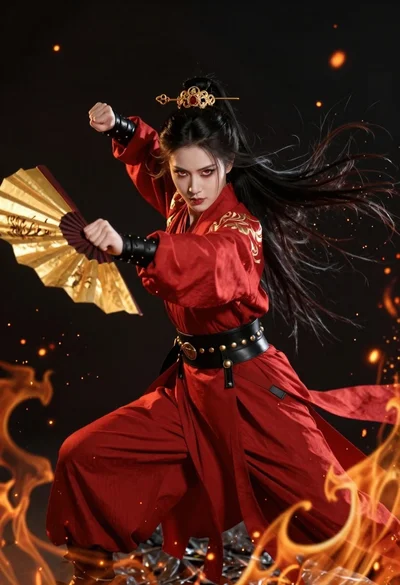
Fierce female warrior in red robe holding golden fan against dark void

Young woman with blonde hair in black shirt against solid black background

Ethereal warrior in indigo gown holding sword against luminous full moon
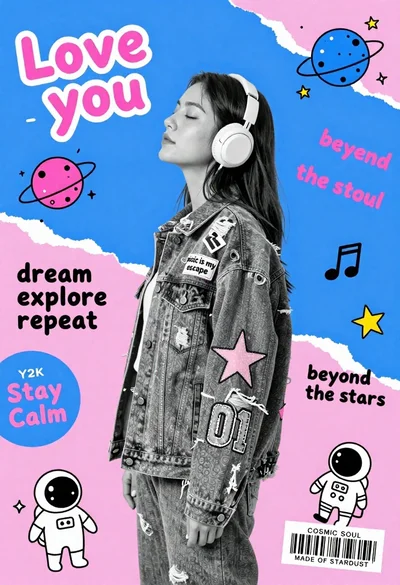
Young woman in profile wearing headphones and denim jacket against geometric background
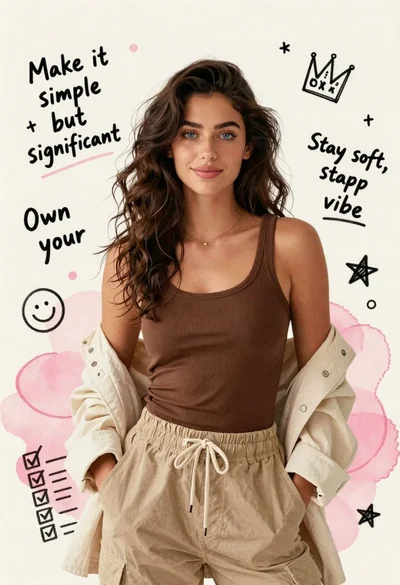
Young woman in brown tank top against pink watercolor doodle background

Portrait of a young woman in a cardigan against scrapbook collage background
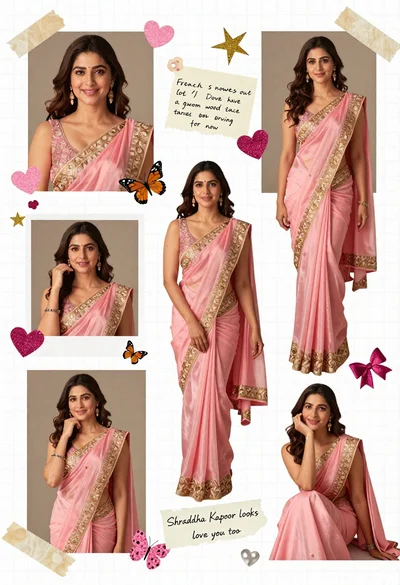
Digital scrapbook collage of a woman in pink saree with decorations
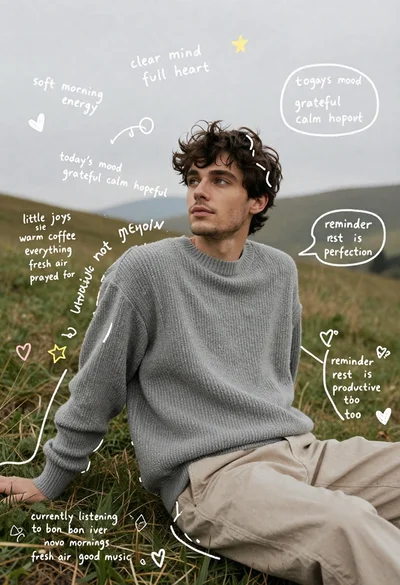
Young man in grey sweater sitting on a grassy hillside looking up