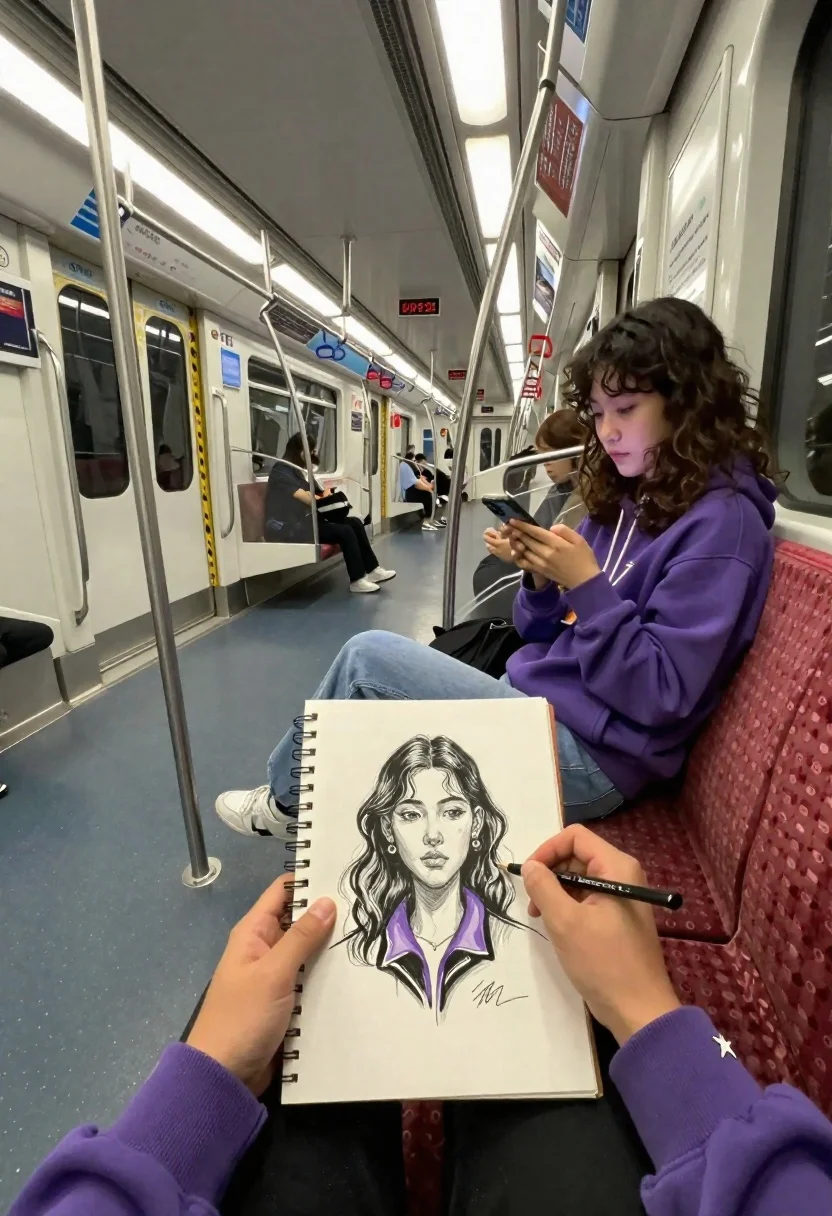
First person view of artist sketching woman on a subway train
Prompt
A first-person perspective of an artist sketching a portrait on a subway train while seated opposite a young woman looking at her phone.

Subject: A pair of hands holding a spiral-bound sketchbook and a pencil, drawing a detailed black-and-white portrait of a woman with wavy hair and a purple collar.

Clothing: The artist wears a purple long-sleeved shirt with a small white star logo on the sleeve; the sketched subject wears a purple collared jacket.

Action: The artist is actively shading the sketchbook, while the seated woman in the background looks down at her smartphone.

Environment: The interior of a modern subway car with metallic poles, overhead hand straps, and red patterned seats.

Camera: First-person point of view looking forward from the lap of the artist toward the opposite seat.

Lighting: Cool artificial fluorescent lighting typical of public transit interiors with reflections on the metal surfaces.
Second

Subject: A young woman with curly brown hair sitting across the aisle wearing a purple hoodie and light blue jeans.

Objects: A spiral-bound sketchbook, a pencil, a smartphone, and subway signage including a station map labeled "Gwanghwamun".

Text/Graphics: Korean text on the subway map and advertisement posters visible in the background.

Style Details: Realistic photography with a focus on the contrast between the live subject and the artistic drawing, featuring high detail in the sketchbook illustration.
Description
This prompt is useful for creating narrative scene illustrations, character concept art focusing on observation, and editorial pieces depicting urban downtime. The combination of 'cool artificial fluorescent lighting' with visible 'reflections on the metal surfaces' grounds the image in a specific, mundane reality, while specifying the contrast between the live subject and the detailed sketchbook illustration prevents the drawing from looking pasted onto the scene.
Suggestions
- Change 'purple collar' to 'navy blue collar' for better color separation.
- Add 'bokeh effect' to the smartphone screen to soften background distractions.
- Swap 'metallic poles' for 'chrome railings' to adjust surface reflectivity.
Category
Tags
Brown HairFemaleMedium ShotRealisticStreetTraditinal ArtUrbanVehicle
Date added
June 21, 2026
Added by
PromptDexter Team
Related Prompts
More prompts with similar categories and tags.
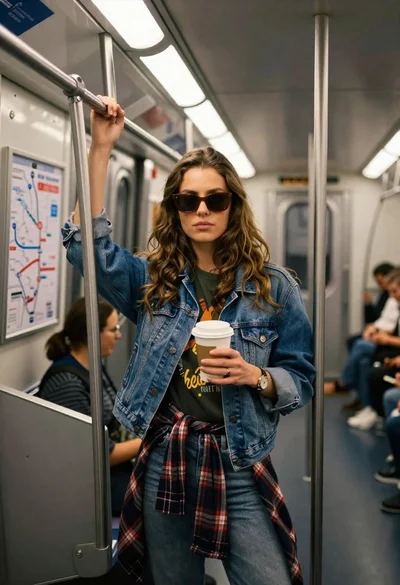
Young woman with brown hair and denim jacket inside a subway car
Young woman in hoodie standing next to motorcycle on rooftop at night
Young woman with long dark hair holding white board with pencil sketch
Young woman smiling next to her caricature portrait on an easel outdoors

Young woman in sports bra sitting in car passenger seat at night
Young man leaning on white sports car graffiti street at night

Young woman with brown hair sitting inside car looking at camera
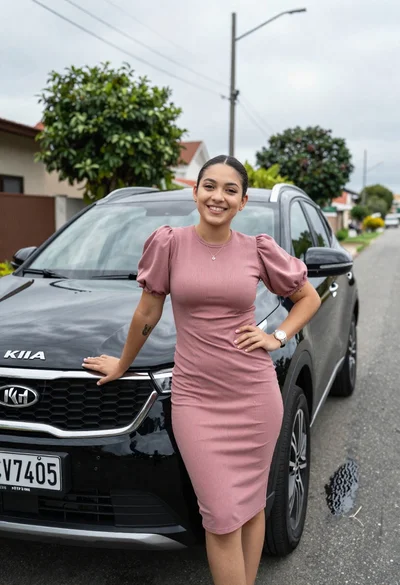
Smiling young woman leaning on black suv parked on paved street