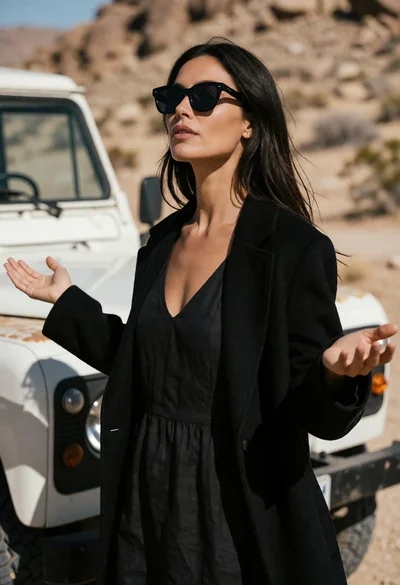
Woman standing in desert landscape with outstretched arms near vintage offroad vehicle
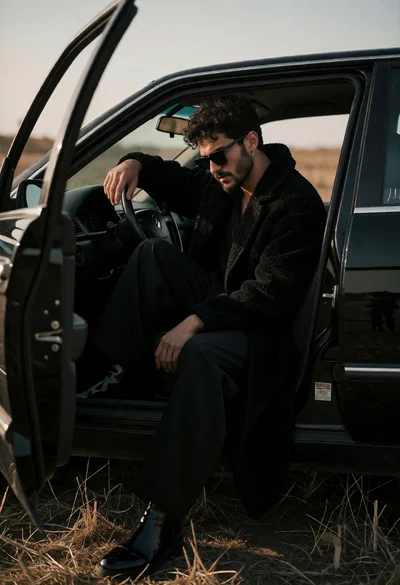
Man in black coat sitting in open car door field at low
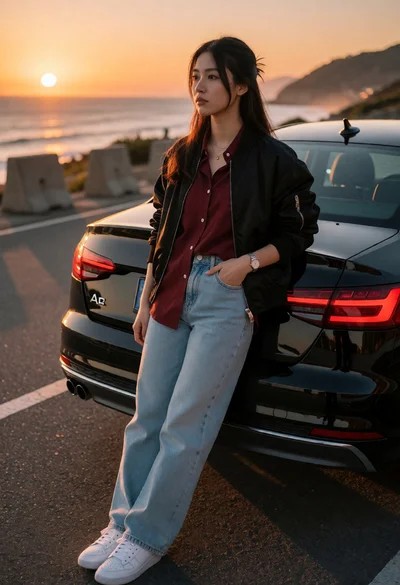
Young woman leaning against black audi a4 by ocean at sunset
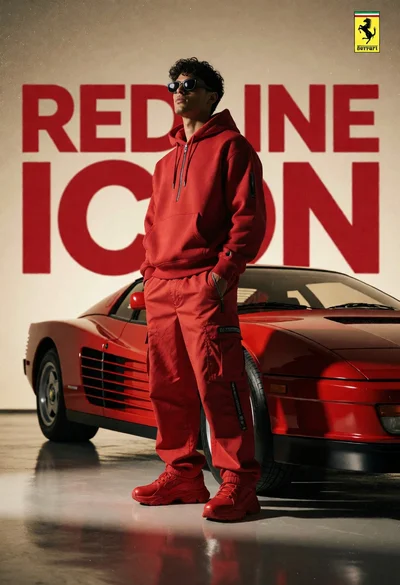
Man in red outfit beside classic ferrari testarossa in studio setting
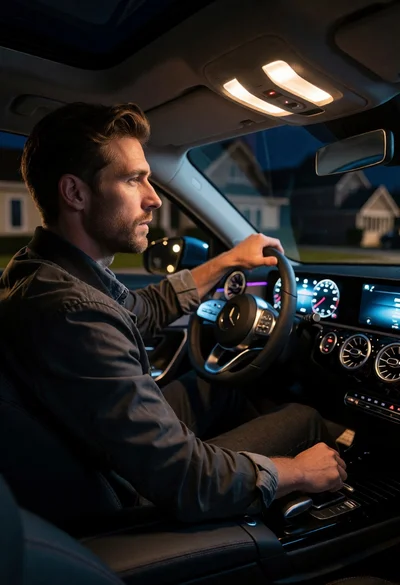
Man driving modern car at night with glowing dashboard details
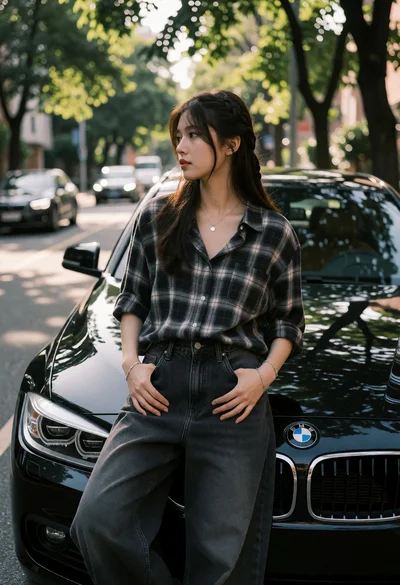
Young woman leaning against black bmw on a treelined urban street
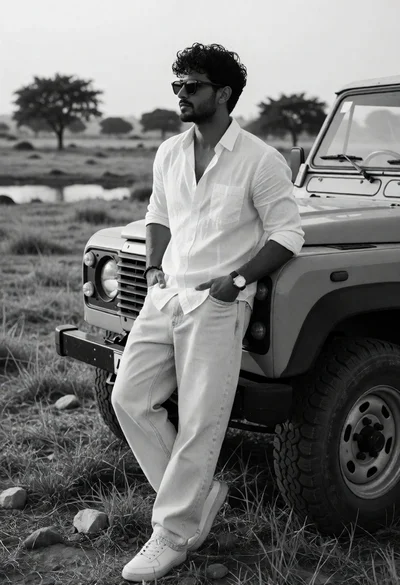
Man leaning against rugged offroad vehicle in open grassy field
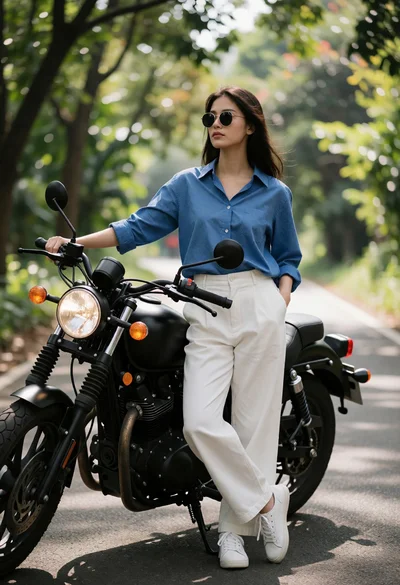
Young woman by black motorcycle on a treelined asphalt road
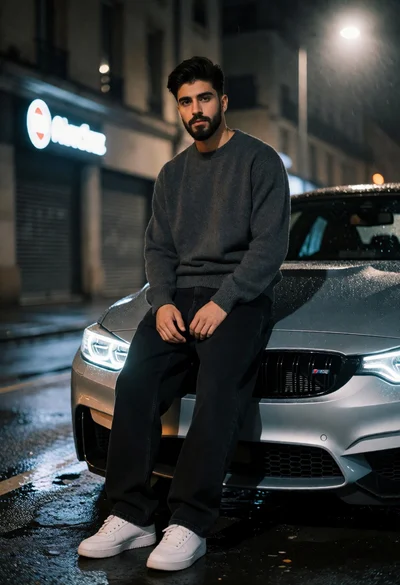
Young man leaning against silver bmw m4 on wet city street at
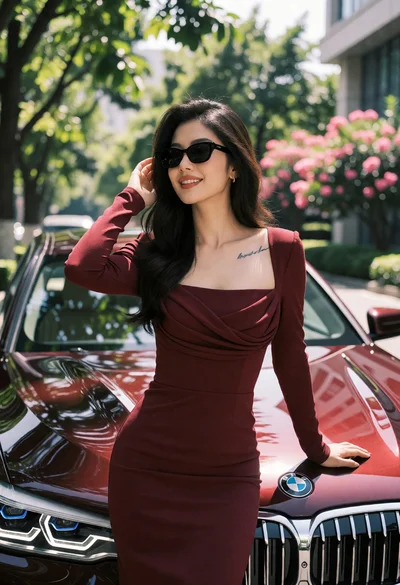
Stylish woman leaning against maroon bmw sedan on tree lined urban street
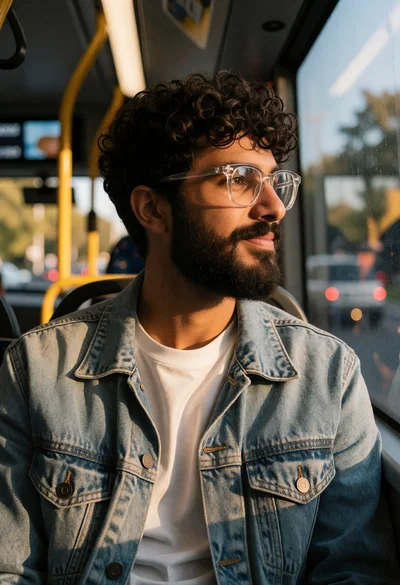
Young man with beard in denim jacket sitting on a public bus
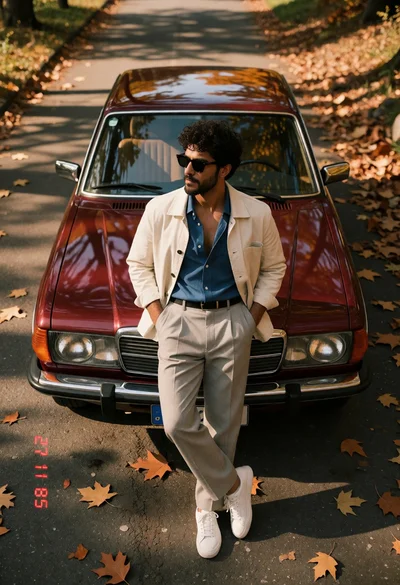
Man leaning against vintage maroon sedan on autumn leaf covered asphalt road
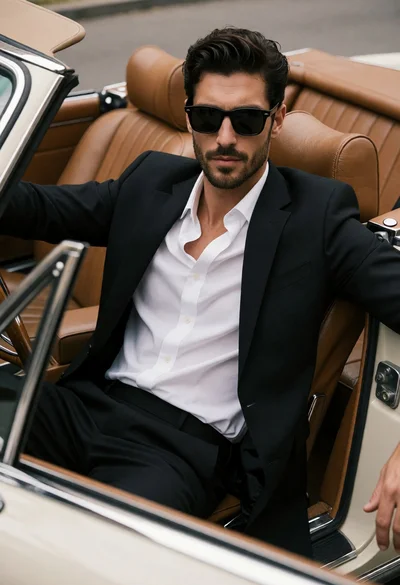
Handsome man in black suit sitting in vintage convertible car interior
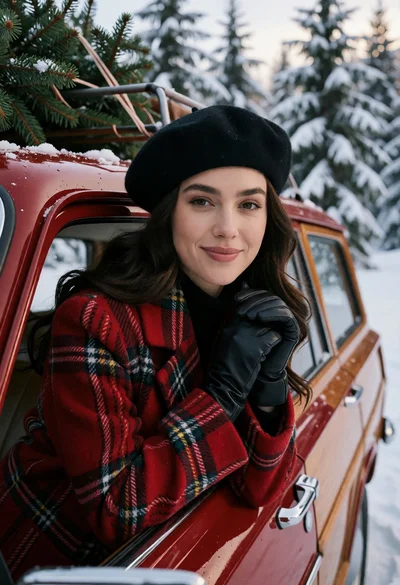
Woman in red plaid coat leaning against vintage car in snowy forest
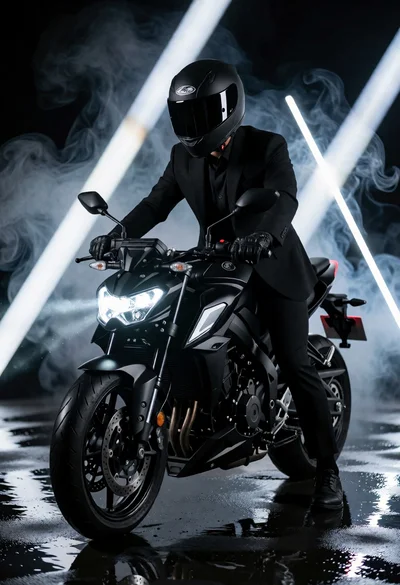
Man in black suit sitting on motorcycle under dramatic studio lighting
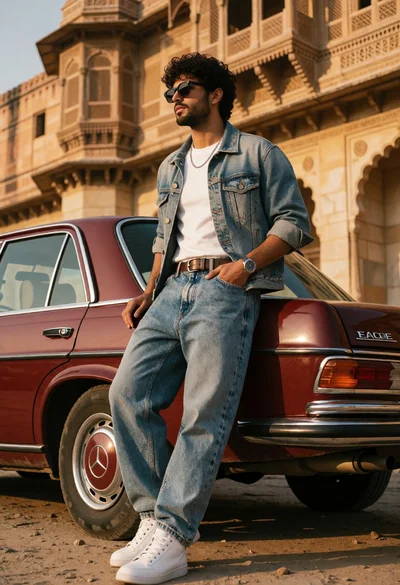
Stylish young man leaning on vintage mercedes car near sandstone palace
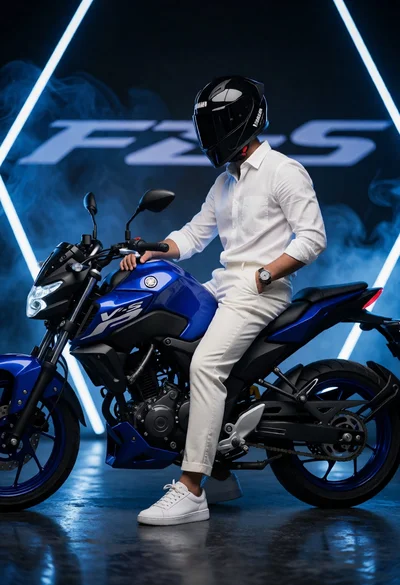
Man sitting casually on blue motorcycle in dark studio setting
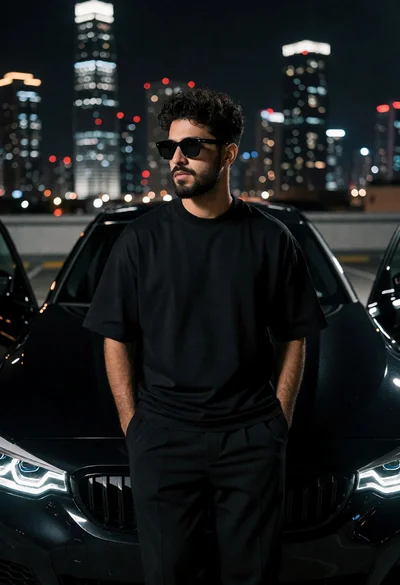
Man leaning against black bmw on rooftop overlooking illuminated city skyline at
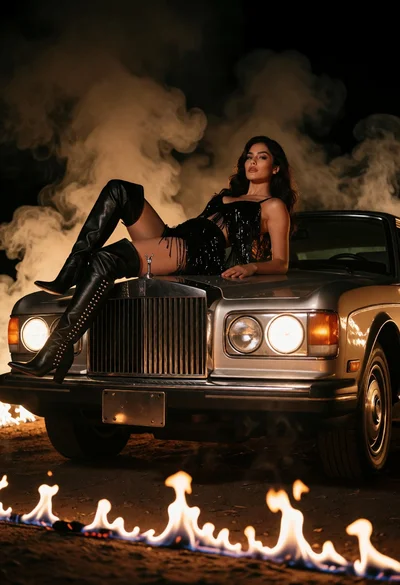
Woman reclining on vintage car hood amidst smoky firelit dramatic scene
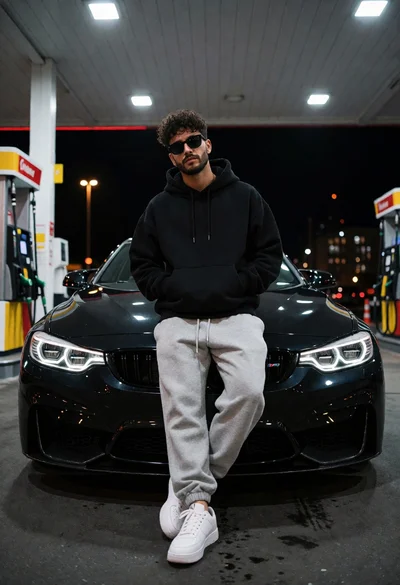
Man leaning against black bmw m4 at a gas station at night
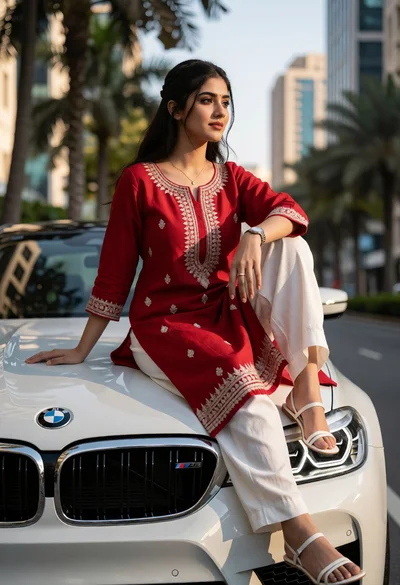
Young woman in red kurta sitting on white bmw m5 hood street
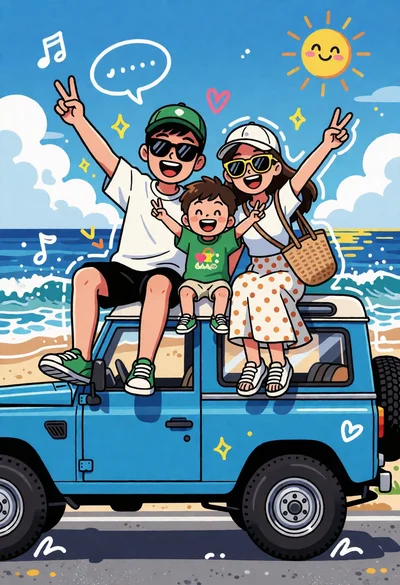
Cheerful cartoon family illustration on vintage suv parked at sunny beach
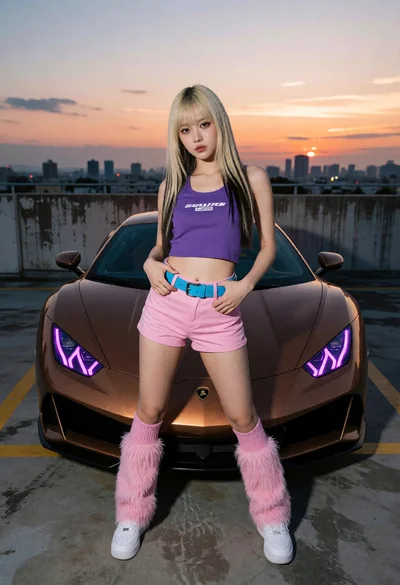
Young blonde woman posing by bronze sports car on rooftop at sunset
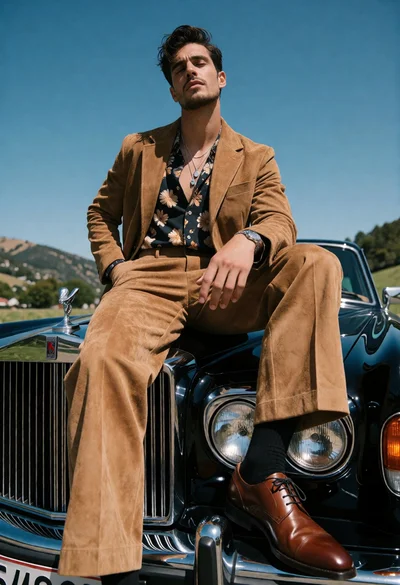
Handsome man in tan suede suit on classic black luxury car outdoors
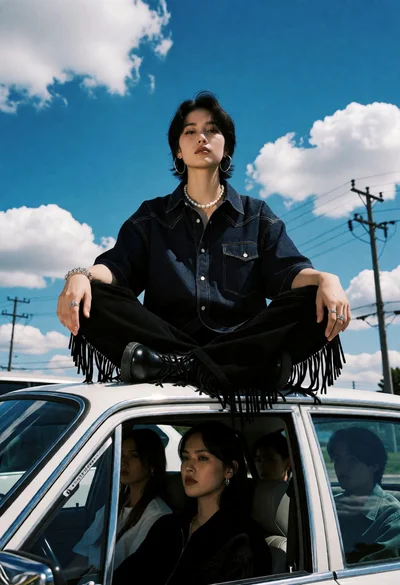
Young woman sitting on vintage car roof under bright blue sky
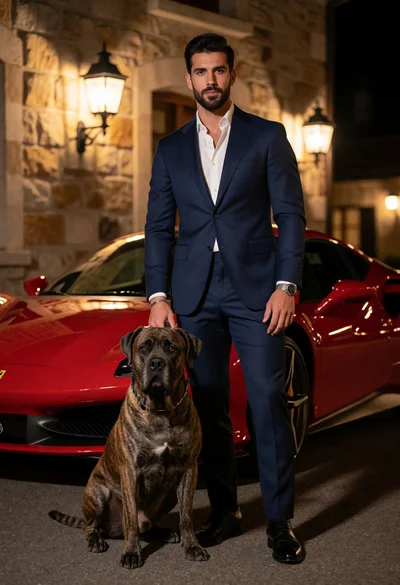
Man in navy suit standing with brindle dog near red ferrari at
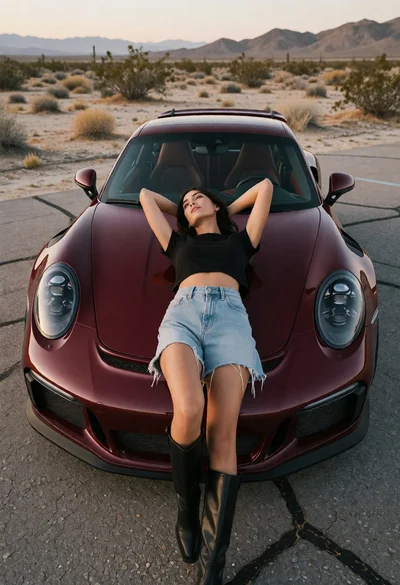
Woman reclining on maroon porsche 911 in arid desert landscape setting
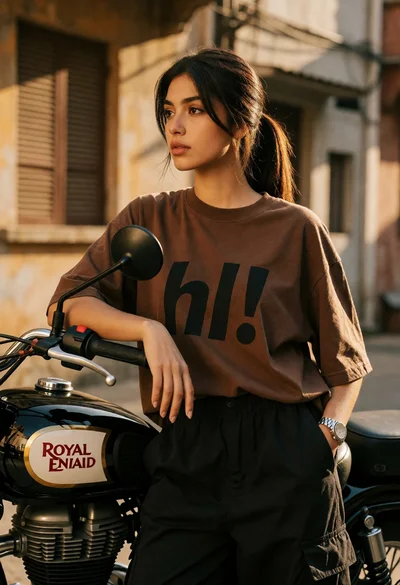
Young woman leaning on motorcycle in urban alleyway during golden hour light
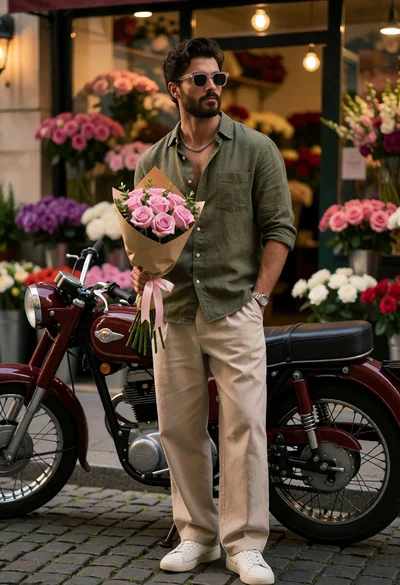
Stylish man with motorcycle by flower shop on cobblestone street
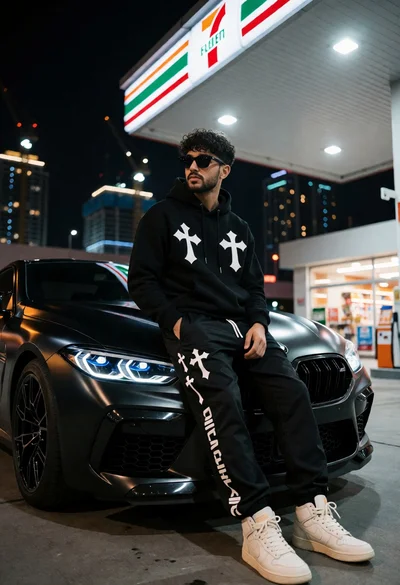
Young man sitting on black bmw m8 hood at illuminated gas station
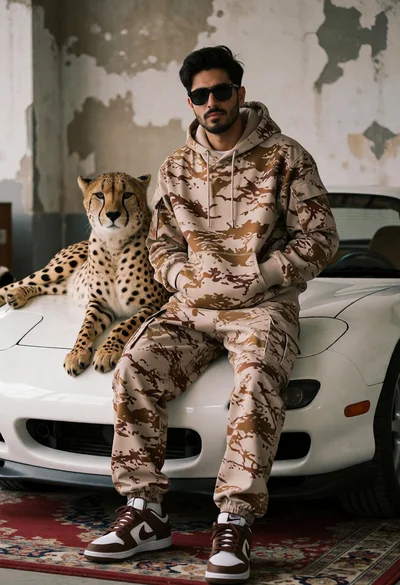
Man in camouflage hoodie with cheetah on white sports car indoors
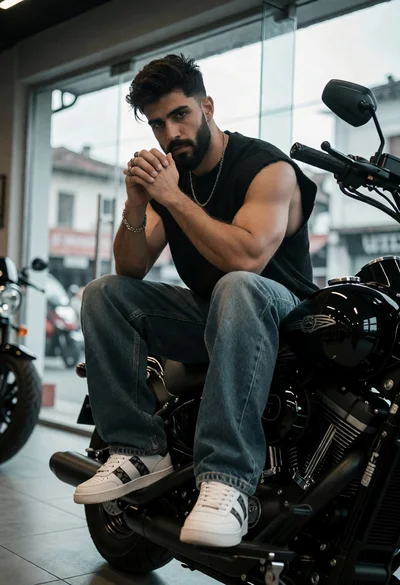
Muscular young man with beard sitting on black cruiser motorcycle indoors
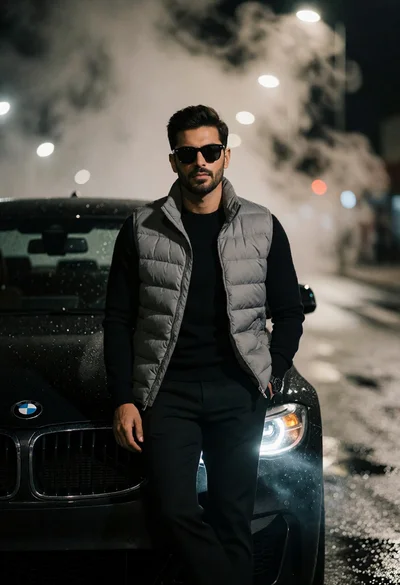
Man leaning on black bmw on foggy night street with dramatic lighting
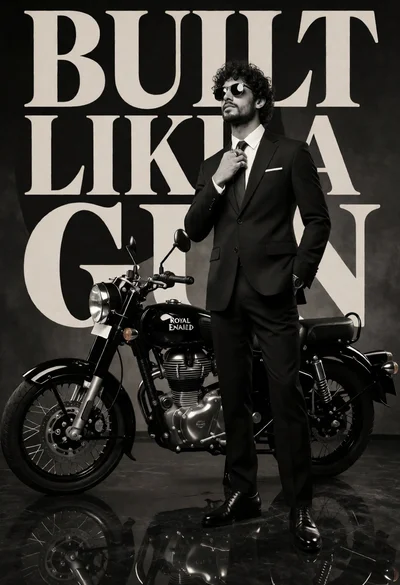
Stylish man in black suit beside royal enfield motorcycle against dark backdrop
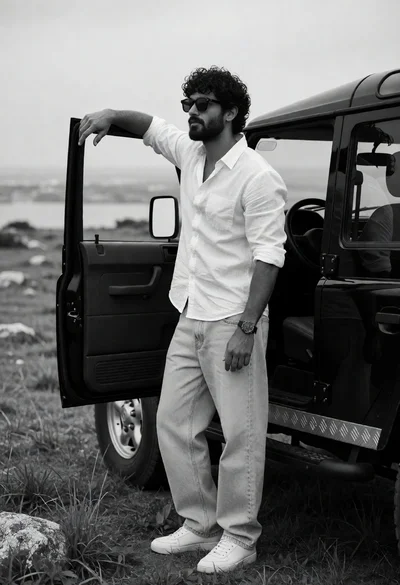
Man leaning on open suv door in rugged field under overcast sky
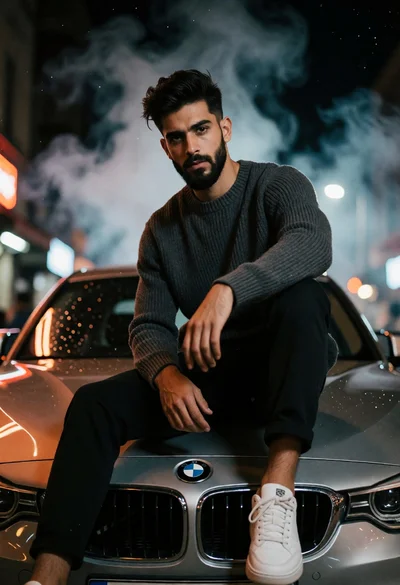
Young man with beard on silver bmw hood at night under dramatic
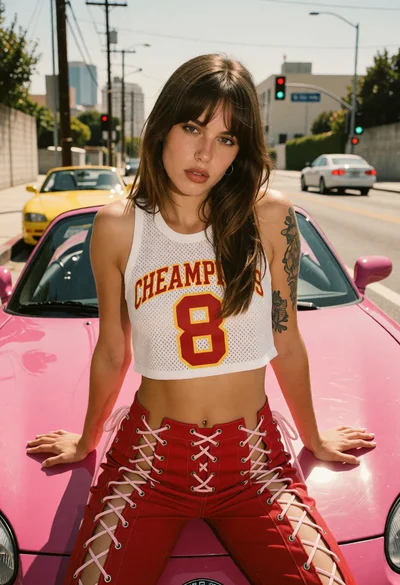
Young woman leaning on bright pink convertible in sunlit urban street setting
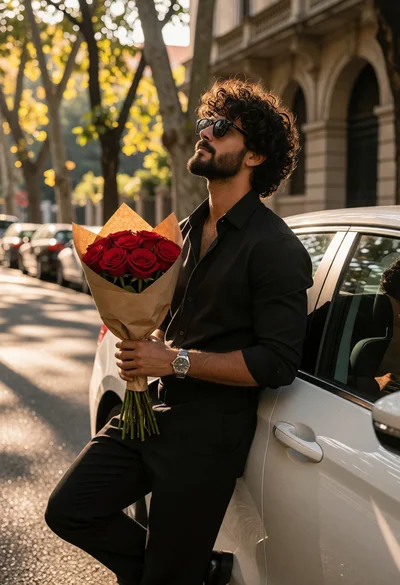
Man leaning against white car holding red roses on sundappled city street
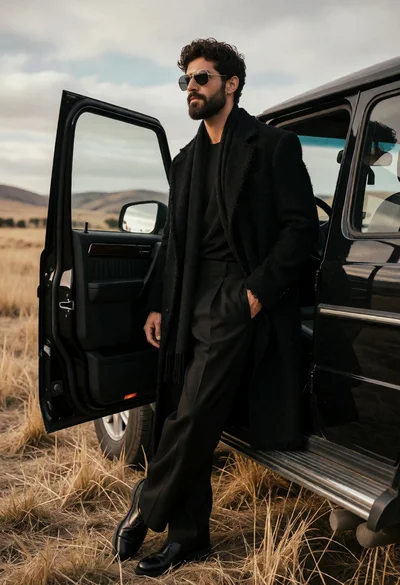
Man in all black coat leaning on suv in dry grassy field
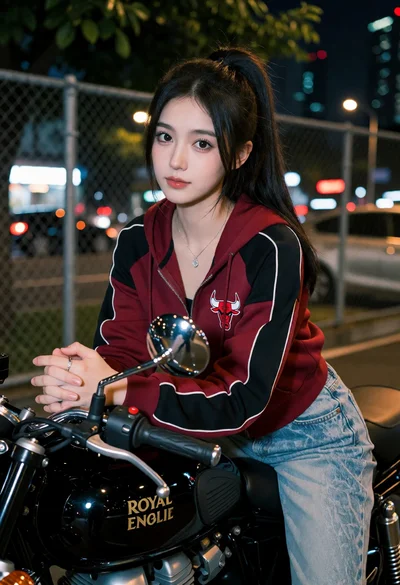
Young woman in hoodie sitting on black motorcycle on an urban street
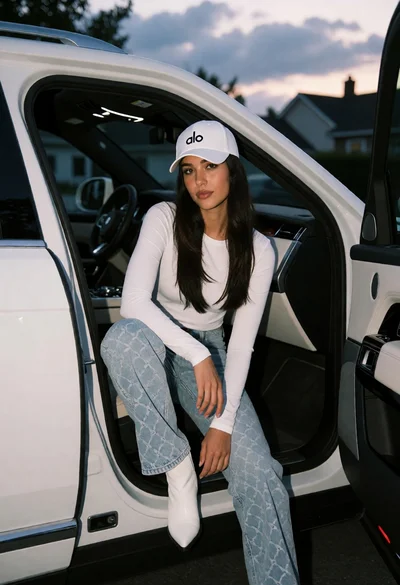
Young woman sitting on luxury suv door sill at dusk in residential
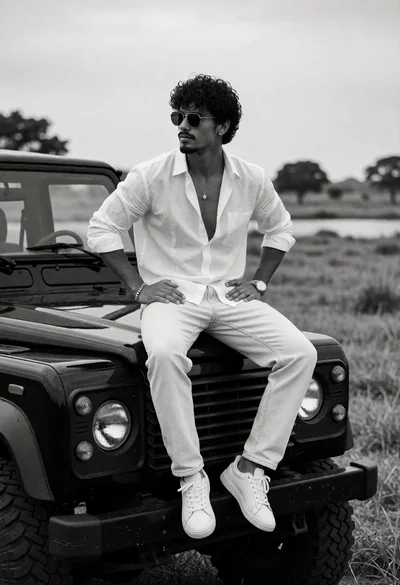
Man sitting on black suv hood in rural landscape under overcast sky
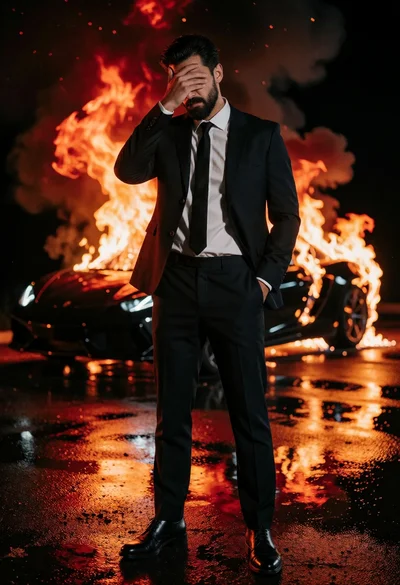
Man in dark suit standing before burning sports car on wet asphalt
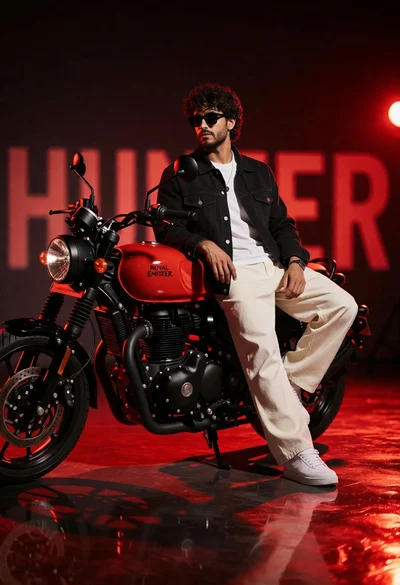
Stylish man on red motorcycle in dramatic studio setting with deep red
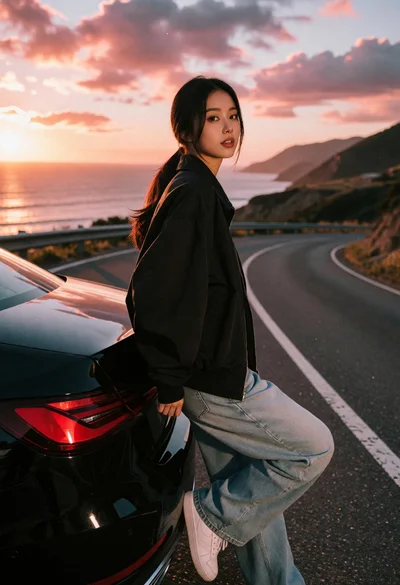
Young woman leaning on black car by coastal highway at sunset
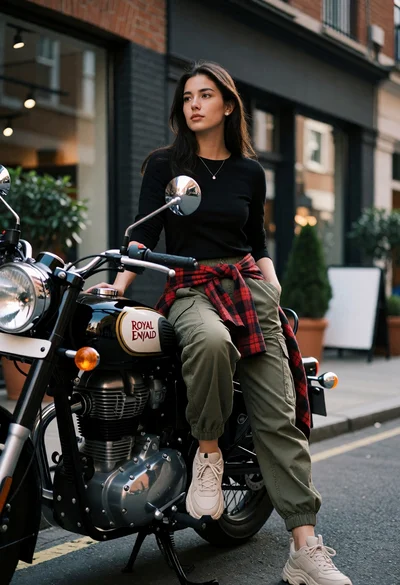
Young woman sitting on a black motorcycle on an urban street setting
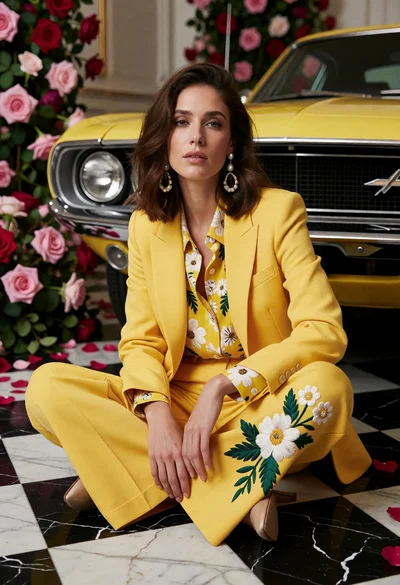
Woman in bright yellow suit sitting near vintage muscle car on marble
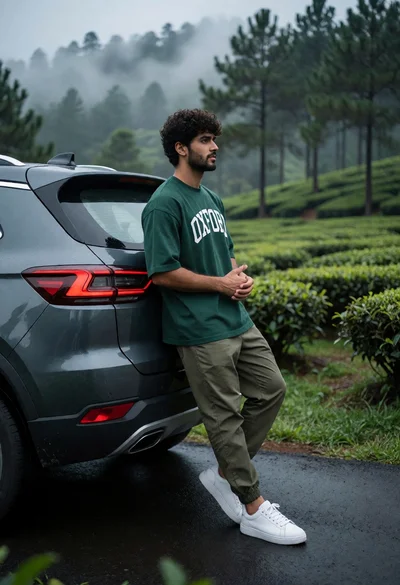
Young man leaning on dark suv in misty tea plantation road