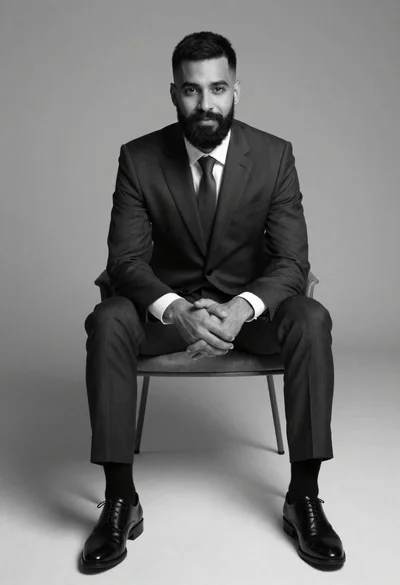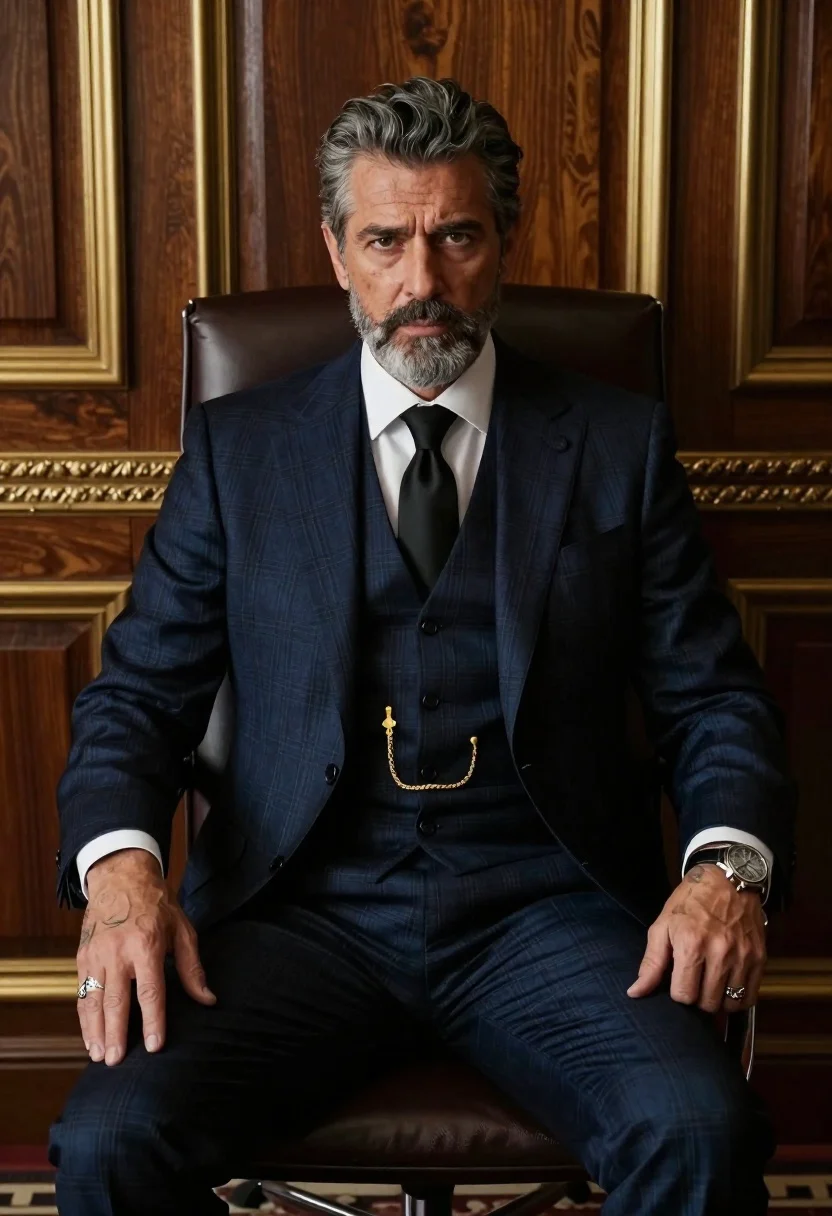
Formal portrait of man in executive office chair
Prompt
A formal portrait of a middle-aged man with salt-and-pepper hair and beard seated in an executive office chair.

Subject: A distinguished gentleman with graying stubble and serious expression, wearing a dark three-piece suit with subtle plaid pattern.

Clothing: Crisp white dress shirt under the jacket, black silk tie neatly knotted, gold pocket watch chain hanging over vest, silver ring on left hand, detailed wristwatch visible at right cuff, tattoo ink showing along left forearm near wrist.

Action: Sitting upright with hands resting calmly beside thighs in relaxed but dignified posture, direct eye contact toward camera lens.

Environment: Luxurious wooden paneling behind him accented by ornate gold trim framing dark wood surfaces suggesting high-end boardroom or study space.

Camera: Medium shot capturing torso up to head level framed against rich background textures; slight depth of field blurring distant panels slightly while keeping subject sharply focused.

Lighting: Soft directional light coming from front-left casting gentle shadows on right side of face and suit folds enhancing texture details without harshness, creating sophisticated moody atmosphere typical studio portraiture.

Style Details: Photorealistic rendering mimicking high-end fashion photography with cinematic color grading emphasizing deep navy blues and warm wood tones balanced by metallic accents in jewelry and framework elements throughout scene composition.
Description
This prompt is useful for creating executive branding materials, corporate annual reports, and sophisticated character concept art for film. The combination of 'soft directional light coming from front-left' casting gentle shadows and the 'luxurious wooden paneling accented by ornate gold trim' establishes a high-status environment that visually reinforces the subject's authority and the desired moody atmosphere.
Suggestions
- Change 'dark three-piece suit with subtle plaid pattern' to 'charcoal wool suit with pinstripe' for more visual interest.
- Swap 'deep navy blues' for 'forest green' in the color grading for a different corporate feel.
- Adjust 'slight depth of field blurring distant panels slightly' to 'shallow depth of field isolating subject against background' for stronger focus.
Category
Tags
Formal WearGray HairIndoorsMaleMedium ShotPortrait ShotRealisticStudio
Date added
June 19, 2026
Added by
PromptDexter Team
Related Prompts
More prompts with similar categories and tags.
Man in blazer seated by window blinds casting shadows
Handsome man in beige suit sitting in opulent room
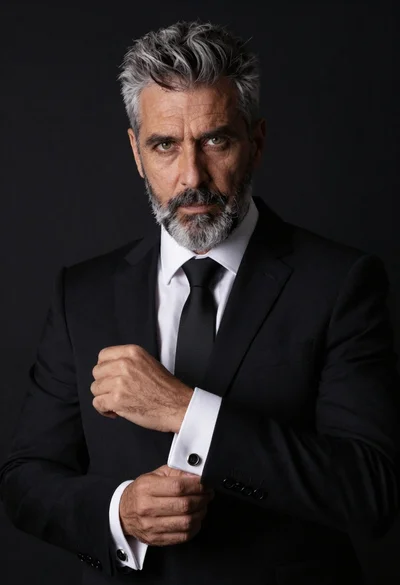
Studio portrait of man in black suit and white shirt
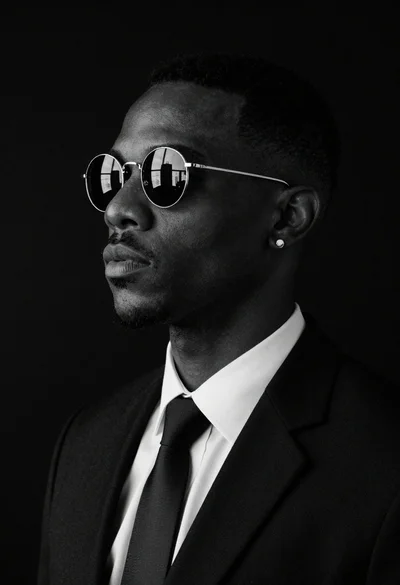
Black and white studio portrait of man with sunglasses
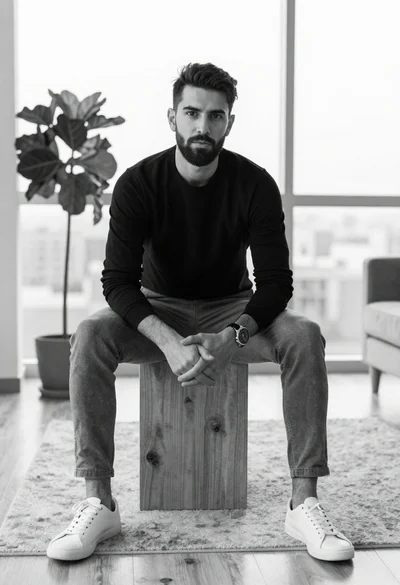
Black and white portrait of man sitting in modern living room

Portrait of man in black jacket by reflective glass window
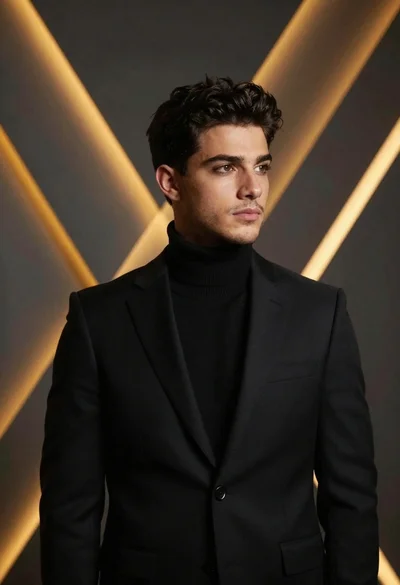
Man in black suit against abstract geometric backdrop
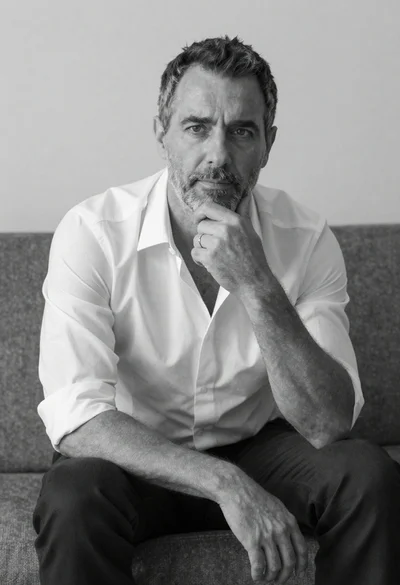
Black and white portrait of a man sitting on a couch