
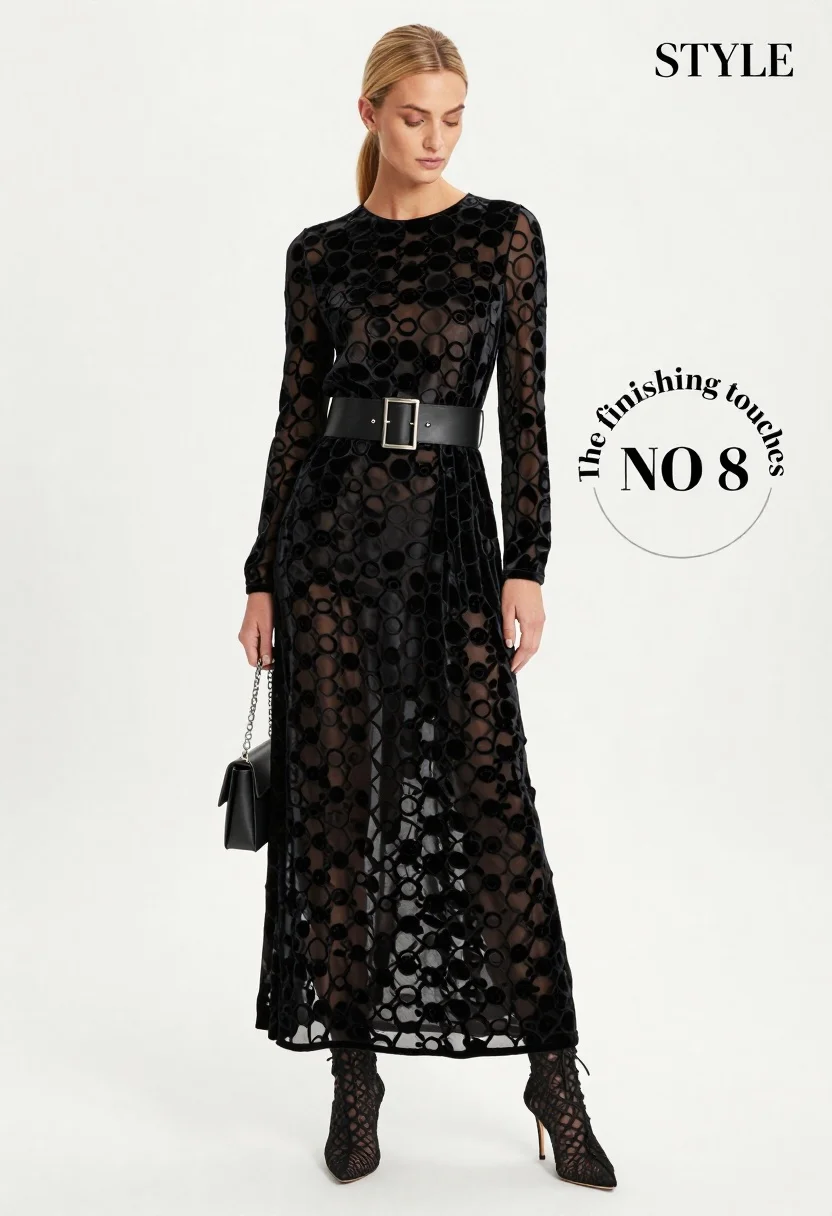
Full body fashion photograph of blonde woman in black velvet gown
Prompt
A full-length fashion photograph of a woman with blonde hair pulled back into a low ponytail, wearing a sheer black velvet dress with a circular pattern and a wide black belt featuring a large rectangular buckle.

Subject: A woman with blonde hair styled in a sleek low ponytail, looking downward with a neutral expression.

Clothing: She wears a long-sleeved, floor-length black velvet gown with a subtle circular jacquard pattern and a high neckline. A wide black leather belt with a large, rectangular silver buckle cinches the waist. She is wearing black lace-up ankle boots with stiletto heels.

Action: The woman stands in a relaxed pose, holding a small black handbag by its chain strap in her right hand while her left arm hangs naturally at her side. Her gaze is directed slightly downward and to the left.

Environment: A plain white studio background that provides high contrast to the dark clothing.

Camera: Shot from a full-body perspective with a straight-on angle, utilizing soft, even lighting typical of high-fashion editorial photography.

Lighting: Bright, diffused studio lighting creates soft shadows and highlights the texture of the velvet fabric without harsh glare.

Objects: A small black rectangular handbag held in her right hand.

Text/Graphics: The word "STYLE" appears in the top right corner, and a circular graphic with the text "The finishing touches NO 8" is visible on the right side of the frame.

Style Details: High-fashion editorial aesthetic with a clean, minimalist composition emphasizing the texture and silhouette of the garment.
Description
This prompt is useful for creating high-end fashion lookbooks, conceptual portraiture spreads, and magazine advertisements focusing on textile detail. The combination of 'plain white studio background' with 'bright, diffused studio lighting' ensures that the subtle circular jacquard pattern remains visible across the 'black velvet gown,' preventing the deep black from becoming a flat void while maintaining the clean, minimalist composition required for editorial impact.
Suggestions
- Change 'low ponytail' to 'loose waves' for a softer overall look.
- Swap 'rectangular silver buckle' for 'ornate gold clasp' to shift the metallic tone.
- Adjust 'straight-on angle' to 'three-quarter view' to add more body shape definition.
Category
Tags
Black HairBlondeCasual WearFemaleFull BodyPortrait ShotRealisticStudio
Date added
June 19, 2026
Added by
PromptDexter Team
Related Prompts
More prompts with similar categories and tags.

Blonde woman in black gown seated on white stool in bright room
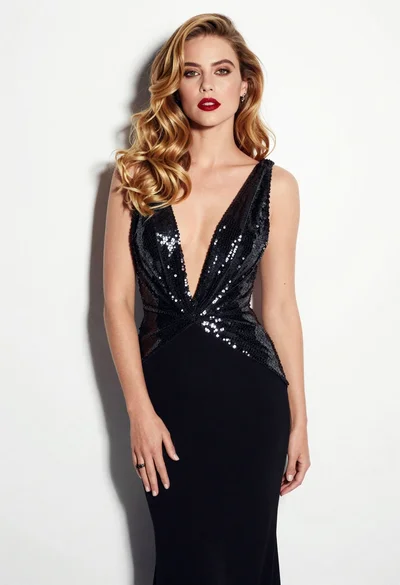
Glamorous woman in black sequined gown against a white studio background
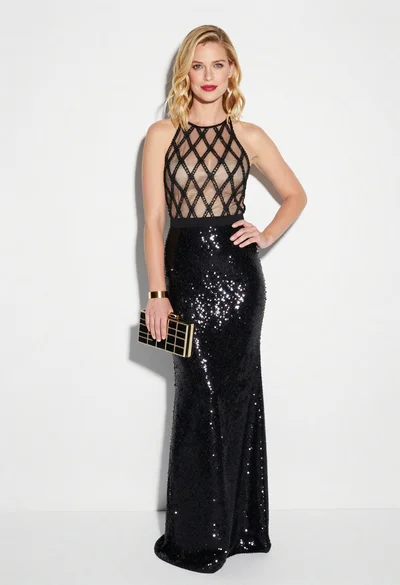
Blonde woman in black gown posing against white studio background
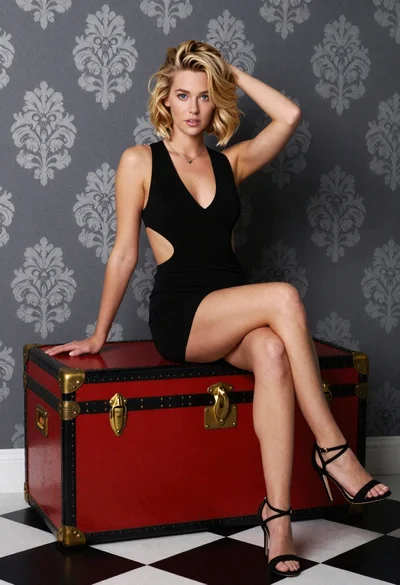
Blonde woman sitting elegantly on vintage trunk in studio setting
Fit woman in houndstooth strapless dress sitting on a draped ledge
Young woman posing indoors with blonde hair

Blonde woman taking a mirror selfie in black dress indoors
Glamorous portrait of blonde woman in embellished gown against floral wallpaper
Glamorous portrait of blonde woman in black leather bustier top
Black woman in olive coat with cat in studio
