Glamorous portrait of blonde woman in black leather bustier top
Prompt
A glamorous portrait of a woman with long, voluminous blonde wavy hair cascading over her shoulders.

Subject: A young woman with fair skin, striking blue eyes, and full lips wearing glossy nude lipstick. Her makeup features defined dark eyeliner and mascara accentuating her gaze.

Clothing: She wears a black leather bustier top featuring a prominent silver zipper down the center and silver hardware accents at the bottom hem. She is accessorized with a thick silver choker necklace set with rhinestones and matching dangling earrings.

Action: The subject faces forward with a direct, confident gaze toward the camera. Her head is tilted slightly to her right while her shoulders remain relaxed.

Environment: A neutral light grey textured wall serves as the background, providing a clean backdrop that emphasizes the subject without distraction.

Camera: Shot as a medium close-up portrait with a shallow depth of field that keeps the face and upper torso in sharp focus while softly blurring the hair edges and background.

Lighting: Soft studio lighting illuminates the front of her face evenly, creating gentle highlights on her skin and hair while casting subtle shadows to define her facial structure.

Style Details: High-resolution fashion photography with a polished, high-gloss finish and rich color saturation typical of professional celebrity portraiture.
Description
This prompt is useful for creating editorial beauty campaigns, album cover art featuring strong female characters, and luxury brand advertising materials. The combination of 'soft studio lighting' with a 'neutral light grey textured wall' ensures that the high-gloss finish on the 'black leather bustier top' remains the primary focal point without harsh reflections or distracting environmental elements.
Suggestions
- Change 'silver zipper' to 'gunmetal zipper' for a moodier tone.
- Swap 'blonde wavy hair' for 'wet, slicked-back hair' for a different texture focus.
- Adjust 'medium close-up portrait' to 'full body shot' to better showcase the accessories.
Category
Tags
Black HairBlondeFair SkinFemaleFull BodyPortrait ShotRealisticStudio
Date added
June 19, 2026
Added by
PromptDexter Team
Related Prompts
More prompts with similar categories and tags.

Blonde woman in black gown seated on white stool in bright room
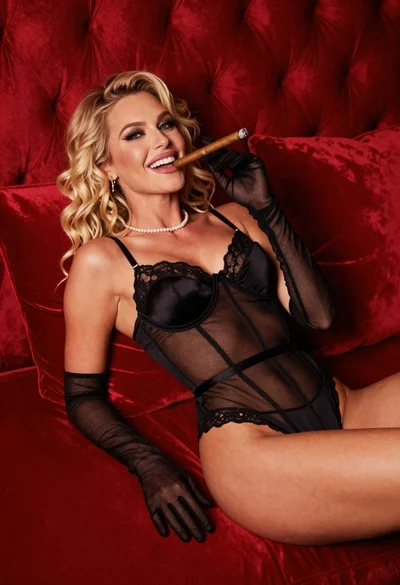
Blonde woman in black lingerie reclining on red quilted surface
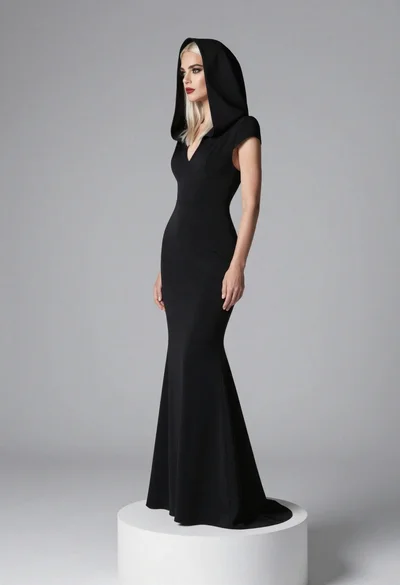
Full body portrait of blonde woman in elegant black gown on pedestal

Blonde woman in black gown posing against white studio background
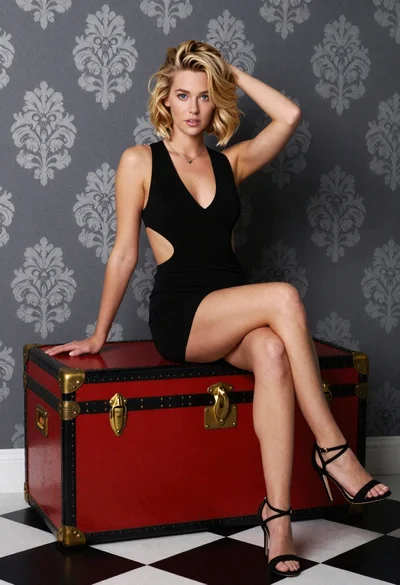
Blonde woman sitting elegantly on vintage trunk in studio setting

Blonde woman in black lace lingerie posing with vintage telephone
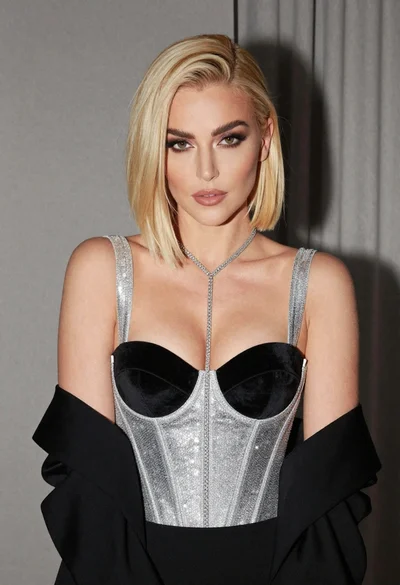
Glamorous portrait of woman with platinum blonde hair in silver corset top

Close up portrait of blonde woman in black and white dress
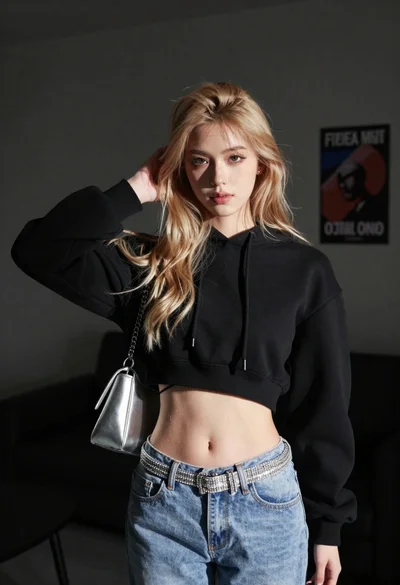
Young woman posing indoors with blonde hair

Blonde woman taking a mirror selfie in black dress indoors