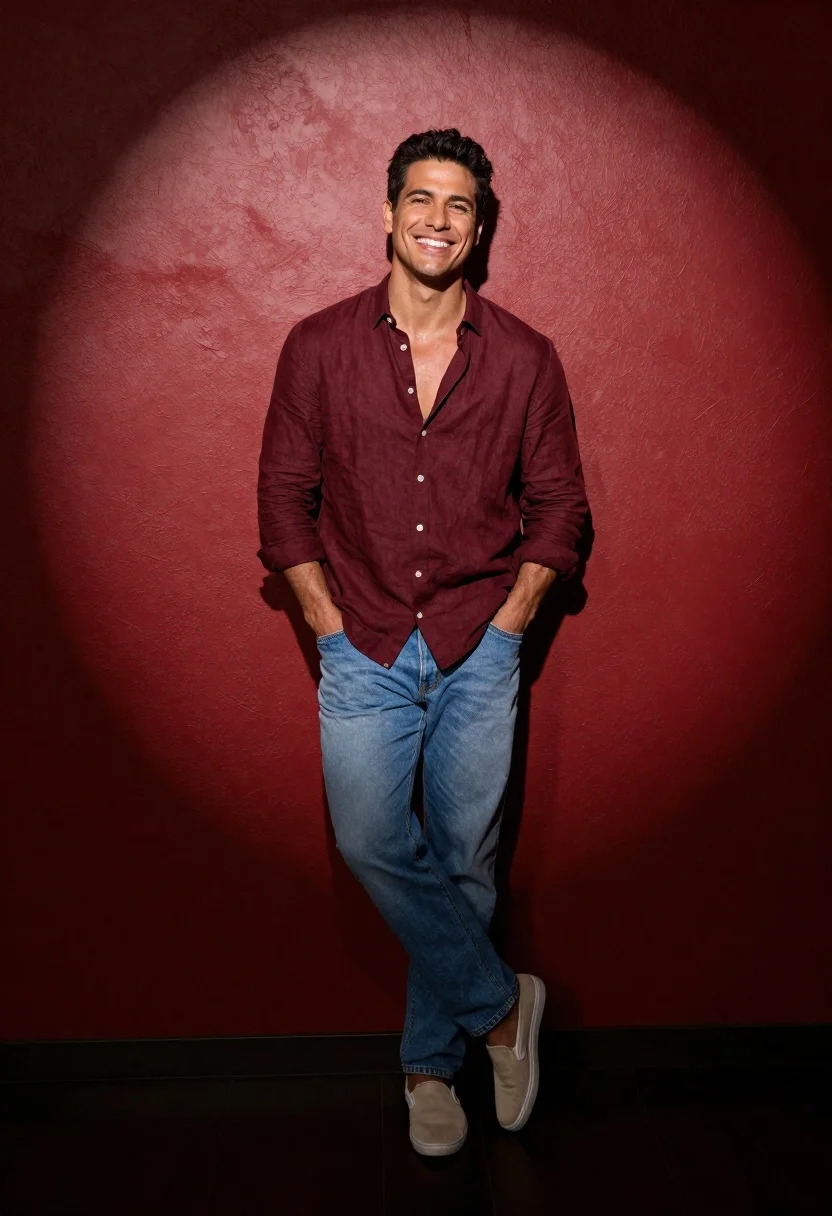
Full body studio portrait of smiling man in maroon shirt against red
Prompt
A full-body studio portrait of a smiling man with short dark hair leaning casually against a textured red wall illuminated by a spotlight.

Subject: A fit man with short dark hair and a broad smile looking directly at the camera.

Clothing: He wears an unbuttoned maroon linen shirt revealing his chest, light blue loose-fitting jeans, and beige slip-on shoes.

Action: Leaning back against the wall with both hands in his pockets, one leg crossed over the other in a relaxed stance.

Environment: A solid red textured wall background with a dark floor and a distinct shadow cast behind him.

Lighting: Dramatic spotlight effect from above creating a circular highlight on the wall and casting a sharp shadow to the right.

Camera: Full-body shot with a straight-on angle capturing the entire figure from head to toe.

Style Details: High-contrast studio photography with rich saturated colors and a clean, professional aesthetic.
Description
This prompt is useful for creating editorial portraiture, advertising campaigns requiring bold color blocking, and stylized character concept art. The combination of 'dramatic spotlight effect from above' against the 'solid red textured wall background' ensures high contrast that prevents the subject from blending into a flat backdrop, while specifying 'unbuttoned maroon linen shirt' adds necessary visual texture to complement the saturated colors.
Suggestions
- Change 'maroon linen shirt' to 'deep burgundy silk shirt' for a different sheen.
- Adjust 'solid red textured wall background' to 'oxidized terracotta wall' for an earthy tone.
- Swap 'spotlight effect from above' for 'rim lighting from the side' to change the shadow direction.
Category
Tags
Casual WearFull BodyMaleOutdoorsRealisticStudio
Date added
June 26, 2026
Added by
PromptDexter Team
Related Prompts
More prompts with similar categories and tags.
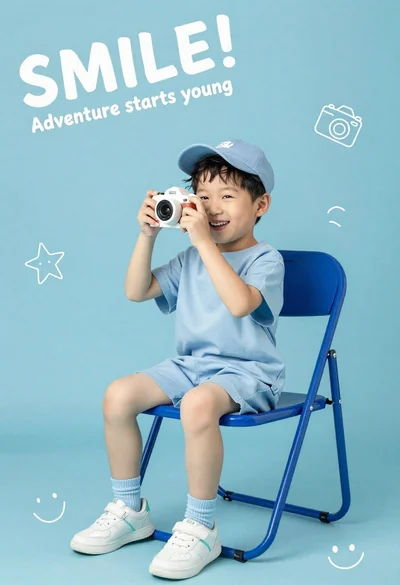
Happy young asian boy in blue outfit holding toy camera on solid
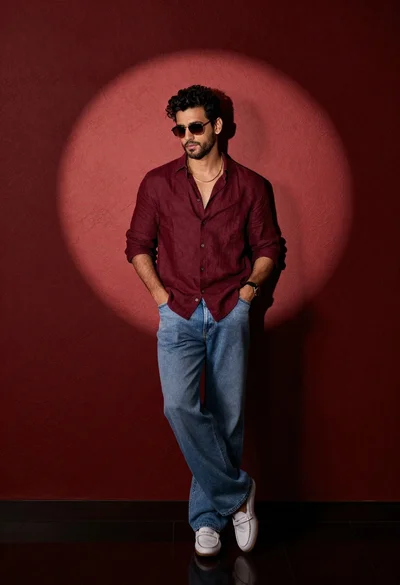
Stylish man in maroon shirt and jeans leaning against red wall

Muscular man in blue blazer on solid deep blue background
Man sitting casually in studio against plain backdrop
Man in white shirt standing in golden wheat field at twilight
Man standing at lake edge during golden hour
Black man lounging in white bathtub with heart pillows

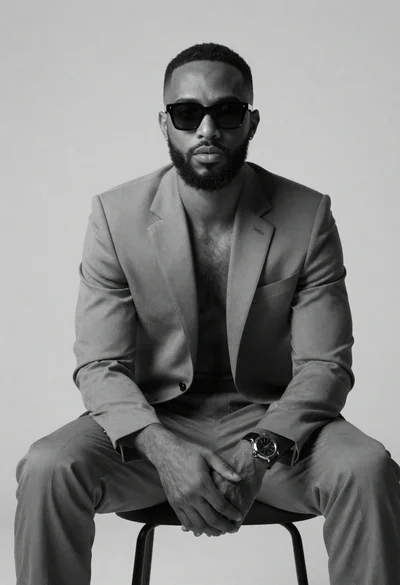
Black and white portrait of man with beard studio shot