Futuristic android woman in metallic corridor
Prompt
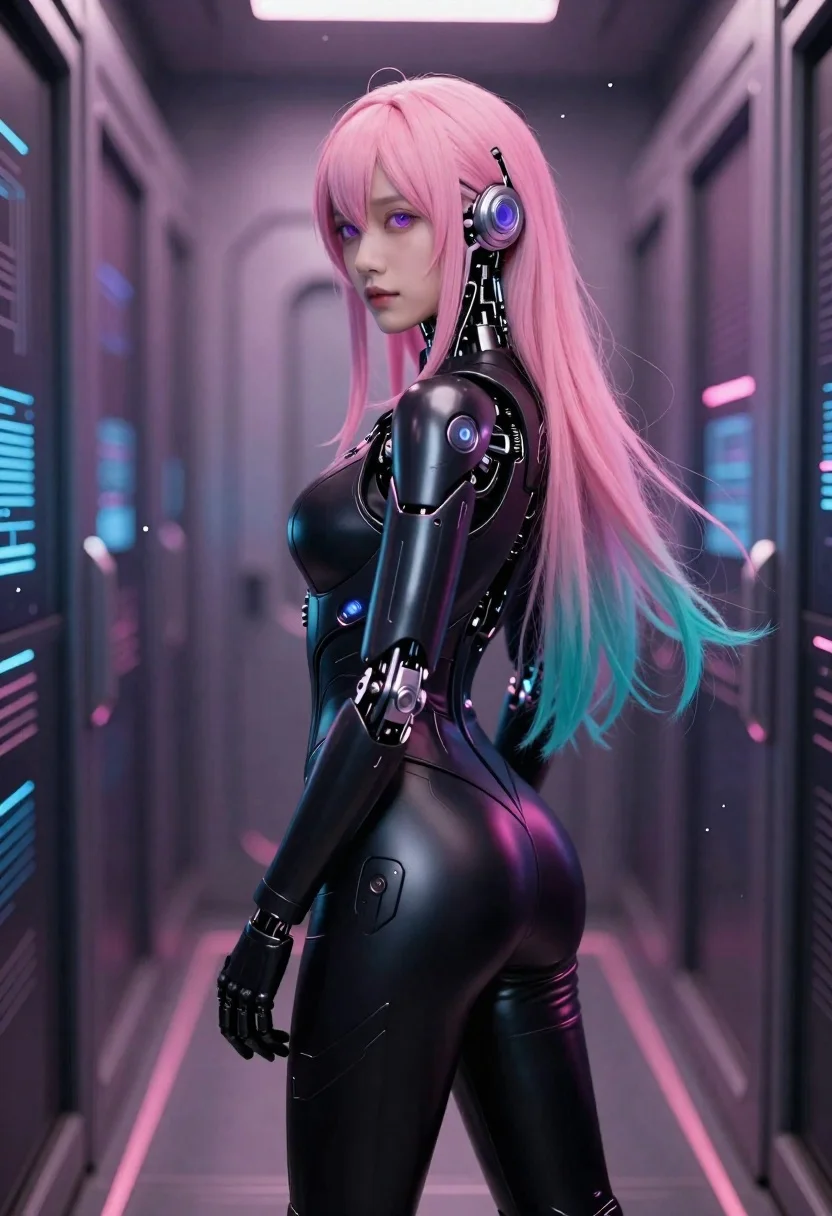
Digital art of a futuristic android woman standing confidently in profile with soft gaze and sleek design

Subject: long pink hair fading into teal at the tips, glowing purple eyes, mechanical headpiece attached to her temple

Clothing: glossy black form-fitting bodysuit featuring articulated robotic armor plating on arms, hips, and torso with circular accents emitting faint light

Action: standing upright in relaxed posture with one hand slightly lowered and other resting naturally at side, expression calm and composed looking over shoulder toward viewer

Environment: narrow vertical corridor lined with dark metallic walls embedded with glowing blue circuitry panels and floating data points suggesting high-tech facility or server room interior.

Camera: medium shot framing upper body from thighs up using shallow depth of field to emphasize figure against softly blurred background, slight tilt enhancing dynamic composition.

Lighting: ambient neon glow bathing scene in gradient pink-to-purple tones originating from wall fixtures casting subtle highlights on glossy surfaces and creating soft shadows that accentuate contours; mood is intimate yet futuristic with floating particles adding ethereal atmosphere.
Description
This prompt is useful for creating concept art for sci-fi narratives, character sheets for video games, and editorial pieces showcasing advanced technology fashion. The combination of 'glossy black form-fitting bodysuit' with 'articulated robotic armor plating' ensures the subject reads as both organic and machine, while the 'ambient neon glow bathing scene in gradient pink-to-purple tones' prevents the metallic environment from looking flat by casting specific highlights on the glossy surfaces.
Suggestions
- Change 'pink hair fading into teal at the tips' to 'electric blue hair fading into cyan at the tips' for a more cohesive cyberpunk palette.
- Swap 'glowing purple eyes' for 'luminescent emerald eyes' to contrast with the blue circuitry.
- Adjust 'medium shot framing upper body from thighs up' to 'full body, low angle' to emphasize the height of the corridor.
Category
Tags
3dAnimeArmorBack ViewBlondeBrown HairCasual WearClose UpCosplay CostumeDigital ArtFemaleFictional CharacterFull BodyHalf BodyLow AngleMedium ShotPortrait ShotRealisticRobotRooftopSide ProfileSportswearStreetwearStudioUniformUrbanWide Shot
Date added
June 19, 2026
Added by
PromptDexter Team
Related Prompts
More prompts with similar categories and tags.
Woman in neon lit futuristic bar interior
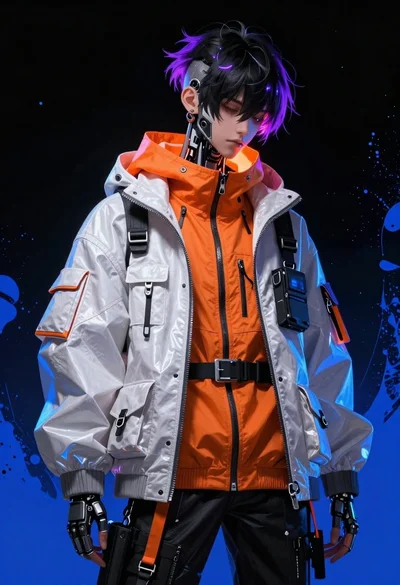
Cybernetic youth portrait with glowing purple highlights
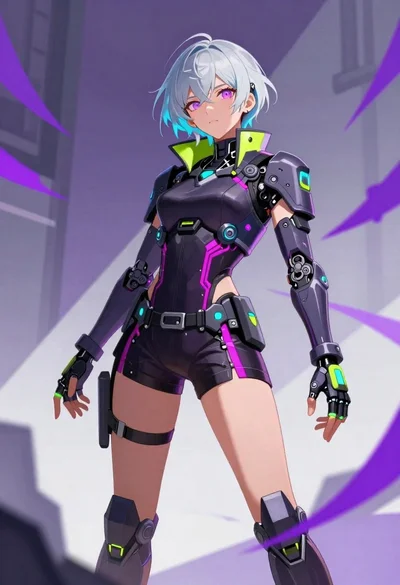
Cybernetic woman in abstract urban space illustration
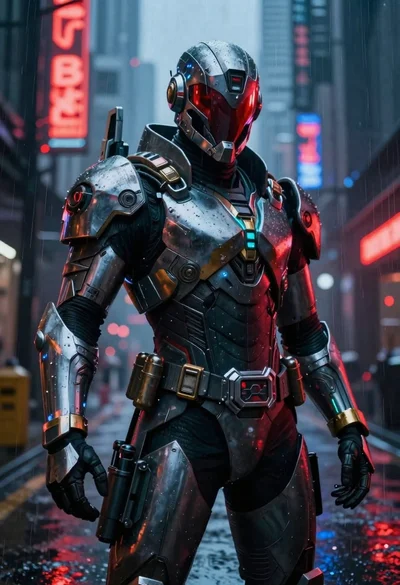
Cyberpunk warrior in rainy neon lit city alleyway

Cybernetic android portrait in red scifi setting

Obsidian humanoid in neon cube holding glowing heart
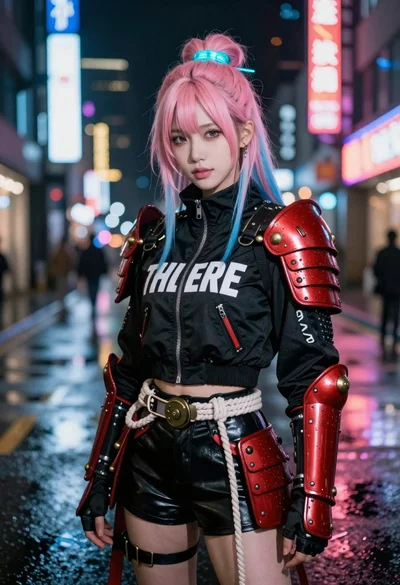
Woman with colorful hair on rainy neon city street
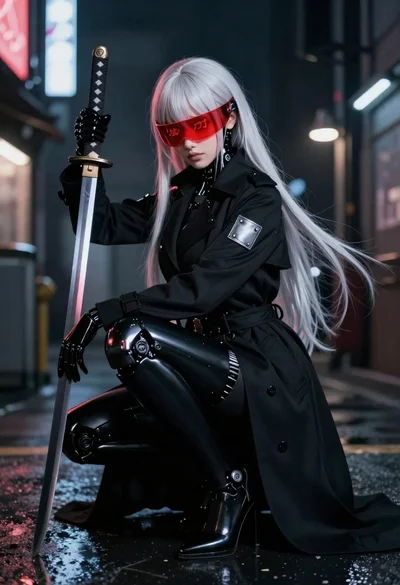
Cybernetic figure with katana in a neon alleyway