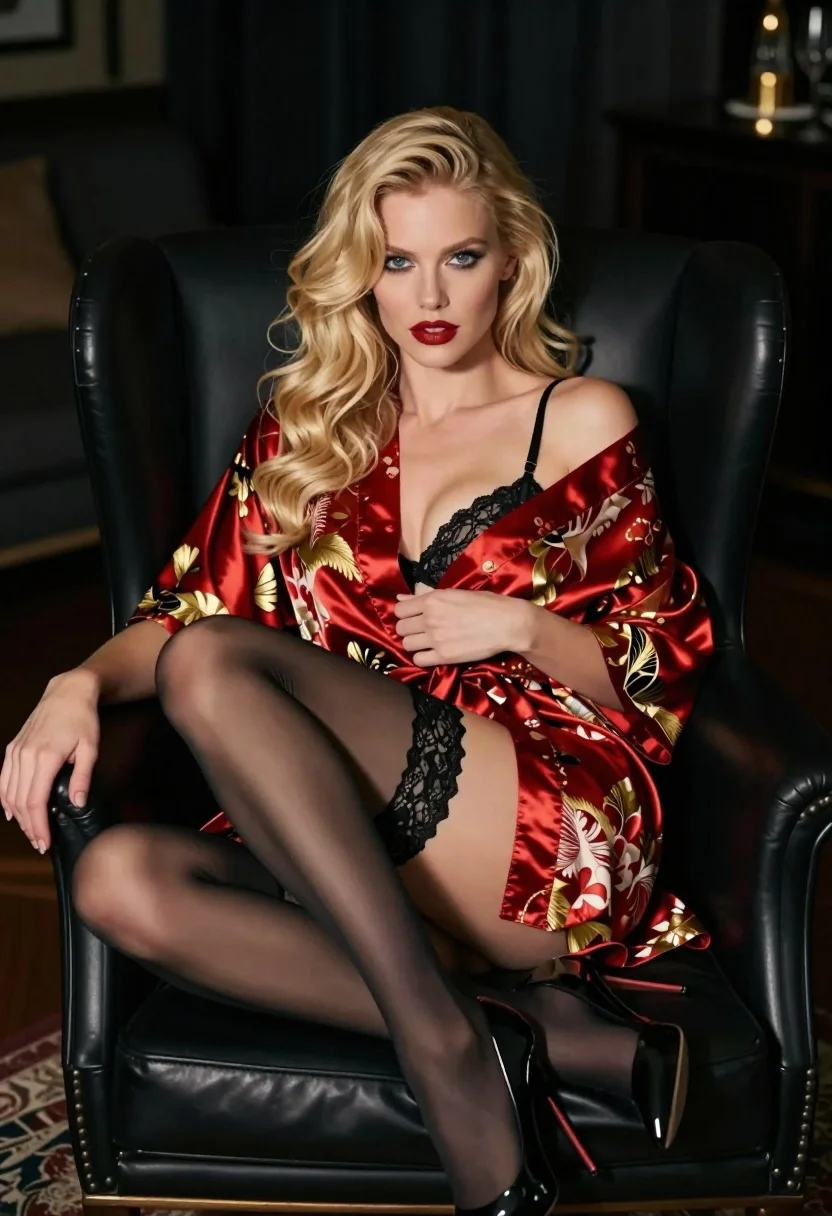
Glamorous blonde woman in satin robe seated in black leather armchair
Prompt
A glamorous blonde woman with wavy hair sits elegantly in a black leather armchair, gazing directly at the camera.

Subject: A fair-skinned woman with long, voluminous blonde wavy hair and bright blue eyes. She has defined makeup featuring red lipstick and dark eyeliner. Her posture is relaxed yet confident as she leans back into the chair.

Clothing: She wears a silky satin robe with an off-the-shoulder neckline, patterned with intricate red and gold floral designs. Underneath, she wears sheer black stockings held up by lace garters on her thighs, paired with glossy black high-heeled pumps.

Action: The woman is seated with one leg crossed over the other in a poised pose. Her right hand rests gently on the arm of the chair while her left hand holds the robe open slightly to reveal the lingerie beneath. She looks directly forward with a calm expression.

Environment: The setting is a dimly lit, moody interior space that appears to be a lounge or living room. The background is dark and out of focus, emphasizing the subject in the foreground.

Camera: The shot is a medium close-up framed from a slightly low angle looking up at the subject. The depth of field is shallow, keeping the woman sharp while blurring the background significantly.

Lighting: Soft, directional lighting illuminates the woman from the front and side, creating gentle highlights on her hair and skin while casting soft shadows in the darker corners of the room.

Style Details: The image has a cinematic, high-fashion aesthetic with rich color saturation and a polished, glossy finish.
Description
This prompt is useful for creating editorial lingerie editorials, moody portraiture for luxury brands, and dramatic character concept art. The combination of 'soft, directional lighting' and the 'dimly lit, moody interior space' ensures that the 'silky satin robe' catches highlights beautifully without blowing out details, while the 'low angle' composition adds inherent drama suitable for high-fashion narratives.
Suggestions
- Change 'red lipstick' to 'deep burgundy lipstick' for a more dramatic feel.
- Swap 'black leather armchair' for 'velvet chaise lounge' to soften the texture contrast.
- Adjust 'medium close-up' to 'full body shot' to better display the stockings and pumps.
Category
Tags
BlondeFair SkinFemaleIndoorsLingerieLow AngleRealisticStudio
Date added
July 3, 2026
Added by
PromptDexter Team
Related Prompts
More prompts with similar categories and tags.
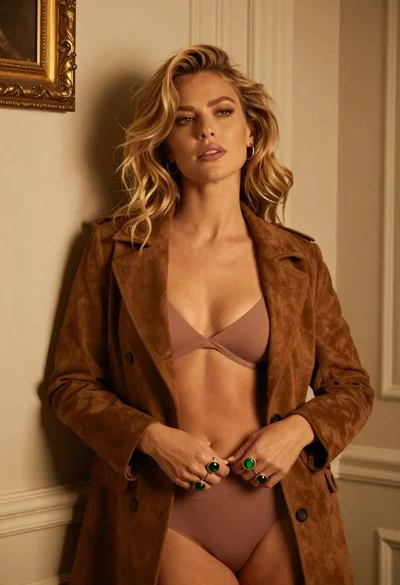
Blonde woman in suede jacket lingerie against warm beige wall
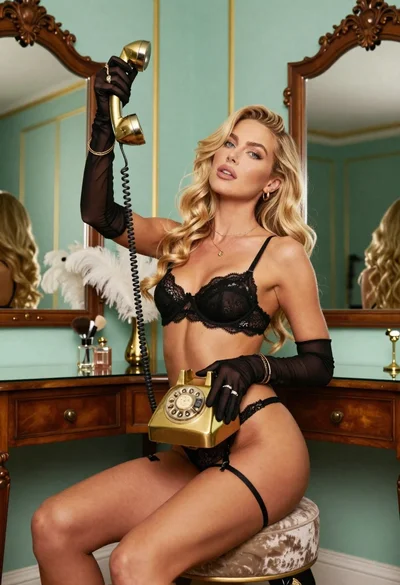
Blonde woman in black lace lingerie posing with vintage telephone
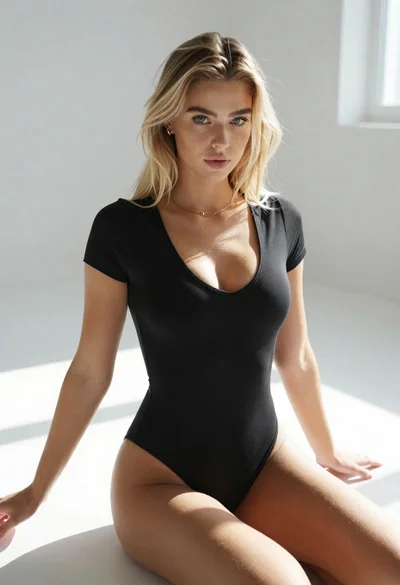
Blonde woman in black bodysuit seated on white floor with natural light
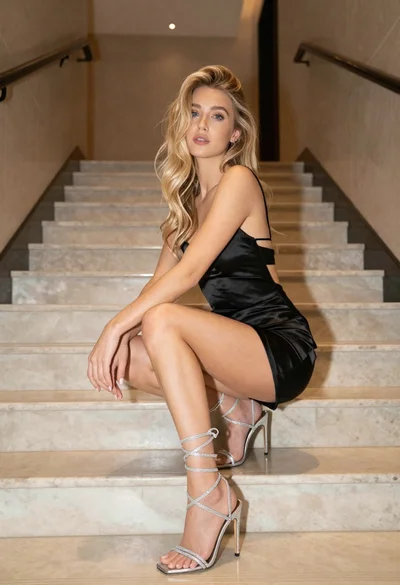
Young blonde woman in black satin slip dress sitting on marble stairs

Blonde woman taking mirror selfie on beige carpet near anime display
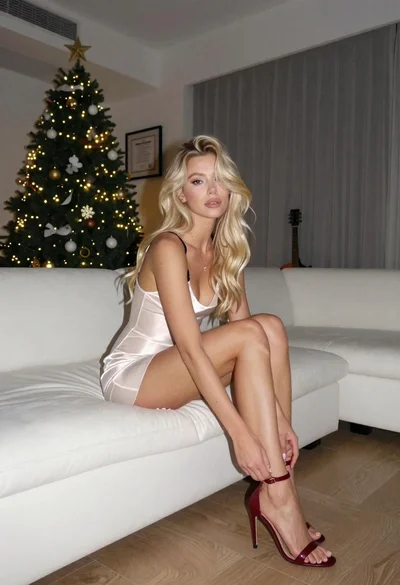
Blonde woman adjusting shoe on white sofa near decorated christmas tree
Blonde woman reclining on blue sofa indoors by large window
Blonde woman reclining on striped armchair in modern hotel interior

Blonde woman posing in black lingerie against pink purple gradient studio backdrop

Blonde woman in striped swimsuit seated on sofa indoors studio shot