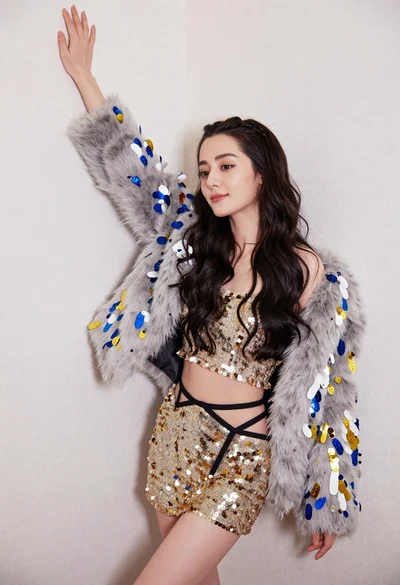
Glamorous portrait of blonde woman in embellished slip dress against grey background
Prompt
A glamorous portrait of a blonde woman with long hair looking down at an angle against a plain grey background.

Subject: A fair-skinned woman with long straight platinum blonde hair and dark eyebrows. She has visible tattoos on her arms, including a small square shape on her left forearm and a floral design on her right upper arm. Her expression is soft and contemplative as she gazes downward.

Clothing: She wears a sheer, pale pink slip dress with thin spaghetti straps and a deep V-neckline. The bodice and skirt are heavily embellished with clusters of rose gold metallic shards and sparkling crystal-like flowers.

Action: She is posed leaning back slightly against the wall with her head tilted down and to the side. Her arms are relaxed by her sides, showcasing the tattoos on her skin.

Environment: A solid, neutral grey studio backdrop that fills the entire background behind the subject.

Camera: Medium shot framing from the mid-thigh up, utilizing a soft portrait lens feel with a shallow depth of field that keeps the face and dress details sharp while slightly blurring the edges.

Lighting: Soft, diffused studio lighting illuminating her skin and hair from the front, creating gentle highlights on her collarbones and shoulders without harsh shadows.

Style Details: High-fashion editorial photography style with a focus on texture and glamour, featuring a muted color palette dominated by pinks, rose golds, and greys.
Description
This prompt is useful for creating high-end beauty editorials, luxury catalog imagery, and artistic portraiture focusing on intricate costume details. The combination of 'soft, diffused studio lighting' with the 'rose gold metallic shards' ensures that the embellishments catch light without casting distracting shadows, which is crucial for emphasizing both the delicate skin tones and the complex texture of the dress against the plain grey background.
Suggestions
- Change 'pale pink slip dress' to 'ivory silk slip dress' for a more neutral base.
- Swap 'soft portrait lens feel' for '85mm prime lens, f/1.
- 4' for increased subject isolation.
Category
Tags
BlondeBrunetteCasual WearFair SkinFemaleMedium ShotPortrait ShotRealisticStudio
Date added
June 19, 2026
Added by
PromptDexter Team
Related Prompts
More prompts with similar categories and tags.

Blonde woman in striped swimsuit seated on sofa indoors studio shot

Woman in sheer crystal gown looking over shoulder at event backdrop

Blonde woman in suede jacket lingerie against warm beige wall

Blonde woman in black gown posing against white studio background
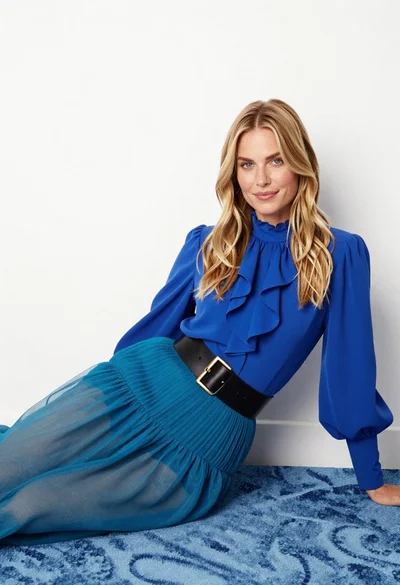
Fair blonde woman in blue blouse on textured surface studio portrait
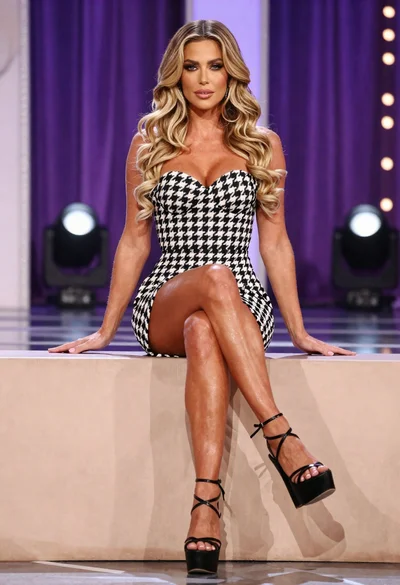
Fit woman in houndstooth strapless dress sitting on a draped ledge

Blonde woman posing in black lingerie against pink purple gradient studio backdrop

Blonde woman in black gown seated on white stool in bright room

Young woman in blue denim jacket posing against pale pink seamless background
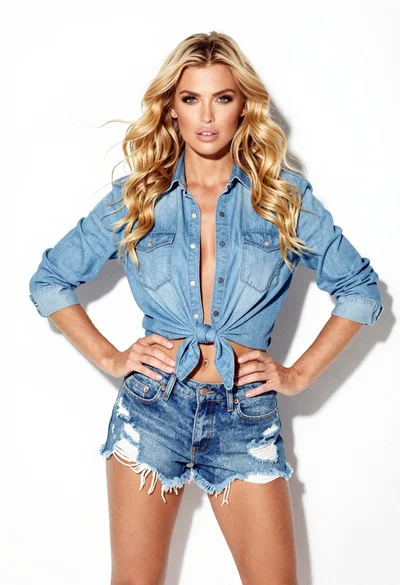
Confident woman in blue denim shirt and distressed shorts against white background