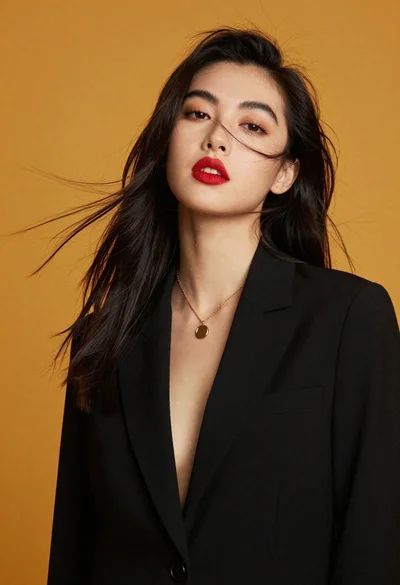
Glamorous portrait of woman with platinum blonde hair in silver corset top
Prompt
A glamorous portrait of a woman with platinum blonde hair styled in a sleek side part and short cut.

Subject: A woman with fair skin, defined eyebrows, smoky eye makeup, and glossy lips looking directly at the camera with a serious expression.

Clothing: She wears a sparkling silver corset-style top with wide straps over black velvet cups, complemented by a matching silver necklace that drapes down the center of her chest.

Action: She is seated or standing still, holding a black garment draped over her arms and shoulders.

Environment: The background consists of a plain neutral grey wall on the left and soft vertical folds of a curtain on the right.

Lighting: Soft studio lighting illuminates her face and upper body from the front, creating gentle highlights on her skin and the shimmering fabric while casting subtle shadows behind her.

Style Details: High-fashion photography with a polished, elegant aesthetic featuring sharp focus on the subject and a smooth, slightly grainy texture typical of professional portrait work.
Description
This prompt is useful for creating high-end editorial beauty campaigns, character concept art for period dramas, and luxury brand advertising visuals. The combination of 'soft studio lighting' with the 'sparkling silver corset-style top' ensures that the metallic elements catch light without harsh reflections, while specifying a 'serious expression' prevents the portrait from looking overly saccharine or posed.
Suggestions
- Change 'plain neutral grey wall' to 'dark charcoal backdrop' for more contrast.
- Swap 'smoky eye makeup' for 'deep emerald eyeshadow' to complement silver tones.
- Add 'rim lighting from above' to enhance the platinum blonde hair shine.
Category
Tags
Black HairBlondeFair SkinFemalePortrait ShotRealisticStudio
Date added
June 19, 2026
Added by
PromptDexter Team
Related Prompts
More prompts with similar categories and tags.
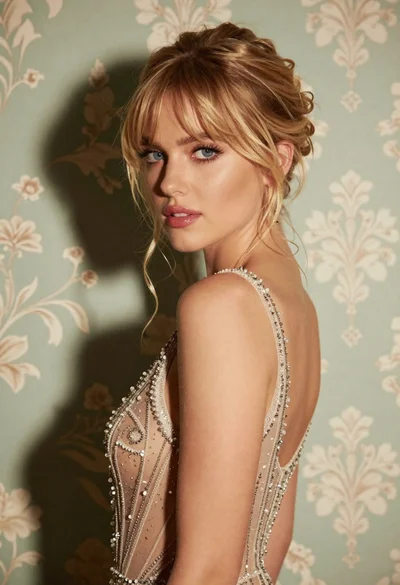
Glamorous portrait of blonde woman in embellished gown against floral wallpaper
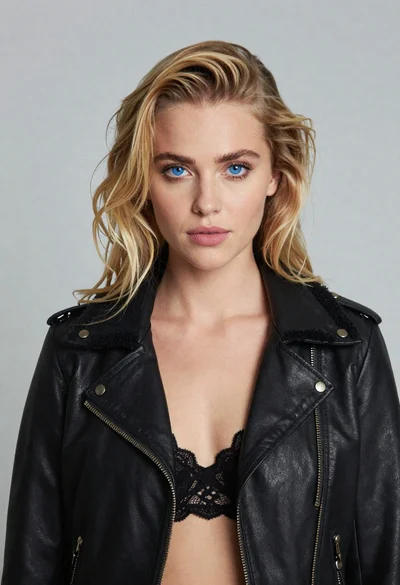
Portrait of blonde woman in black leather jacket against light grey studio
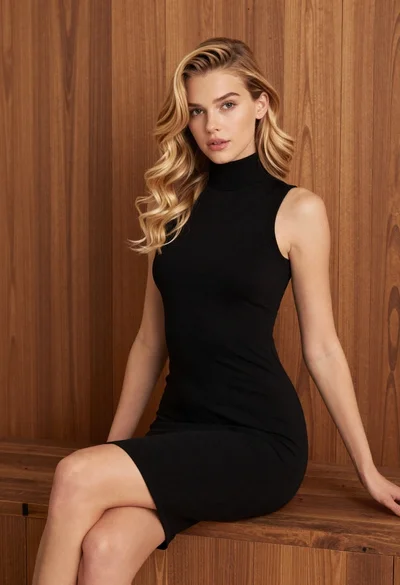
Blonde woman in black dress against wooden paneling

Portrait of woman with red hair in navy blouse and green skirt
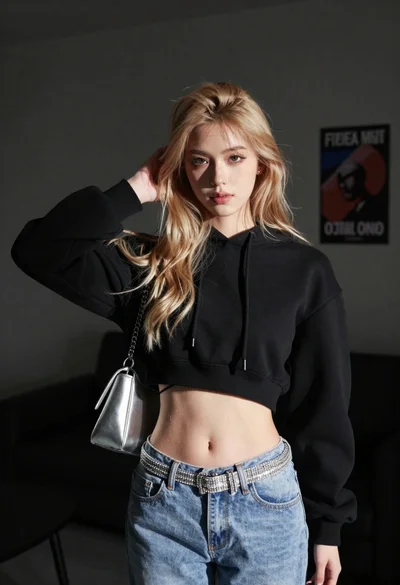
Young woman posing indoors with blonde hair

Blonde woman in striped swimsuit seated on sofa indoors studio shot
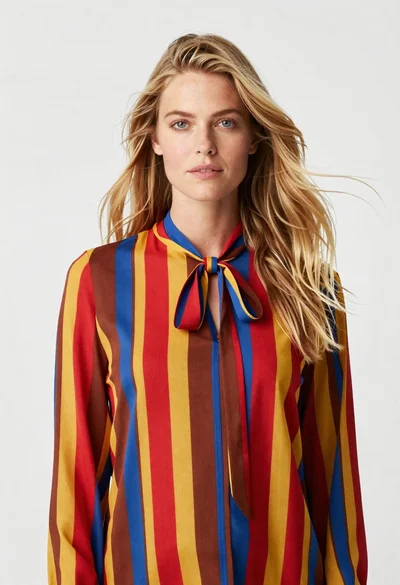
Fair blonde woman in striped blouse against a seamless white studio background

Fair blonde woman in black corset and denim shorts studio portrait
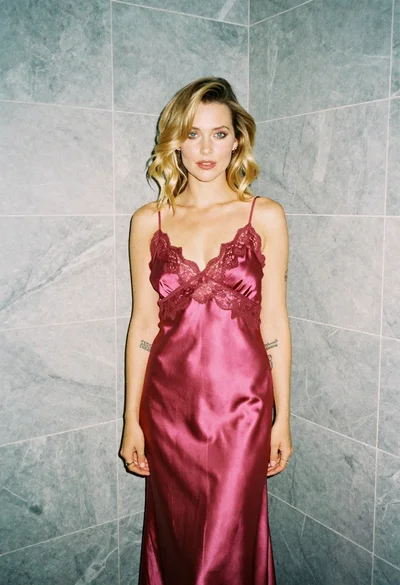
Blonde woman in pink satin slip dress against grey marble tile background

Glamorous woman in black sequined gown against a white studio background