

Glamorous portrait of young woman in shimmering black mesh top
Prompt
A glamorous portrait of a young woman with long brown hair styled in a half-updo and wearing dramatic eye makeup.

Subject: A young woman with fair skin, expressive hazel eyes, defined eyebrows, and natural-looking lips. She has a few small beauty marks on her face and neck. Her hair is dark brown, parted slightly off-center, with loose strands framing her face and the rest pulled back from her forehead.

Clothing: She wears a sleeveless black top made of a textured, shimmering mesh or chainmail-like fabric that catches the light, creating a sparkling effect across the chest and shoulders. The neckline is high and rounded.

Action: She stands facing forward with a calm, composed expression, looking slightly to her right. Her posture is relaxed but poised, with her arms hanging naturally at her sides.

Environment: The background is a blurred event backdrop featuring abstract geometric shapes in white and grey tones against a dark surface, suggesting a red carpet or press wall setting.

Camera: A medium close-up shot framed from the chest up, utilizing a shallow depth of field to keep the subject sharp while blurring the background elements.

Lighting: Soft, professional studio lighting illuminates her face evenly, highlighting her features and the texture of her clothing without harsh shadows.

Style Details: High-resolution photography with a polished, celebrity-portrait aesthetic, emphasizing skin texture and fabric shimmer.
Description
This prompt is useful for creating high-end magazine editorials, red carpet arrivals documentation, and luxury beauty advertisements. The combination of 'soft, professional studio lighting' and the 'shimmering mesh or chainmail-like fabric' ensures that the subject's skin texture remains visible while the clothing catches light dramatically, preventing the metallic elements from looking flat against the abstract geometric background.
Suggestions
- Change 'textured, shimmering mesh' to 'liquid silver sequins' for a different reflective quality.
- Swap 'hazel eyes' for 'deep emerald eyes' to complement black attire.
- Adjust 'medium close-up shot' to 'headshot' for more focus on facial details.
Category
Tags
Black HairBrown HairCasual WearFair SkinFemalePortrait ShotRealisticStudio
Date added
June 19, 2026
Added by
PromptDexter Team
Related Prompts
More prompts with similar categories and tags.

Woman in black dress by window overlooking ocean at golden hour

Blonde woman looking back over shoulder against white wall

Fair skinned woman in black velvet dress at white step and repeat

Smiling blonde woman in black leather outfit at an indoor evening event

Smiling blonde woman in sheer black gown at a dark event backdrop

Blonde woman in sequined black dress looking back over shoulder

Medium close up portrait of blonde woman in black floral velvet dress

Young woman in black velvet dress looking over shoulder at event
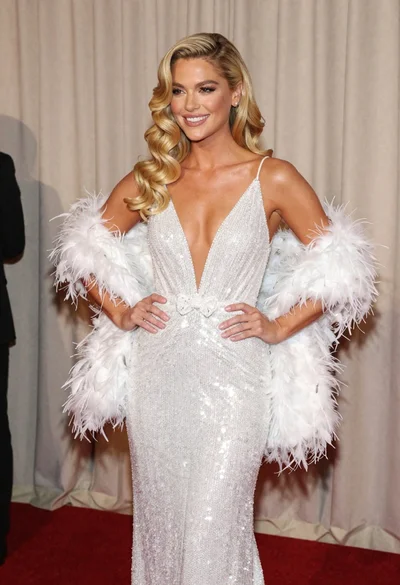
Glamorous blonde woman in white sequin gown holding feather boa indoors
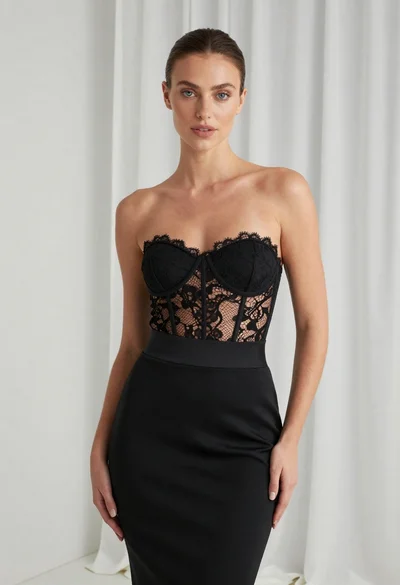
Young woman in black lace bodysuit standing before white curtain backdrop
