
Woman in black dress by window overlooking ocean at golden hour
Prompt
A woman with wavy brown hair stands in profile by a window overlooking the ocean at sunset.

Subject: A woman with voluminous, shoulder-length wavy brown hair and fair skin. She has defined eyebrows, long eyelashes, and full lips. Her posture is relaxed as she leans against a white ledge.

Clothing: She wears a sleek black strapless dress with a sweetheart neckline that reveals her shoulders and collarbones. A silver chain-link bag hangs from her shoulder.

Action: She gazes out the window to the right with a calm, contemplative expression. Her left hand rests on the ledge while her right arm is extended slightly away from her body.

Environment: The setting is an interior space looking out through a large glass window onto a calm sea and horizon. The sun is low on the water, creating a bright glare and reflecting golden light across the scene.

Lighting: Warm, golden-hour sunlight streams in from the left, illuminating the side of her face and hair while casting soft shadows on the opposite side. The lighting creates a high-contrast, cinematic mood with a glowing horizon line.

Camera: Shot at eye level with a medium close-up framing that captures her upper body and the view beyond. The depth of field is shallow, keeping the subject sharp while slightly blurring the distant water.

Style Details: High-fashion editorial aesthetic with a focus on elegance and natural beauty. The image features smooth skin texture, vibrant color saturation, and a polished, glossy finish typical of modern portrait photography.
Description
This prompt is useful for creating high-fashion editorial moodboards, luxury travel advertisements, and contemplative personal portraits. The combination of 'warm, golden-hour sunlight' streaming in from the left sculpts her profile by highlighting the 'shoulder-length wavy brown hair,' while the shallow depth of field ensures the focus remains tightly on the subject against the bright glare of the ocean.
Suggestions
- Change 'sleek black strapless dress' to 'velvet black gown' for a richer texture.
- Swap 'calm, contemplative expression' for 'pensive gaze looking left' to change the directionality.
- Add 'anamorphic lens flare' to enhance the cinematic quality of the sunset.
Category
Tags
Black HairBrown HairCasual WearFair SkinFemaleMedium ShotOutdoorsPortrait ShotRealistic
Date added
June 19, 2026
Added by
PromptDexter Team
Related Prompts
More prompts with similar categories and tags.

Woman posing on terrace at golden hour by mediterranean buildings
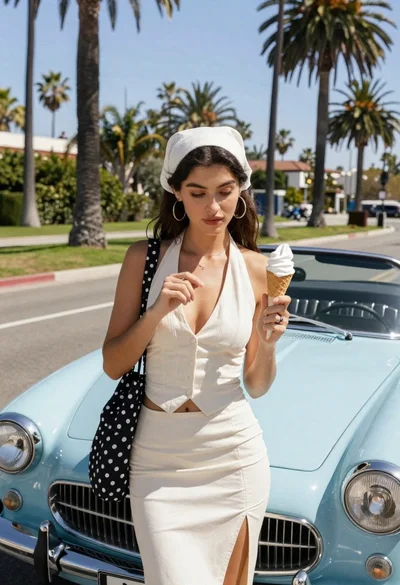
Young woman with ice cream beside vintage blue convertible on sunny street

Blonde woman reading at a cafe table with roses

Young woman in black velvet dress looking over shoulder at event

Young woman in silver sequin top and lace dress against beige wall

Woman in gold sequin slip dress looking over shoulder in forest

Blonde woman looking back over shoulder against white wall

Fair skinned woman in black velvet dress at white step and repeat
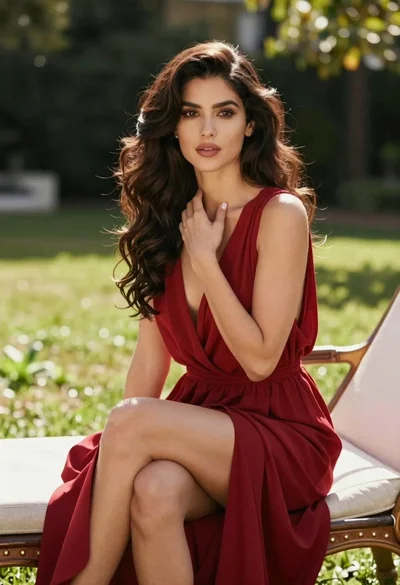
Woman in deep red dress seated elegantly outdoors on grassy lawn

Smiling blonde woman in black leather outfit at an indoor evening event
