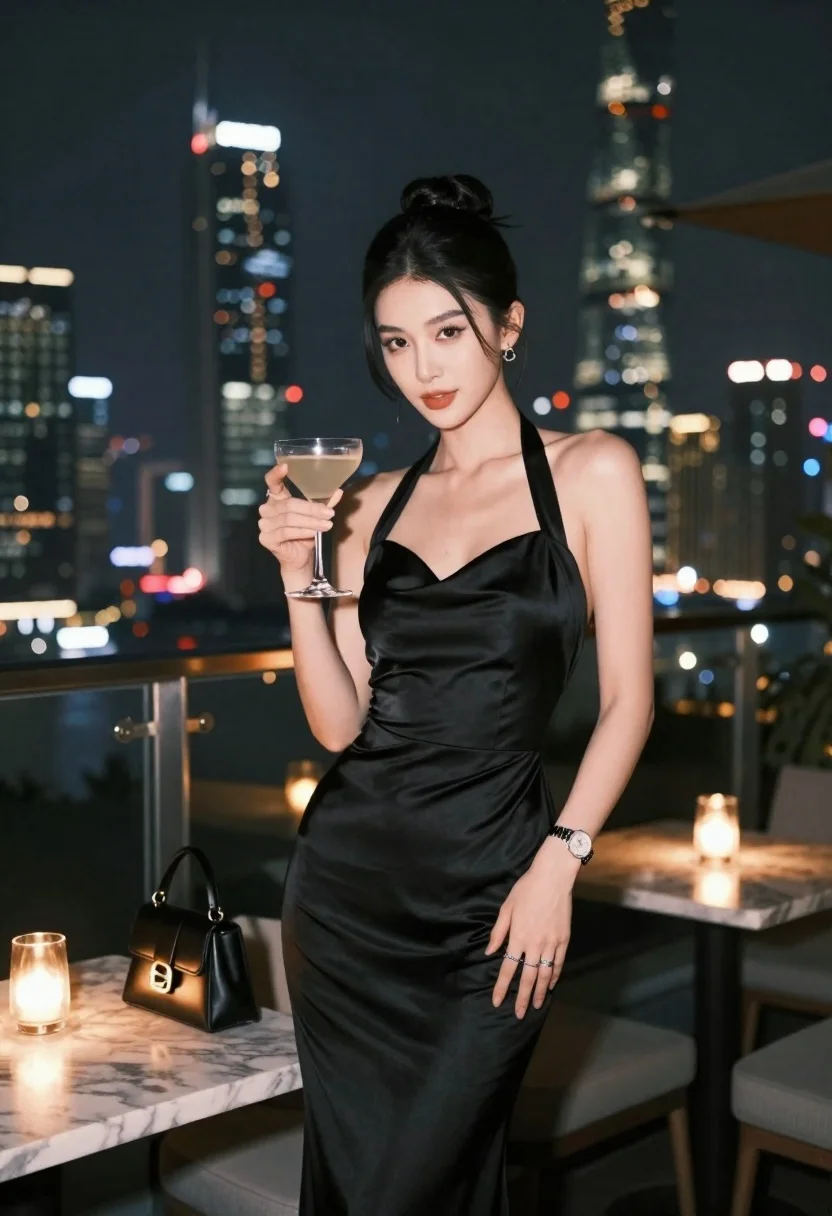
Glamorous woman in black satin gown holding cocktail on urban rooftop at
Prompt
A glamorous woman stands elegantly on a rooftop terrace at night, holding a cocktail glass in one hand while gazing directly at the camera with a confident expression.

Subject: A beautiful woman with dark hair styled in a high bun, featuring defined makeup and a poised, sophisticated demeanor.

Clothing: She wears a sleek black satin halter-neck gown that fits closely to her figure, complemented by a silver watch on her wrist and rings on her fingers.

Action: The woman stands upright holding a stemmed cocktail glass near her chest with one hand while the other rests lightly against her hip.

Environment: A high-end urban rooftop lounge setting at night with a glass railing behind her overlooking a sprawling city skyline featuring illuminated skyscrapers, including a prominent lit tower in the distance.

Camera: Shot from a medium-full body angle with a shallow depth of field that keeps the subject sharp while softly blurring the distant city lights into bokeh.

Lighting: Soft ambient lighting highlights the woman’s features and satin dress, with warm candlelight visible on nearby tables adding a cozy glow to the scene.

Objects: A black leather handbag sits on a marble table beside her, along with lit candles in glass holders that enhance the intimate atmosphere.

Style Details: High-fashion photography style with rich color grading, smooth skin texture, and a polished, cinematic aesthetic typical of luxury lifestyle imagery.
Description
This prompt is useful for creating high-end editorial fashion spreads, sophisticated nightlife advertising, and luxury brand campaign visuals. The combination of 'soft ambient lighting' with visible 'warm candlelight' ensures the satin gown catches highlights without harsh reflections, while the 'shallow depth of field' isolates the subject against the blurred city bokeh, directing all focus to her confident gaze.
Suggestions
- Change 'black satin halter-neck gown' to 'deep emerald velvet gown' for a different texture.
- Swap 'high-end urban rooftop lounge setting' for 'Art Deco penthouse balcony' to change the architectural feel.
- Adjust 'warm candlelight' to 'neon signage glow' if you want a cooler, more modern vibe.
Category
Tags
Black HairDark SkinFemaleFormal WearMedium ShotRealisticRooftopUrban
Date added
June 23, 2026
Added by
PromptDexter Team
Related Prompts
More prompts with similar categories and tags.
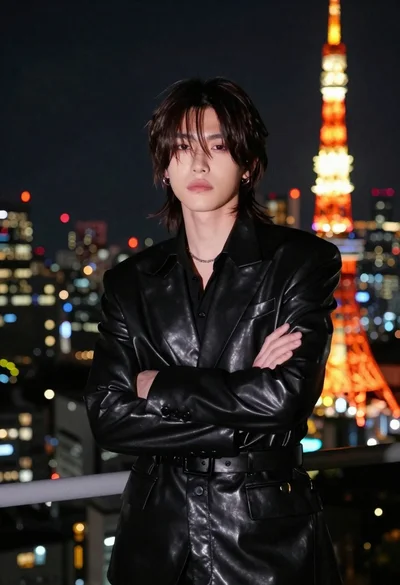
Man in black suit facing camera near tokyo tower
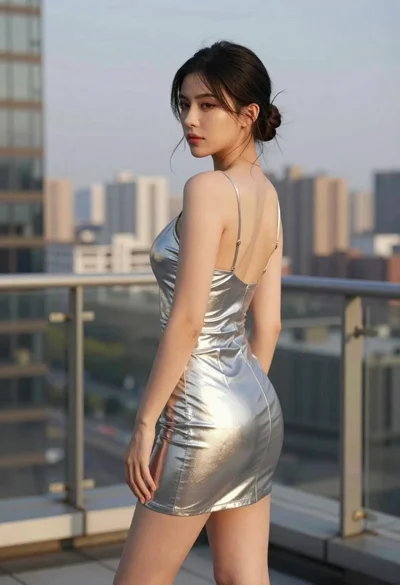
Woman in silver dress on rooftop terrace looking over her shoulder
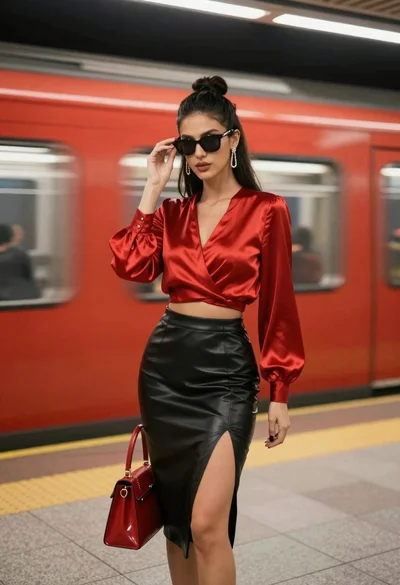
Stylish woman in red satin top and black leather skirt stands on
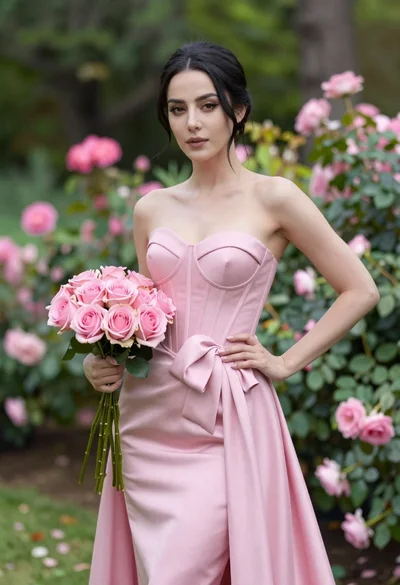
Confident woman in pink strapless gown holding roses in lush garden
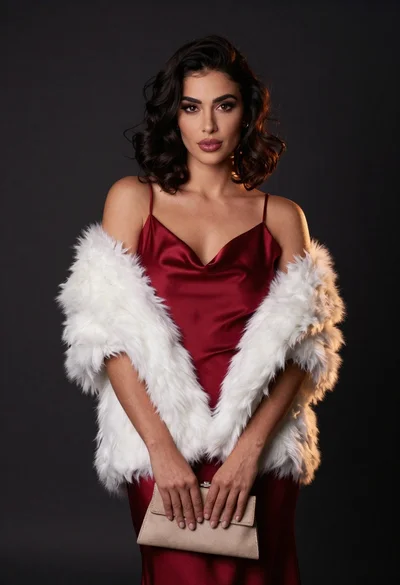
Confident woman in deep red satin slip dress with white fur stole
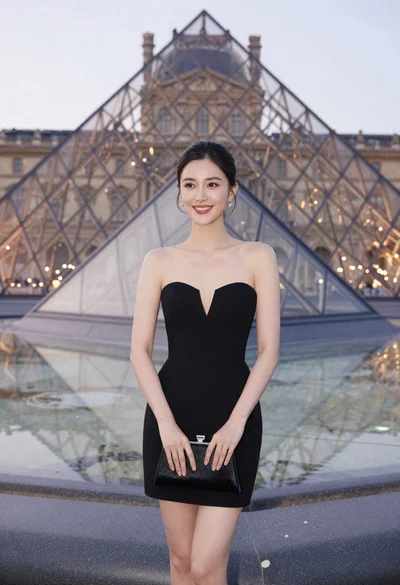
Woman in black strapless dress stands smiling before louvre pyramid at dusk
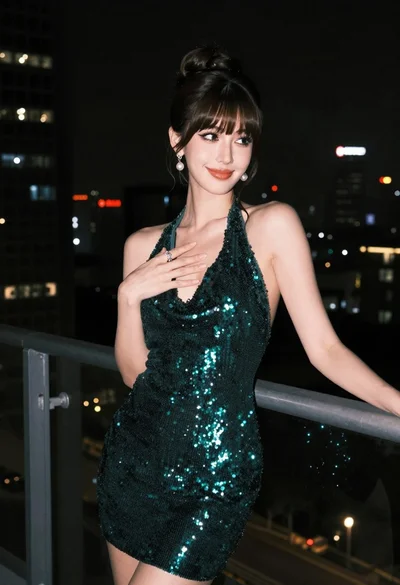
Glamorous woman in dark green sequined halter dress on balcony at night
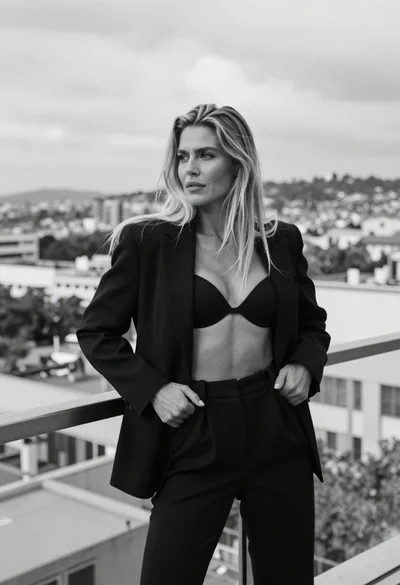
Blonde woman in blazer on balcony overlooking city cityscape
