
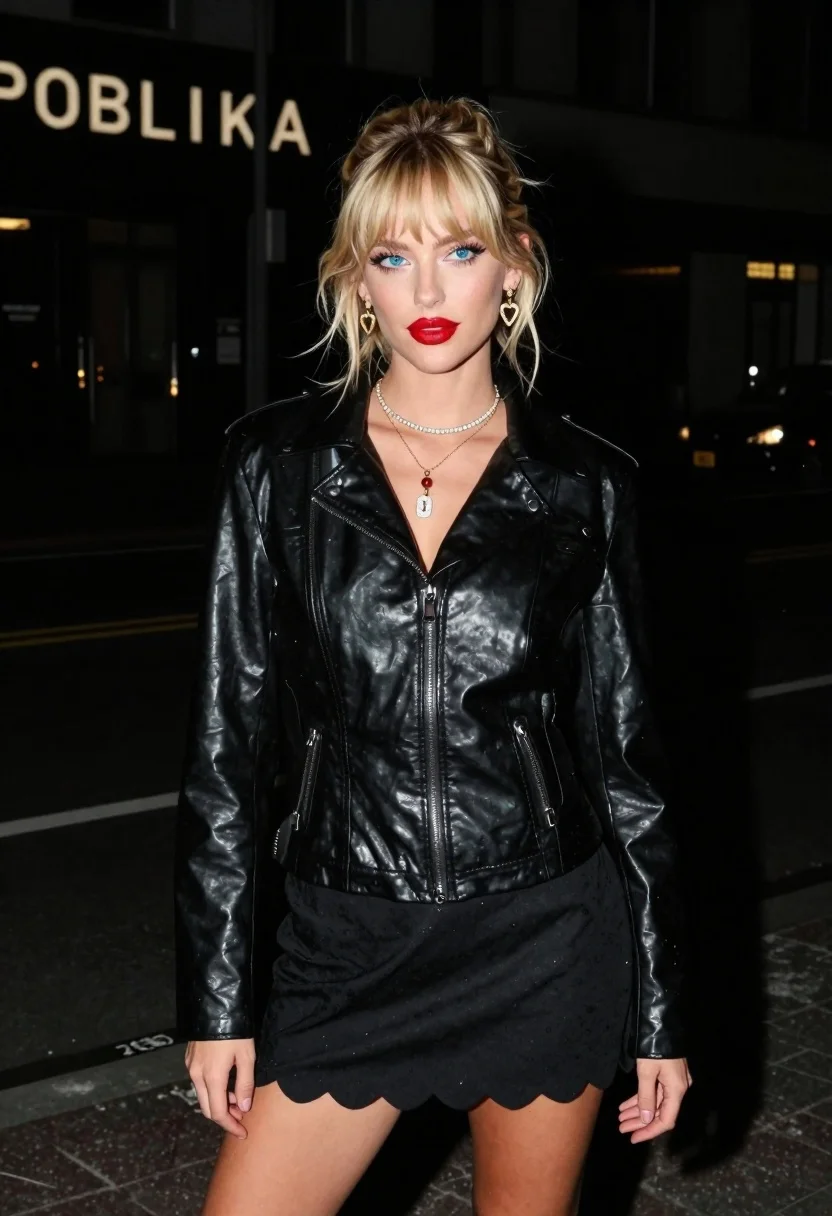
Young blonde woman in black leather jacket on dim urban street at
Prompt
A nighttime medium shot captures a young woman standing confidently on a dimly lit urban street.

Subject: A young Caucasian woman with medium-length sandy blonde hair styled in a relaxed updo with wispy eye-skimming bangs and soft tendrils framing her face, featuring striking vivid blue eyes, sharp cat-eye winged eyeliner, voluminous lashes, and lips painted in a classic bold matte red.

Clothing: She wears a sleek black glossy leather jacket that catches the light, over a scalloped hem mini skirt, accessorized with delicate gold heart-shaped earrings with small pave detailing, layers of gold necklaces including a thin tennis diamond choker, a dainty chain with a red gemstone pendant, and a diamond-encrusted number charm hanging lowest.

Action: She looks off to one side with a confident, intense expression, her body angled slightly away from the camera while facing forward.

Environment: The setting is a dark urban street at night, featuring a partially visible illuminated sign reading "POBLIKA" above and textured pavement beneath her feet, with a dark urban background dominated by blacks and muted shades.

Lighting: Harsh flash lighting creates sharp shadows and highlights her features against the dark background, resulting in high contrast and an edgy nightlife ambiance.

Camera: Captured likely with a smartphone, presenting a medium shot that frames her from the thighs up.

Style Details: The image has a high-contrast, gritty aesthetic typical of street photography at night, emphasizing texture and bold color accents against a dark palette.
Description
This prompt is useful for creating edgy fashion editorials, cinematic character portraits, and nightlife mood boards that require dramatic contrast. The combination of 'harsh flash lighting' with the 'black glossy leather jacket' ensures sharp highlights on reflective surfaces while the 'dark urban background dominated by blacks and muted shades' prevents visual clutter, focusing all attention on the subject’s bold makeup and accessories.
Suggestions
- Change 'glossy leather jacket' to 'matte black leather jacket' for a less reflective look.
- Swap 'vivid blue eyes' for 'smoky grey eyes' to match the dark palette better.
- Adjust 'smartphone' to '35mm film grain' for an added layer of grit.
Category
Tags
Black HairBlondeCasual WearDark SkinFemaleFormal WearMedium ShotOutdoorsPortrait ShotRealisticStreetUrban
Date added
June 26, 2026
Added by
PromptDexter Team
Related Prompts
More prompts with similar categories and tags.
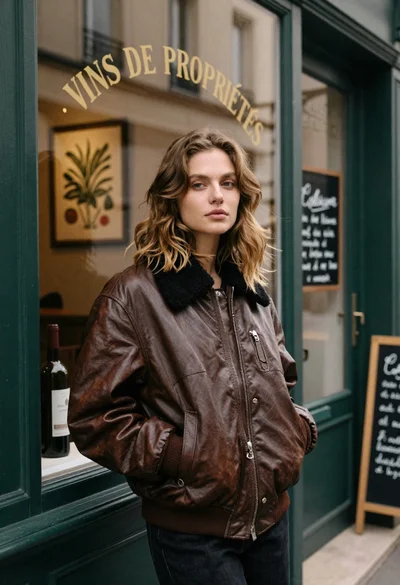
Fair skinned woman in brown leather jacket outside shop window
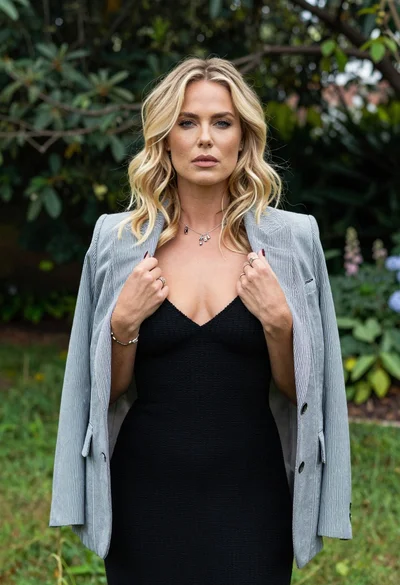
Blonde woman in striped blazer standing in lush green garden setting

Young woman in green jacket holding plush toy at festive carousel
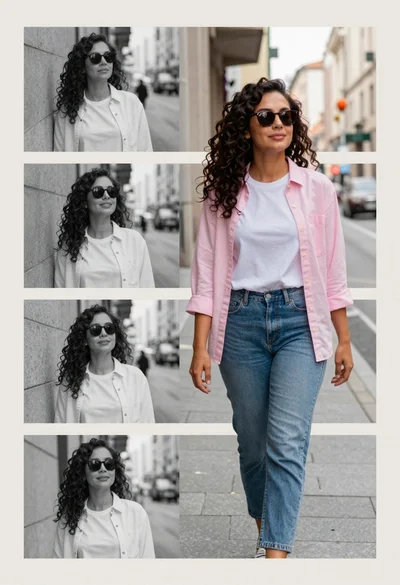
Collage portrait of a woman with curly hair in an urban setting

Stylish man in black sweater and cream trousers on city sidewalk
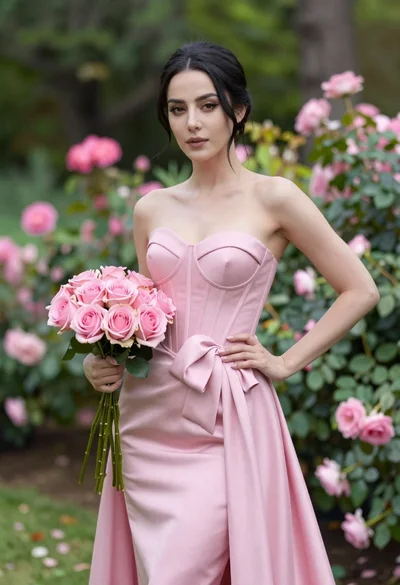
Confident woman in pink strapless gown holding roses in lush garden
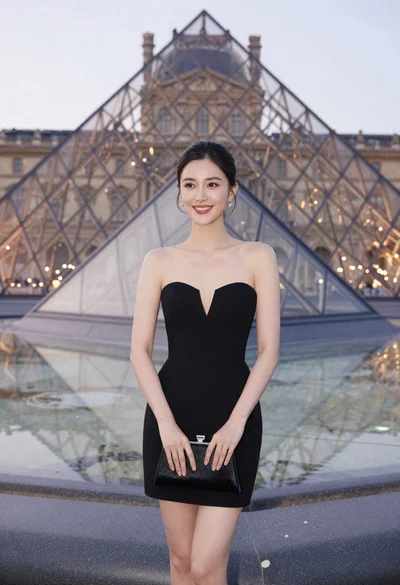
Woman in black strapless dress stands smiling before louvre pyramid at dusk
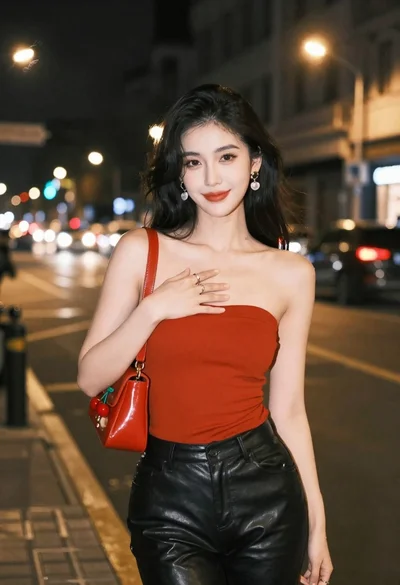
Confident woman in red top and black leather pants on city street
