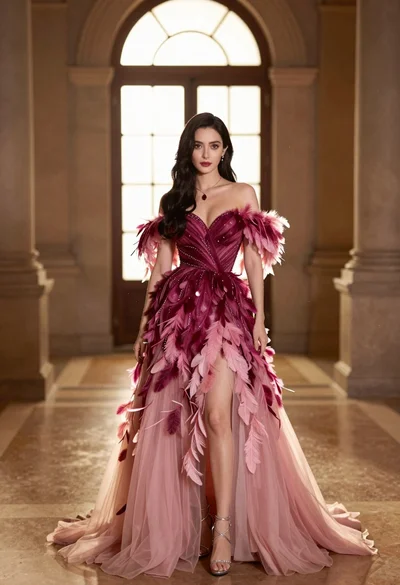
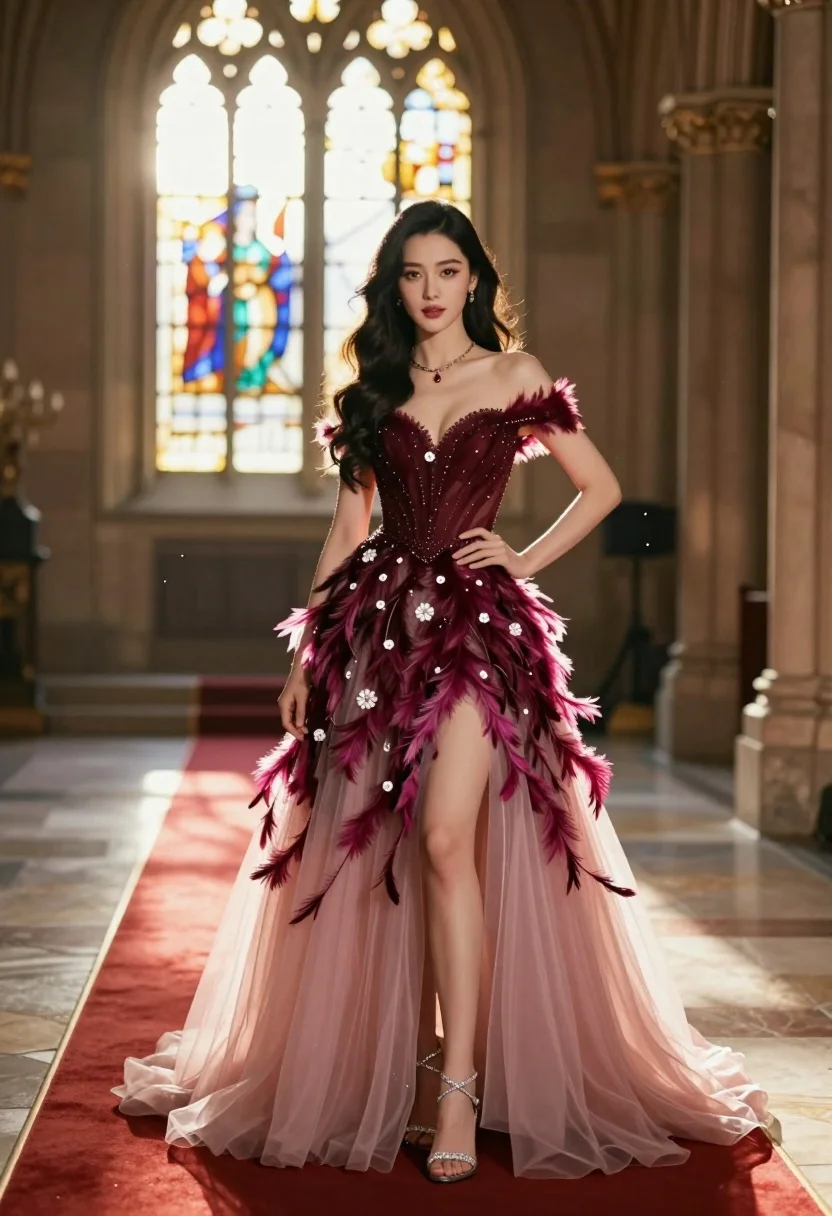
Glamorous woman in burgundy gown standing in an elegant palace hall
Prompt
A glamorous woman stands confidently in a grand hall wearing an elaborate gown.

Subject: A stunning woman with long, dark wavy hair and a poised expression.

Clothing: She wears a luxurious off-shoulder evening gown featuring a deep burgundy bodice adorned with intricate beading and white floral accents, transitioning into a voluminous skirt of sheer pink tulle layered with magenta feathers that cascade down the high slit. She accessorizes with sparkling silver strappy heels and a delicate necklace with a red pendant.

Action: She stands with one hand resting on her hip and the other hanging by her side, looking directly at the viewer with a calm, confident gaze.

Environment: The setting is an elegant interior space resembling a cathedral or palace hall with tall stone pillars and large arched windows in the background. A red carpet runs beneath her feet.

Lighting: Warm golden sunlight streams through the stained-glass style windows behind her, creating a soft backlight that highlights her silhouette and casts a gentle glow on the scene.

Camera: The shot is framed at eye level with a shallow depth of field that keeps the subject sharp while softly blurring the architectural background.

Style Details: The image features a cinematic aesthetic with sparkling dust motes floating in the air, rich color grading emphasizing deep reds and pinks, and a high-fashion editorial quality.
Description
This prompt is useful for creating high-end magazine editorials, theatrical costume concept art, and luxury brand campaign visuals. The combination of 'warm golden sunlight' streaming through stained glass provides the necessary dramatic backlighting to emphasize the silhouette against the grand architecture, while the specified 'deep burgundy bodice' and 'sheer pink tulle' ensure rich color saturation suitable for high-fashion print quality.
Suggestions
- Change 'burgundy bodice' to 'emerald green bodice' for a more jewel-toned contrast.
- Swap 'stained-glass style windows' for 'massive frescoed mural' to change the background focus.
- Adjust 'shallow depth of field' to 'deep focus' if you want all architectural details visible.
Category
Tags
BrunetteFemaleFormal WearFull BodyIndoorsPortrait ShotRealistic
Date added
July 3, 2026
Added by
PromptDexter Team
Related Prompts
More prompts with similar categories and tags.
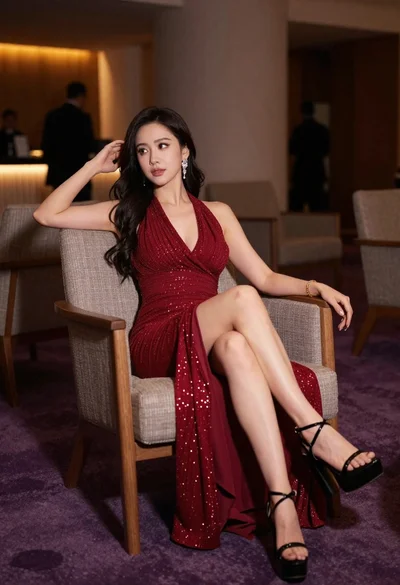
Elegant woman in deep red gown sitting in modern lounge chair indoors

Woman seated on mid century chair wearing beige suit
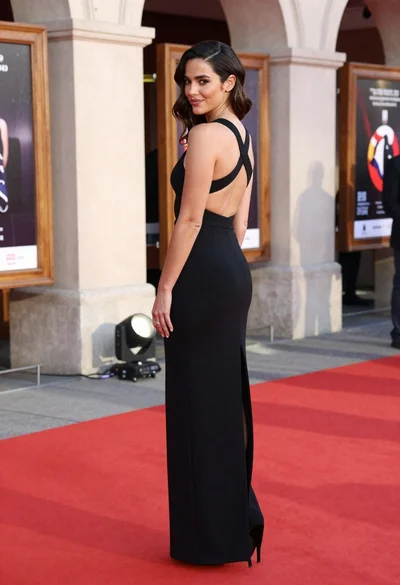
Woman in black gown posing over shoulder at outdoor red carpet entrance

Woman sitting gracefully indoors wearing yellow skirt and top

Fair skinned woman in black sequined outfit sitting elegantly indoors
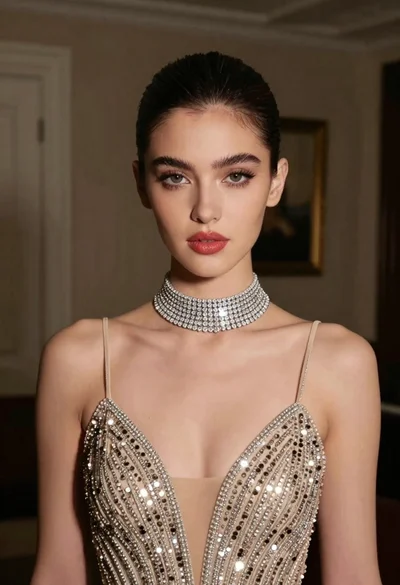
Glamorous portrait of young woman in champagne gown indoors

Woman in rust gown posing on white step and repeat backdrop

Full length shot of woman in dusty pink lace gown at indoor
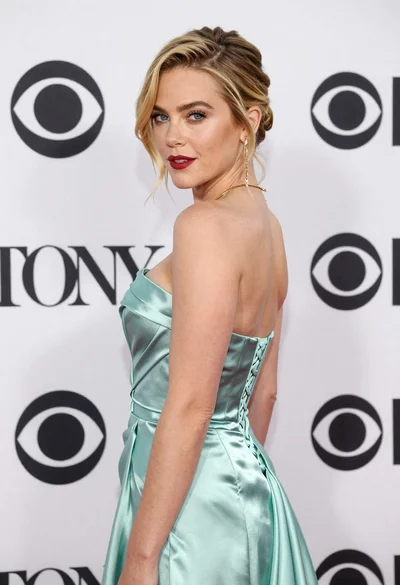
Blonde woman in seafoam gown looking over shoulder at camera
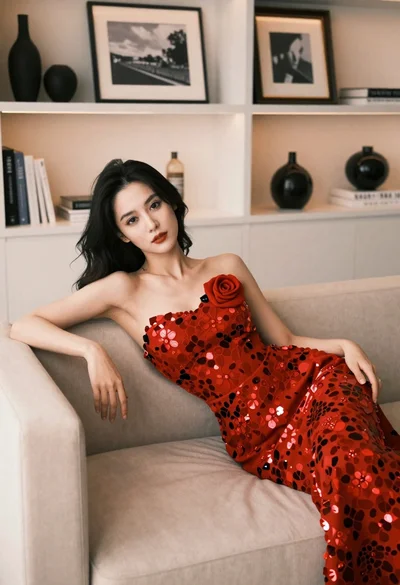
Woman in red floral gown reclining on beige sofa indoors