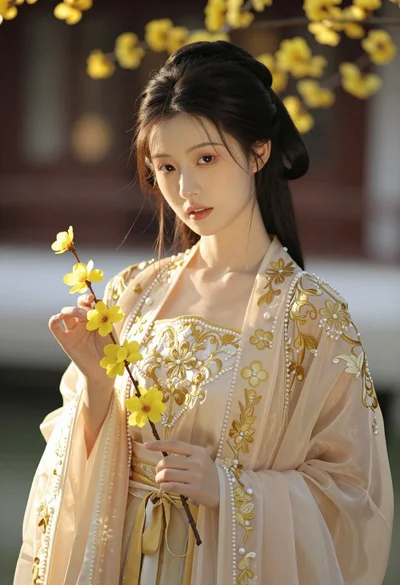
Glamorous portrait of young woman in champagne gown indoors
Prompt
A glamorous portrait of a young woman with fair skin and light eyes looking directly at the camera.

Subject: A young woman with her dark hair pulled back tightly into a sleek bun, revealing her face and ears. She has defined eyebrows, long eyelashes, and glossy coral-red lipstick.

Clothing: She wears a sparkling champagne-colored gown with thin spaghetti straps and a deep V-neckline covered in glittering sequins or crystals. Around her neck is an elaborate, wide, multi-tiered choker necklace made of dense silver rhinestones that catches the light.

Lighting: The lighting is soft and warm, illuminating her face and shoulders evenly while leaving the background in shadow to create a spotlight effect on the subject.

Environment: The background is a dimly lit indoor room with neutral beige walls, a white door frame visible on the left, and a dark framed picture hanging on the wall behind her.

Camera: A medium close-up shot taken from a straight-on angle with a shallow depth of field that keeps the subject in sharp focus while blurring the background elements.

Style Details: High-gloss photography style with high contrast between the bright subject and the dark interior, emphasizing the sparkle of the jewelry and dress.
Description
This prompt is useful for creating editorial fashion moodboards, formal event advertising, and luxury portraiture campaigns. The combination of 'soft and warm' illumination with a 'shallow depth of field' ensures that the subject remains sharply defined against the darkened background, which prevents visual competition from distracting elements while maximizing the sparkle captured by the 'glittering sequins or crystals'.
Suggestions
- Change 'champagne-colored gown' to 'emerald velvet gown' for a richer color contrast.
- Swap 'glossy coral-red lipstick' for 'deep oxblood lipstick' for a more dramatic feel.
- Adjust 'medium close-up shot' to 'head and shoulders portrait' to emphasize the choker.
Category
Tags
BrunetteFair SkinFemaleFormal WearIndoorsPortrait ShotRealistic
Date added
June 19, 2026
Added by
PromptDexter Team
Related Prompts
More prompts with similar categories and tags.

Blonde woman in black satin mini dress at upscale lounge setting

Woman in rust gown posing on white step and repeat backdrop

Full length shot of woman in dusty pink lace gown at indoor

Blonde woman in seafoam gown looking over shoulder at camera
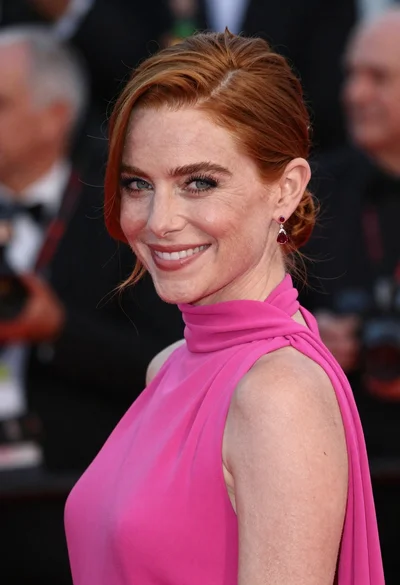
Close up portrait of smiling woman in fuchsia gown at event
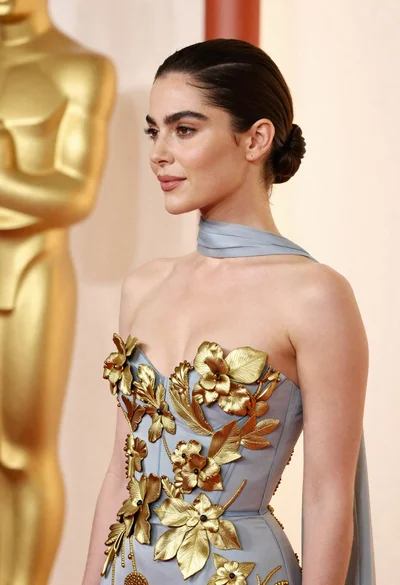
Woman in pale blue gown with gold appliqués against cream backdrop

Blonde woman in black slip dress winking at table in upscale restaurant
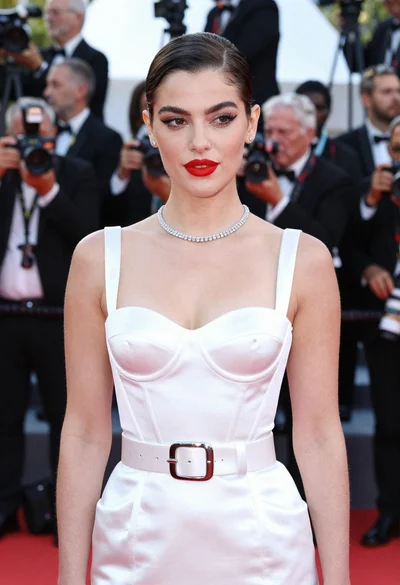
Glamorous portrait of woman in white satin outfit on red carpet
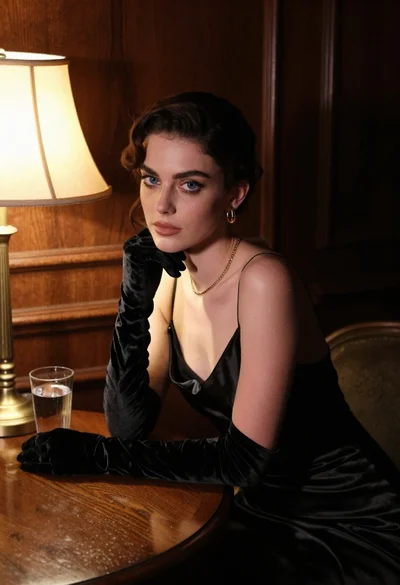
Woman in black satin dress and opera gloves at a wooden table
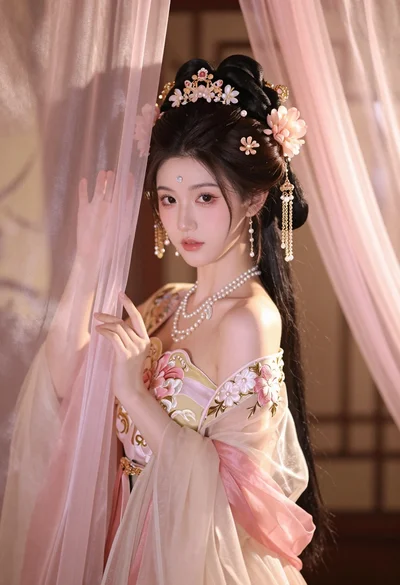
Young woman in pale pink gown holding sheer curtains indoors softly lit