
Glamorous woman in magenta gown sitting on wooden bench indoors
Prompt
A glamorous woman sits confidently on a high-backed wooden bench in an elegant interior setting.

Subject: A fit woman with long wavy brown hair and a confident gaze, wearing a strapless magenta gown with a high slit that reveals her legs.

Clothing: She wears a vibrant magenta strapless evening gown featuring intricate silver beading along the bodice and waistline, paired with grey peep-toe heels.

Action: She sits with one leg crossed over the other, resting her left hand on her head while her right arm hangs loosely by her side.

Environment: The setting features dark ornate wooden paneling behind her and a black-and-white checkered marble floor beneath her.

Camera: Shot from a low angle to emphasize her height and posture, with a medium-full framing that captures the entire figure and immediate surroundings.

Lighting: Soft studio lighting highlights her skin and dress while casting gentle shadows against the dark wood background.

Style Details: High-fashion editorial photography with rich color saturation, sharp focus on the subject, and a polished, luxurious aesthetic.
Description
This prompt is useful for creating high-end magazine editorials, luxury brand campaign visuals, and formal portraiture showcasing dramatic fashion. The combination of 'low angle' perspective with 'dark ornate wooden paneling' grounds the subject while the 'vibrant magenta strapless evening gown' ensures the color pops against the monochrome floor, achieving a polished, luxurious aesthetic.
Suggestions
- Change 'magenta gown' to 'emerald green velvet' for a richer jewel tone.
- Add 'dramatic chiaroscuro lighting' instead of soft studio lighting for more contrast.
- Swap 'high-backed wooden bench' for 'velvet chaise lounge' to soften the setting.
Category
Tags
Brown HairBrunetteFemaleFormal WearIndoorsLow AngleMedium ShotRealisticStudio
Date added
June 19, 2026
Added by
PromptDexter Team
Related Prompts
More prompts with similar categories and tags.

Glamorous woman in gold sequin gown holding white cup in modern kitchen
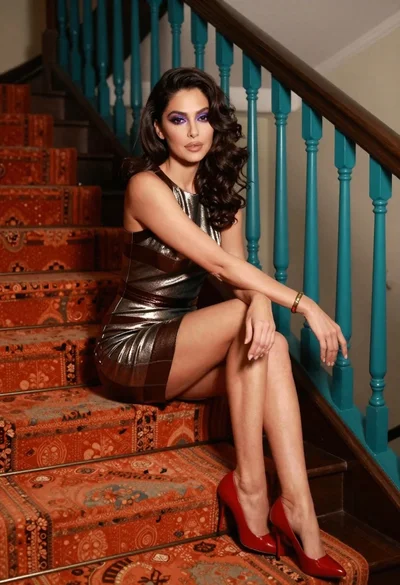
Glamorous woman in metallic dress seated on an ornate interior staircase

Close up portrait of woman in champagne gown with brown hair

Woman in rust gown posing on white step and repeat backdrop

Woman in dusty rose slip dress looking over shoulder against light blue
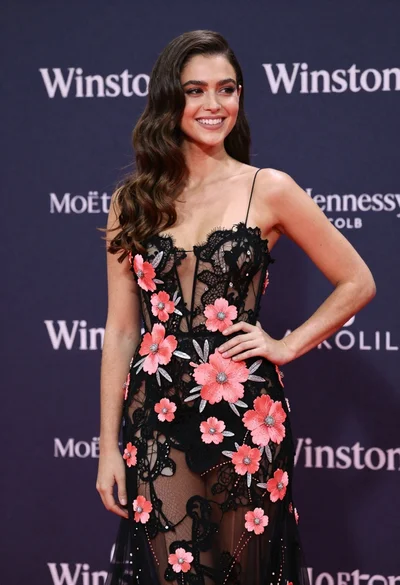
Smiling woman in black lace gown posing at a branded event
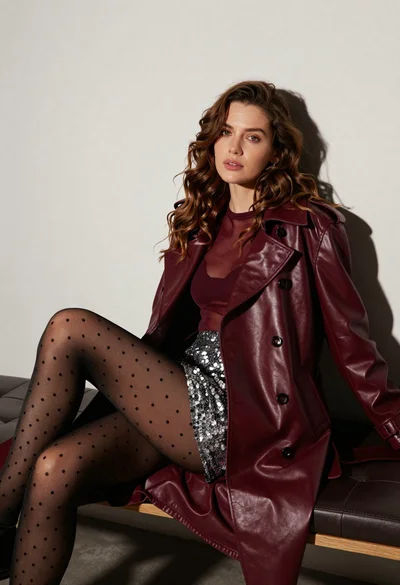
Stylish woman in burgundy coat seated on dark leather bench studio portrait
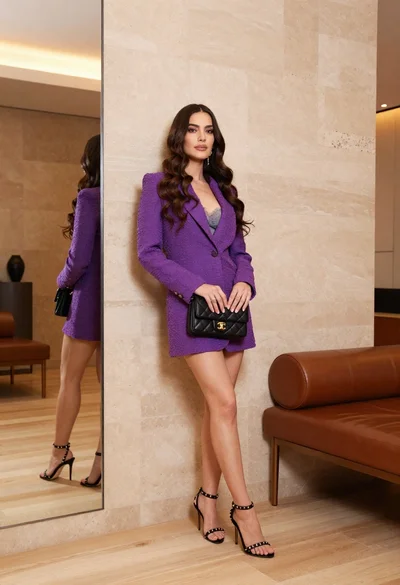
Woman in purple blazer dress leaning against beige wall indoors
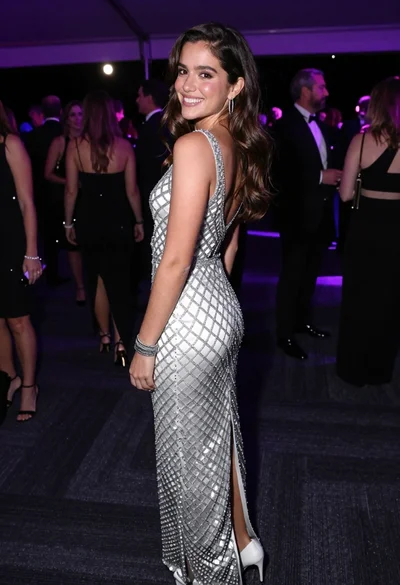
Smiling young woman in crystal gown looking over shoulder at indoor gala
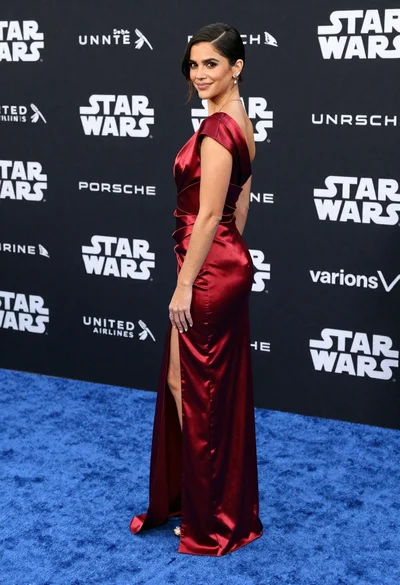
Woman in deep red satin gown standing on blue carpet at an