

Woman in deep red satin gown standing on blue carpet at an
Prompt
A full-length shot of a woman standing in profile on a blue carpet at an event.

Subject: A woman with dark hair styled in an updo, fair skin, and a warm smile looking towards the camera.

Clothing: She wears a floor-length, deep red satin gown featuring a draped neckline, short cap sleeves, and a dramatic high slit that reveals her legs.

Action: She stands in profile facing right but turns her head to look at the viewer, with one hand resting lightly on her hip and the other hanging by her side.

Environment: The setting is an outdoor or indoor event space featuring a bright blue carpet and a black step-and-repeat backdrop covered in logos for Star Wars, United Airlines, Porsche, and Verizon.

Camera: A medium-long shot capturing the full length of the dress and posture, taken from a slightly low angle to emphasize her height and elegance.

Lighting: Bright, direct flash lighting illuminates the subject evenly against the dark background, creating sharp highlights on the satin fabric and minimal shadows.

Style Details: High-gloss photography with high contrast between the deep red dress and the black backdrop, emphasizing the texture of the gown and the polished event atmosphere.
Description
This prompt is useful for creating dramatic red carpet arrivals, formal gala editorials, and luxury brand advertising campaigns requiring high visual impact. The combination of 'deep red satin gown' against a 'black step-and-repeat backdrop' utilizes the 'high contrast' lighting to maximize specular highlights on the fabric, ensuring the luxurious texture remains visible despite the 'bright, direct flash lighting'.
Suggestions
- Change 'blue carpet' to 'charcoal grey carpet' for a more muted base.
- Swap 'Star Wars, United Airlines, Porsche, and Verizon' for abstract geometric patterns to generalize the setting.
- Adjust 'medium-long shot' to 'full body shot' to better capture the high slit.
Category
Tags
BrunetteFair SkinFemaleFormal WearFull BodyLow AngleMedium ShotPortrait ShotRealisticStudio
Date added
June 19, 2026
Added by
PromptDexter Team
Related Prompts
More prompts with similar categories and tags.

Close up portrait of woman in champagne gown with brown hair

Blonde woman in seafoam gown looking over shoulder at camera
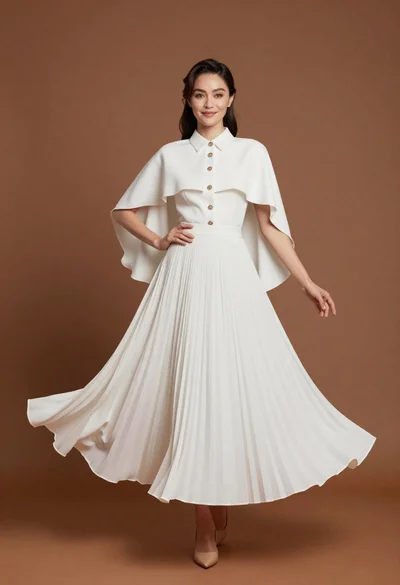
Full length studio portrait of woman in elegant white pleated dress
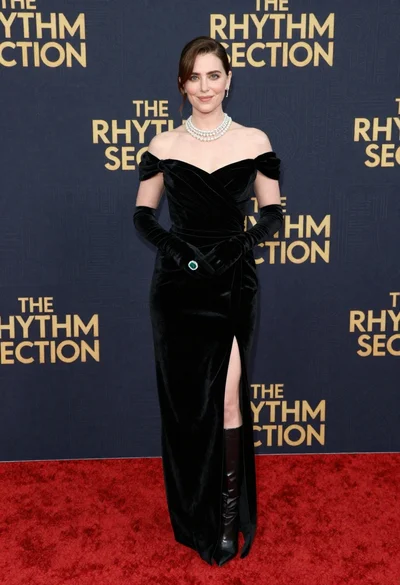
Glamorous woman in black gown posing on a red carpet premiere event
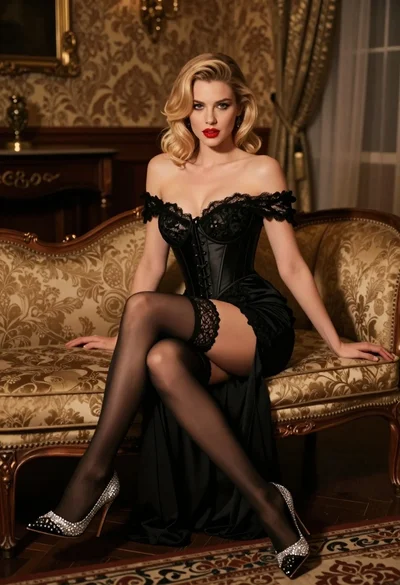
Glamorous blonde woman in black lace gown seated on vintage chaise lounge
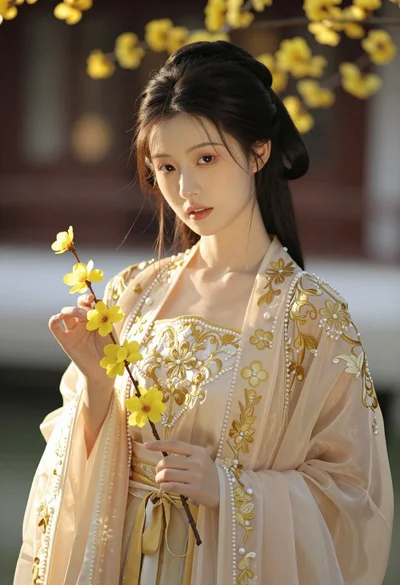
Portrait of young woman in embroidered chinese hanfu gown holding yellow flowers
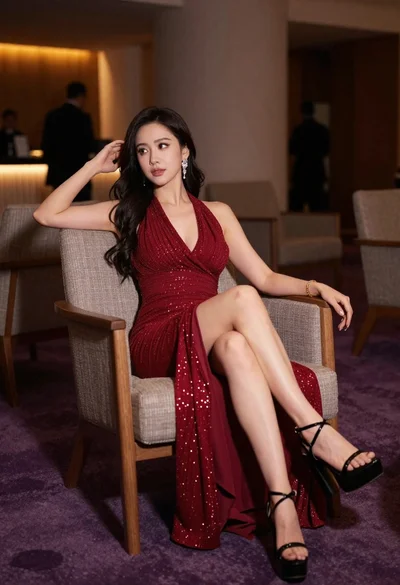
Elegant woman in deep red gown sitting in modern lounge chair indoors

Blonde woman in burgundy velvet gown holding flower in white studio

Poised woman in elegant white gown on blurred red carpet steps

Woman seated on mid century chair wearing beige suit
