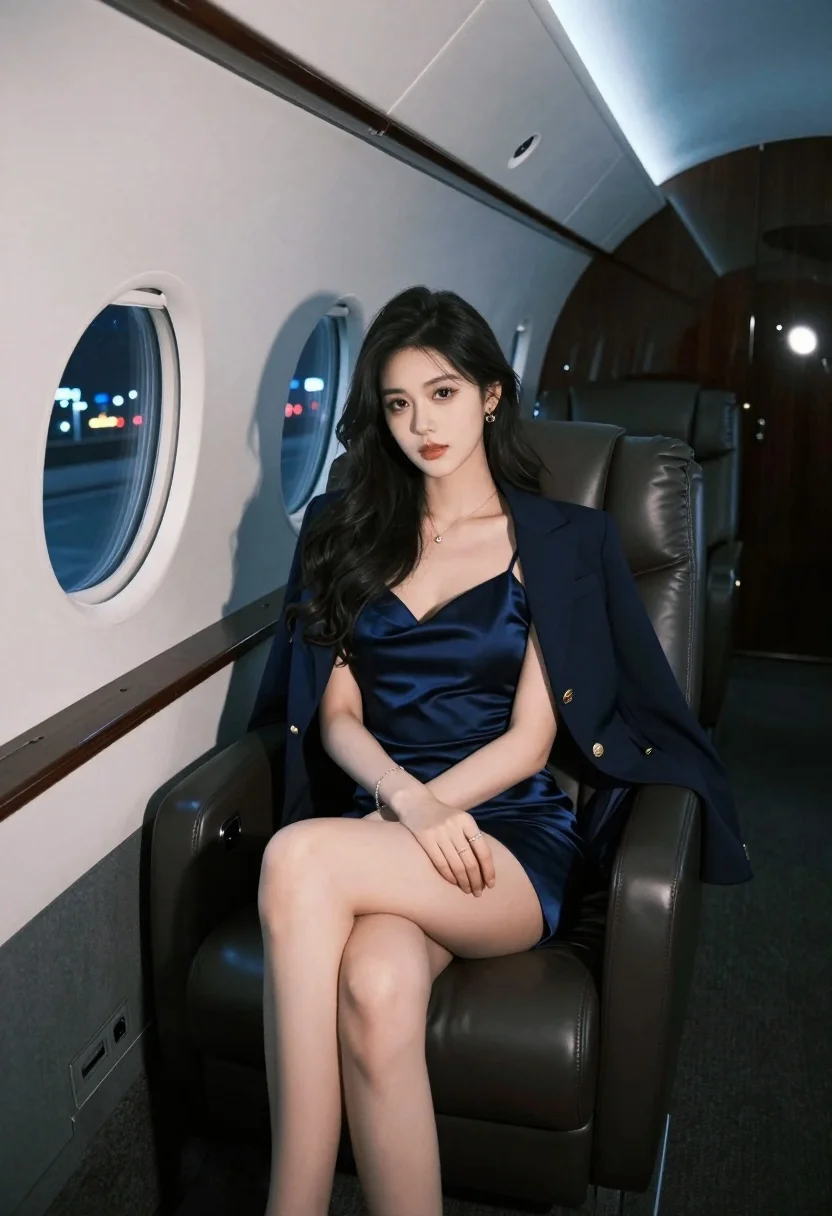
Glamorous woman in navy slip dress seated inside luxury private jet cabin
Prompt
A glamorous woman sits elegantly in a private jet cabin at night.

Subject: A beautiful young woman with long dark wavy hair and fair skin, featuring defined facial features and a confident expression.

Clothing: She wears a navy blue satin slip dress with thin straps, layered under an open matching navy blazer with gold buttons, accessorized with a delicate necklace, earrings, rings, and a bracelet.

Action: She is seated in a relaxed pose with her legs crossed at the knee, hands resting gently on her lap, gazing directly forward.

Environment: The interior of a luxury private jet with dark leather seats, polished surfaces, and an oval window showing blurred city lights outside.

Camera: Shot from a low angle looking up at the subject, emphasizing her posture within the confined cabin space.

Lighting: Cool-toned ambient lighting highlights her skin and outfit textures, creating soft shadows that enhance the mood.

Style Details: High-fashion editorial aesthetic with smooth skin rendering, rich color grading, and a polished, cinematic finish.
Description
This prompt is useful for creating luxury brand advertisements, high-end travel editorials, and character concept art depicting wealth. The combination of 'cool-toned ambient lighting' and the 'low angle looking up at the subject' sculpts the figure against the dark leather seats, ensuring that the satin slip dress catches a subtle sheen rather than appearing flat under harsh light, which is crucial for conveying expensive materials.
Suggestions
- Change 'navy blue satin slip dress' to 'midnight velvet slip dress' for more texture.
- Add 'bokeh effect through oval window' to enhance the background blur.
- Swap 'low angle looking up at the subject' to 'eye-level medium shot' for a more intimate feel.
Category
Tags
Fair SkinFemaleIndoorsLow AngleMedium ShotRealistic
Date added
July 3, 2026
Added by
PromptDexter Team
Related Prompts
More prompts with similar categories and tags.
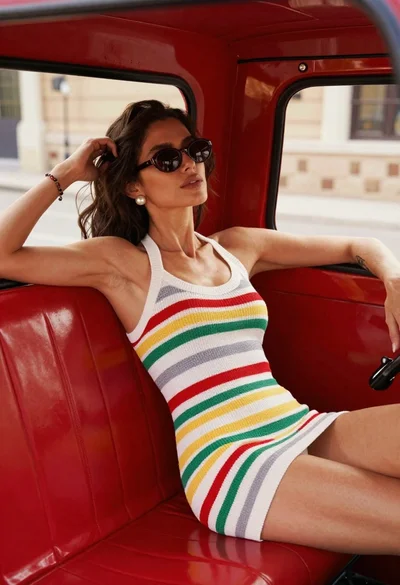
Young woman in striped knit dress lounging inside bright red vintage auto
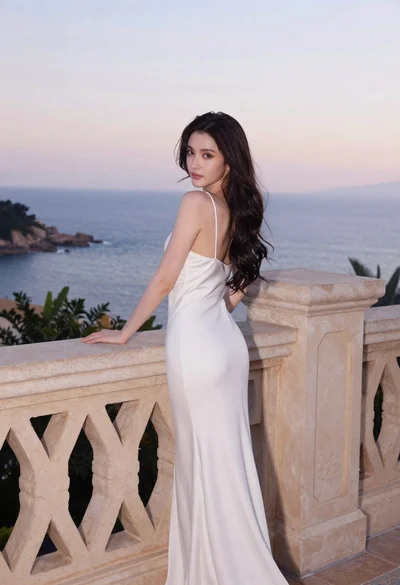
Young woman in white dress on stone terrace at sunset
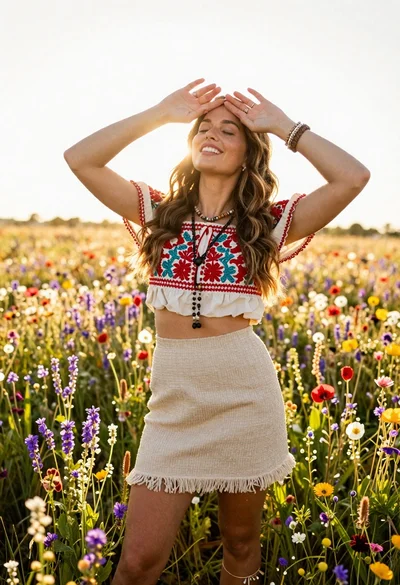
Smiling woman in embroidered top standing in field of wildflowers
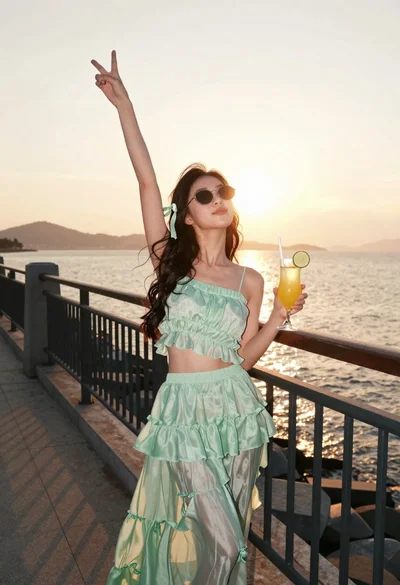
Young woman in mint green outfit holding cocktail on seaside promenade
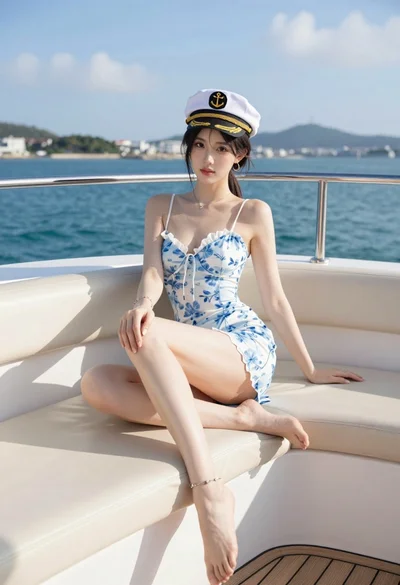
Young woman in floral slip dress sitting on luxury yacht deck overlooking

Blonde woman lounging on white leather sofa aboard luxury yacht at sunset
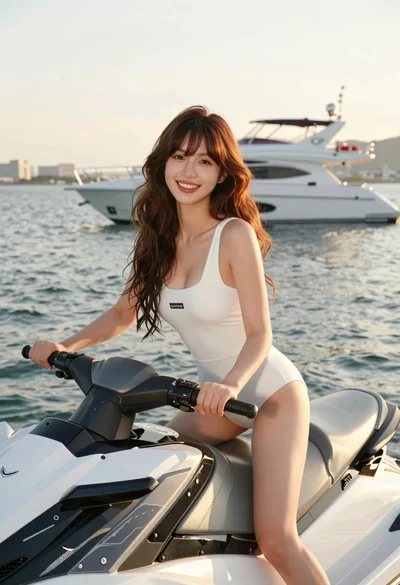
Smiling young woman on jet ski near luxury yacht at golden hour
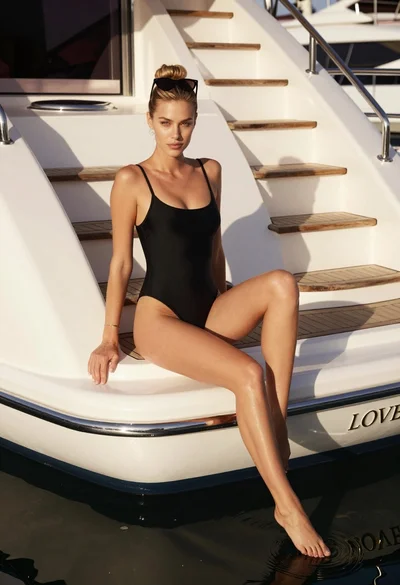
Blonde woman in black swimsuit on luxury yacht deck at golden hour
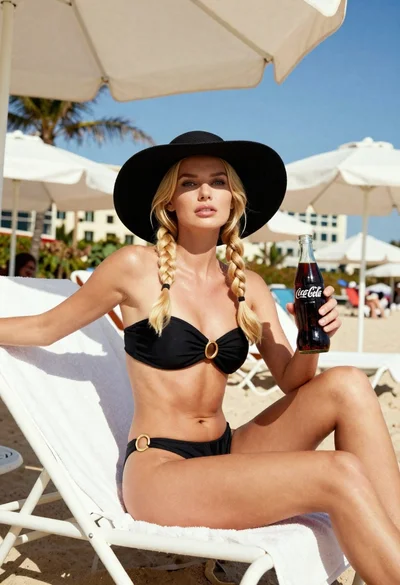
Blonde woman in black bikini on lounge chair at sunny beach
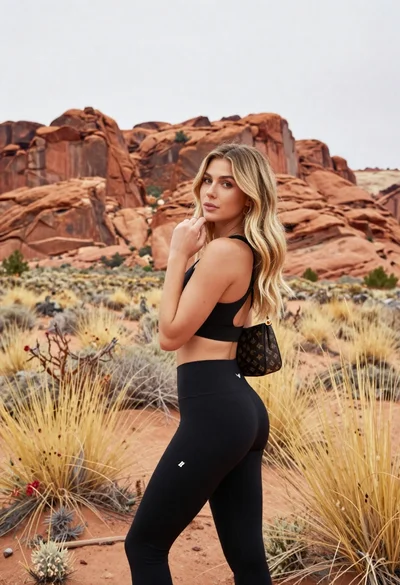
Blonde woman in sports bra standing before red rock desert formations