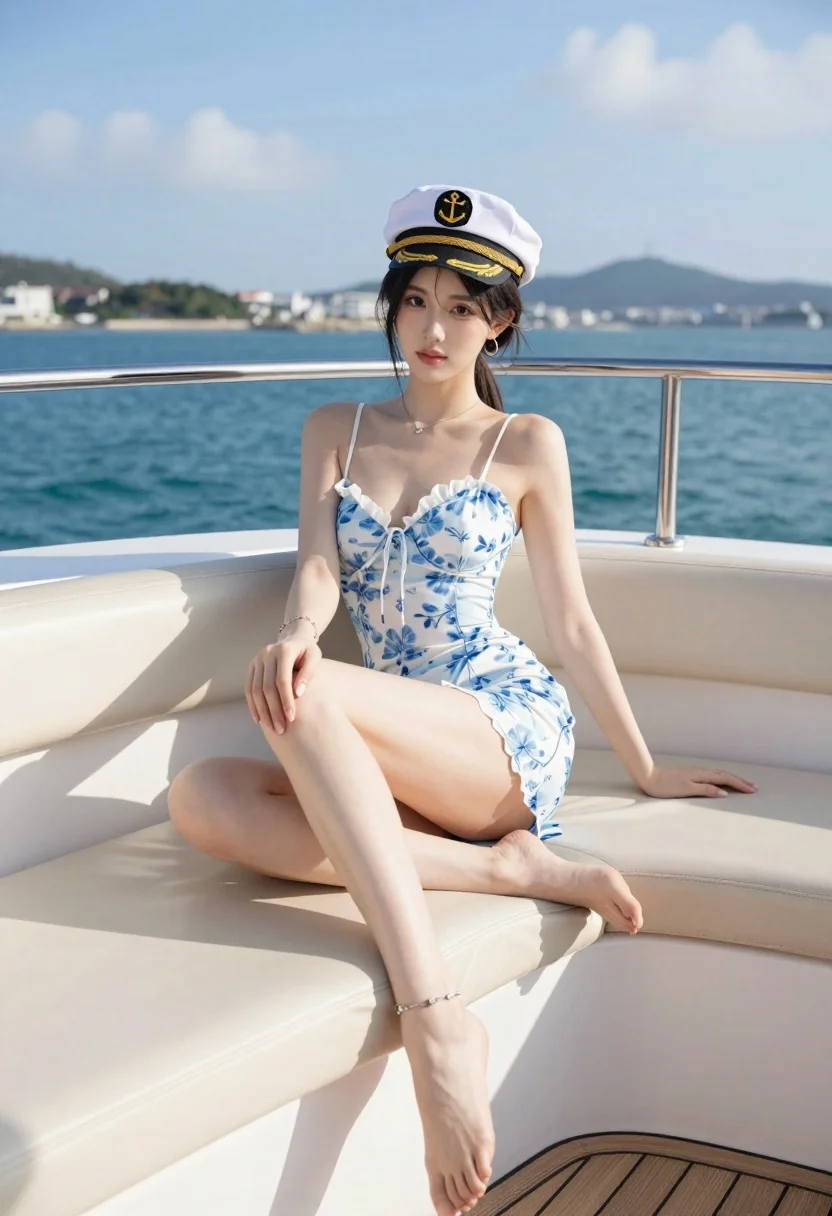
Young woman in floral slip dress sitting on luxury yacht deck overlooking
Prompt
A young woman sits elegantly on the cream-colored cushioned seating of a yacht deck, gazing directly at the camera with a confident expression.

Subject: A woman with dark hair tied back in a ponytail, wearing a white captain's hat with gold trim and an anchor emblem. She has a fair complexion and is barefoot.

Clothing: She wears a light blue and white floral patterned slip dress with thin straps and a lace-up detail at the bust. She accessorizes with a delicate necklace, hoop earrings, a bracelet on her right wrist, and an anklet on her left ankle.

Action: She sits with her legs crossed at the ankles, one hand resting on her knee and the other placed behind her on the seat cushion for support. Her posture is relaxed yet poised.

Environment: The setting is the deck of a luxury yacht, featuring polished wooden flooring and cream leather seating. Behind her is a stainless steel railing overlooking a vast expanse of deep blue sea. In the distance, a hilly coastline with buildings is visible under a bright blue sky with wispy clouds.

Camera: The shot is taken from a slightly low angle, emphasizing the subject's legs and posture, with a shallow depth of field that keeps the woman in sharp focus while softly blurring the background scenery.

Lighting: Bright, natural sunlight illuminates the scene from the side, casting soft shadows on the yacht deck and highlighting the contours of her figure and the texture of her dress.

Style Details: The image features high-definition realism with vibrant colors, smooth skin textures, and a polished, commercial photography aesthetic.
Description
This prompt is useful for creating luxury lifestyle advertisements, aspirational travel editorials, and high-end resort lookbooks. The combination of 'low angle' perspective and 'shallow depth of field' directs the viewer's eye immediately to the subject while using the 'deep blue sea' backdrop to establish a sense of expansive, affluent setting.
Suggestions
- Change 'light blue and white floral patterned slip dress' to 'silk slip dress' for more luxurious drape.
- Swap 'polished wooden flooring' for 'teak wood decking' for better nautical texture.
- Adjust 'bright, natural sunlight' to 'late afternoon sun' for warmer tones.
Category
Tags
Casual WearFair SkinFemaleFull BodyLow AngleMedium ShotRealisticRooftop
Date added
July 3, 2026
Added by
PromptDexter Team
Related Prompts
More prompts with similar categories and tags.

Blonde woman lounging on white leather sofa aboard luxury yacht at sunset
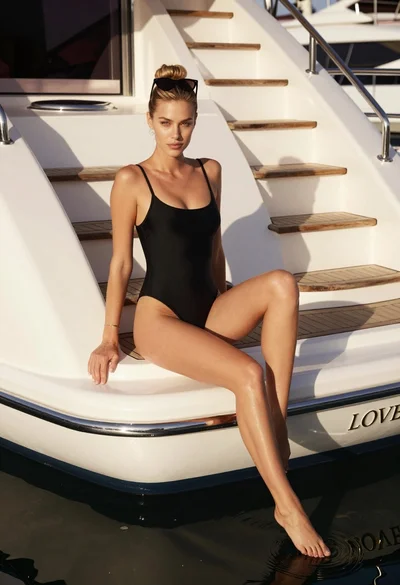
Blonde woman in black swimsuit on luxury yacht deck at golden hour

Young woman in grey top and white skirt by water at dusk

Blonde woman in swimsuit by yacht window overlooking blue sea

Young woman in striped knit dress lounging inside bright red vintage auto
Young woman in blue dress on balcony overlooking resort pool and beach
Young woman in white dress on stone terrace at sunset

Young woman in green jacket holding plush toy at festive carousel
Smiling woman in embroidered top standing in field of wildflowers

Smiling young woman in knit cardigan standing in an outdoor market