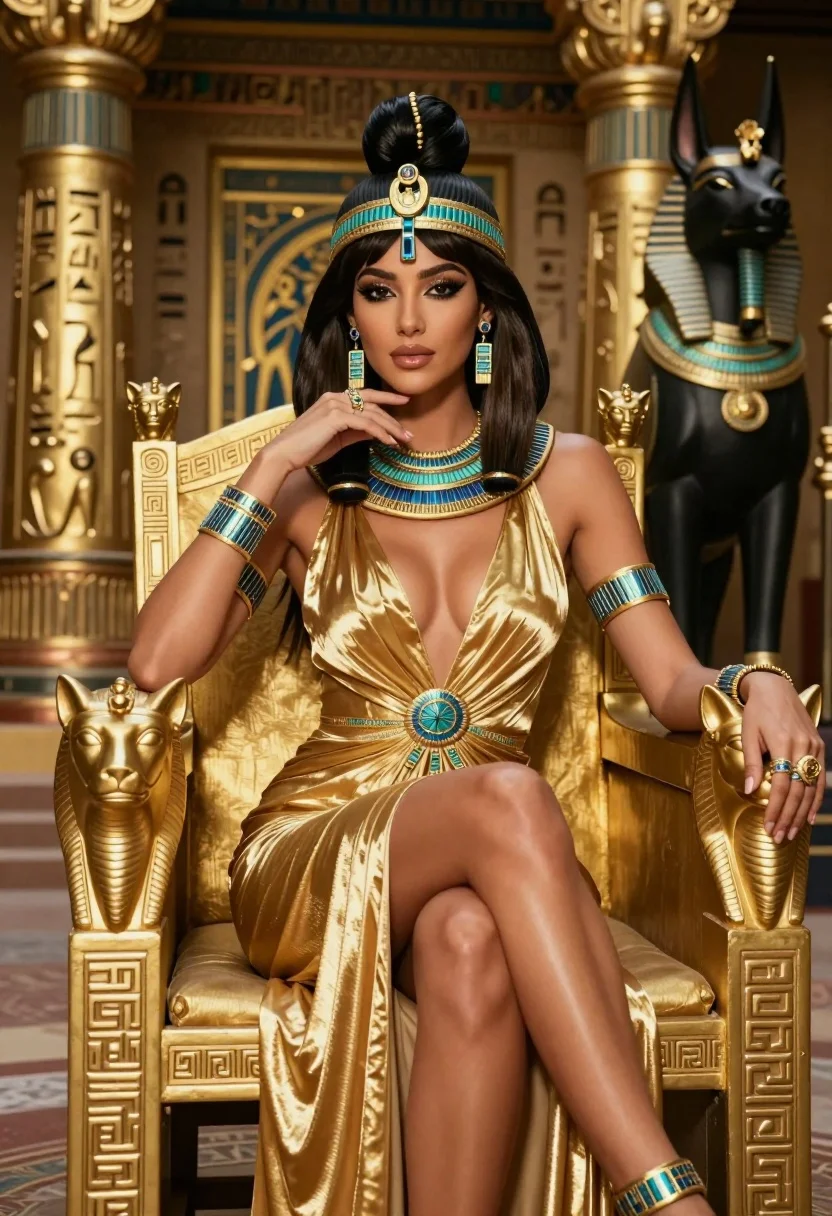
Glamorous woman on golden throne in richly decorated ancient egyptian setting
Prompt
A glamorous woman with dark hair styled in an elegant updo sits regally on a golden throne in a richly decorated ancient Egyptian setting.

Subject: A beautiful woman with long dark brown hair styled in a sophisticated high bun, featuring sharp defined eyebrows, heavy winged eyeliner, and glossy pink lips.

Clothing: She wears a shimmering gold halter-neck gown with a deep plunging neckline and pleated fabric that drapes elegantly over her legs, adorned with intricate blue and gold jewelry including a large statement necklace, matching headpiece, arm cuffs, rings, and bracelets.

Action: She sits in a relaxed yet confident pose with one leg crossed over the other, resting her chin on her hand while gazing directly at the viewer.

Environment: The background features ornate golden pillars covered in hieroglyphs, a black Anubis statue wearing gold regalia, and a golden sphinx head on the armrest of the throne.

Camera: Shot from a low angle to emphasize her stature, with a shallow depth of field that keeps the subject sharp while softly blurring the intricate background details.

Lighting: Warm golden lighting highlights her skin and the metallic textures of her dress and jewelry, creating soft shadows that enhance the luxurious atmosphere.

Style Details: Cinematic photography style with high contrast, rich color grading, and a polished, high-fashion aesthetic reminiscent of ancient Egyptian royalty.
Description
This prompt is useful for creating editorial costume concept art, historical fantasy book covers, and luxury brand campaign imagery evoking ancient power. The combination of 'low angle' perspective with 'warm golden lighting' ensures the subject appears monumental against the detailed backdrop, while specifying 'shimmering gold halter-neck gown' prevents the metallic elements from looking flat under the dramatic illumination.
Suggestions
- Change 'deep plunging neckline' to 'high empire waist' for a more conservative look.
- Swap 'blue and gold jewelry' for 'lapis lazuli and electrum accents' for color variation.
- Adjust 'shallow depth of field' to 'medium depth of field' to keep more background detail visible.
Category
Tags
BrunetteFemaleFormal WearFull BodyLow AnglePortrait ShotRealistic
Date added
July 3, 2026
Added by
PromptDexter Team
Related Prompts
More prompts with similar categories and tags.

Woman in rust gown posing on white step and repeat backdrop
Blonde woman in seafoam gown looking over shoulder at camera
Portrait of woman with dark hair wearing black lace dress outdoors
Young woman in silver polka dot jumpsuit on grand red carpet stairs
Portrait of young woman in embroidered chinese hanfu gown holding yellow flowers
Smiling woman with dark braids wearing beige blazer in studio setting
Poised woman in elegant white gown on blurred red carpet steps
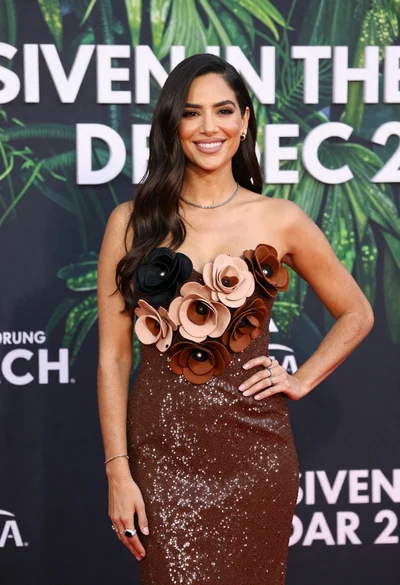
Poised woman smiling on red carpet with sparkly brown strapless dress
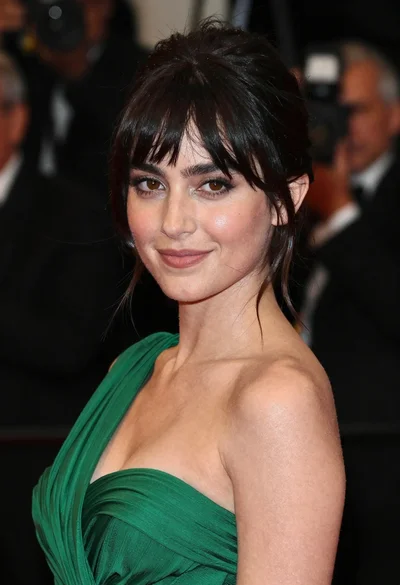
Close up portrait of woman in emerald gown against dark blurred background
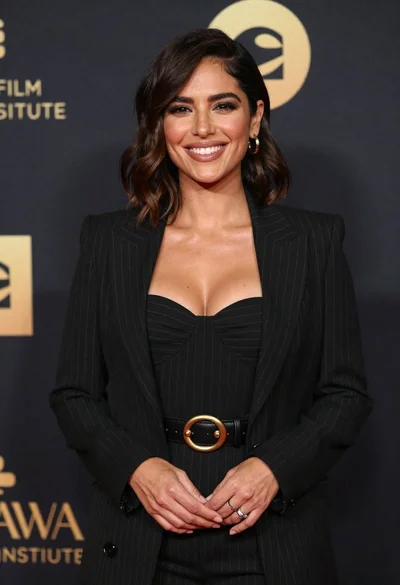
Smiling woman in black pinstripe suit jacket against dark backdrop