Glamorous woman sitting elegantly inside a luxury limousine interior
Prompt
A glamorous woman sits elegantly in a luxury vehicle interior.

Subject: A young woman with fair skin and a high, messy bun hairstyle featuring loose face-framing strands. She has sharp, defined eyebrows, heavy winged eyeliner, glossy lips, and a confident, direct gaze toward the camera. Her fingernails are painted with intricate black and white designs.

Clothing: She wears a long-sleeved black blazer made of sheer lace fabric embellished with sequins or beads. Underneath, she wears a black skirt that drapes over her lap. She is wearing sheer black tights featuring a repeating monogram pattern. A silver necklace with a circular pendant rests on her chest.

Action: She sits in a relaxed but posed posture, leaning slightly back against the seat. Her right hand is raised near her chin with fingers gently curled, while her left arm rests along the side of the seat.

Environment: The setting is the interior of a high-end limousine or luxury van. Behind her are cream-colored leather seats with black piping and diamond-stitched detailing. Dark wood paneling lines the walls of the vehicle.

Camera: A medium shot captures the subject from the waist up, utilizing a shallow depth of field to blur the background slightly and emphasize the subject's features and attire.

Lighting: The scene is lit with soft, warm artificial light that highlights her face and the texture of her clothing while casting gentle shadows in the darker corners of the vehicle interior.

Style Details: High-fashion photography aesthetic with a focus on luxury textures, rich blacks and creams, and a polished, editorial look.
Description
This prompt is useful for creating high-end editorial fashion spreads, character concept art for film noir, and luxury brand advertising campaigns. The combination of 'sheer lace fabric embellished with sequins or beads' against the 'cream-colored leather seats' grounds the image in opulence while the 'soft, warm artificial light' prevents harsh reflections on the dark wood paneling, ensuring the focus remains on the subject's polished presentation.
Suggestions
- Change 'high, messy bun hairstyle' to 'sleek chignon' for a more formal look.
- Swap 'black and white designs' nail polish for 'deep ruby red' to add color contrast.
- Adjust 'medium shot' to 'close-up portrait' to emphasize the eyeliner.
Category
Tags
Black HairFair SkinFemaleMedium ShotPortrait ShotRealistic
Date added
June 19, 2026
Added by
PromptDexter Team
Related Prompts
More prompts with similar categories and tags.

Young woman seated on grey sofa against pink wall fashion portrait
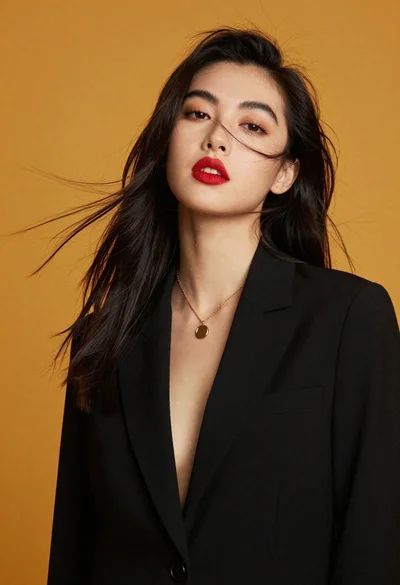
High fashion portrait of woman against mustard yellow background
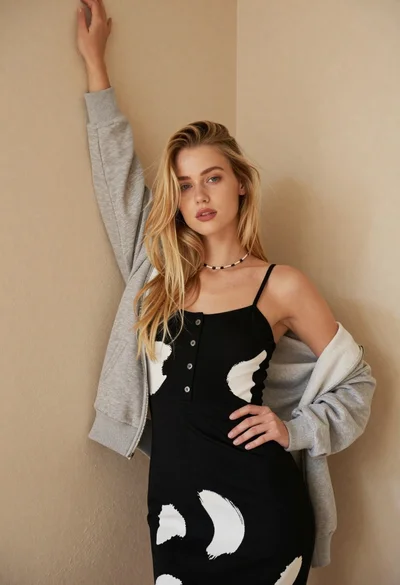
Fair blonde woman in patterned black dress against plain beige wall

Poised woman in black gown posing indoors with dramatic low key lighting
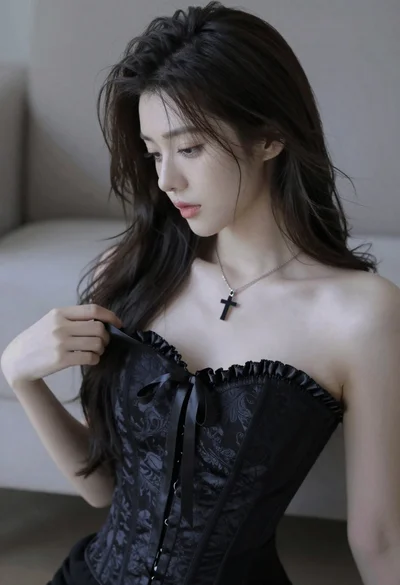
Medium close up portrait of young woman wearing black strapless corset
Glamorous woman in gold crop top and velvet skirt studio portrait
Young woman looking back over shoulder in black dress indoors
Poised woman in black fur stole against a plain light grey studio
Young blonde woman crouching in black bodysuit against white wall
Confident woman in gold sequin top and black skirt against brown backdrop