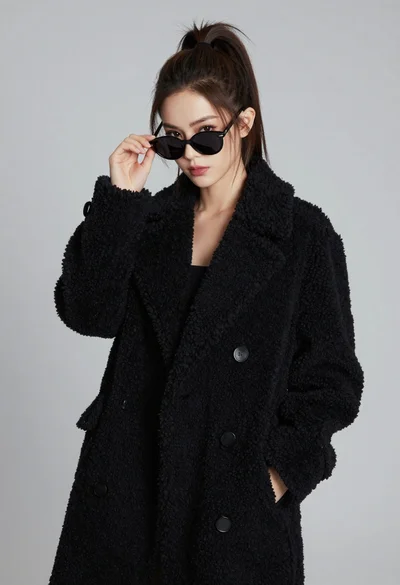
Poised woman in black fur stole against a plain light grey studio
Prompt
A confident woman with sleek dark hair parted in the center gazes directly at the camera.

Subject: A poised woman with a fair complexion and defined facial features, including arched eyebrows, long eyelashes, and glossy lips. Her skin is smooth and flawless.

Clothing: She wears a black strapless top or dress that fits closely to her torso, accentuated by a wide black belt featuring a large ornate gold buckle. Draped over her shoulders is a thick, fluffy black fur stole or coat with long, soft strands.

Action: She stands facing forward with a calm and confident expression, looking straight ahead with a neutral mouth. Her posture is upright and elegant.

Environment: The background is a plain, solid light grey wall that provides a clean, minimalist backdrop without distraction.

Camera: The shot is a medium close-up framing her from the waist up, utilizing a soft depth of field to keep the subject sharp while slightly blurring the immediate surroundings.

Lighting: Soft, diffused studio lighting illuminates her face and upper body evenly, creating gentle highlights on her skin and hair without harsh shadows.

Style Details: The image has a high-fashion editorial aesthetic with a polished, professional finish and rich contrast between the black attire and the light background.
Description
This prompt is useful for creating high-end beauty editorials, luxury brand advertising campaigns, and sophisticated character portraits. The combination of 'soft, diffused studio lighting' with a 'plain, solid light grey wall' ensures that the focus remains entirely on the subject's features and the rich texture of the black fur stole, preventing any distracting environmental elements from competing with the high-fashion aesthetic.
Suggestions
- Change 'black strapless top or dress' to 'velvet gown' for a different material contrast.
- Swap 'large ornate gold buckle' for 'minimalist silver clasp' to modernize the look.
- Adjust 'medium close-up framing her from the waist up' to 'head and shoulders portrait' for more focus on the face.
Category
Tags
Black HairBrunetteCasual WearFair SkinFemaleMedium ShotPortrait ShotRealisticStudio
Date added
June 19, 2026
Added by
PromptDexter Team
Related Prompts
More prompts with similar categories and tags.

Young woman in blue denim jacket posing against pale pink seamless background

Blonde woman in striped swimsuit seated on sofa indoors studio shot

Fair blonde woman in black corset and denim shorts studio portrait

Young woman in black graphic tshirt against white paneled wall

Glamorous woman posing in shimmering two piece outfit against green backdrop

Woman in sheer crystal gown looking over shoulder at event backdrop
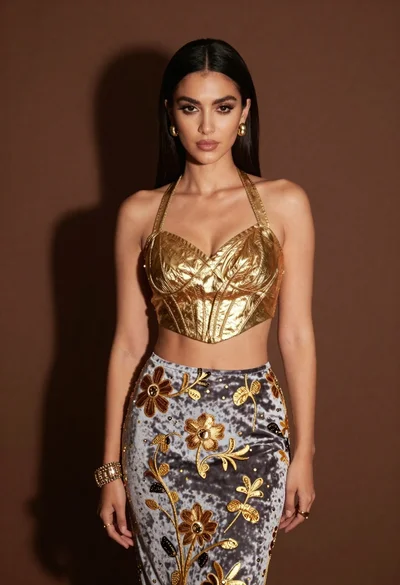
Glamorous woman in gold crop top and velvet skirt studio portrait
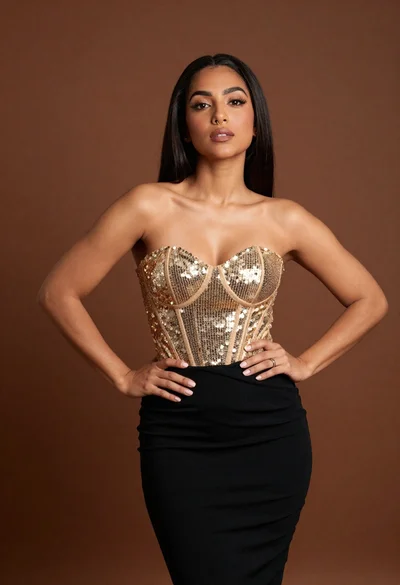
Confident woman in gold sequin top and black skirt against brown backdrop
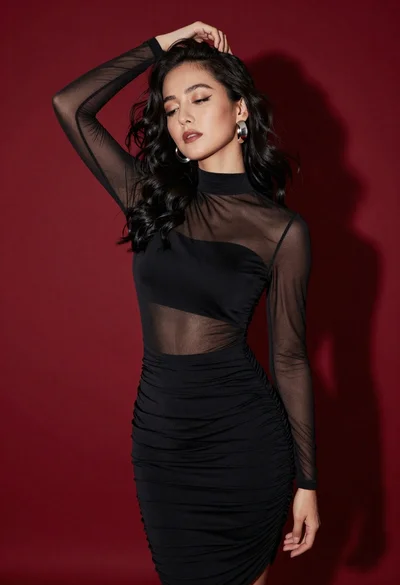
Confident woman in black dress posing against deep red studio backdrop
Stylish young woman in black teddy coat adjusting sunglasses against gray background