
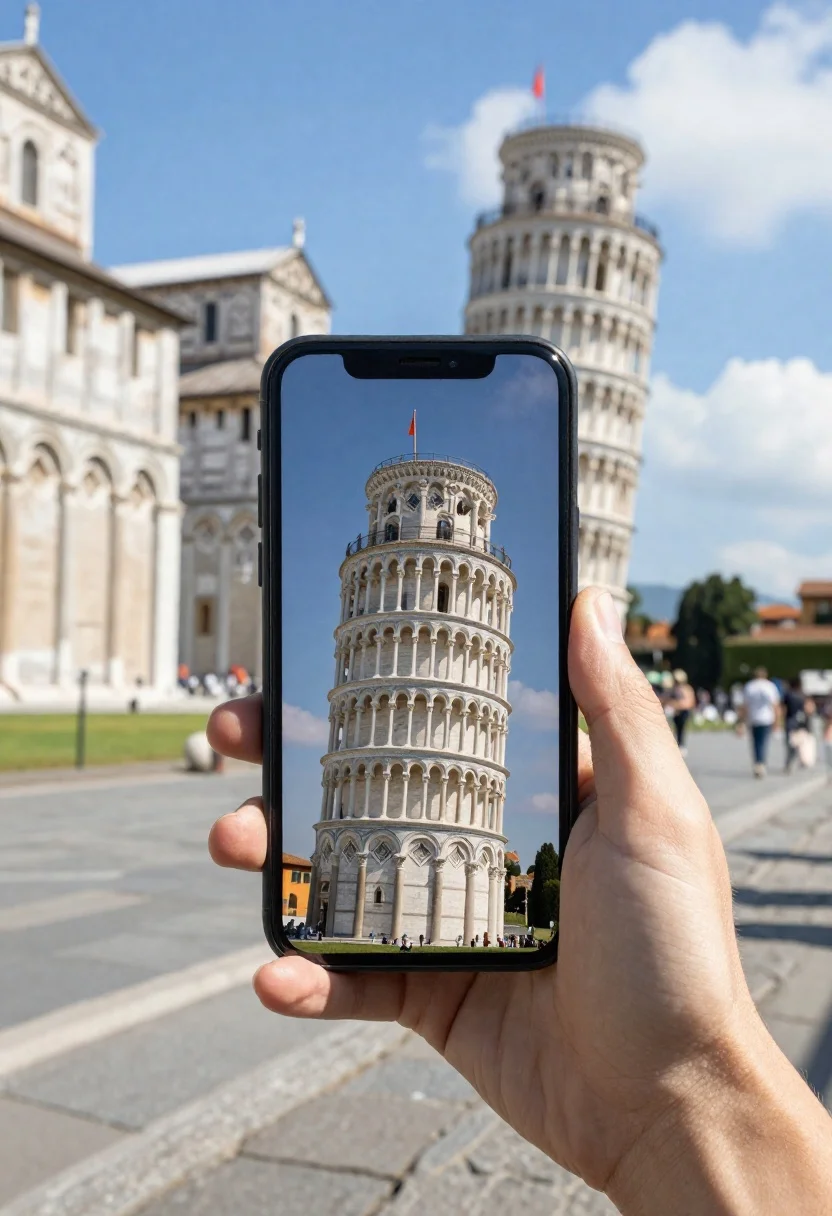
Hand holding smartphone showing leaning tower in plaza
Prompt
A hand holds a black smartphone displaying the Leaning Tower of Pisa against a blurred background

Subject: The phone screen features a high-resolution image of the white marble tower with its iconic tilt, multiple arched galleries per level, and an orange flag fluttering from the top dome.

Environment: A bright sunlit plaza paved in stone tiles, surrounded by classical architecture including arches on buildings to both sides

Lighting: Bright daylight casting sharp shadows on the ground under a clear blue sky with small white clouds

Camera: Shallow depth of field blurring the background surroundings while keeping the phone and tower screen sharply focused.
Description
This prompt is useful for creating travel blog featured images, architectural detail showcases, and souvenir postcard mockups. The combination of 'shallow depth of field' isolating the smartphone against a 'blurred background' directs all attention to the phone screen, ensuring the high-resolution image of the tower remains the sharp focal point despite the bright daylight casting sharp shadows on the ground.
Suggestions
- Change 'black smartphone' to 'vintage film camera' for an alternative subject.
- Swap 'white marble tower' for 'Romanesque cathedral' to change the architectural focus.
- Adjust 'bright daylight' to 'overcast midday' for softer shadow definition.
Category
Tags
Macro ShotNatureOutdoorsRealistic
Date added
June 19, 2026
Added by
PromptDexter Team
Related Prompts
More prompts with similar categories and tags.
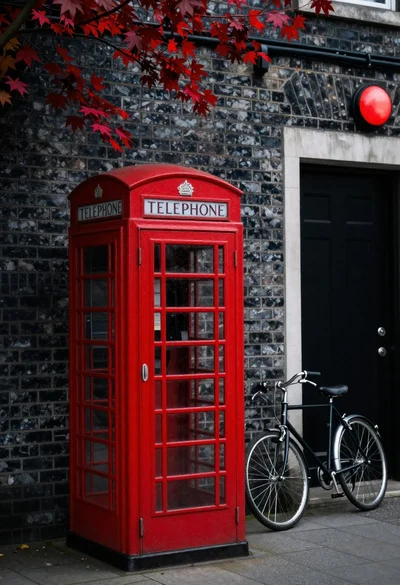
Red british telephone booth and bicycle against dark brick wall

Woman in cream dress holding wine glass on tropical beach under tree

Young woman in tie dye outfit by turquoise pool under blue sky

Young woman running hands through dark hair on railroad tracks outdoors

Woman relaxing in hot spring overlooking snow capped mountains

Blonde woman in bikini on patio overlooking green hills under blue sky

Woman wearing goggles reflecting cityscape over coastal town
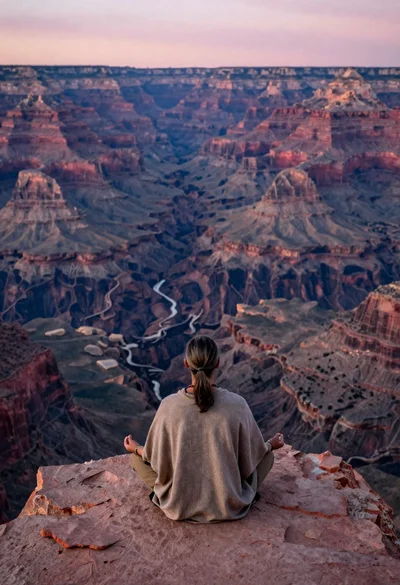
Meditating man on grand canyon rim at dawn with ethereal pink light