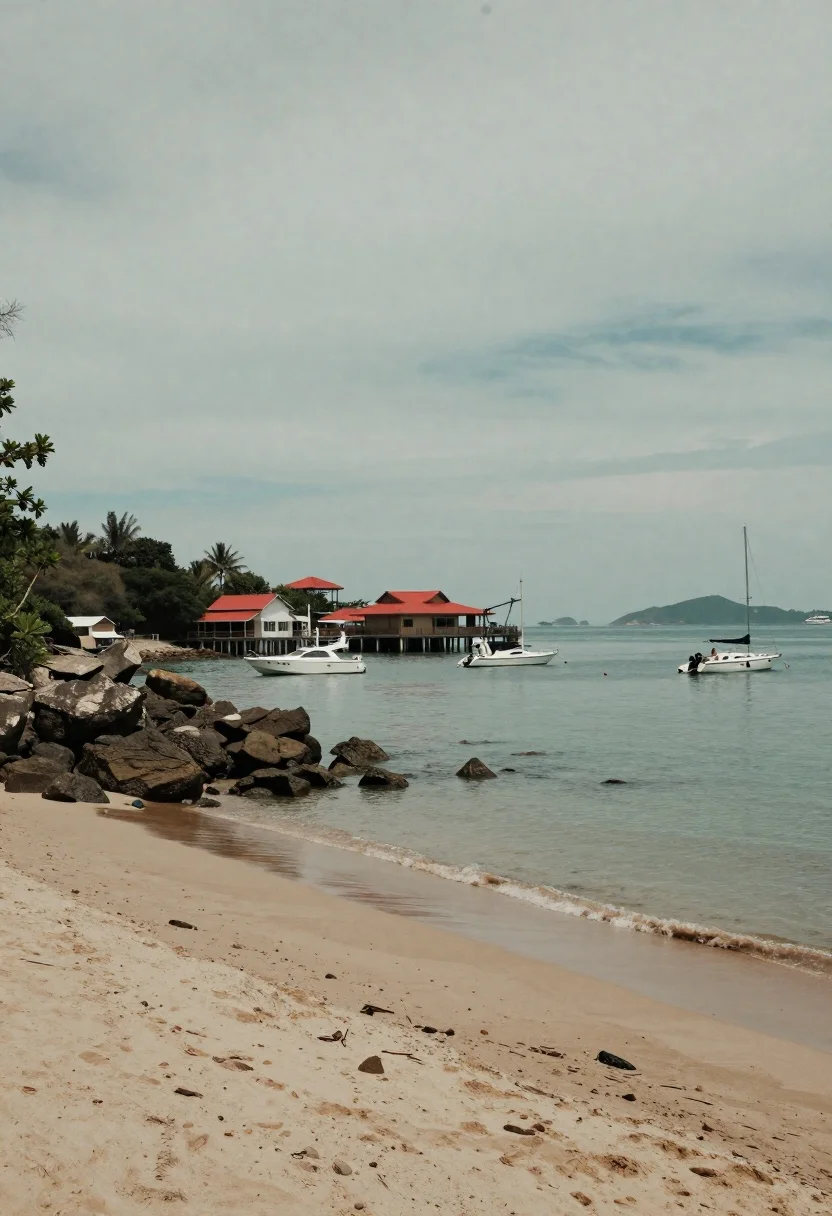
Tropical bay scene with red roof buildings pier and anchored boats
Prompt
A serene coastal scene featuring a sandy beach in the foreground with rocky cliffs on the left and a calm turquoise bay filled with anchored boats under an overcast sky.

Subject: A cluster of buildings with red roofs situated on a hillside overlooking the water, connected to the shore by a wooden pier structure.

Clothing: No subjects are present to describe clothing.

Action: The scene is static with no active movement or gestures visible.

Environment: A tropical bay setting featuring a sandy shoreline, dark rocky outcrops on the left, and distant hazy islands on the horizon under a cloudy sky.

Camera: Wide-angle perspective capturing the expansive landscape from a low viewpoint near the beach, emphasizing the depth of the water and the scale of the coastline.

Lighting: Diffused natural light with soft shadows, creating a muted and slightly desaturated atmosphere typical of an overcast day.
Second

Subject: No secondary subjects are present.

Objects: Several white motorboats and sailboats are anchored in the bay, along with a small crane attached to the pier structure.

Interaction: There is no visible interaction between subjects or objects.

Text/Graphics: No readable text or logos are visible on the buildings or boats.

Style Details: The image has a vintage aesthetic with a muted color palette, low contrast, and a slightly grainy texture reminiscent of old film photography.
Description
This prompt is useful for creating travel magazine spreads, architectural concept art focusing on coastal towns, and nostalgic location visualizations. The combination of 'diffused natural light' with the specified 'muted color palette' and 'slightly grainy texture' effectively minimizes harsh shadows and over-saturation, which prevents the scene from looking overly bright or digitally perfect, lending it an authentic, aged documentary feel.
Suggestions
- Change 'overcast sky' to 'soft diffused sunlight' for more visible highlights.
- Swap 'red roofs' for 'terracotta tile' to enhance the Mediterranean feel.
- Add 'Kodak Portra 400 film grain' to specify the vintage texture.
Category
Tags
BeachOutdoorsRealisticRooftopWide Shot
Date added
June 19, 2026
Added by
PromptDexter Team
Related Prompts
More prompts with similar categories and tags.
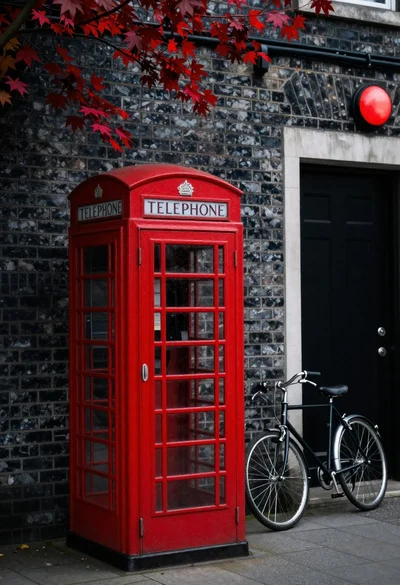
Red british telephone booth and bicycle against dark brick wall

Polynesian woman emerging from overwater bungalow at dawn in bora bora
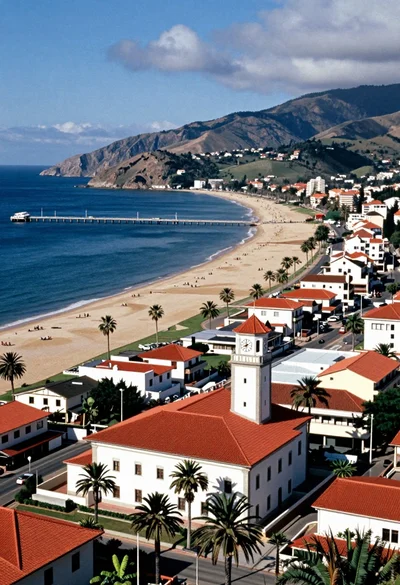
Aerial view of coastal town with white building red roof and blue

Two women descending colorful wooden stairs from a lifeguard tower at beach

Blonde woman on towel aboard boat near sunny marina setting
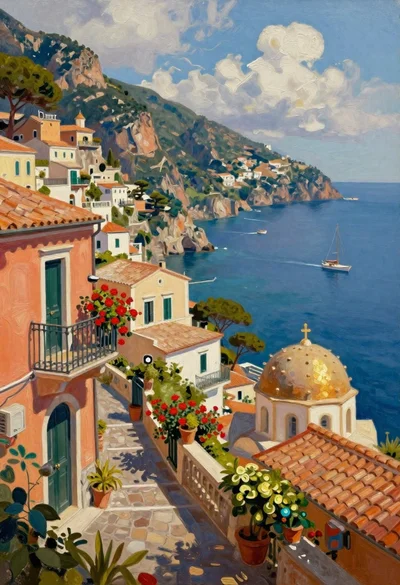
Oil painting of sundrenched coastal village on cliffs
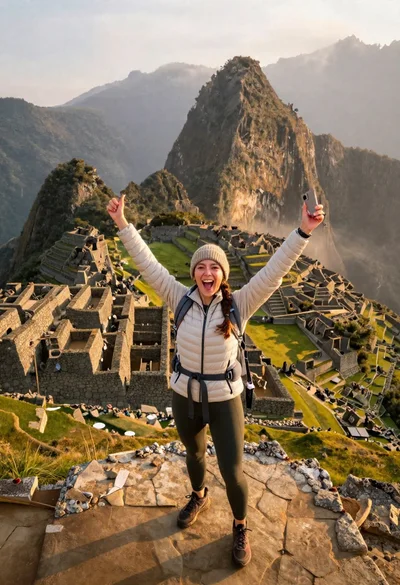
Exhilarated tourist woman at machu picchu summit at dawn
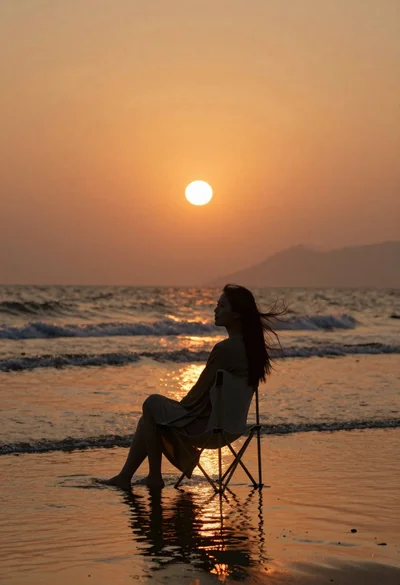
Woman silhouette sitting in shallow ocean water at sunset
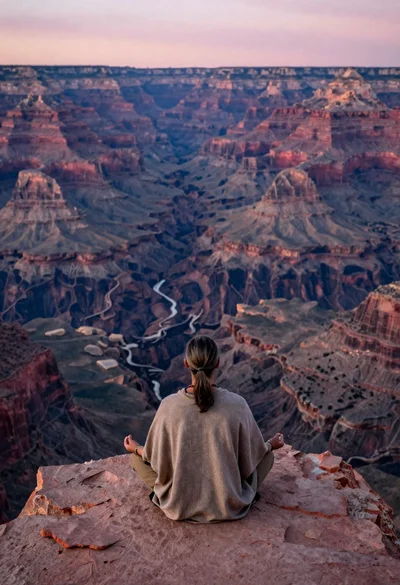
Meditating man on grand canyon rim at dawn with ethereal pink light

Blonde woman in black bikini poses with dog on beach lounger