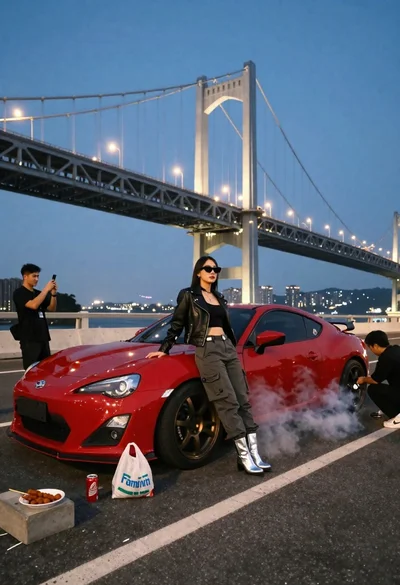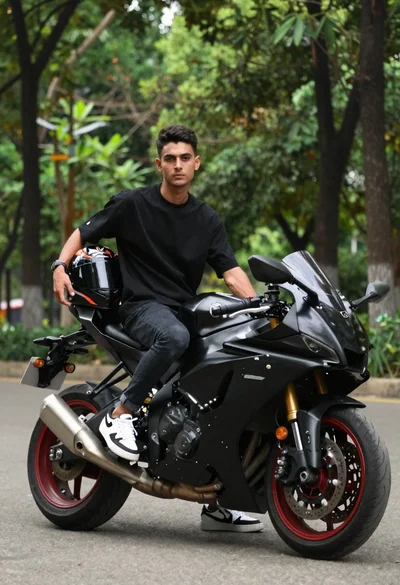
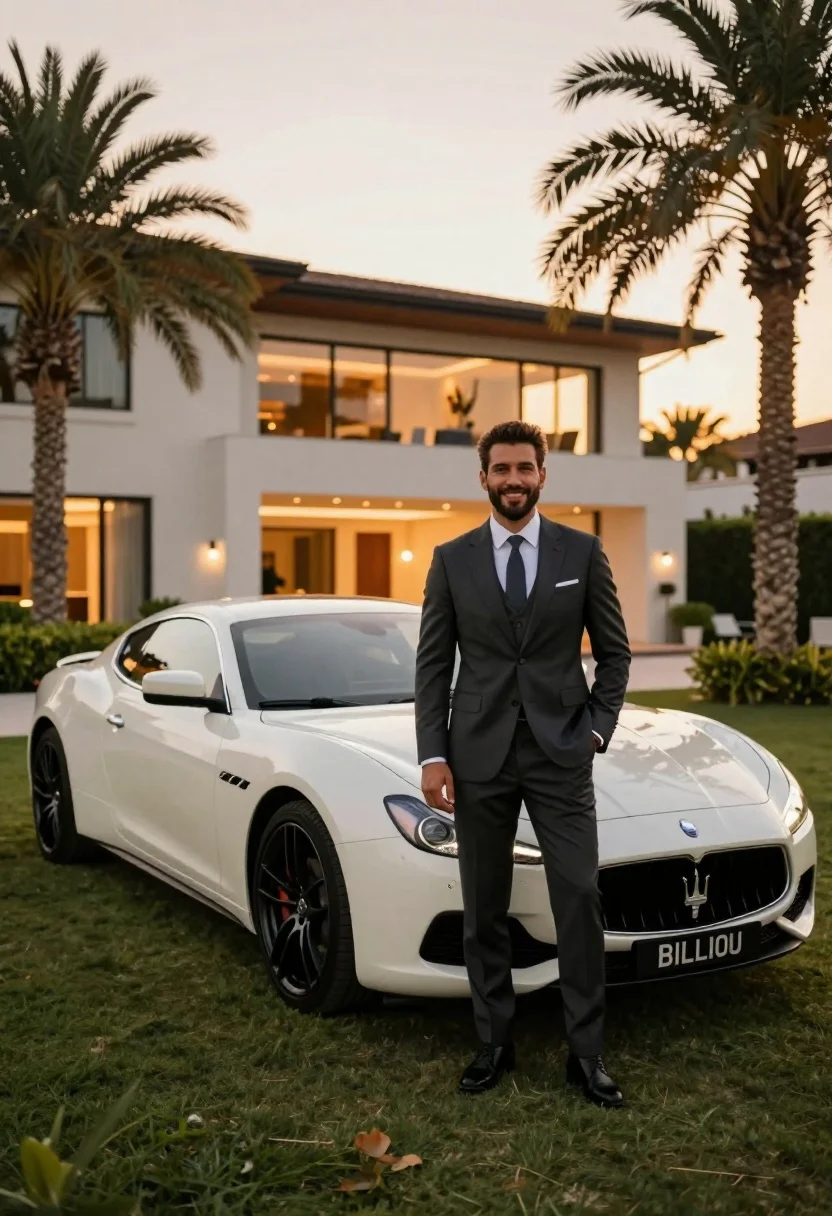
Handsome man in dark suit next to white sports car on manicured
Prompt
A handsome man in a dark three-piece suit stands confidently next to a white luxury sports car on a manicured lawn at sunset.

Subject: A well-groomed man with short dark hair and a beard, smiling warmly at the camera.

Clothing: He wears a tailored dark grey or charcoal three-piece suit with a matching vest, a crisp white dress shirt, and a dark tie. His left hand is casually tucked into his trouser pocket.

Action: The man stands in a relaxed pose next to the front of the car, looking directly at the viewer with a pleasant expression.

Environment: A spacious, modern luxury home with warm interior lighting glows from behind him. Tall palm trees frame the scene on either side, and lush green grass covers the ground.

Camera: The shot is taken from a low angle to emphasize the height of the man and the car, capturing a wide view that includes the entire front of the vehicle and the house facade.

Lighting: Soft, golden hour sunlight bathes the scene in a warm glow, creating a serene and affluent atmosphere with gentle shadows.

Objects: A sleek white Maserati sports car is parked on the grass, featuring black rims and a visible license plate reading "BILLIOU".

Style Details: The image has a polished, high-end aesthetic typical of luxury lifestyle photography, with rich colors and sharp focus on the subject and vehicle.
Description
This prompt is useful for creating automotive advertisements, luxury real estate brochures, and aspirational brand campaigns showcasing wealth. The combination of 'low angle' perspective and 'soft, golden hour sunlight' emphasizes both the imposing height of the man and the sleek lines of the white sports car, while the inclusion of a 'manicured lawn' grounds the high-end elements in an immediate, tangible setting.
Suggestions
- Change 'dark grey or charcoal three-piece suit' to 'navy blue tuxedo' for more formal impact.
- Swap 'white Maserati sports car' for 'matte black Lamborghini' to increase contrast.
- Adjust 'golden hour sunlight' to 'overcast daylight' for a cooler, more dramatic feel.
Category
Tags
Formal WearLow AngleMaleOutdoorsRealisticWide Shot
Date added
July 3, 2026
Added by
PromptDexter Team
Related Prompts
More prompts with similar categories and tags.
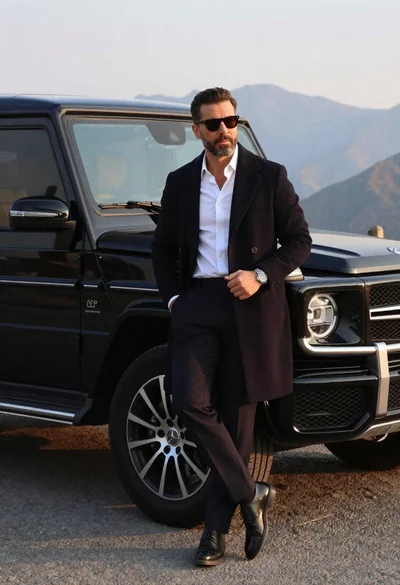
Man in overcoat posing by luxury suv near mountains
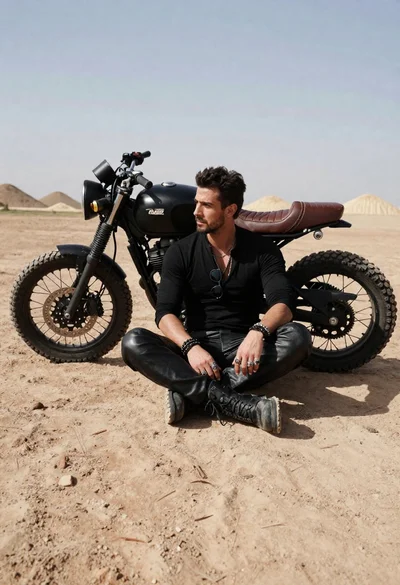
Rugged man sitting by black motorcycle in dusty lot
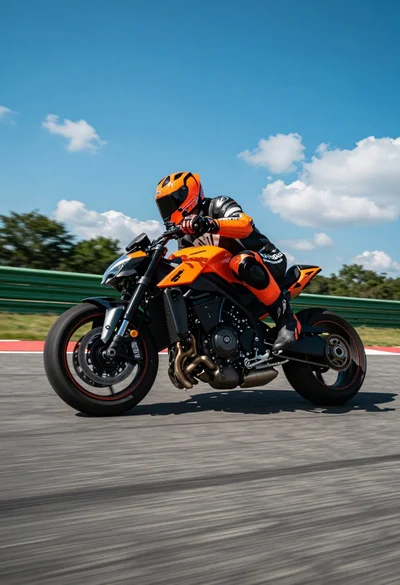
Low angle shot of motorcyclist leaning into a sharp turn on asphalt
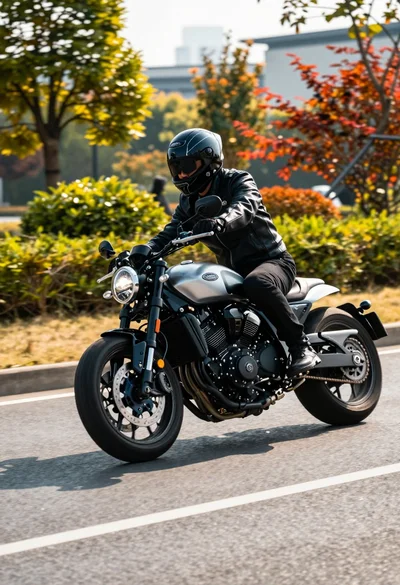
Motorcyclist in black leather gear riding sleek bike on paved road
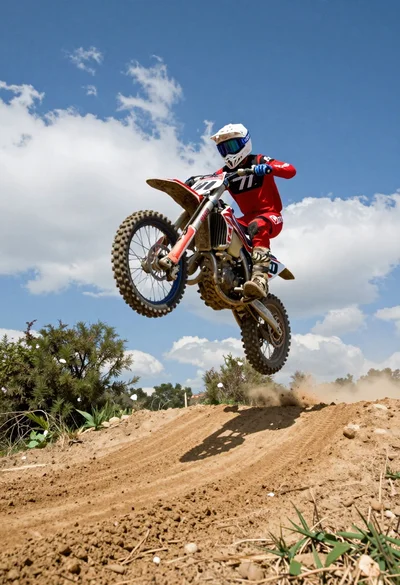
Motocross rider jumping dirt bike over mound under bright blue sky
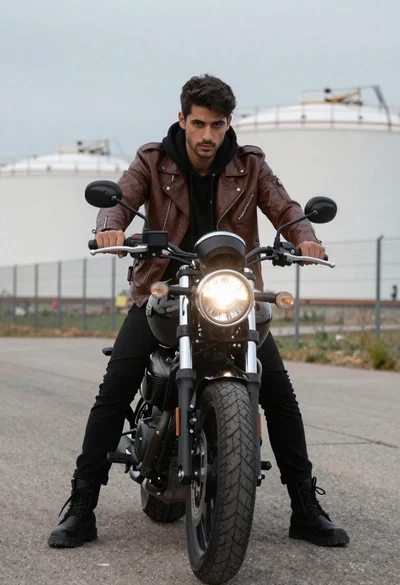
Man on black motorcycle against industrial backdrop
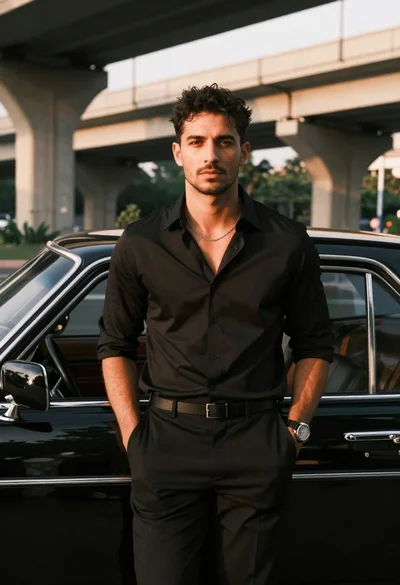
Man leaning against classic black car in urban underpass

Young man leaning on a modified sports car in city night
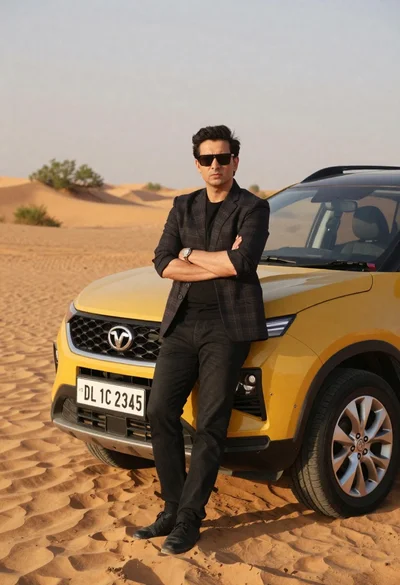
Confident man in blazer standing by yellow suv in desert
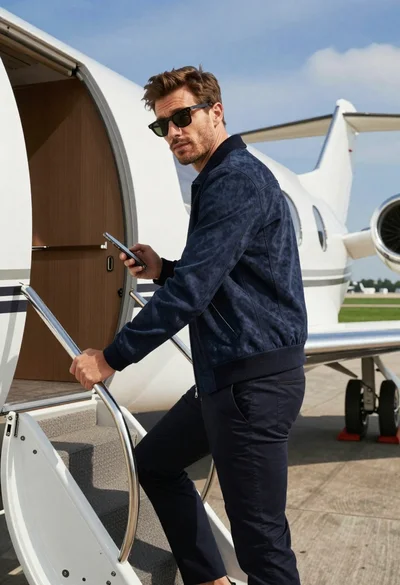
Stylish man in navy bomber jacket descending stairs of private jet