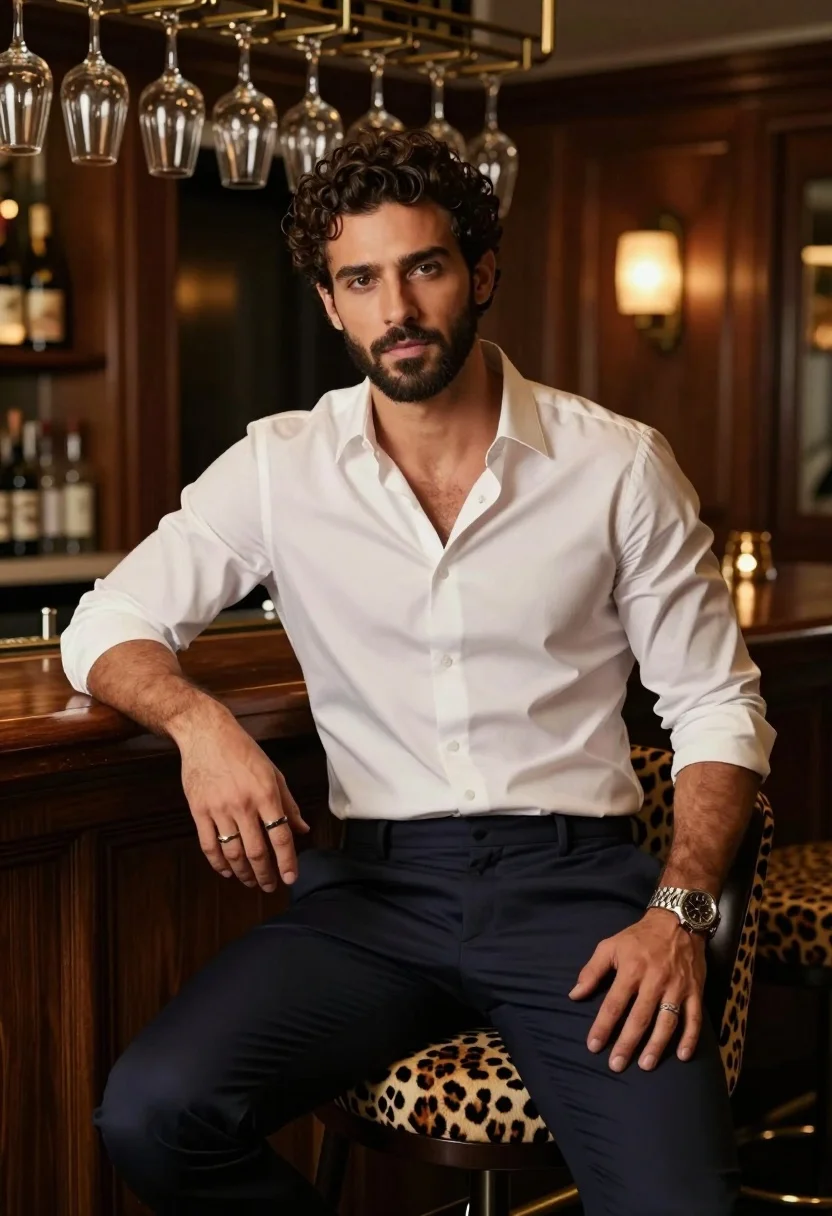
Handsome man with dark curly hair seated in upscale dimly lit lounge
Prompt
A handsome man with dark curly hair and a beard sits confidently on a leopard-print bar stool in a dimly lit, upscale lounge.

Subject: A well-groomed male with short dark curly hair, a full beard, and a serious, direct gaze at the camera.

Clothing: He wears a crisp white button-down shirt with the top buttons undone to reveal his chest, paired with dark navy trousers. He has a silver watch on his left wrist and a ring on his right hand.

Action: He is seated in a relaxed but posed posture, leaning slightly forward with one hand resting on his thigh and the other near his knee.

Environment: The setting is an intimate bar or lounge featuring rich wood paneling, a wooden counter behind him, and a rack of hanging wine glasses suspended from the ceiling.

Camera: A medium shot captures the subject from the waist up, utilizing a shallow depth of field that keeps the man in sharp focus while blurring the background elements.

Lighting: Warm, ambient lighting creates soft highlights on his face and shirt, casting gentle shadows that emphasize his features and add to the cozy atmosphere.

Style Details: The image has a cinematic, high-quality photographic style with rich color grading, smooth textures, and a sophisticated mood typical of professional portrait photography.
Description
This prompt is useful for creating editorial magazine spreads, character concept art for film noir, and upscale brand advertising featuring masculine subjects. The combination of 'dimly lit' ambiance with 'warm, ambient lighting' ensures that the shadows emphasize facial contours and the rich wood paneling, preventing the scene from looking flat while maintaining a sophisticated mood suitable for high-end portraiture.
Suggestions
- Change 'leopard-print bar stool' to 'dark velvet bar stool' for a more subdued texture.
- Swap 'crisp white button-down shirt' for 'charcoal turtleneck' to deepen the color palette.
- Add 'bokeh effect' to the camera section for an even stronger background blur.
Category
Tags
MaleMedium ShotPortrait ShotRealistic
Date added
August 5, 2026
Added by
PromptDexter Team
Related Prompts
More prompts with similar categories and tags.
Portrait of man with silver hair and glasses
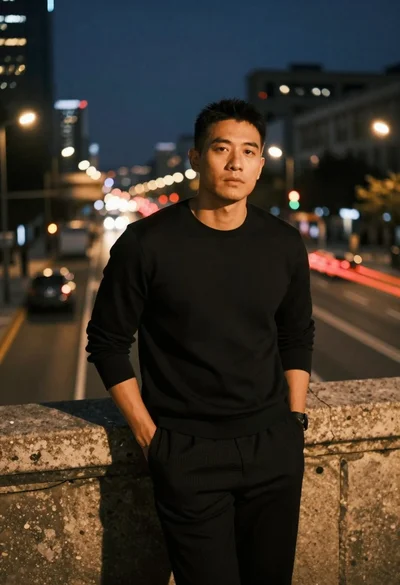
Man leaning on railing overlooking city highway at dusk
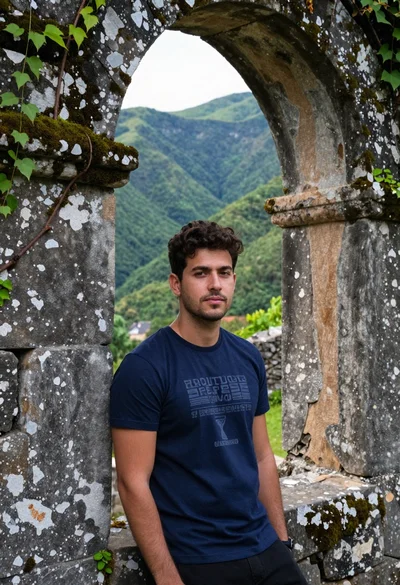
Young man leaning against ancient stone wall with green mountains
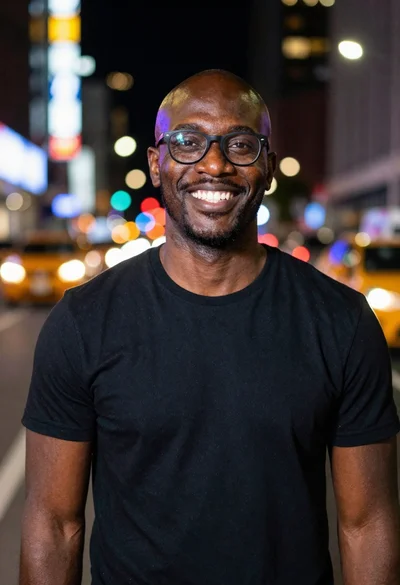
Smiling black man standing on a nighttime city street
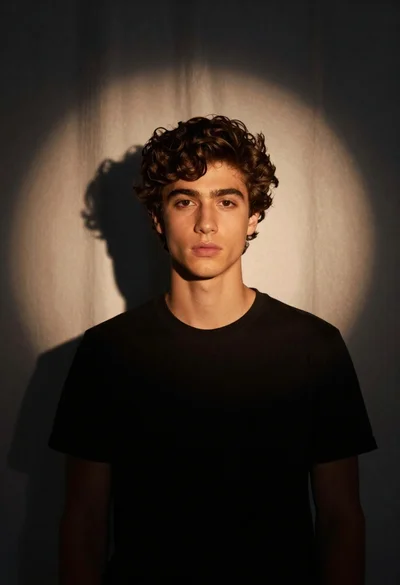
Medium close up portrait of young man in black tshirt studio setting
Medium close up portrait of young man with dark curly hair wearing a dark zip-up jacket
Medium close up portrait of young man with brown hair
Solemn man with dark beard wearing ornate golden crown and heavy jewelry
Medium close up portrait of young man with dark curly hair against a solid orange background
Handsome man in blue shirt leaning on ornate stone window frame