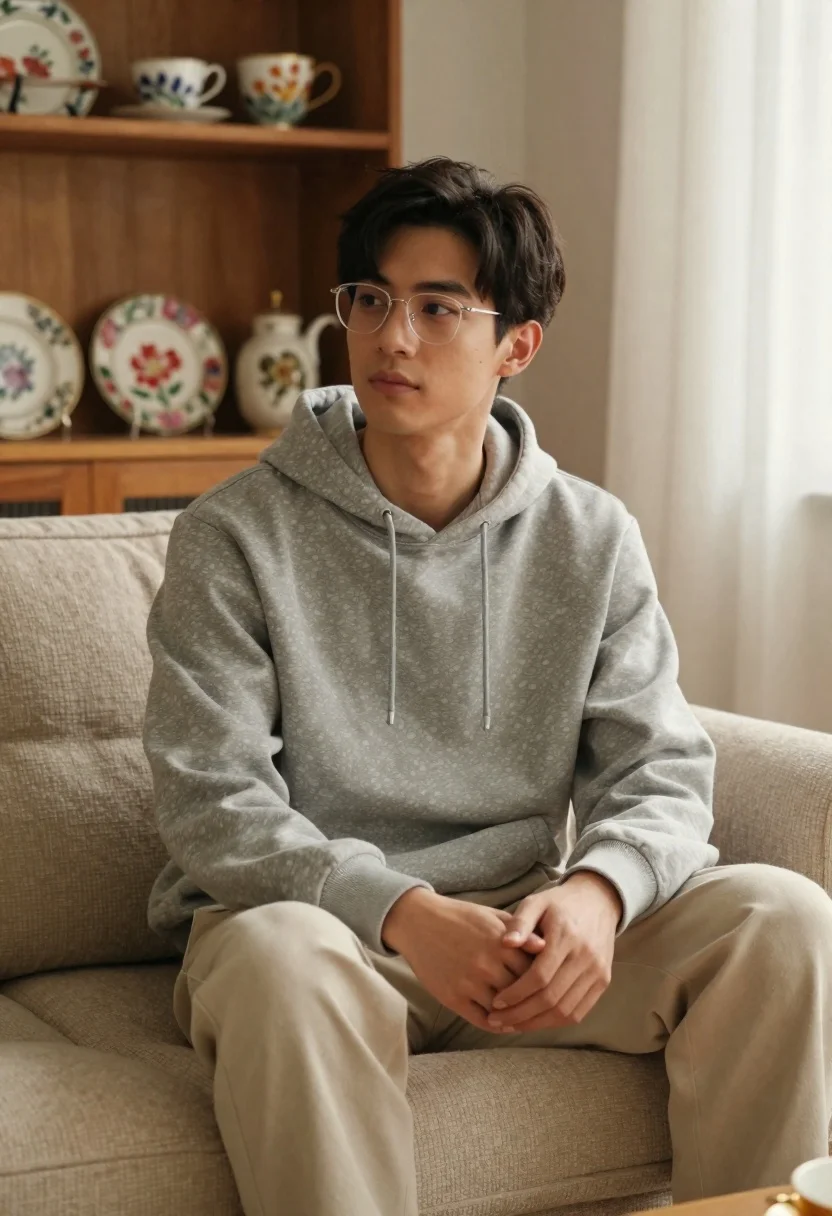
Young man with dark hair and glasses sitting on a sofa
Prompt
A man with dark hair and clear-framed glasses sits on a beige textured sofa in a warm, softly lit room.

Subject: A young man with short dark hair styled neatly to the side, wearing wire-rimmed eyeglasses, looking slightly off-camera with a calm expression.

Clothing: He wears a grey hooded sweatshirt with visible drawstrings and light beige trousers.

Action: He is seated in a relaxed posture with his hands clasped loosely in his lap, legs bent comfortably on the sofa.

Environment: The setting is a cozy interior featuring a wooden shelving unit behind him displaying colorful floral teacups and plates, with sheer white curtains visible to the right.

Camera: Medium shot capturing the subject from the waist up, framed with soft depth of field that blurs the background shelves slightly.

Lighting: Soft natural light filters in from the right side, creating gentle highlights on his face and casting a warm, ambient glow across the room.

Style Details: The image has a cinematic, high-quality aesthetic with smooth textures and a muted, earthy color palette.
Description
This prompt is useful for creating lifestyle magazine features, character concept art for indie films, and intimate portrait galleries. The combination of 'soft natural light' filtering from the right side and the 'muted, earthy color palette' ensures that the subject remains grounded while the gentle highlights on his face prevent the image from looking flat, complementing the cozy setting suggested by the wooden shelving unit.
Suggestions
- Change 'grey hooded sweatshirt' to 'navy knit sweater' for a deeper contrast.
- Swap 'beige textured sofa' for 'dark velvet armchair' to change the mood.
- Add 'bokeh effect' to enhance the background blur.
Category
Tags
Casual WearFair SkinMaleMedium ShotPortrait ShotRealistic
Date added
June 21, 2026
Added by
PromptDexter Team
Related Prompts
More prompts with similar categories and tags.

Portrait of man with silver hair and glasses
Young woman in red dress standing in sunlit garden by white house
Blonde woman in black hat standing in misty green rolling hills

Young woman in olive saree leaning on railing outdoors during golden hour
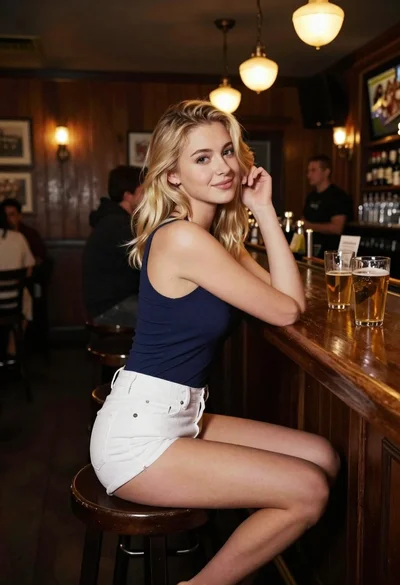
Blonde woman at a bar counter in dimly lit pub

Young woman with dark hair at wooden table in open air setting

Woman with black hair leaning indoors by glass railing in bright modern

Handsome young man in white linen shirt standing by boat on beach