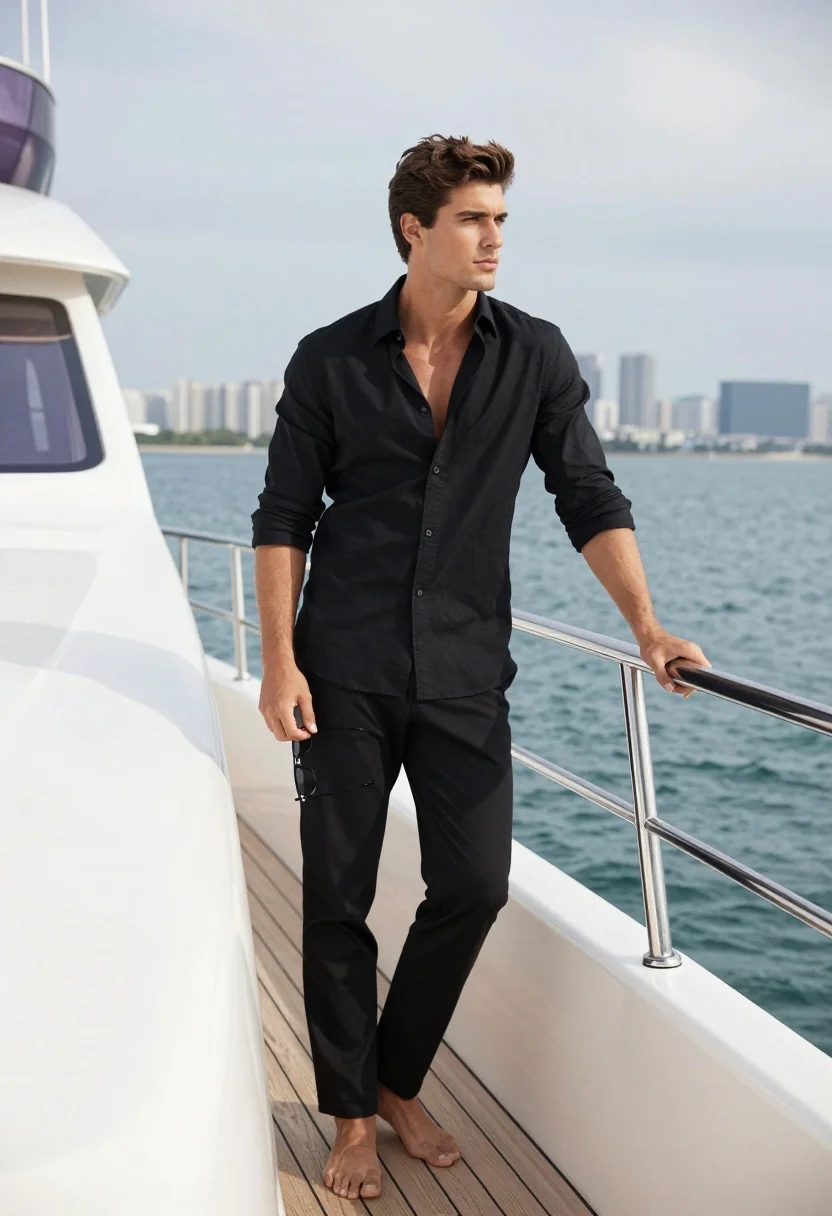
Handsome young man on luxury yacht overlooking blue sea and city skyline
Prompt
A handsome young man stands confidently on the deck of a luxury yacht, gazing off into the distance with a calm expression.

Subject: A fit young man with dark brown hair and sharp facial features.

Clothing: He wears a black button-down shirt with the top buttons undone to reveal his chest, paired with matching black trousers.

Action: He leans casually against the white railing of the yacht, holding a pair of sunglasses in one hand while resting the other on the rail.

Environment: The setting is the side deck of a large white yacht with light wood flooring and stainless steel railings, overlooking a calm blue sea with a distant city skyline under a cloudy sky.

Camera: Shot from a medium-full angle that captures the subject’s full body and posture, emphasizing his relaxed stance against the railing.

Lighting: Soft natural daylight illuminates the scene evenly, creating subtle shadows and highlighting the texture of his clothing and skin.

Style Details: The image has a clean, high-end fashion photography aesthetic with crisp details and a polished color palette.
Description
This prompt is useful for creating luxury lifestyle advertisements, aspirational travel blogs, and high-end menswear lookbooks. The combination of 'soft natural daylight' and the 'white railing' ensures that while the subject remains the focus, the environment feels integrated rather than merely placed behind him, preventing harsh contrast that would detract from the polished color palette.
Suggestions
- Change 'black button-down shirt' to 'light blue linen shirt' for a more daytime feel.
- Add 'golden hour sunlight' to the lighting for warmer tones.
- Adjust 'medium-full angle' to 'low angle shot' to make the yacht appear grander.
Category
Tags
Casual WearFull BodyMaleMedium ShotOutdoorsRealisticRooftop
Date added
August 5, 2026
Added by
PromptDexter Team
Related Prompts
More prompts with similar categories and tags.

Young woman in grey top and white skirt by water at dusk
Woman in neon lime green knit outfit on yacht overlooking city skyline
Fit man leaning against railing overlooking turquoise ocean and rocky coastline

Fit woman in white bikini top on seaside patio overlooking ocean

Young woman in bikini top standing on balcony overlooking green valley

Woman on beach daybed under beige umbrella

Young woman in copper top and paisley skirt at outdoor music festival
Woman in striped crochet set posing on boat deck at sunset

Young woman in green jacket holding plush toy at festive carousel
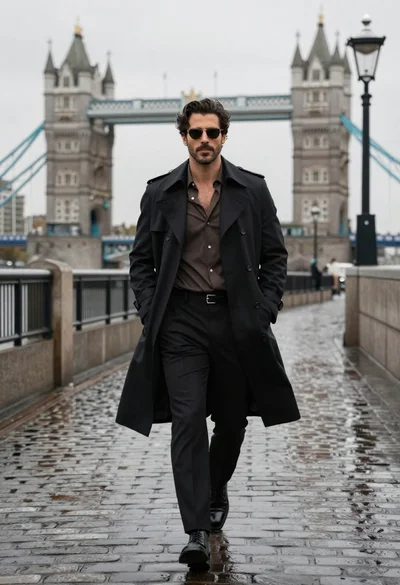
Confident man in black trench coat walking on wet cobblestone path