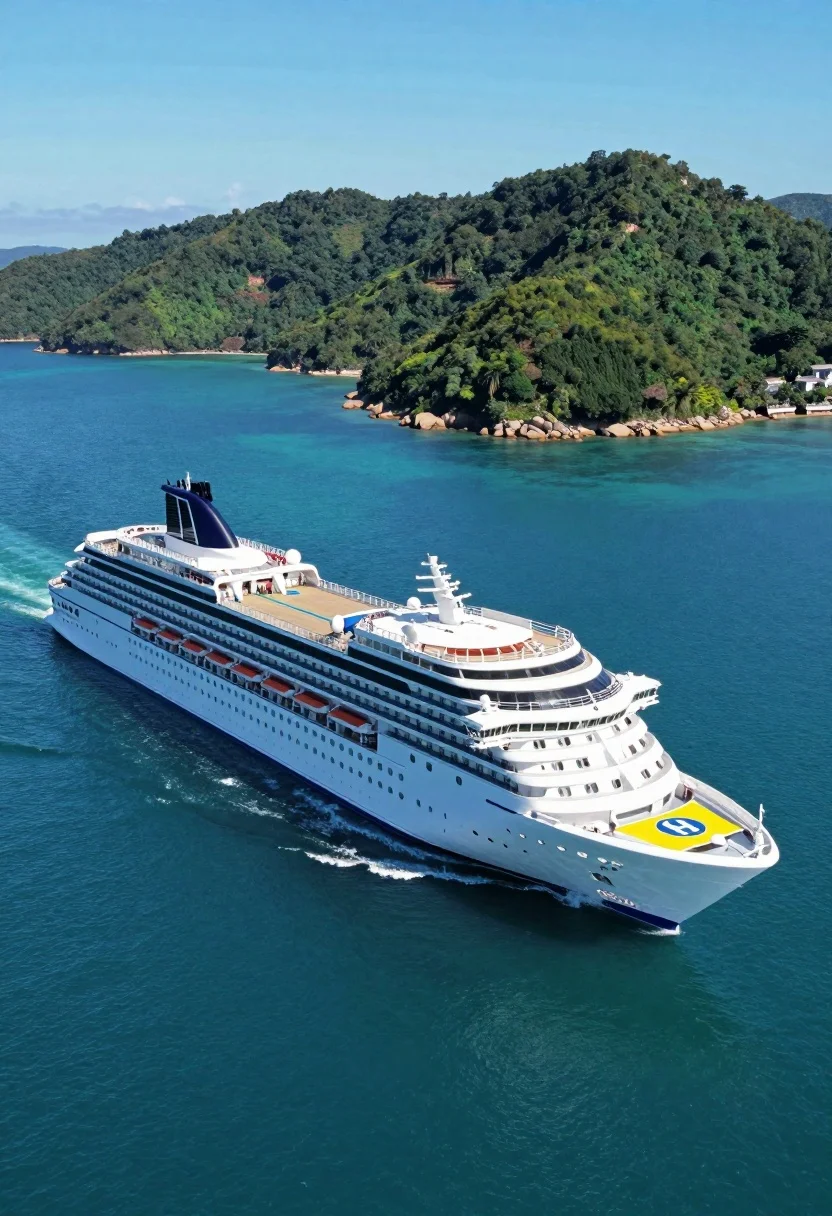
High angle aerial view of white cruise ship near lush green tropical
Prompt
A massive white luxury cruise ship sails through calm turquoise waters near a lush green island.

Subject: A large modern white cruise liner with multiple decks of windows and a distinctive curved superstructure at the stern. The bow features a yellow landing pad marked with a blue circle containing a white 'H' for helicopter operations. The ship has a sleek hull design and appears to be floating peacefully on the water.

Action: The vessel is sailing forward through the ocean, positioned slightly angled towards the right side of the frame.

Environment: The ship is surrounded by deep blue sea water that transitions to lighter turquoise near the surface. In the background stands a large, verdant island covered in dense green forest with rocky shores visible along its coastline. The sky above is clear and bright blue.

Camera: A high-angle aerial shot looking down at the ship from a distance, capturing both the full length of the vessel and the surrounding landscape. The composition places the ship in the lower left foreground while the island dominates the upper right background.

Lighting: Bright natural sunlight illuminates the scene from above, casting soft shadows beneath the ship and highlighting the white hull against the blue water. The lighting is even and clear, suggesting a sunny day with no harsh contrasts.

Style Details: The image has a clean, high-definition quality with vibrant saturated colors, particularly in the blues of the sea and sky and the greens of the island foliage.
Description
This prompt is useful for creating travel brochure visuals, architectural concept art featuring maritime elements, and cinematic establishing shots for adventure films. The combination of 'high-angle aerial shot' composition with 'bright natural sunlight' ensures that both the 'massive white luxury cruise ship' structure and the 'lush green island' foliage are clearly visible without harsh shadows obscuring detail, which is crucial for conveying scale and pristine environment.
Suggestions
- Change 'turquoise waters' to 'deep sapphire water' for a more dramatic contrast.
- Add 'photorealistic, 8k resolution' to enhance the clean quality.
- Adjust the composition by placing the ship in the center foreground.
Category
Tags
AnimalHigh AngleNatureRealisticVehicleWide Shot
Date added
August 5, 2026
Added by
PromptDexter Team
Related Prompts
More prompts with similar categories and tags.
Low angle view of white airliner banking sharply against blue sky
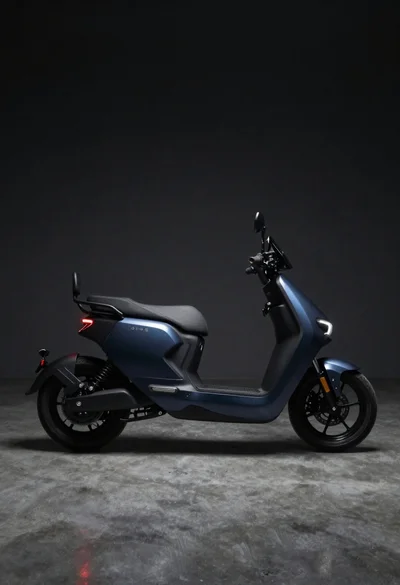
Dark blue electric motorcycle in a studio setting
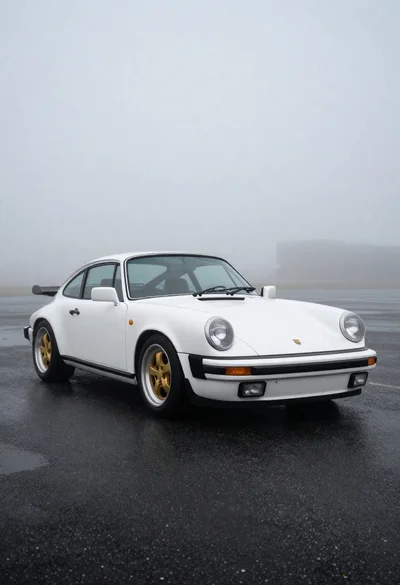
White classic porsche sports car on dark asphalt
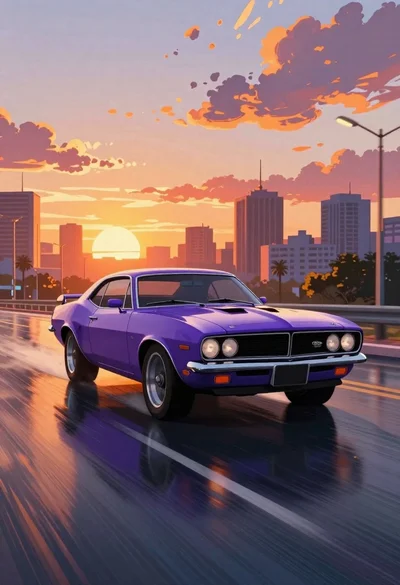
Purple muscle car driving through city at sunset
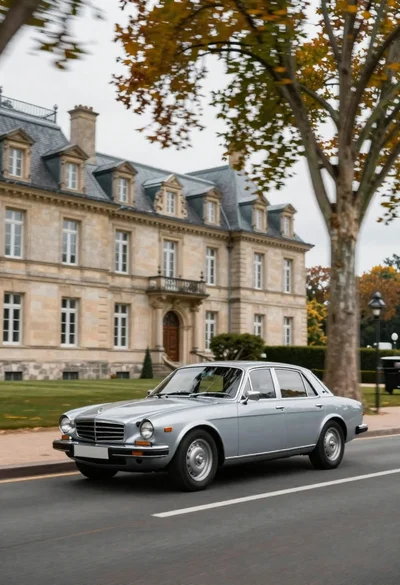
Vintage sedan cruising past french chateau with autumn leaves
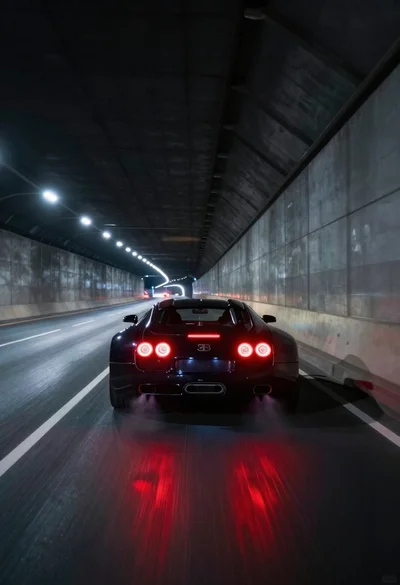
Black supercar speeding through a concrete tunnel at night
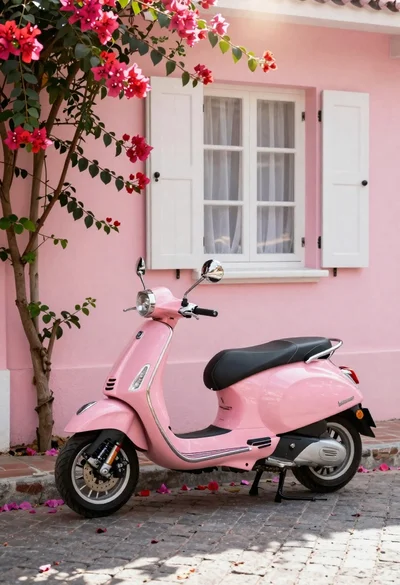
Pink vespa scooter on cobblestone street with bougainvillea
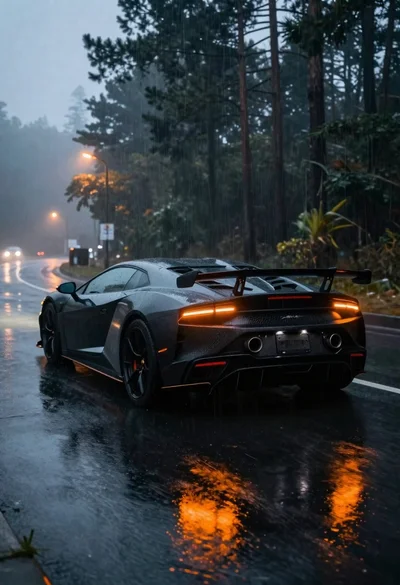
Black sports car on wet asphalt road in misty forest
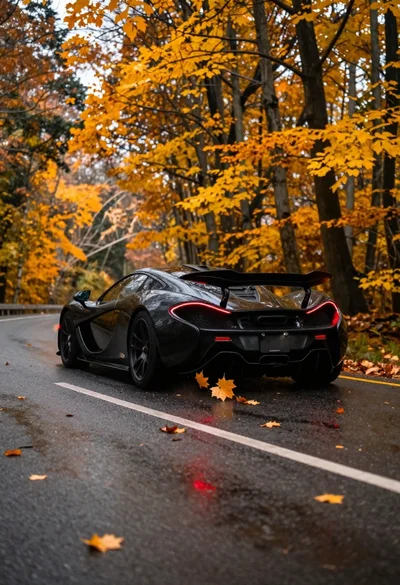
Matte black supercar speeding through autumn forest road
Black sedan on highway winding through hilly landscape at dusk