
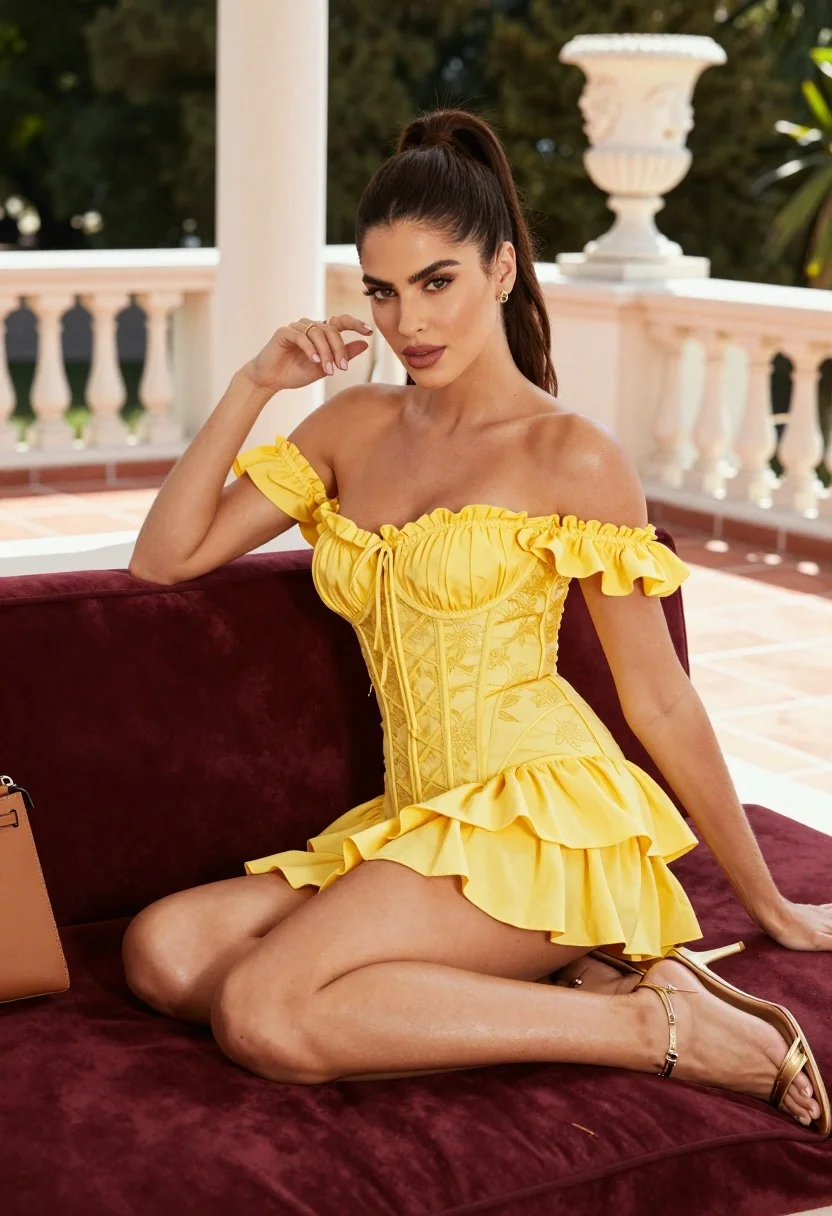
High fashion portrait of woman in yellow dress on outdoor terrace
Prompt
A confident woman with dark hair pulled back in a ponytail sits on a plush maroon velvet daybed, gazing directly at the camera with a sultry expression.

Subject: A woman with long dark brown hair styled in a high ponytail, fair skin, and defined facial features looking forward.

Clothing: She wears a bright yellow off-the-shoulder mini dress featuring ruffled sleeves, a corset-style lace-up bodice with floral embroidery, and a tiered ruffled skirt; she accessorizes with gold rings on her fingers, thin gold bracelets on her wrist, and strappy gold high-heeled sandals.

Action: She is seated in a relaxed pose with one hand raised near her face touching her hair and the other arm resting along the back of the sofa, legs crossed at the knee.

Environment: The setting is an outdoor terrace or balcony with terracotta tiled flooring, white marble architectural columns, and a large decorative urn with a sculpted head in the background; lush green trees are visible in the distance beyond a low wall.

Objects: A tan leather handbag rests on the daybed next to her.

Lighting: Bright natural sunlight illuminates the scene from the side, casting soft shadows and highlighting the texture of the dress and skin.

Camera: Shot with a medium close-up framing that captures the subject from the thighs up, utilizing a shallow depth of field to blur the background slightly while keeping the subject sharp.

Style Details: High-fashion editorial photography style with vibrant colors, smooth skin textures, and a polished commercial aesthetic.
Description
This prompt is useful for creating high-end magazine editorials, luxury brand lookbooks, and sophisticated portrait galleries. The combination of 'bright yellow off-the-shoulder mini dress' against the deep tones of the 'plush maroon velvet daybed' creates a deliberate color contrast that prevents the image from feeling washed out under the 'bright natural sunlight,' while the 'shallow depth of field' ensures the viewer focuses solely on the subject's expression and accessories.
Suggestions
- Change 'terracotta tiled flooring' to 'polished black marble' for a more dramatic base.
- Swap 'gold rings' for 'pearl drop earrings' to shift the jewelry focus.
- Adjust 'medium close-up framing' to 'full body shot' to better showcase the dress silhouette.
Category
Tags
Fair SkinFemaleMedium ShotRealistic
Date added
August 5, 2026
Added by
PromptDexter Team
Related Prompts
More prompts with similar categories and tags.

Fair blonde woman in metallic corset mini dress against light blue studio

Young woman in silver sequin top and lace dress against beige wall
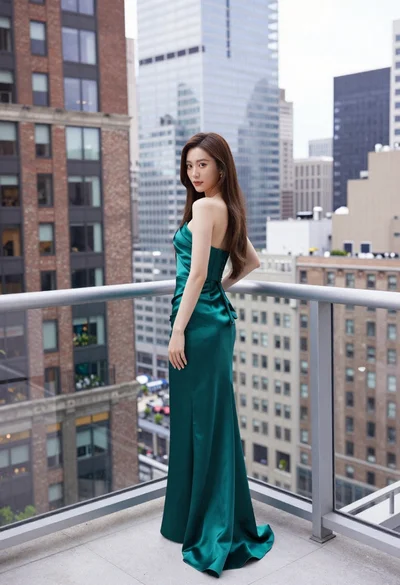
Young woman in emerald gown on high rise balcony overlooking city

Woman in gold sequin slip dress looking over shoulder in forest
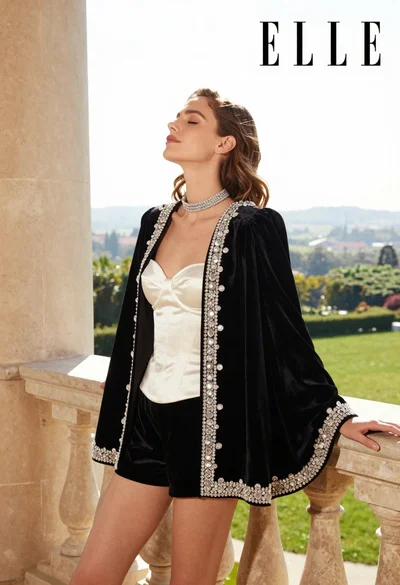
Woman in black velvet jacket on stone balcony against green hills
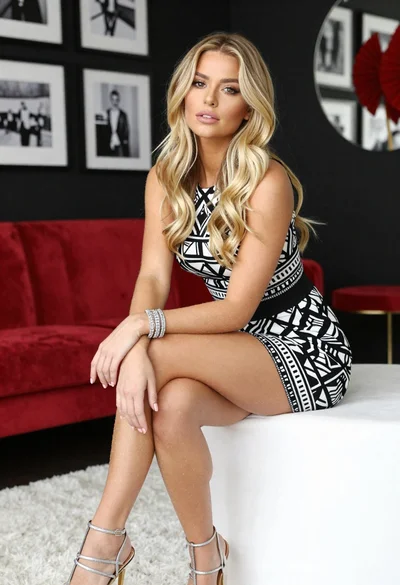
Blonde woman in geometric dress seated in modern stylish interior setting
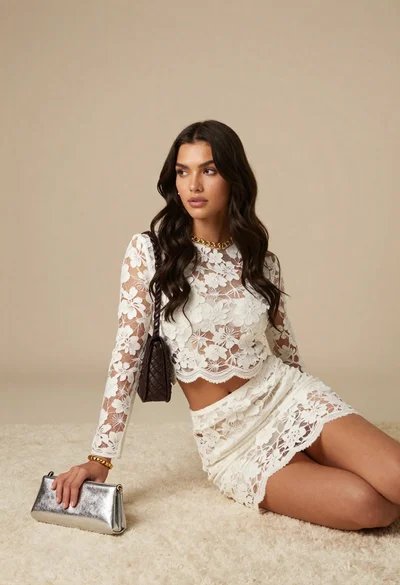
Young woman in white floral lace set on cream rug studio portrait

Woman in black dress by window overlooking ocean at golden hour

Fair blonde woman in slip dress seated in minimalist studio setting

Blonde woman in black slip dress posing on red carpet at formal
