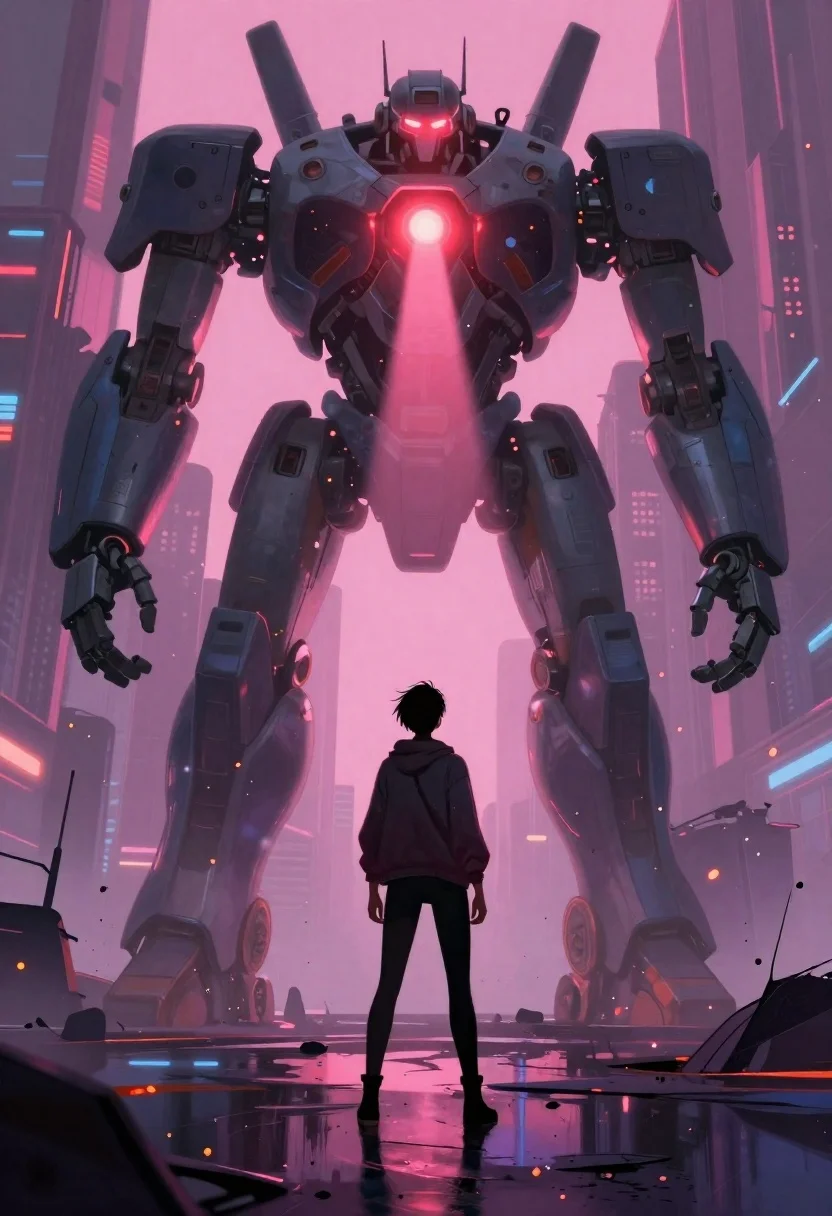
Human standing before colossal mech robot in futuristic wasteland
Prompt
Digital painting of a solitary figure standing in the foreground facing a colossal bipedal mech robot towering over them.

Subject: A lone human with dark hair tied up from behind, viewed entirely from behind as they stand still on wet ground looking upward at the giant machine ahead.

Clothing: Wearing casual wear including a jacket and leggings or pants; no specific brand details visible but practical urban attire suggested by silhouette against backdrop glow.

Action: Standing calmly facing forward with head slightly tilted up gazing toward robot faceplate where glowing red eye-like sensors emit intense light beams downward creating dramatic contrast between small human form vs massive mechanical presence above ground level reflections in puddles adding depth to scene composition emphasizing scale difference between characters while maintaining emotional tension through body language suggesting awe or contemplation rather than fear.

Environment: Futuristic urban wasteland setting with blurred vertical structures resembling ruined skyscrapers fading into pink-hued misty atmosphere filled with floating embers and debris scattered across cracked pavement surface reflecting ambient glow from surrounding neon-lit environment enhancing cyberpunk aesthetic vibe typical of sci-fi art styles featuring high contrast lighting effects emphasizing moodiness inherent in dystopian narratives.

Camera: Low-angle shot capturing full height difference between characters giving impression that viewer is positioned at same eye level as human looking up towards looming giant robot which dominates entire frame composition reinforcing sense of vulnerability and insignificance felt by protagonist facing overwhelming technological force without any visible threat intent yet creating suspenseful narrative tension through visual storytelling techniques common in cinematic illustrations designed to evoke empathy for underdog hero standing alone against odds represented by cold unfeeling machinery.

Lighting: Strong backlight emanating from behind robot's glowing red optical sensor casting soft pinkish-purple ambient glow across entire scene washing out background details while highlighting silhouettes of both figures creating chiaroscuro effect typical in dramatic anime-inspired digital paintings where emotional weight carried primarily through color palette choices like deep magentas contrasting sharply with muted grays blues found on mechanical surfaces and clothing textures enhancing overall melancholic tone characteristic of post-apocalyptic settings often explored in contemporary sci-fi media.

Style Details: Digital painting rendered in semi-realistic style blending painterly brushwork with clean lines reminiscent of concept art used for game development or movie production featuring highly saturated colors particularly pinks purples oranges creating dreamlike yet gritty atmosphere typical of cyberpunk genre visuals where technology merges seamlessly with decayed infrastructure forming unique visual language defined by neon-noir aesthetics prevalent in modern speculative fiction media targeting young adult audiences interested in existential themes surrounding humanity's relationship with artificial intelligence.
Description
This prompt is useful for creating cinematic concept art, dystopian narrative illustrations, and high-impact sci-fi book covers. The combination of 'low-angle shot' and the glowing red sensors against a 'pink-hued misty atmosphere' establishes an immediate sense of overwhelming scale and emotional tension, which is crucial for visualizing human vulnerability against massive technology.
Suggestions
- Change 'casual wear' to 'weathered tactical gear' for more grit.
- Swap 'glowing red eye-like sensors' for 'cyan optical array' to shift the color palette.
- Add 'anamorphic lens distortion' to enhance the sense of overwhelming scale.
Category
Tags
Back ViewCasual WearDigital ArtFull BodyLow AngleRobotRuinsSpaceUrban
Date added
June 19, 2026
Added by
PromptDexter Team
Related Prompts
More prompts with similar categories and tags.
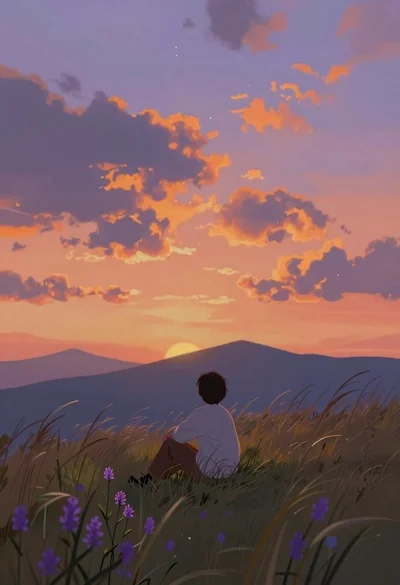
Lone figure sitting in meadow at twilight under dramatic sky
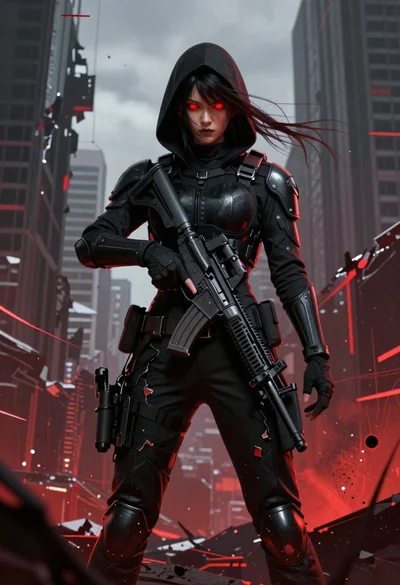
Female figure in tactical gear with assault rifle
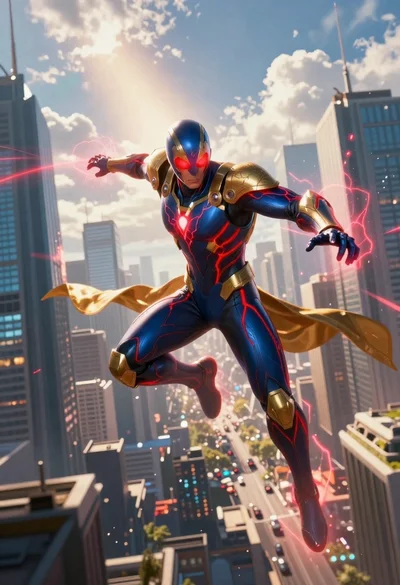
Superhero leaping through a futuristic cityscape under cloudy sky
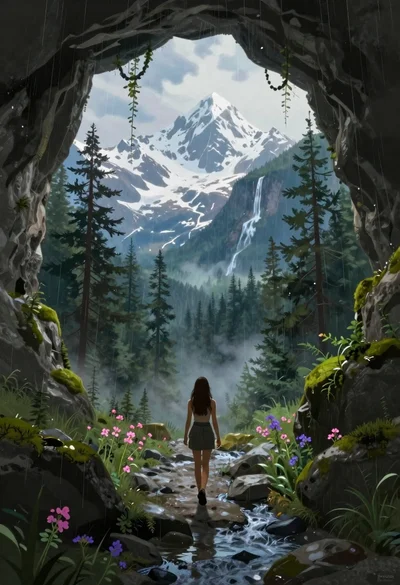
Woman walking from mossy cave to mountain landscape
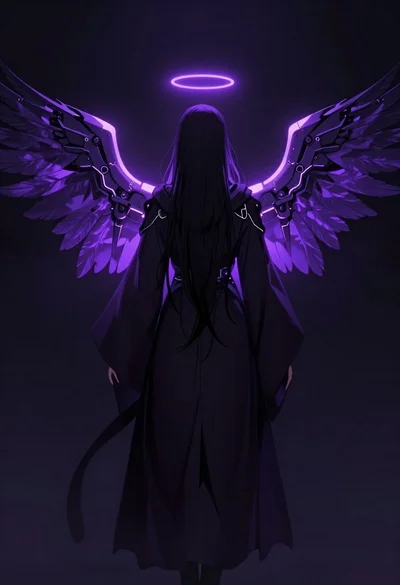
Mysterious figure with glowing mechanical wings in void
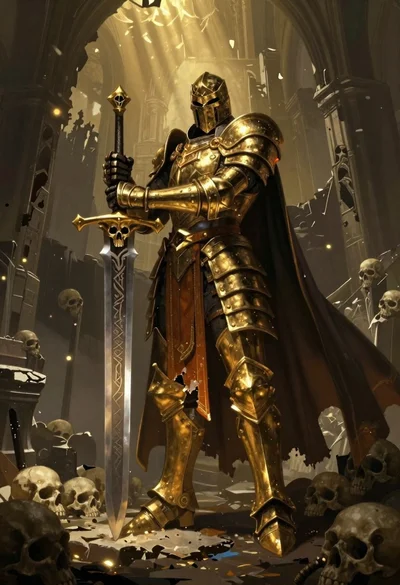
Armored warrior standing in a ruined hall with golden light

Skeletal monarch on ornate throne in dark cavern

Futuristic android woman in metallic corridor