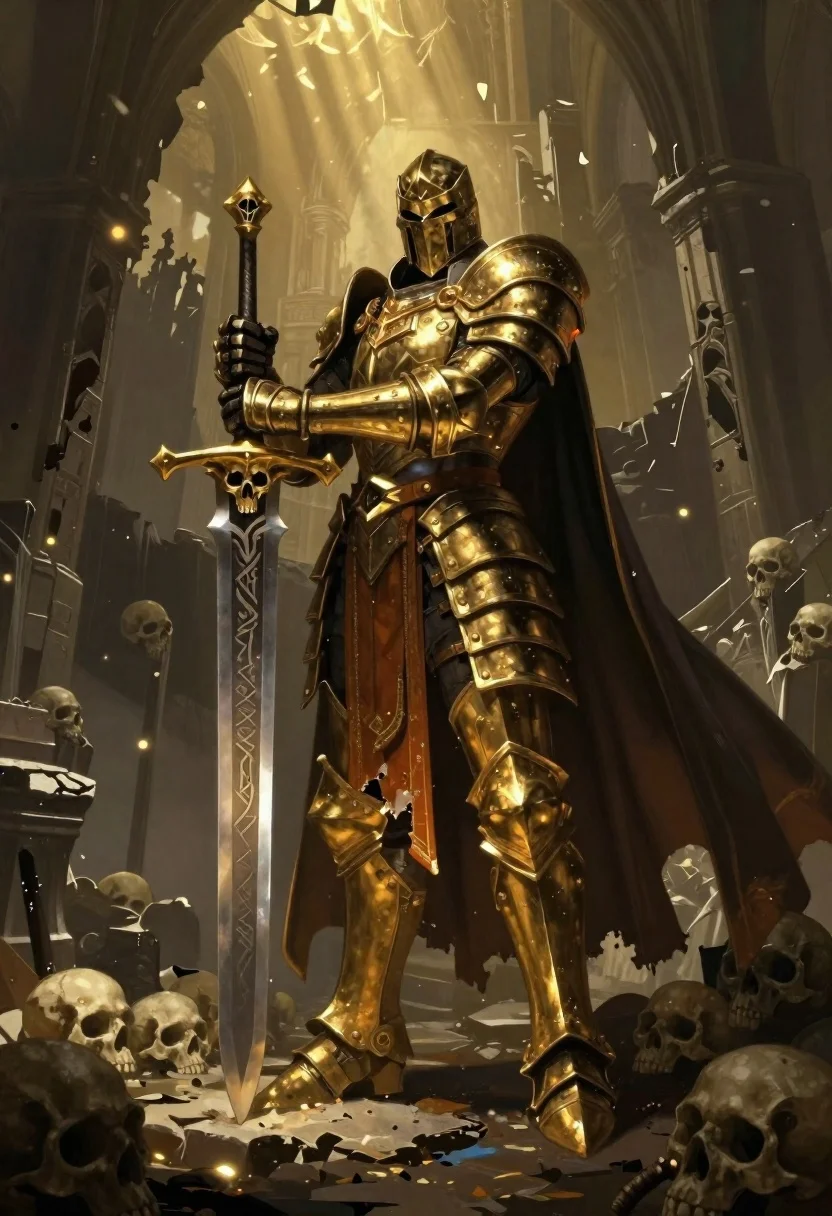
Armored warrior standing in a ruined hall with golden light
Prompt
A towering armored warrior stands in a dark, ruined hall with golden light filtering from above

Subject: a masked knight clad in ornate gold and black armor holding an oversized cursed sword upright; Sword features skull motifs on the crossguard and runic etchings along its blade

Clothing: includes layered plate armor, tattered orange undergarments visible beneath waist sash, flowing dark cape with golden trim billowing behind him

Action: static but imposing stance with weight resting on right leg as left foot steps forward over skulls at base

Environment: shows crumbling stone architecture, misty background suggesting ancient dungeon or cathedral interior surrounded by scattered human skulls forming a jagged pedestal and cascading down sides

Lighting: comes from warm overhead source casting dramatic shadows across faceplate, armor highlights gleam against dim surroundings creating high contrast mood

Camera: captures full-body vertical composition emphasizing height and presence with slight low-angle tilt to enhance dominance of figure over skull-strewn ground

Style Details: render in painterly digital art style reminiscent of dark fantasy concept illustrations.
Description
This prompt is useful for creating epic video game concept art, dark fantasy book covers, and cinematic character introductions. The combination of 'low-angle tilt' and the 'full-body vertical composition' forces the viewer to look up at the figure, enhancing the intended dominance over the skull-strewn ground, while the 'golden light filtering from above' ensures that the ornate gold and black armor catches highlights against the deep shadows.
Suggestions
- Change 'ornate gold and black armor' to 'weathered iron and tarnished bronze' for a grittier feel.
- Add 'volumetric god rays' to the lighting source for more dramatic shafts of light.
- Swap 'crumbling stone architecture' for 'obsidian pillars' to shift the environment's material.
Category
Tags
ArmorDigital ArtFull BodyIndoorsLow AngleMaleRuins
Date added
June 19, 2026
Added by
PromptDexter Team
Related Prompts
More prompts with similar categories and tags.
Warrior in dark armor within ancient overgrown stone archway

Warrior woman riding wolf through snowy mountains
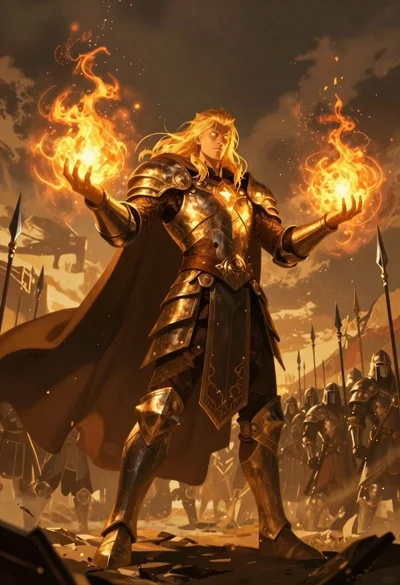
Mage with fire spheres before armored soldiers
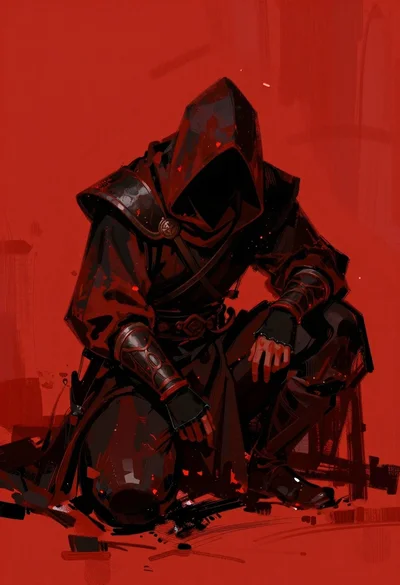
Hooded warrior crouching against abstract red background
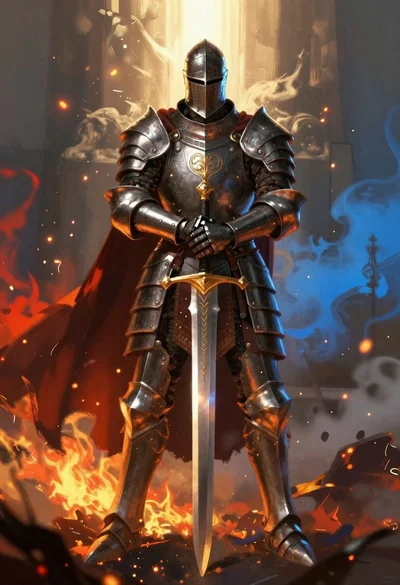
Armored knight standing amidst fire and blue mist
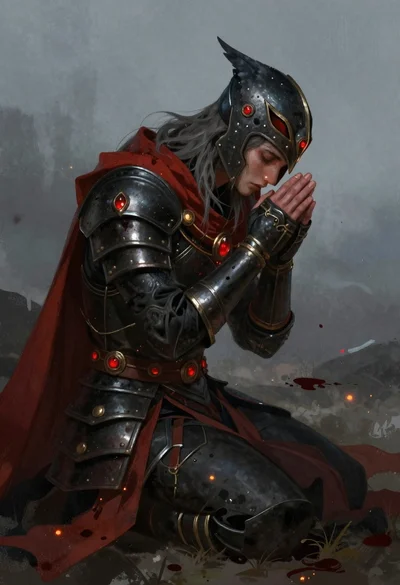
Fantasy warrior kneeling in dark armor amidst mist
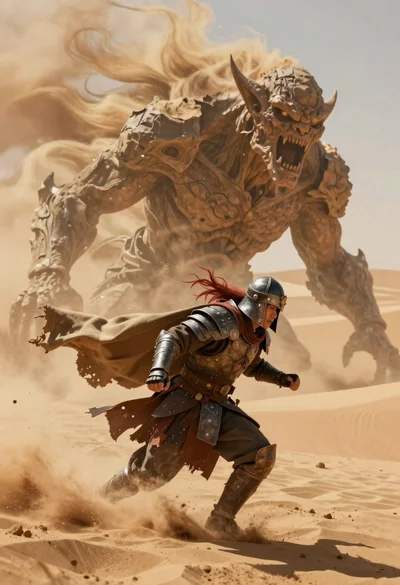
Armored warrior fleeing massive sand demon in desert

Obsidian humanoid in neon cube holding glowing heart