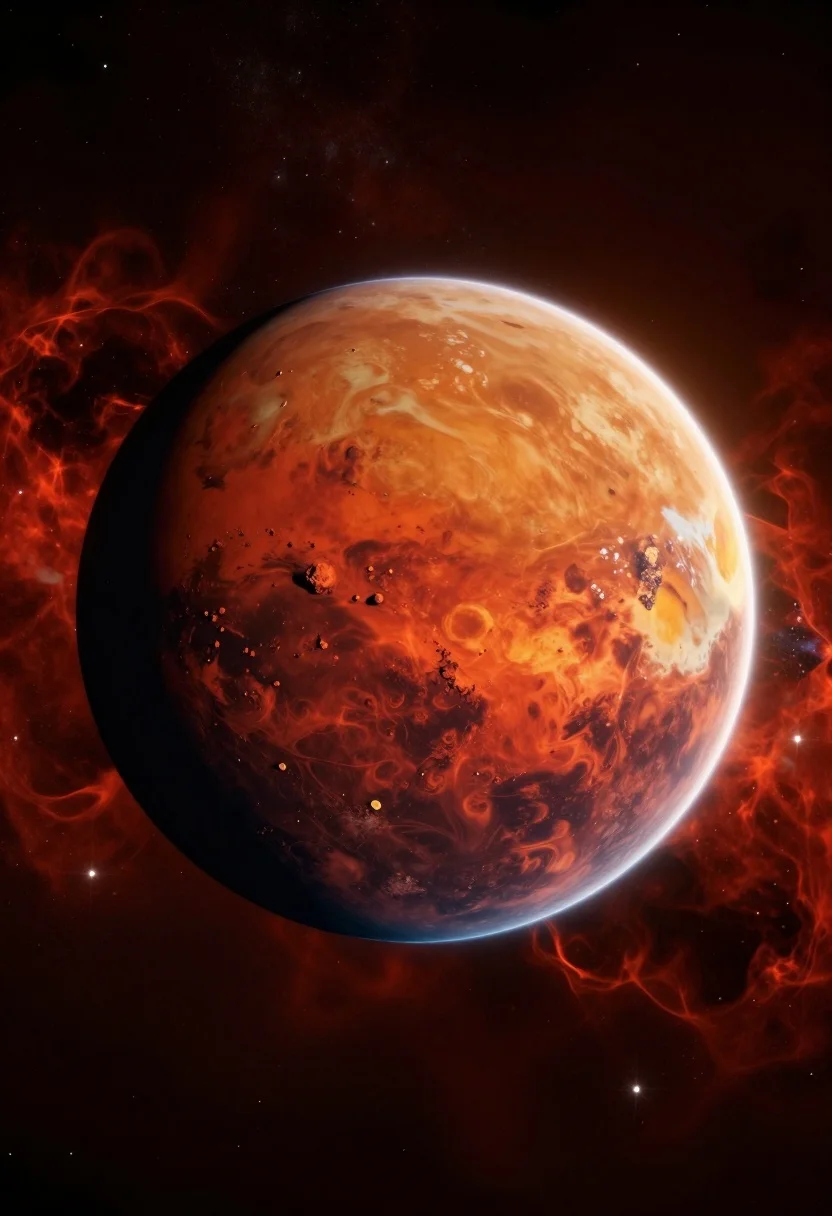
Hyperrealistic view of mars planet floating in deep space nebula
Prompt
A majestic view of the planet Mars floating in deep space.

Subject: A large, spherical celestial body with a textured surface dominated by deep reds and rusty oranges, featuring visible craters, swirling atmospheric dust patterns, and a bright white polar ice cap at the top.

Action: The planet is stationary, suspended in the void.

Environment: Set against a vast starfield filled with countless small white stars, surrounded by a glowing reddish-orange nebula or atmospheric haze that radiates outward from behind the planet.

Camera: Centered composition with a wide-angle perspective that captures the full curvature of the sphere, utilizing a telephoto lens feel to isolate the subject against the background.

Lighting: Illuminated by a strong light source coming from the upper right, creating a bright highlight on the top edge and casting the lower left hemisphere into deep shadow, emphasizing the planet's three-dimensional form.

Style Details: Hyper-realistic digital art with high dynamic range, vibrant color saturation, and a cinematic glow effect around the planetary body.
Description
This prompt is useful for creating science fiction concept art, astronomical visualizations, and dramatic background plates for film production. The combination of 'deep reds and rusty oranges' with the strong light source from the upper right sculpts the planet's form by casting the lower left hemisphere into deep shadow, which dramatically emphasizes the three-dimensional curvature that a flat composition would obscure.
Suggestions
- Change 'reddish-orange nebula' to 'cyan nebula' for a contrasting color scheme.
- Add 'volumetric god rays' to enhance the atmospheric haze.
- Swap 'telephoto lens feel' for 'ultra-wide angle' to exaggerate the scale.
Category
Tags
Digital ArtNatureRealisticSpaceWide Shot
Date added
August 5, 2026
Added by
PromptDexter Team
Related Prompts
More prompts with similar categories and tags.
Surreal landscape of solar eclipse over mountains lake and autumn foliage

Low angle portrait of white android by turquoise ocean
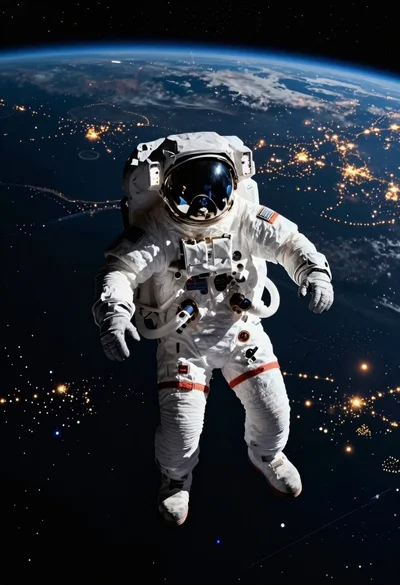
Astronaut floating in space above glowing earth
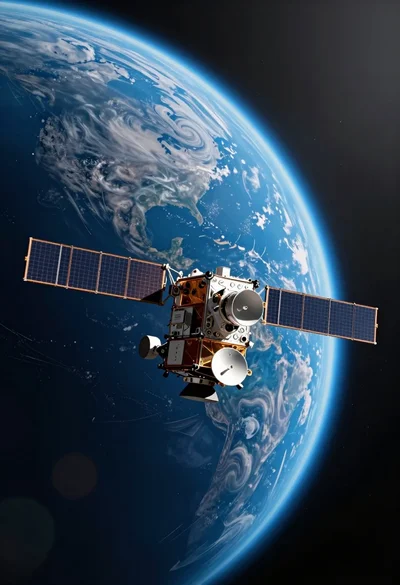
Detailed metallic satellite orbiting massive blue planet in deep space view
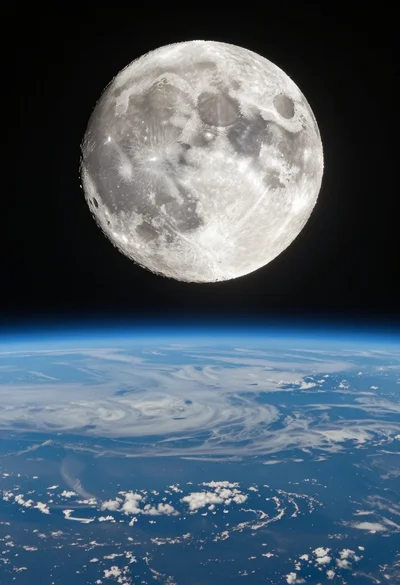
Photorealistic view of large moon over curved earth from space
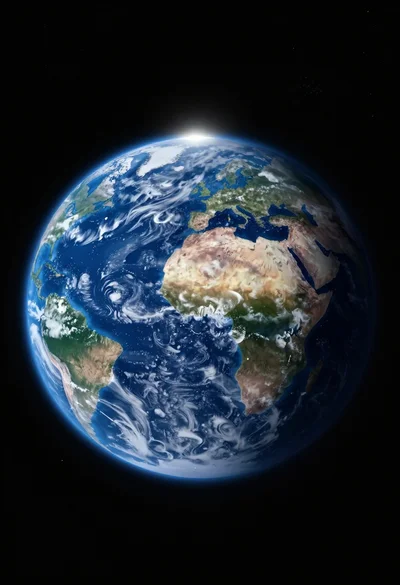
Photorealistic view of earth planet floating in vast dark space background
Massive blue futuristic rocket launching into deep outer space from below
Breathtaking view of earth rising over moon cratered horizon in deep space
Massive glowing red moon illuminates wispy orange clouds in dark night sky
Majestic spiral galaxy with white core and pink purple arms in deep