
Joyful woman at outdoor music festival holding cotton candy against stage
Prompt
A joyful woman with long dark hair stands in the center of a grassy outdoor music festival field, smiling broadly while holding a stick of pink and blue cotton candy.

Subject: A young woman with long brown hair flowing slightly in the wind, wearing dark sunglasses and a wide, happy smile.

Clothing: She wears a black corset-style top with lace-up detailing on the front, paired with a short black skirt that has a side slit, revealing her legs. She is wearing black boots and multiple colorful wristbands on her left arm.

Action: She holds the cotton candy in her right hand near her chest while raising her left arm high in the air, pointing or gesturing towards the stage structure behind her.

Environment: The setting is a large outdoor grassy field filled with other festival attendees standing in the background. A massive metal truss stage structure with lighting rigs and flags on poles dominates the upper background against a pale sky.

Camera: Shot from a low angle looking up at the subject, capturing her full figure against the backdrop of the stage and distant hills.

Lighting: Natural ambient light suggests late afternoon or early evening, casting soft shadows and highlighting the texture of the cotton candy.

Style Details: The image has a candid, documentary photography feel with natural color grading and a shallow depth of field that keeps the subject sharp while blurring the crowd in the background.
Description
This prompt is useful for creating vibrant festival promotional materials, lifestyle blog features documenting concert attendance, and dynamic fashion editorials capturing movement. The combination of 'low angle looking up at the subject' with a 'shallow depth of field' ensures the joyful woman remains the sharp focal point against the massive stage structure, while the 'natural ambient light' prevents harsh shadows that would detract from the candid feel.
Suggestions
- Change 'pink and blue cotton candy' to 'rainbow colored cotton candy' for more visual pop.
- Add 'bokeh effect' to enhance the background blur.
- Swap 'black corset-style top' for 'sequined crop top' to match festival energy.
Category
Tags
Brown HairFemaleFull BodyLow AngleOutdoorsRealistic
Date added
June 19, 2026
Added by
PromptDexter Team
Related Prompts
More prompts with similar categories and tags.
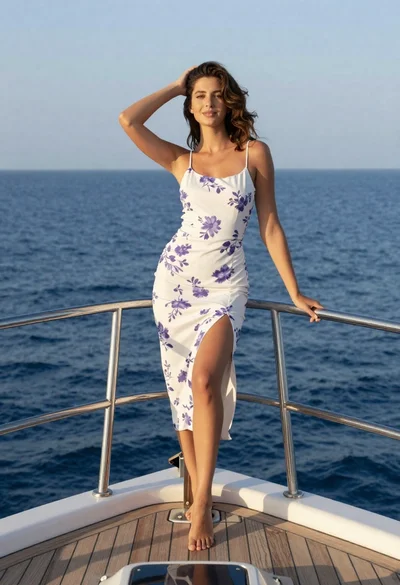
Young woman in floral dress standing on yacht bow at sunset
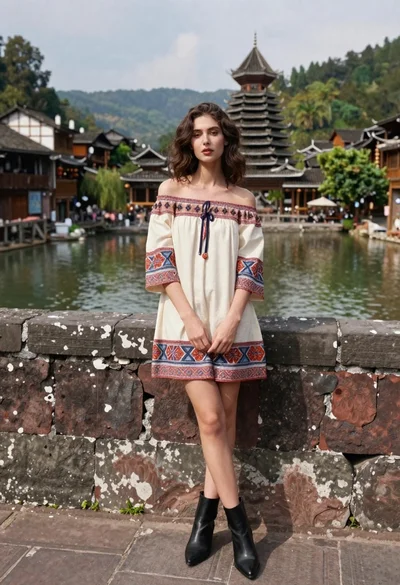
Young woman in patterned dress leaning against stone wall by river
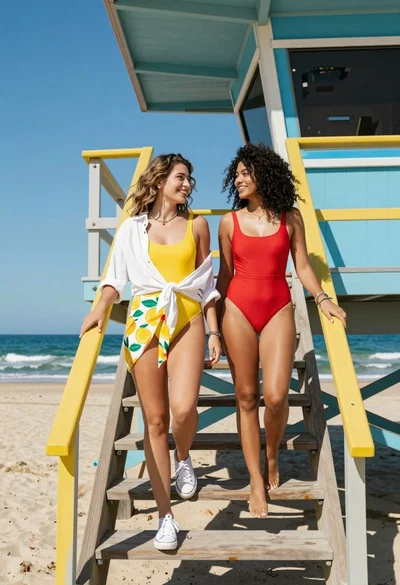
Two women descending colorful wooden stairs from a lifeguard tower at beach
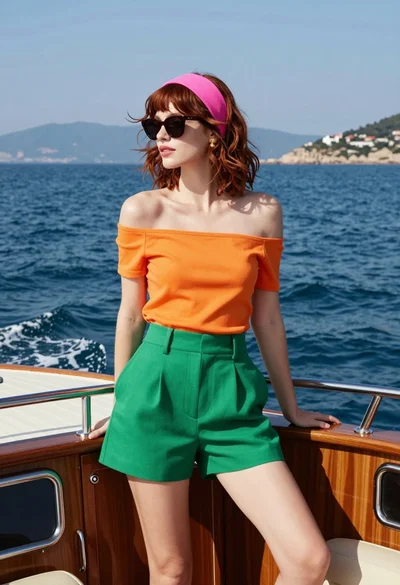
Stylish woman on speedboat bow against deep blue water with hazy mountains
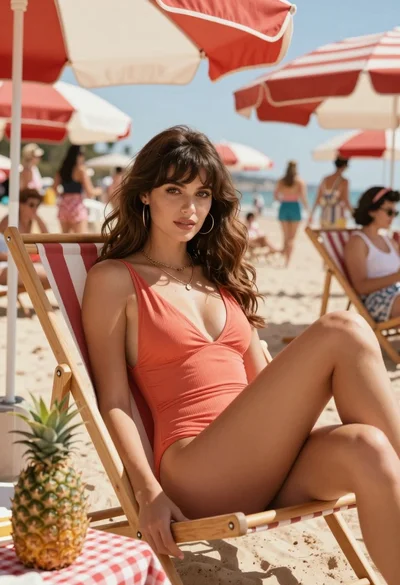
Glamorous woman in coral swimsuit lounging on beach chair under striped umbrellas
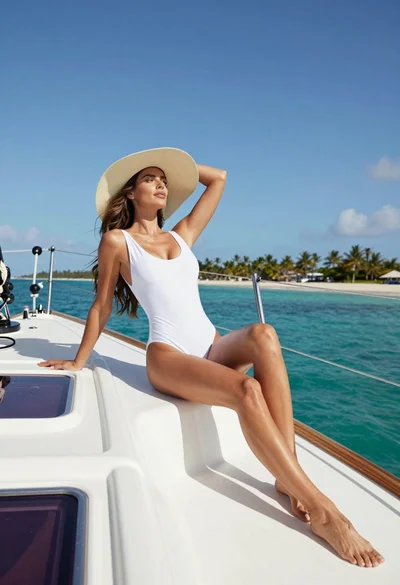
Fit woman in white swimsuit reclining on sailboat deck under blue sky
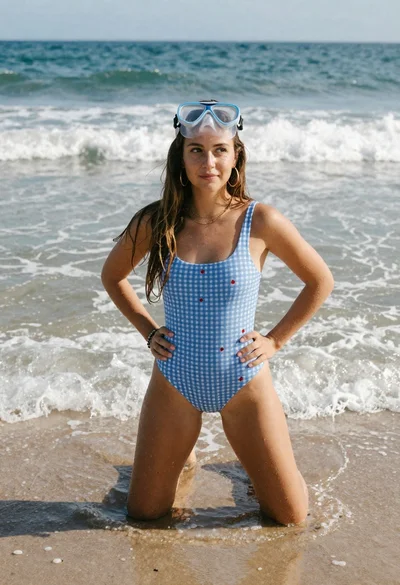
Young woman kneeling in shallow ocean water at sunny beach
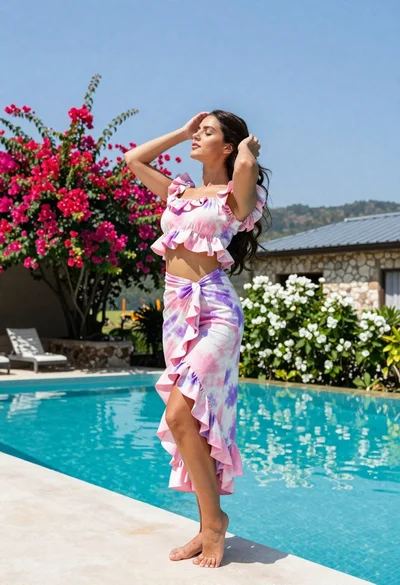
Young woman in tie dye outfit by turquoise pool under blue sky
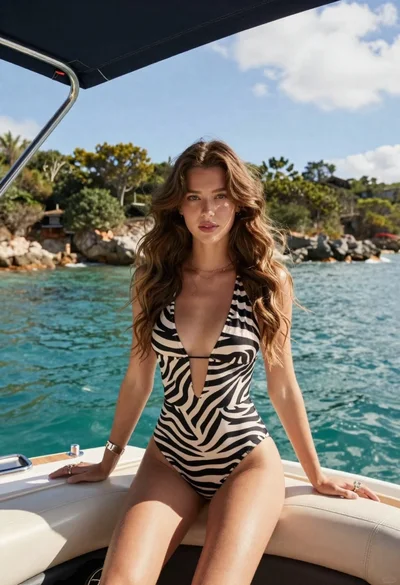
Young woman in zebra swimsuit seated on boat by turquoise water
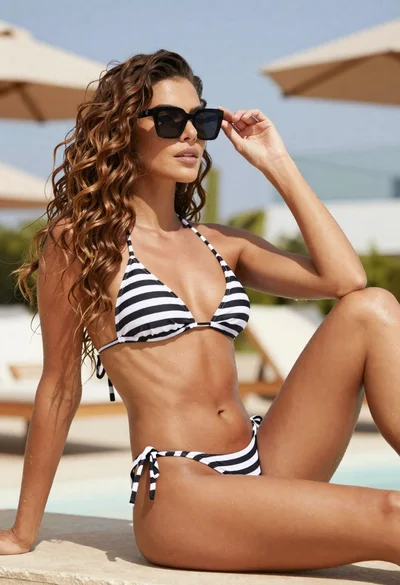
Fit woman in striped bikini adjusting sunglasses on outdoor patio