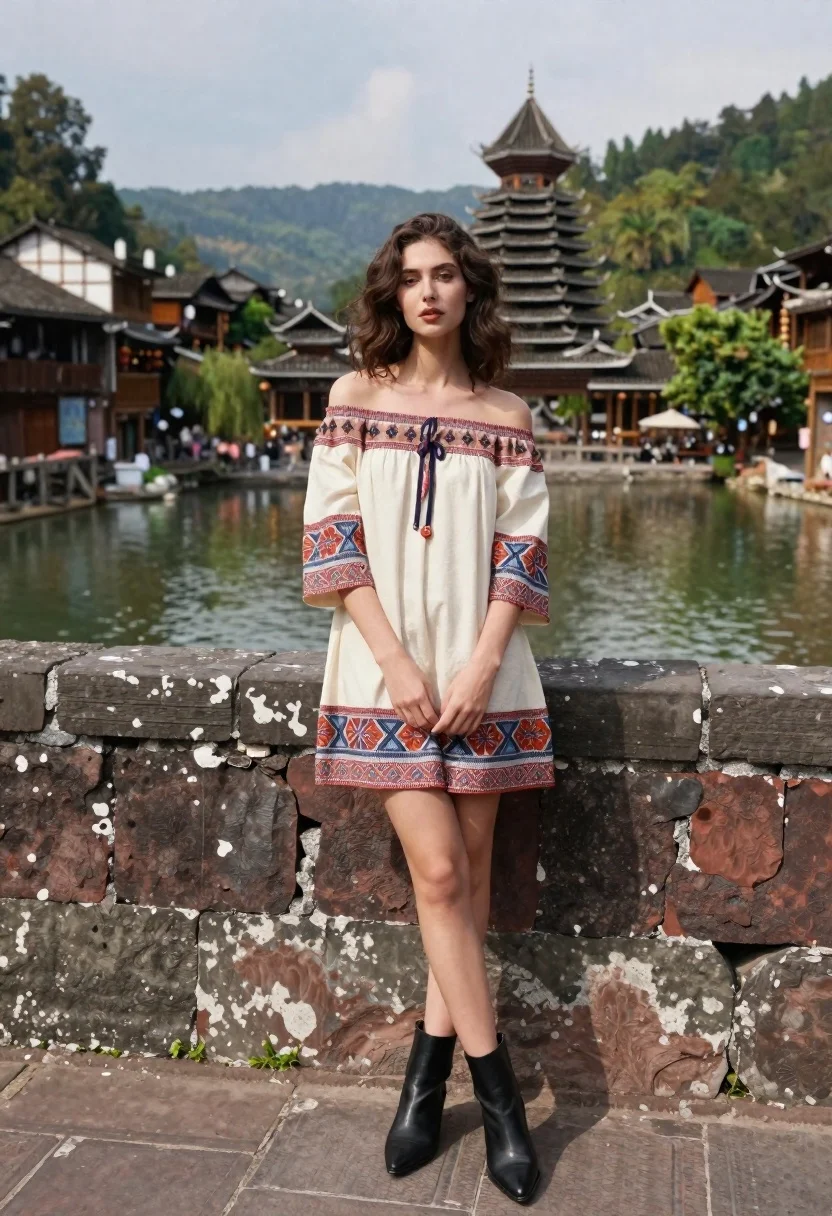
Young woman in patterned dress leaning against stone wall by river
Prompt
A young woman with wavy brown hair stands leaning against a weathered stone wall beside a calm river in an ancient town.

Subject: A young woman with fair skin and shoulder-length wavy dark brown hair, looking directly at the camera with a neutral expression.

Clothing: She wears a cream-colored off-the-shoulder mini dress featuring intricate red, blue, and orange geometric and floral patterns on the sleeves and hem, paired with black pointed-toe ankle boots.

Action: The woman stands in a relaxed pose leaning her back against the stone wall, with her hands clasped loosely in front of her waist.

Environment: A scenic riverside setting featuring traditional wooden buildings with tiled roofs lining the water, a prominent multi-tiered pagoda tower in the background, and lush green mountains rising behind the town under a cloudy sky.

Camera: Shot from a low angle looking up at the subject, utilizing a shallow depth of field to keep her sharp while softly blurring the distant architecture and landscape.

Lighting: Soft natural daylight illuminates the scene evenly, creating gentle shadows on the stone wall and highlighting the textures of the dress without harsh contrast.

Style Details: The image has a cinematic quality with realistic textures, vibrant yet balanced colors, and a composition that blends fashion photography with travel scenery.
Description
This prompt is useful for creating editorial travel features, destination lookbooks, and character-driven narrative art. The combination of 'low angle looking up at the subject' emphasizes her stature against the backdrop of 'lush green mountains,' while the 'shallow depth of field' ensures the intricate patterns of the dress remain the focal point despite the detailed background elements.
Suggestions
- Change 'cream-colored off-the-shoulder mini dress' to a specific fabric like 'silk patterned maxi dress' for more drama.
- Swap 'red, blue, and orange geometric and floral patterns' for 'indigo and gold ikat print' for a more cohesive palette.
- Adjust the background by adding 'mist rising from the river' to enhance the atmosphere.
Category
Tags
Brown HairFair SkinFemaleFull BodyLow AngleOutdoorsPortrait ShotRealisticUrban
Date added
June 21, 2026
Added by
PromptDexter Team
Related Prompts
More prompts with similar categories and tags.
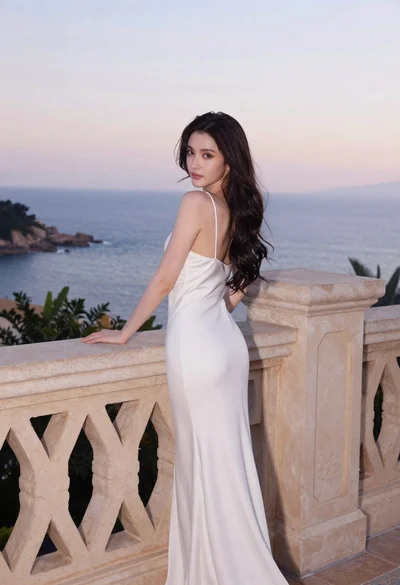
Young woman in white dress on stone terrace at sunset

Young woman in pink cardigan holding camera in front of castle
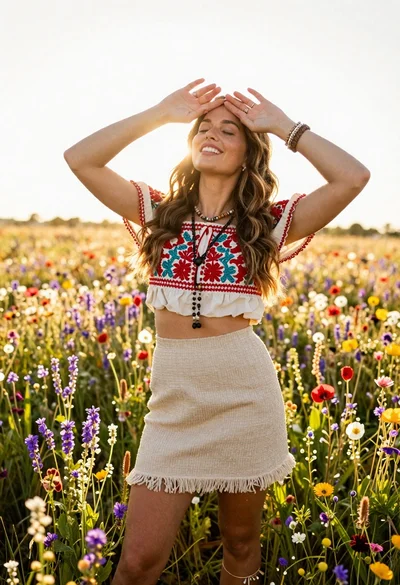
Smiling woman in embroidered top standing in field of wildflowers
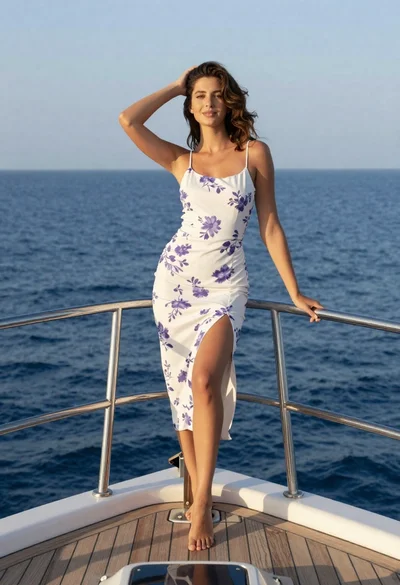
Young woman in floral dress standing on yacht bow at sunset
Smiling young woman in knit cardigan standing in an outdoor market

Blonde woman in pink dress leaning on pillar before colosseum in rome
Young woman in grey top and white skirt by water at dusk
Stylish woman in cream coat sitting by prague astronomical clock