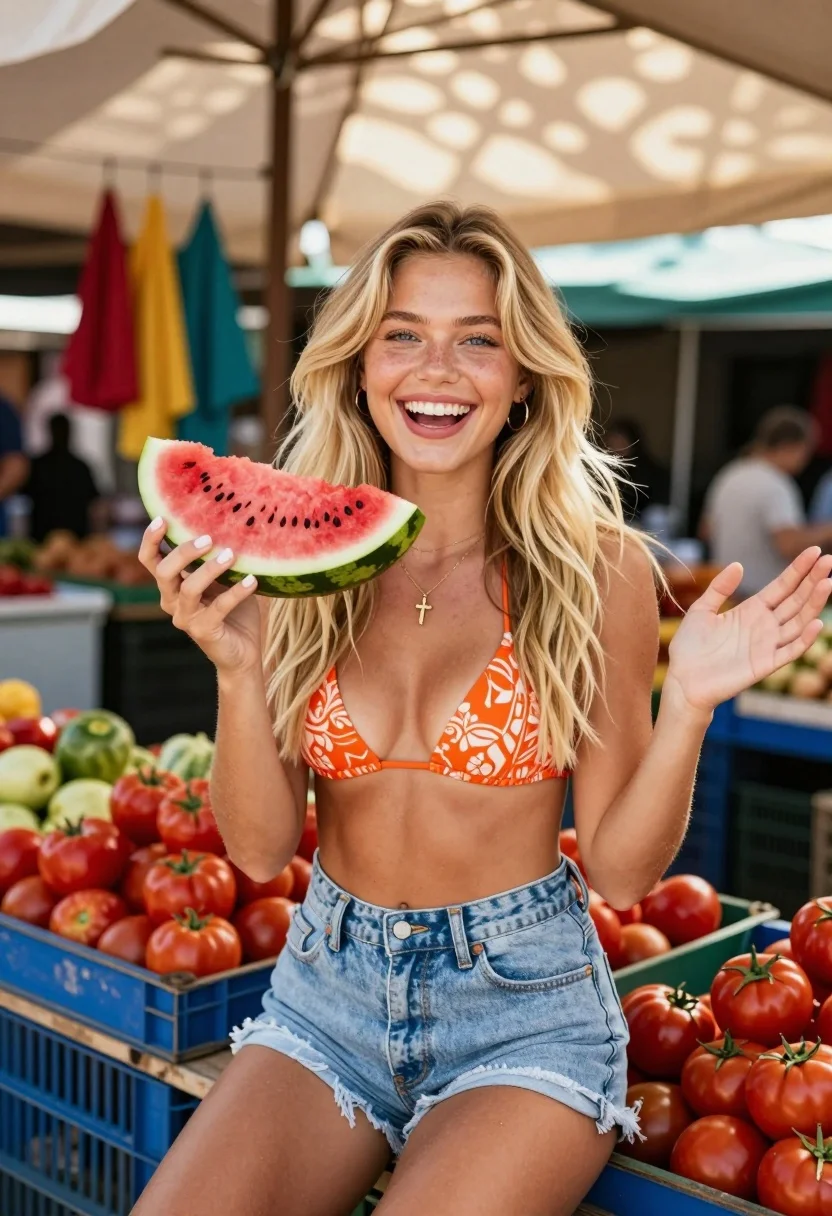
Joyful young blonde woman holding watermelon in an outdoor market setting
Prompt
A joyful young woman with long blonde hair sits smiling broadly while holding a slice of watermelon in an outdoor market.

Subject: A fair-skinned young woman with long, wavy blonde hair and bright blue eyes. She has a fit physique and is wearing a warm, happy expression with her mouth open in a smile.

Clothing: She wears an orange patterned bikini top with intricate designs and light-wash denim shorts. She has a delicate gold necklace with a small cross pendant and hoop earrings.

Action: She sits on the edge of a blue crate filled with tomatoes, holding a large slice of watermelon in her right hand while gesturing with her left hand. Her gaze is directed at the camera.

Environment: An outdoor market setting under a large beige tarp roof that casts dappled shadows. Blue wooden crates are stacked around her, filled with red tomatoes and other produce. Colorful fabrics hang in the background.

Camera: Medium shot framed from slightly below eye level to emphasize the subject, utilizing a shallow depth of field that keeps the woman sharp while blurring the market background.

Lighting: Bright natural daylight filtering through the overhead tarp, creating soft highlights on her skin and hair with gentle shadows cast by the structure above.

Style Details: Vibrant, warm color palette with high saturation on the reds and oranges, featuring a candid, lifestyle photography aesthetic with a slightly grainy film texture.
Description
This prompt is useful for creating vibrant travel blogs, summer lifestyle editorials, and colorful product placement mockups involving fresh produce. The combination of 'bright natural daylight filtering through the overhead tarp' creates soft highlights that prevent harsh shadows on her skin, while the 'shallow depth of field' ensures the focus remains sharply on the subject despite the busy background elements like stacked blue wooden crates.
Suggestions
- Change 'orange patterned bikini top' to a solid color for more focus.
- Swap 'beige tarp roof' for a canvas awning to alter the shadow quality.
- Adjust 'high saturation on the reds and oranges' to include cooler tones like turquoise.
Category
Tags
BlondeFair SkinFemaleMedium ShotOutdoorsRealistic
Date added
July 12, 2026
Added by
PromptDexter Team
Related Prompts
More prompts with similar categories and tags.

Smiling woman with red hair in floral twotoned dress outdoors
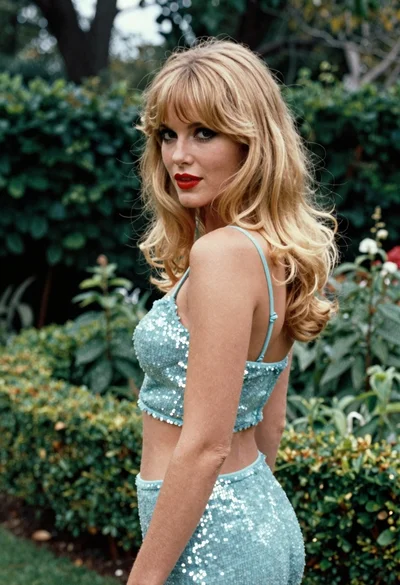
Blonde woman in light blue sequined outfit in lush green garden
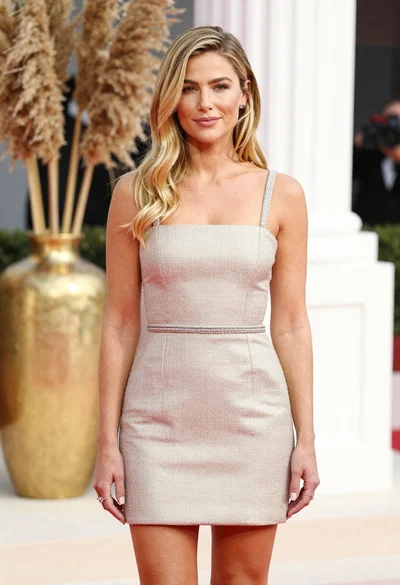
Fair blonde woman in champagne mini dress by dried pampas grass
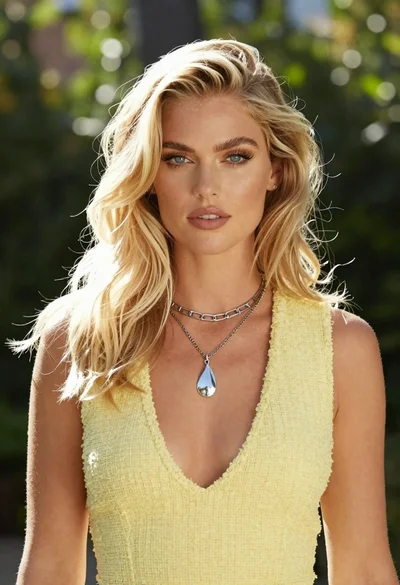
Medium close up portrait of blonde woman in yellow top outdoors

Smiling blonde woman in cowboy hat standing outdoors with green foliage

Blonde woman in blue dress on sun drenched beach looking back
Blonde woman posing by wooden lattice fence in sheer white shirt
Fair blonde woman in pink romper standing by dense green hedge outdoors
Blonde woman in striped blazer standing in lush green garden setting
Blonde woman in polka dot dress standing in a vintage diner setting