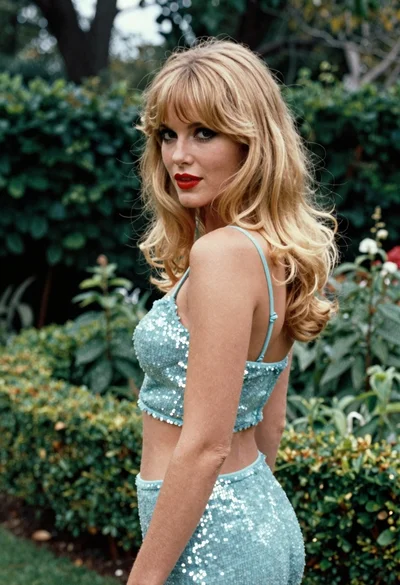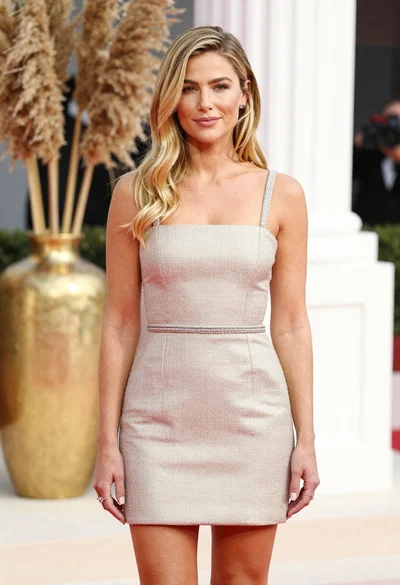

Blonde woman in blue dress on sun drenched beach looking back
Prompt
A woman with wavy blonde hair stands in a bright outdoor setting wearing a vibrant blue dress and sparkling jewelry.

Subject: A fair-skinned woman with voluminous wavy blonde hair that is blowing slightly in the wind, featuring a sharp jawline and direct gaze toward the camera.

Clothing: She wears a bright royal blue sleeveless dress with thin straps and a cutout detail on the side of her torso, accessorized with a thick sparkling diamond necklace, a chunky beaded bracelet on her wrist, and a ring on her finger.

Action: The woman stands in a three-quarter pose facing slightly to the right while looking back over her shoulder at the viewer with a soft expression.

Environment: A bright, sun-drenched beach scene with a blurred background of blue ocean waves and white sky suggesting a high-key sunny day.

Lighting: Strong natural sunlight creates a high-key effect with bright highlights on the skin and hair, casting soft shadows and a glowing atmosphere.

Camera: Medium shot capturing the subject from the waist up with a shallow depth of field that blurs the background to emphasize the figure.

Style Details: High-fashion editorial photography style with vibrant colors, smooth skin texture, and a polished commercial aesthetic.
Description
This prompt is useful for creating high-fashion editorial moodboards, luxury resort advertising campaigns, and magazine cover concepts featuring swimwear or statement dresses. The combination of 'strong natural sunlight' achieving a 'high-key effect' ensures the 'vibrant blue dress' pops against the blurred background, while the specified 'shallow depth of field' isolates the subject's 'direct gaze toward the camera' for maximum commercial impact.
Suggestions
- Change 'royal blue' to 'cerulean' for a more oceanic tone.
- Add 'golden hour backlight' to soften the harsh highlights.
- Swap 'sparkling diamond necklace' for 'pearl statement earrings' for a different luxury feel.
Category
Tags
BeachBlondeCasual WearFair SkinFemaleMedium ShotOutdoorsPortrait ShotRealistic
Date added
June 19, 2026
Added by
PromptDexter Team
Related Prompts
More prompts with similar categories and tags.
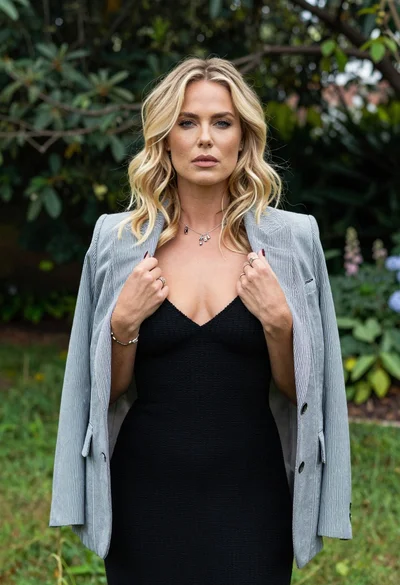
Blonde woman in striped blazer standing in lush green garden setting
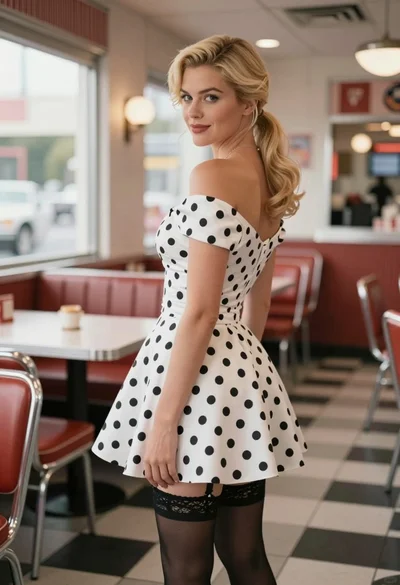
Blonde woman in polka dot dress standing in a vintage diner setting

Young woman leaning against white wall with beige handbag under bright sunlight
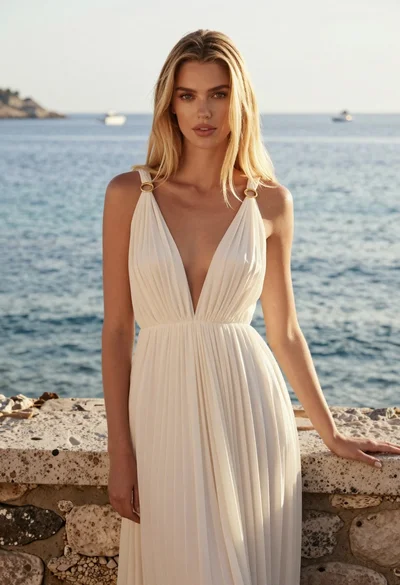
Full length portrait of blonde woman in cream gown by calm blue

Smiling young woman in floral mini dress against soft textured beige wall

Portrait of woman with red hair in navy blouse and green skirt

Blonde woman in striped swimsuit seated on sofa indoors studio shot

Smiling blonde woman in sports bra sitting on outdoor lounge chair

Smiling woman with red hair in floral twotoned dress outdoors
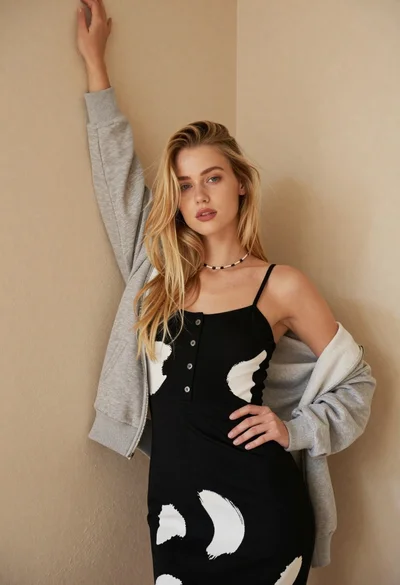
Fair blonde woman in patterned black dress against plain beige wall