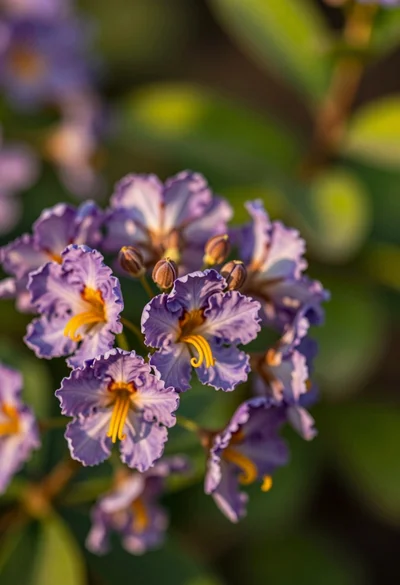
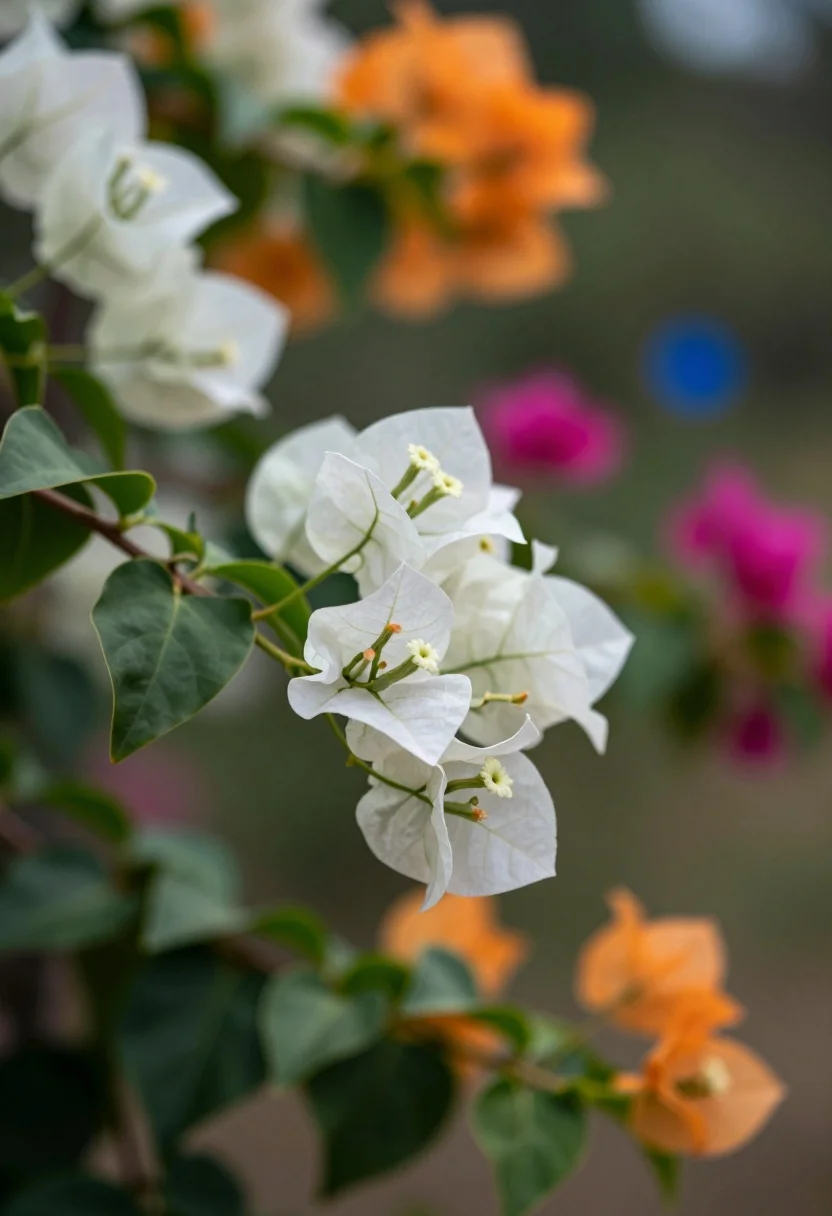
Macro photograph of bougainvillea branch with white flowers in lush garden setting
Prompt
A close-up view of a bougainvillea branch with delicate white bracts and green leaves extending diagonally across the frame.

Subject: A dark woody branch featuring clusters of translucent white paper-like flowers with visible veins, accompanied by small green buds and deep green leaves.

Action: The flowers appear still and static in a natural resting state.

Environment: A lush garden setting with a heavily blurred background containing soft bokeh orbs of orange, magenta, and blue hues suggesting other flowering plants.

Camera: Shallow depth of field focusing sharply on the white flowers while rendering the background into an abstract wash of color, utilizing a telephoto lens feel to compress the scene.

Lighting: Soft natural daylight filtering through the foliage, creating gentle highlights on the edges of the white bracts and casting subtle shadows within the flower clusters.

Style Details: High-quality macro photography with vibrant yet muted color grading, smooth bokeh, and a serene botanical aesthetic.
Description
This prompt is useful for creating detailed botanical illustrations, high-end floral product advertisements, and nature documentary stills. The combination of 'shallow depth of field' focusing sharply on the white flowers while rendering the background into an abstract wash of color ensures that the intricate details of the bracts are visible without competing with the colorful, soft bokeh orbs suggesting other flowering plants.
Suggestions
- Change 'translucent white paper-like flowers' to 'velvety white petals' for a different texture.
- Swap 'orange, magenta, and blue hues' for 'yellow and purple hues' to shift the background mood.
- Add 'rain droplets on leaves' to enhance the macro detail.
Category
Tags
Macro ShotNatureOutdoorsRealistic
Date added
July 12, 2026
Added by
PromptDexter Team
Related Prompts
More prompts with similar categories and tags.
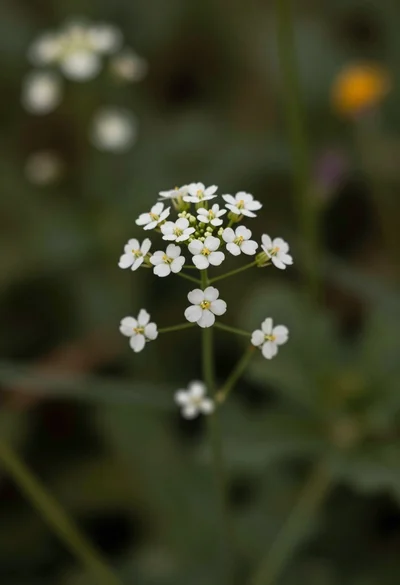
Macro photograph of delicate white wildflowers with yellow centers on dark green
Hyperrealistic view of massive ocean wave forming a perfect barrel at sea
Close up photograph of vibrant red hibiscus flower against soft green bokeh
Close up view of white wildflowers in a sunlit grassy meadow field
Close up photograph of hibiscus flower with raindrops on green foliage
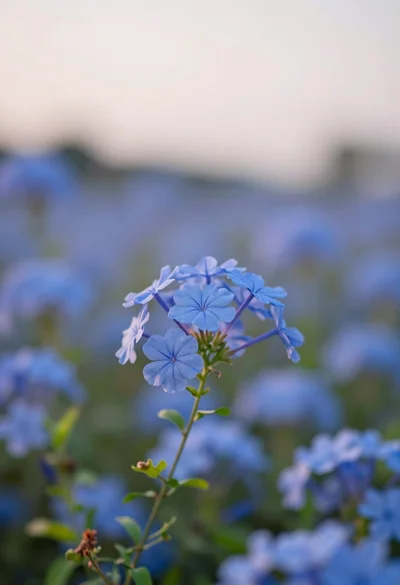
Close up of vibrant blue flowers in soft focus against a dreamy
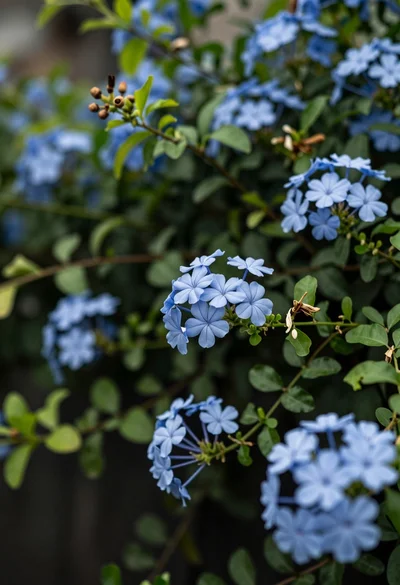
Close up of delicate light blue flowers blooming among dark green foliage
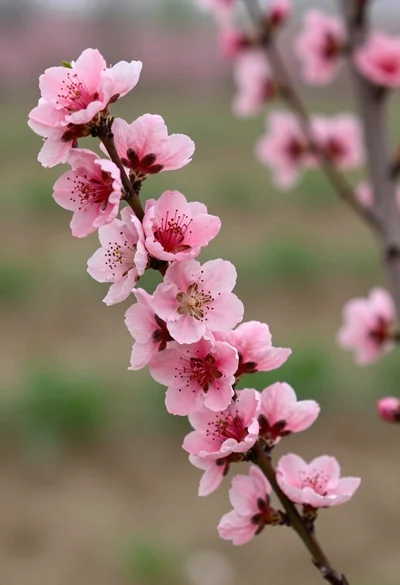
Close up view of vibrant pink peach blossoms on dark branches in
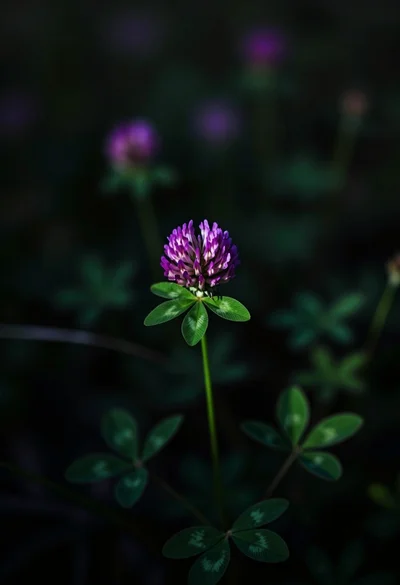
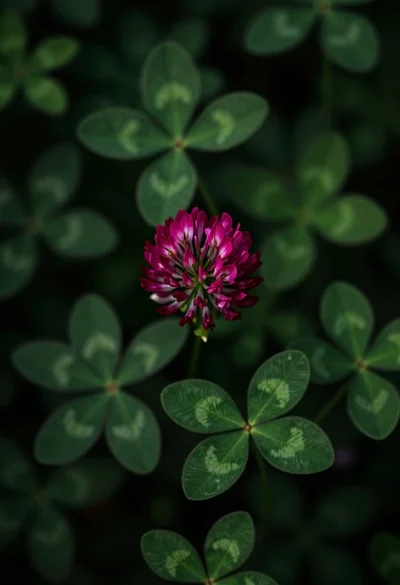
Close up photograph of vibrant purple clover flower on dark moody background
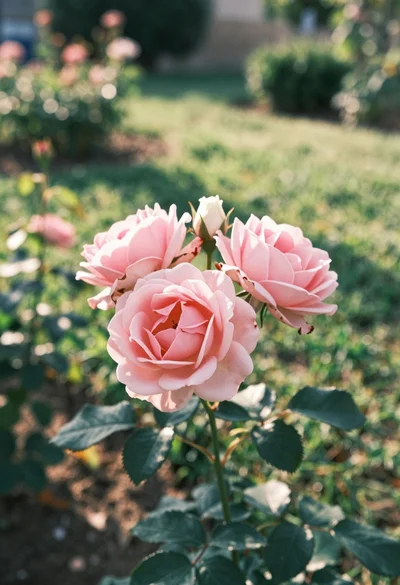
Close up of delicate pink roses blooming in a sun dappled garden