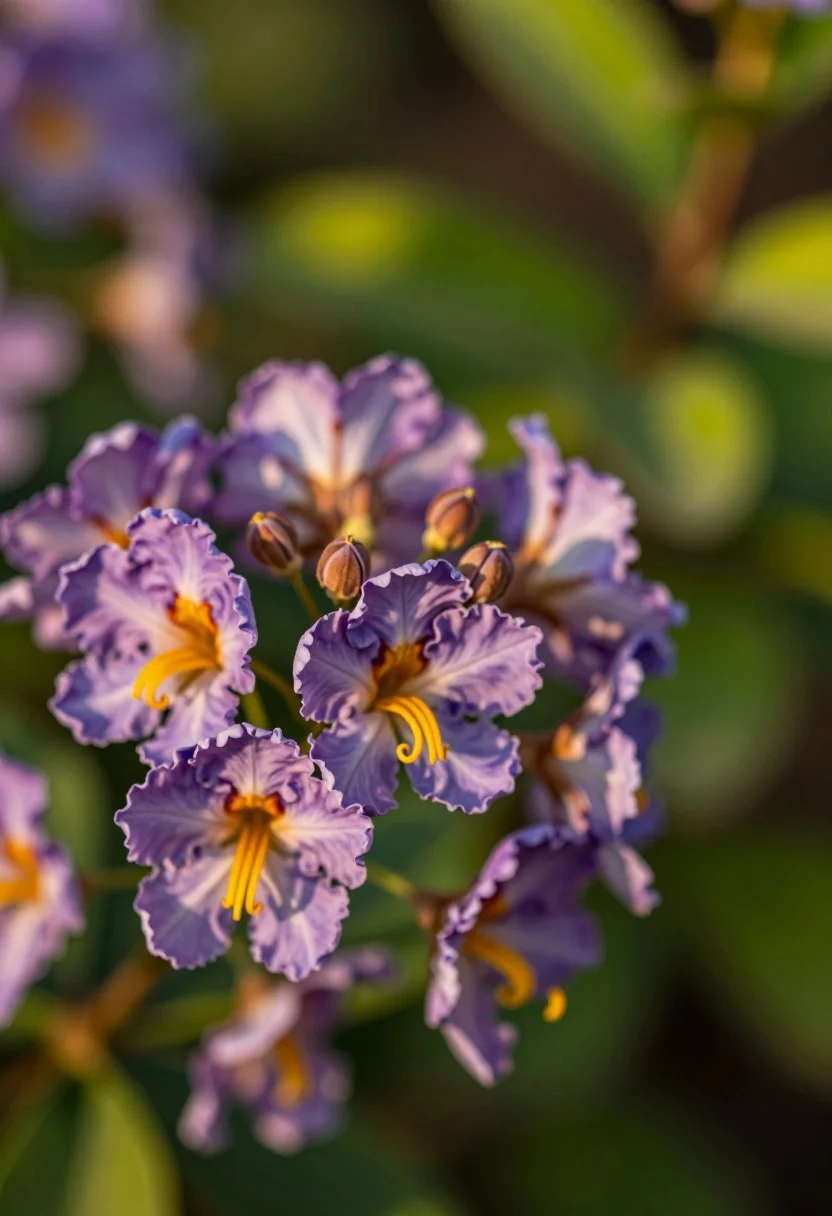
Macro shot of purple blossoms with yellow stamens against soft green bokeh
Prompt
A close-up view of a cluster of delicate purple flowers with prominent yellow stamens and small brown buds against a soft green background.

Subject: A cluster of crinkled purple blossoms featuring long, curling yellow stamens and several small, round brown flower buds attached to thin stems.

Action: The flowers are static in a natural state of bloom with no visible movement or interaction.

Environment: A lush garden setting with a heavily blurred background of vibrant green foliage that creates a soft bokeh effect.

Camera: A macro shot with a shallow depth of field, focusing sharply on the central flower cluster while blurring the foreground and background elements.

Lighting: Warm sunlight illuminating the scene from the side, creating soft highlights on the petals and casting gentle shadows that emphasize the texture of the flowers.

Style Details: Naturalistic photography with a soft focus aesthetic and a warm color palette dominated by purples, yellows, and greens.
Description
This prompt is useful for creating botanical illustrations, delicate jewelry advertising backdrops, and fine art nature studies. The combination of 'macro shot' focus on the central cluster against a 'soft green bokeh' ensures that the viewer's eye remains locked onto the detailed texture of the blossoms, while the 'warm sunlight illuminating the scene from the side' sculpts dimension into the petals rather than flattening them with even light.
Suggestions
- Change 'purple flowers' to 'indigo phlox' for a deeper color saturation.
- Add 'bokeh depth: 1.
- 4 aperture' to enhance background separation.
Category
Tags
Macro ShotNatureOutdoorsRealistic
Date added
July 12, 2026
Added by
PromptDexter Team
Related Prompts
More prompts with similar categories and tags.
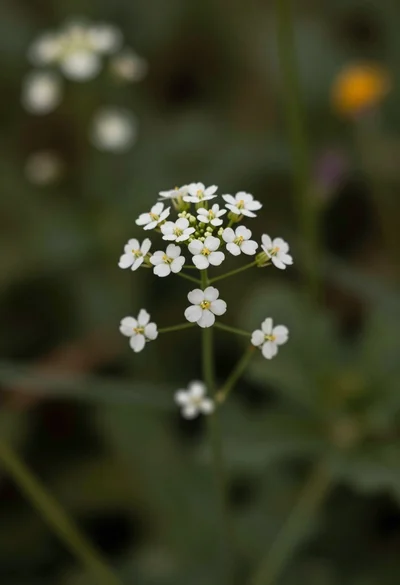
Macro photograph of delicate white wildflowers with yellow centers on dark green

Hyperrealistic view of massive ocean wave forming a perfect barrel at sea
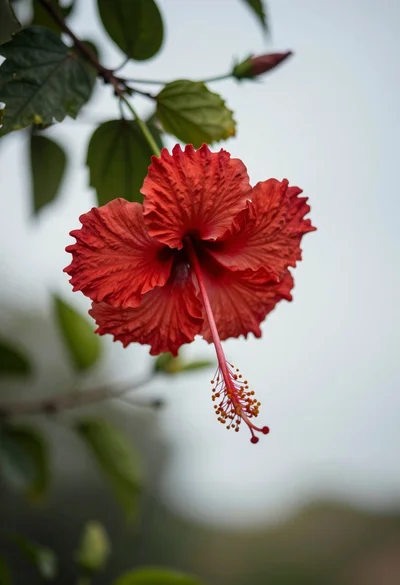
Close up photograph of vibrant red hibiscus flower against soft green bokeh
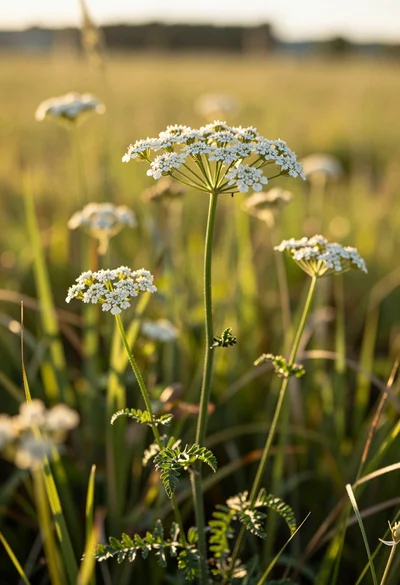
Close up view of white wildflowers in a sunlit grassy meadow field
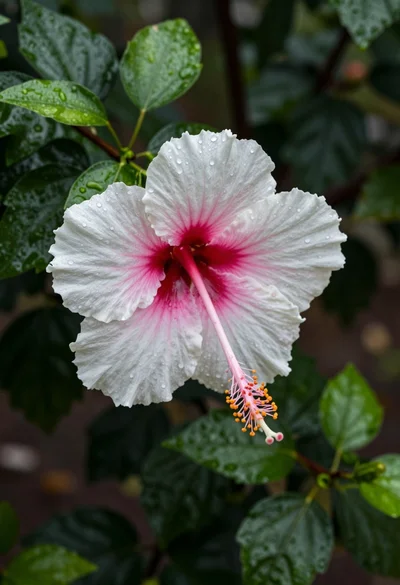
Close up photograph of hibiscus flower with raindrops on green foliage
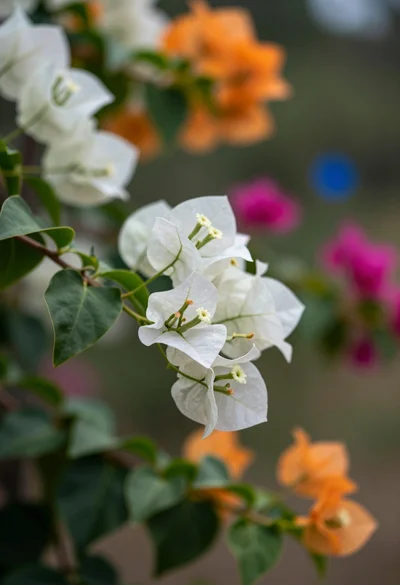
Macro photograph of bougainvillea branch with white flowers in lush garden setting
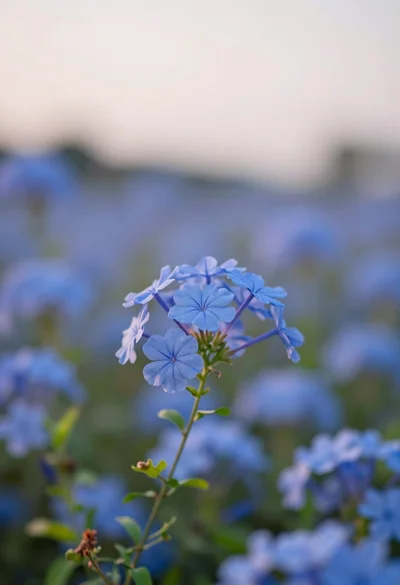
Close up of vibrant blue flowers in soft focus against a dreamy
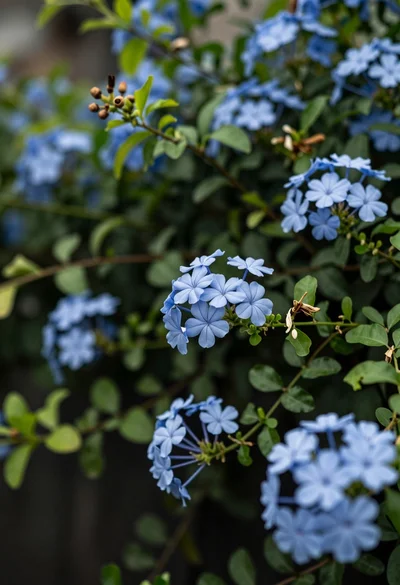
Close up of delicate light blue flowers blooming among dark green foliage
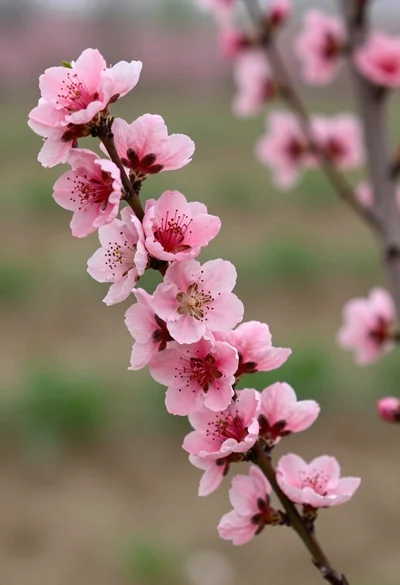
Close up view of vibrant pink peach blossoms on dark branches in
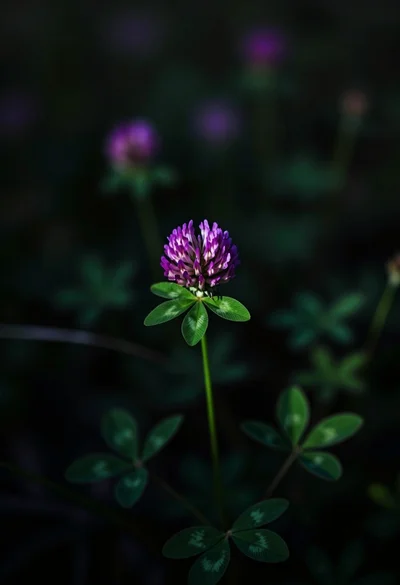
Close up photograph of vibrant purple clover flower on dark moody background